Restore and Colorize an Old Photo
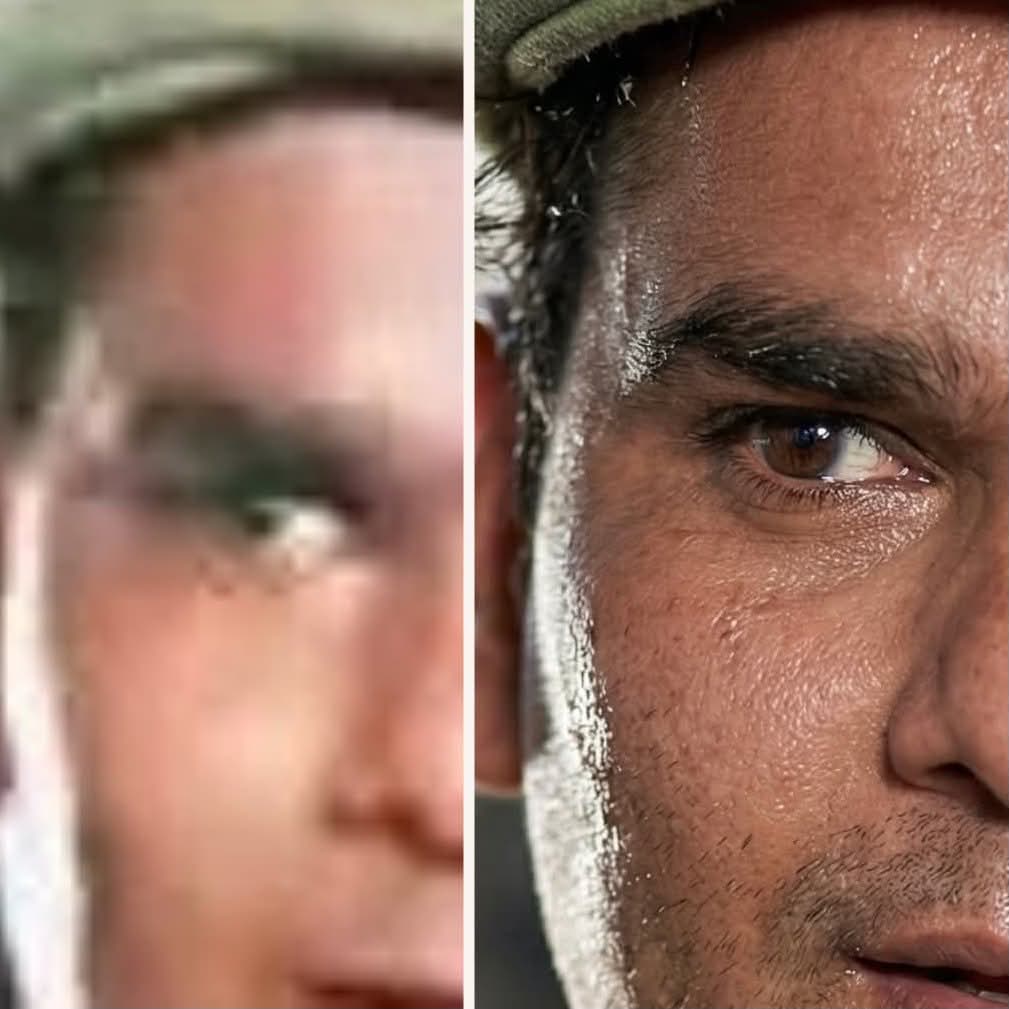
Restore a damaged or faded photo by removing blemishes, reconstructing missing areas, and applying realistic, era-appropriate color.
Example outputs
Prompt template
- Format
- Text
- Inputs
- Photo (image) · Required
- Outputs
- Restored_photo (image)
Restore and enhance the uploaded old, damaged photo. Remove scratches, stains, and noise. Reconstruct faded or torn areas while preserving the original details. Slightly sharpen the image for clarity, but keep it realistic. Apply natural, era-appropriate colors to the skin, hair, and clothing. Use a soft, balanced background color that does not draw too much attention. The final result should look like a realistically restored and colorized old photo while respecting its original appearance.What you'll create
A realistic restoration removes scratches, stains and noise, repairs faded or torn areas and adds restrained color to skin, hair and clothing. Gentle sharpening and an unobtrusive background support clarity without replacing the original character.
Frequently asked questions
Should restoration radically restyle the photograph?
No. The source prioritizes original details and appearance with natural, era-appropriate coloring.


Comments
Tried this prompt? Share what you made, compare results, or ask a question