Cinematic Magician Portrait
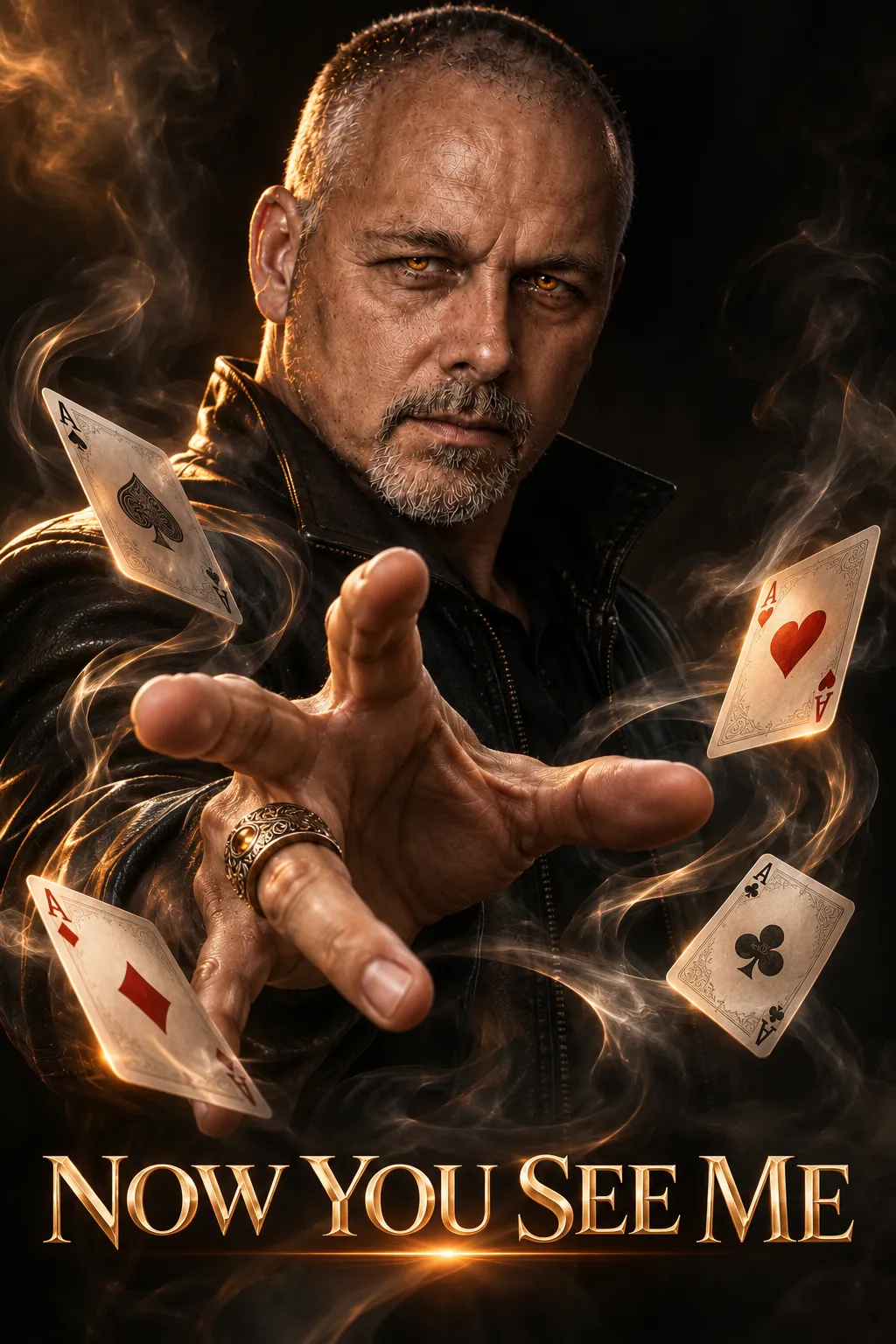
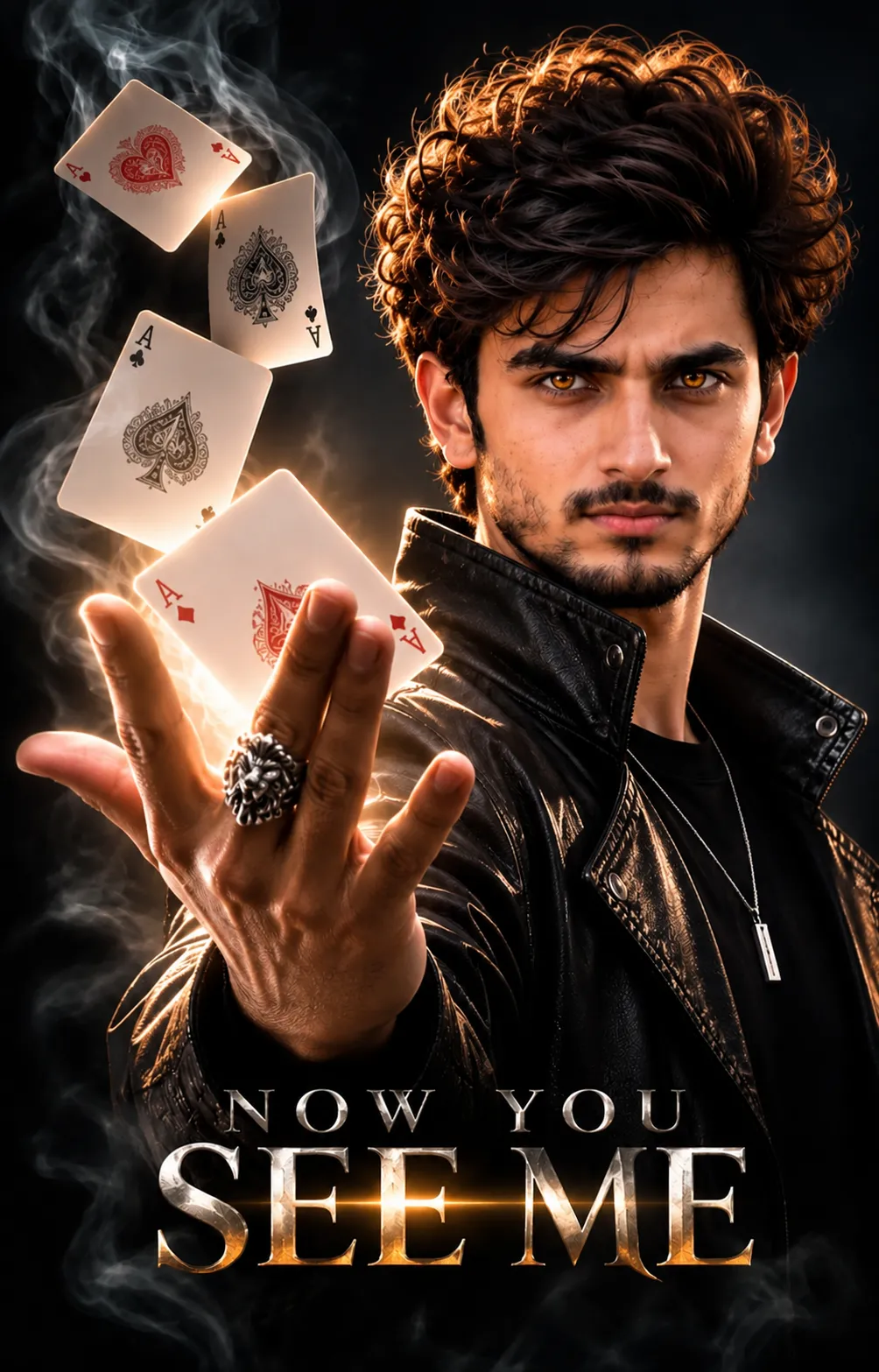
Create a photorealistic, cinematic magician portrait from an uploaded man's photo. The bottom text can be customized while retaining the original wording as its default.
Example outputs
Prompt template
- Format
- Text Parameterized
- Inputs
- Reference_photo (image) · Required bottom_text (text) · Optional · Default: NOW YOU SEE ME
- Outputs
- Magician_portrait (image)
Create a cinematic portrait of the man in the uploaded photo. Give him slightly glowing amber eyes and a black leather jacket. Show one hand reaching toward the camera, wearing an ornate ring, with floating Ace cards and swirling smoke on the hand. Use cinematic warm rim light and a dark background for a mysterious magician vibe. Make the image photorealistic and ultra-detailed, in 8K. Add this text at the bottom: “${bottom-text:NOW YOU SEE ME}”.Replace the ${…} placeholders with your values
before using this prompt. See parameters
and defaults below
Parameters
Replace each placeholder with your own value, or use its default when one is provided
${bottom-text:NOW YOU SEE ME}
bottom-text
Default: NOW YOU SEE ME
What you'll create
This prompt turns an uploaded man's likeness into a photorealistic magician portrait, with a hand reaching toward the camera and an ornate ring. Glowing amber eyes, floating Ace cards, swirling smoke, warm rim light, a dark background, and bottom text define the scene.
Usage instructions
Frequently asked questions
Can I change the words at the bottom?
Yes. Replace the bottom text with your preferred wording; “NOW YOU SEE ME” is the default.
What does the uploaded photo control?
It supplies the man depicted in the portrait.



Comments
Tried this prompt? Share what you made, compare results, or ask a question