Warm Portrait of a Man in a White Thobe
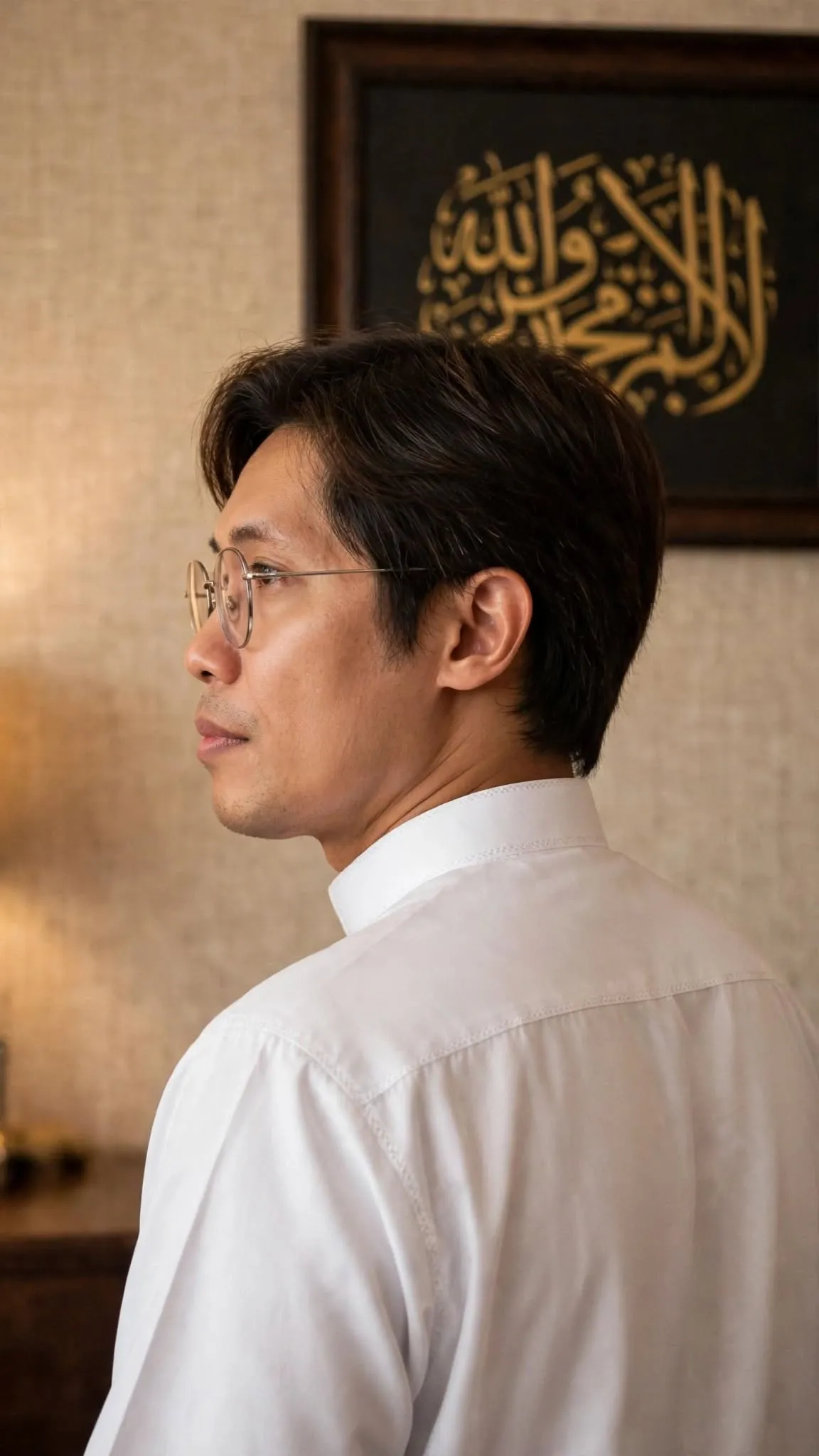
Create a warm, softly lit portrait of a man in a white thobe, with framed Arabic calligraphy and a shallow depth of field. The aspect ratio can be adjusted while keeping the original 9:16 value as the default
Example outputs
Prompt template
- Format
- Text Parameterized
- Inputs
- Face_reference (image) · Required aspect_ratio (text) · Optional · Default: 9:16
- Outputs
- Portrait (image)
Create a ${aspect-ratio:9:16} medium portrait of a young East Asian man, viewed from a three-quarter back angle and looking left in profile. He wears a pristine, smooth white thobe with crisp seams and a structured collar. In the background, show a dark wooden frame enclosing intricate gold Arabic calligraphy on a matte black background, set against soft beige textured wallpaper. Use warm, soft interior lighting and a shallow depth of field. Use auto lens, auto angle, and auto aperture settings. Use the provided face reference.Replace the ${…} placeholders with your values
before using this prompt. See parameters
and defaults below
Parameters
Replace each placeholder with your own value, or use its default when one is provided
${aspect-ratio:9:16}
aspect-ratio
Default: 9:16
What you'll create
This prompt creates a medium portrait of a man wearing a smooth white thobe, viewed from a three-quarter back angle as he looks left in profile. Warm interior lighting, soft beige wallpaper, and framed gold Arabic calligraphy on matte black establish the scene
Usage instructions
Frequently asked questions
What does the face reference control?
The prompt asks you to use the face reference for the portrait's face
Can I change the aspect ratio?
Yes. The template keeps 9:16 as its default, but you can replace it with another ratio




Comments
Tried this prompt? Share what you made, compare results, or ask a question