Reimagine Yourself as a Gravity Falls Character
Use a reference photo to imagine yourself as a character from Gravity Falls. You can change the fictional series while keeping the original value as the default
Example outputs
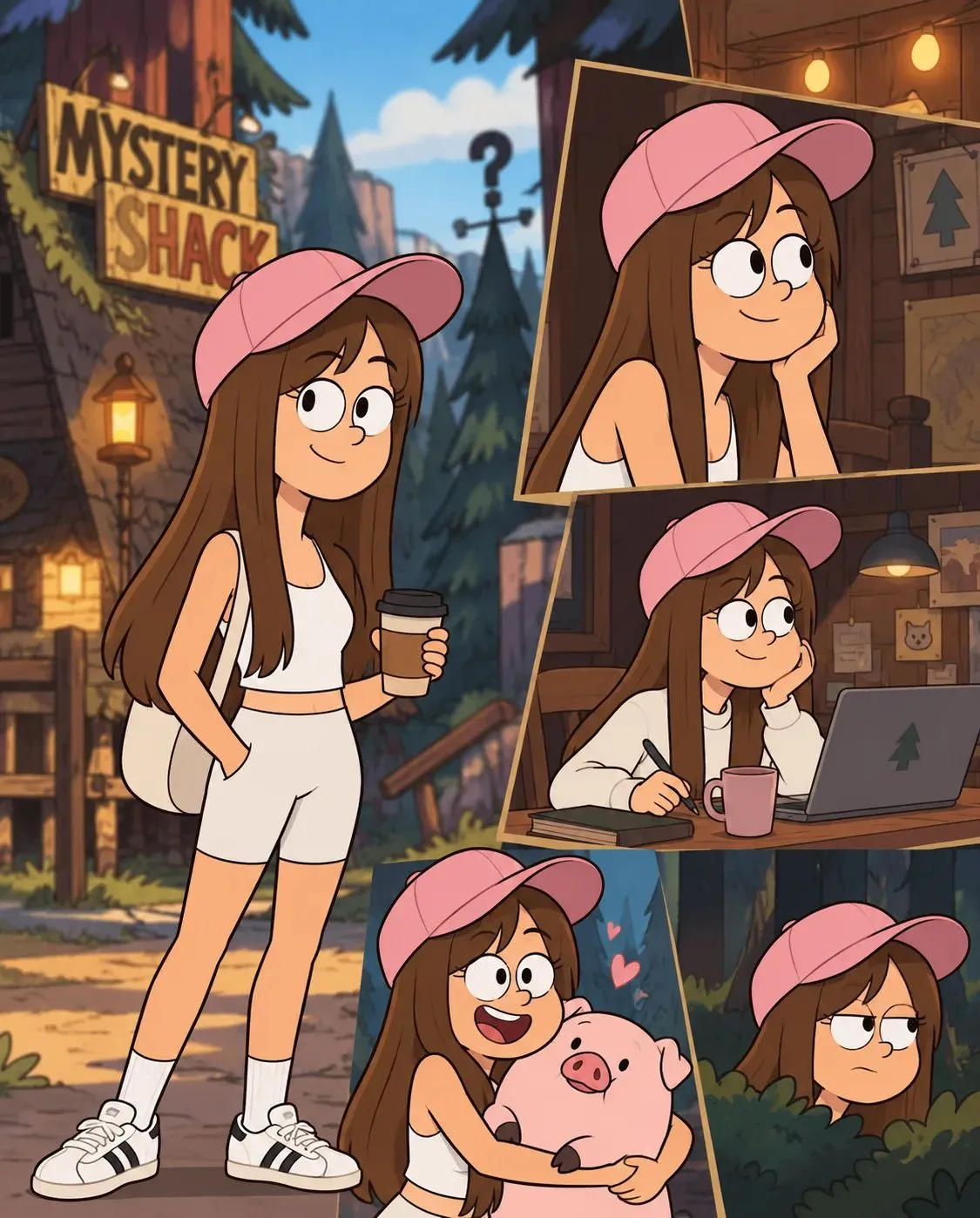
Prompt template
- Format
- Text Parameterized
- Inputs
- Reference_photo (image) · Required series (text) · Optional · Default: Gravity Falls
- Outputs
- Character_reimagining (image)
Using the uploaded photo as a reference, show how I would look as a character from ${series:Gravity Falls}.Replace the ${…} placeholders with your values
before using this prompt. See parameters
and defaults below
Parameters
Replace each placeholder with your own value, or use its default when one is provided
${series:Gravity Falls}
series
Default: Gravity Falls
What you'll create
This prompt reimagines a person in a reference photo as a character from Gravity Falls. The fictional series can be changed while retaining Gravity Falls as the default
Usage instructions
Provide a reference photo of the person to reimagine. The prompt uses that photo as a visual reference and asks for a version as a character from the selected series. Change the series name to explore a different fictional world
Frequently asked questions
Can I use a different fictional series?
Yes. Replace Gravity Falls with the series you want to use
What does the reference photo provide?
It gives the prompt a visual reference for how you might look as a character from the selected series




Comments
Tried this prompt? Share what you made, compare results, or ask a question