Edit a Photo into a 2×2 ID Photo
Turn a supplied photo into a clean, professional 2×2-inch ID photo while preserving the subject’s natural appearance.
Example outputs
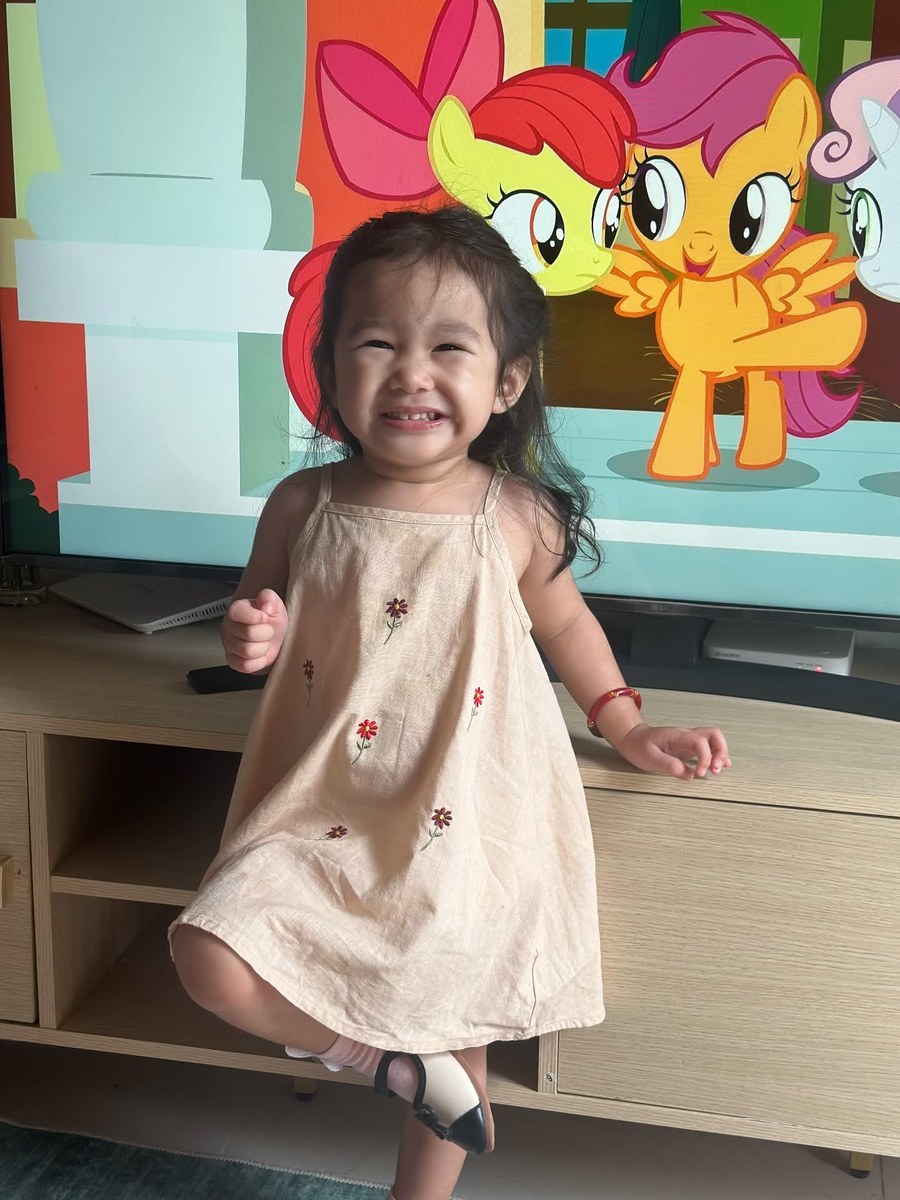
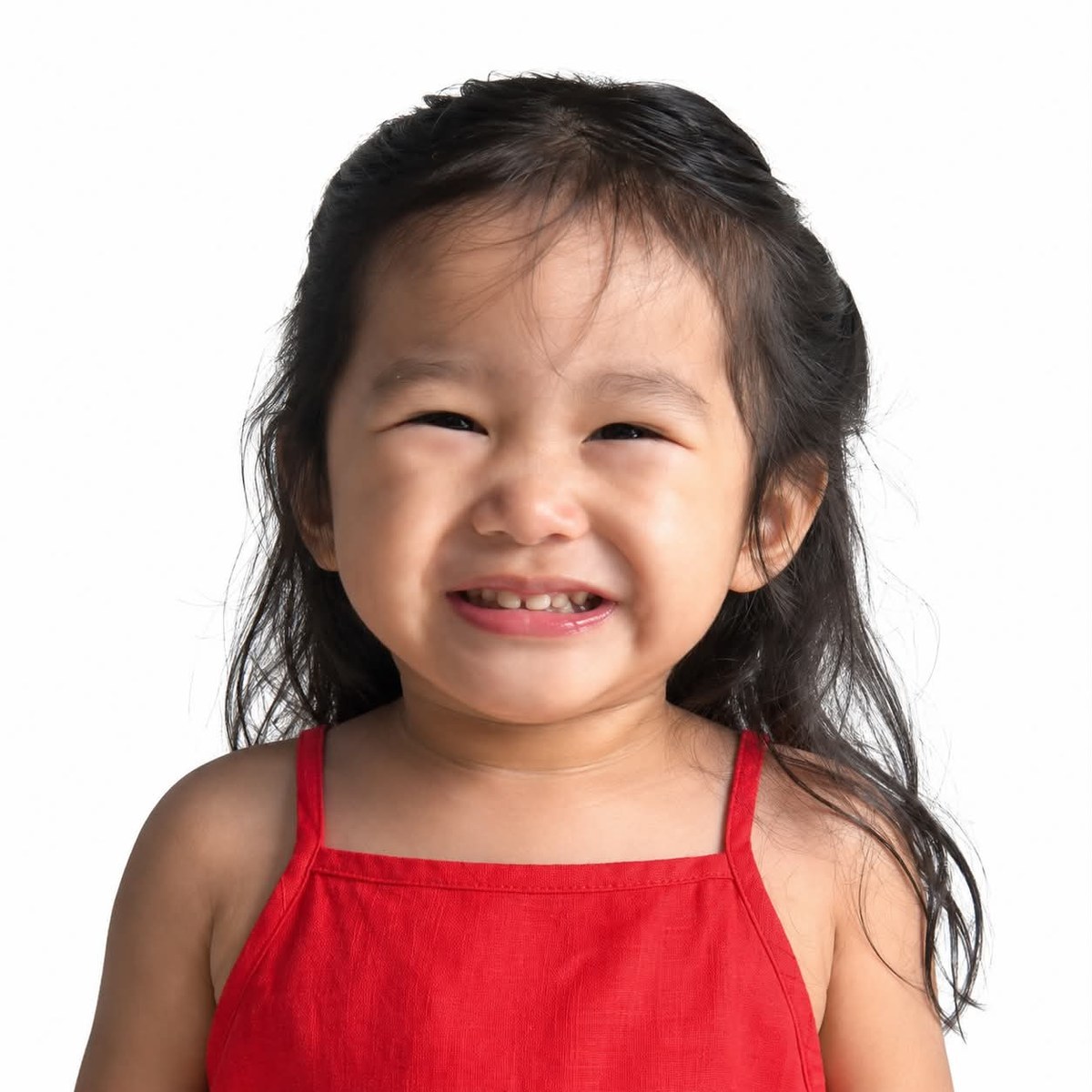
Prompt template
- Format
- Text Parameterized
- Inputs
- Photo (image) · Required Clothing_color (text) · Optional · Default: red
- Outputs
- Edited_ID_photo (image)
Edit the supplied photo of a toddler girl into a clean, professional ID photo. Remove the original background and replace it with a solid white background. Recolor the clothing to ${clothing-color:red}, keeping the skin tone, hair, and facial features completely natural and unaltered. Center the face, with the head taking up about 60–70% of the frame. Keep the natural expression as-is and use even, neutral lighting with no harsh shadows. Output at 2×2 inches, 300 DPI (600×600 pixels).Replace the ${…} placeholders with your values
before using this prompt. See parameters
and defaults below
Parameters
Replace each placeholder with your own value, or use its default when one is provided
${clothing-color:red}
clothing-color
Default: red
What you'll create
A centered face fills most of a square portrait, with neutral lighting and clothing recolored to the selected shade while facial features remain unchanged.
Frequently asked questions
What output size is specified?
Two by two inches at three hundred DPI, corresponding to six hundred square pixels.


Comments
Tried this prompt? Share what you made, compare results, or ask a question