Photorealistic Person in a Pumpkin Illustration Scene
Create a photographic composite that places a person from your photo into a playful handmade scene based on a template image. The scene’s flower illustrations become flat, hand-drawn pumpkins while its composition and warm studio aesthetic remain intact
Example outputs
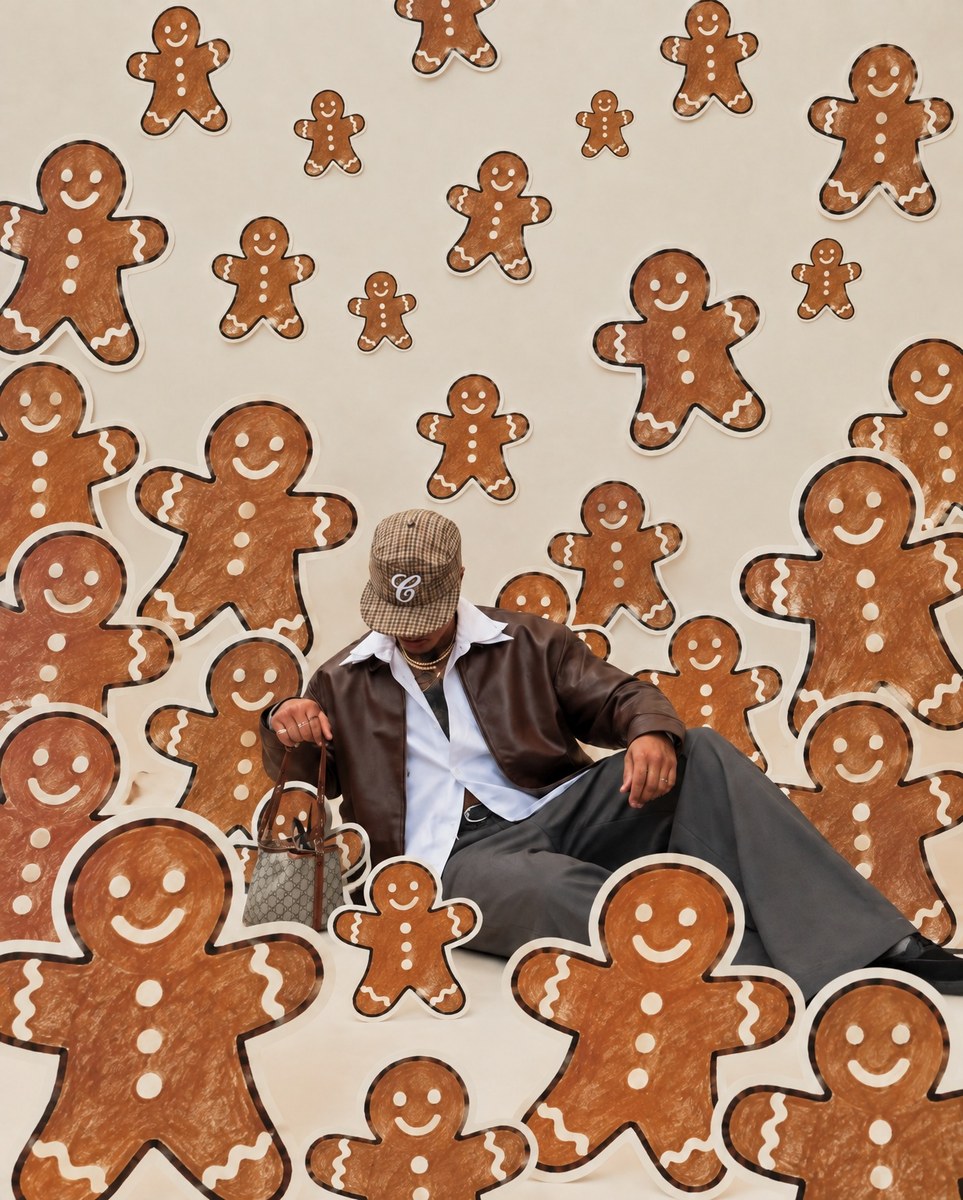
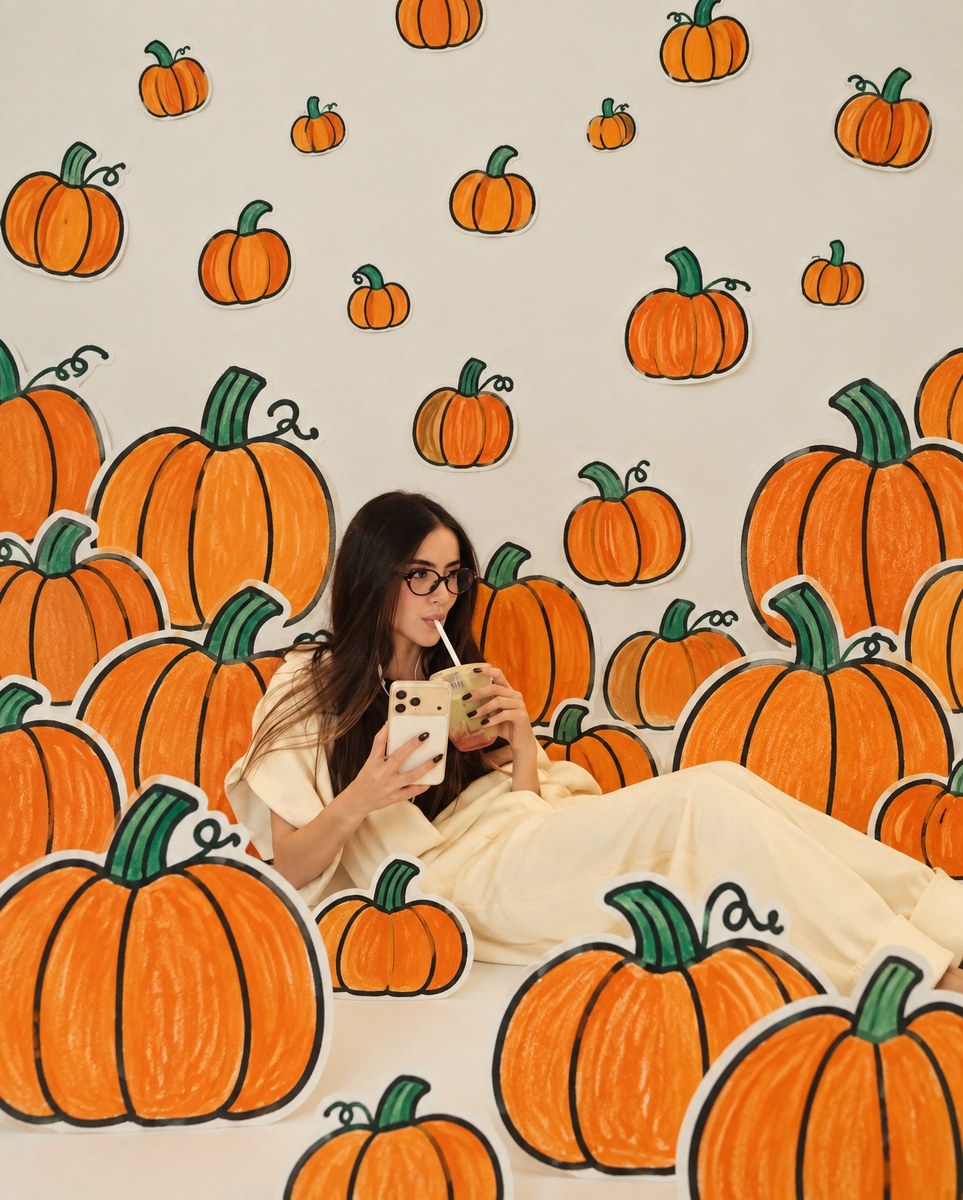
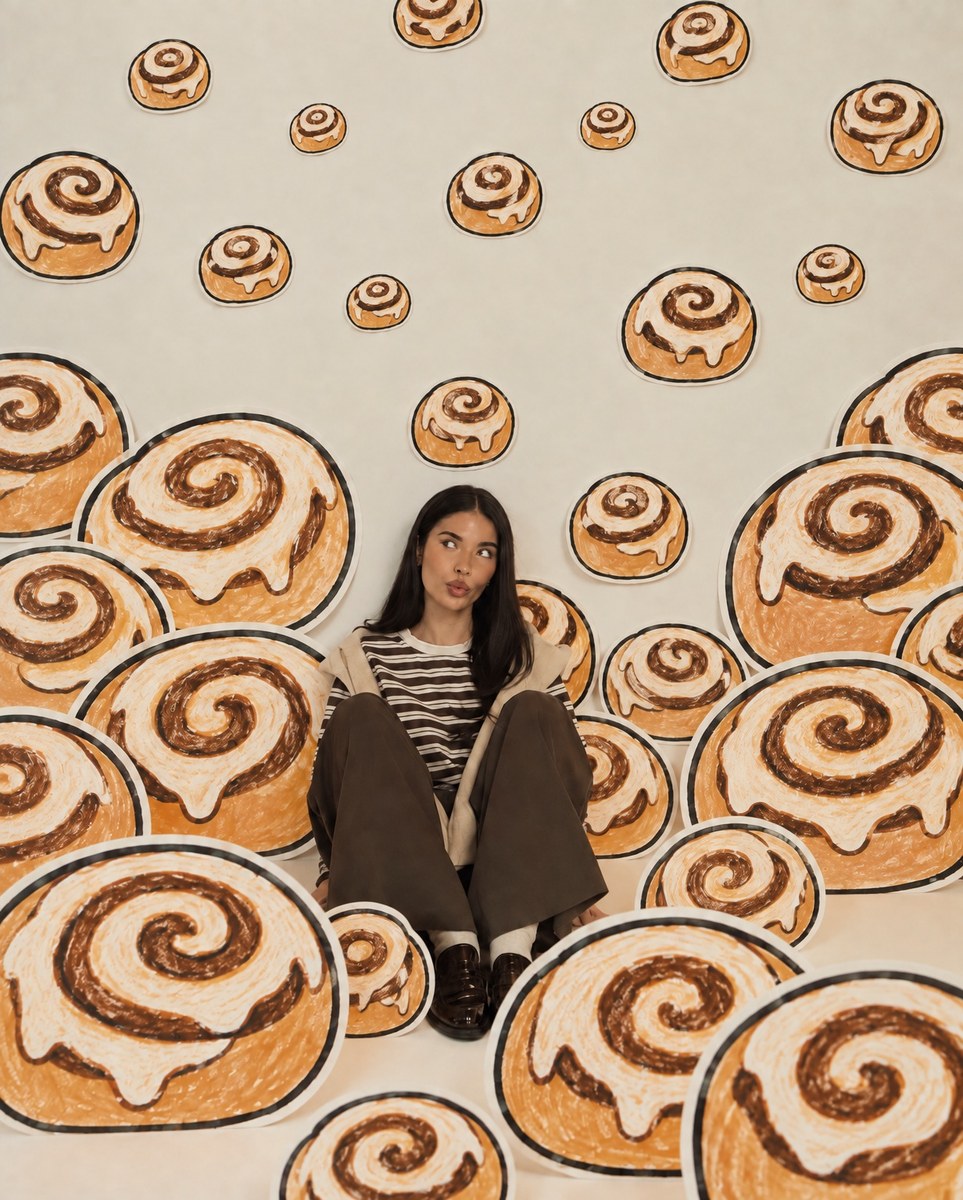
Prompt template
- Format
- Text
- Inputs
- Scene_template_image (image) · Required Person_photo (image) · Required
- Outputs
- Edited_image (image)
Use the template image as the strict scene, composition, art-direction, and layout reference. Use the newly uploaded user photo only as the source for the main human subject. Extract the main person from the uploaded photo and remove their original background. Preserve the person's real identity, face, hairstyle, body proportions, clothing, pose, expression, and photographic appearance. Do not redraw, cartoonize, illustrate, or restyle the person.

Place the extracted photorealistic person naturally into the center of the template scene, approximately where the original human subject appears. Adapt the person's scale and placement to fit the composition while preserving their original pose as much as possible.

Keep the visual concept of a real photographed person surrounded by oversized handmade flat illustrations. Replace all daisy and flower illustrations in the template with pumpkins. The pumpkins must use exactly the same visual language as the original flower illustrations: naive hand-drawn black outlines, slightly uneven marker-like strokes, flat off-white, orange, and green fills, a handmade paper-cutout appearance, simple childlike shapes, and minimal details. Do not use realistic pumpkin texture, 3D rendering, or glossy surfaces.

Create many pumpkins at different sizes and depths, following the original flowers' approximate positions, scale hierarchy, overlap, and density. Some pumpkins should appear in the foreground and partially overlap the person's body, while others remain behind the person.

Preserve the template's warm off-white background, playful handmade installation aesthetic, shallow studio photography feeling, and mixture of a photorealistic human with physical-looking illustrated cardboard props.

The user is the only photorealistic subject. Do not copy the original model's face, hair, clothing, or identity. Do not generate a second person. Do not turn the user into an illustration. Do not retain any daisies. Do not introduce a realistic pumpkin patch or outdoor environment. Do not redesign the composition into a generic Halloween scene.
What you'll create
Create a photographic composite with the person from a user photo centered in a warm, off-white scene. Surround them with oversized, handmade pumpkin illustrations that follow the template’s composition, with some overlapping the person
Usage instructions
Provide both the scene template image and the photo of the person to be placed into it. The template controls the composition and art direction, while the person’s photo supplies the human subject; if you adjust the scene, keep the pumpkins’ approximate placement and density aligned with the original flowers
Frequently asked questions
Should the pumpkins look realistic?
No. They should use flat, simple, hand-drawn shapes with off-white, orange, and green fills, rather than realistic textures or 3D rendering
Can the scene be redesigned as an outdoor pumpkin patch?
No. Keep the template’s warm off-white studio setting and playful illustrated-installation concept




Comments
Tried this prompt? Share what you made, compare results, or ask a question