Subject-Breakthrough Photo Collage
Redesign an uploaded photograph as a restrained editorial collage, with its main subject extending beyond a central rectangular photo window.
Example outputs
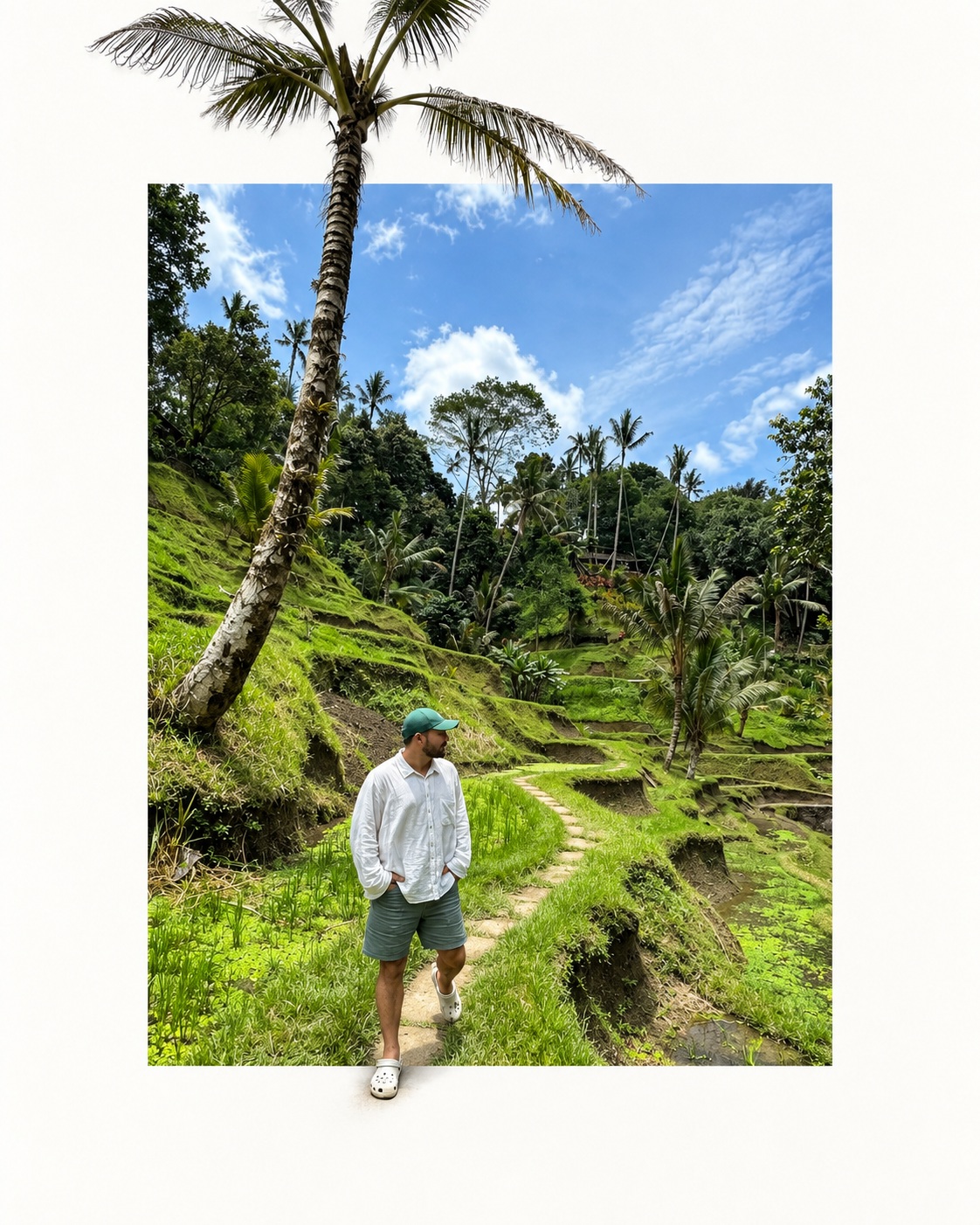
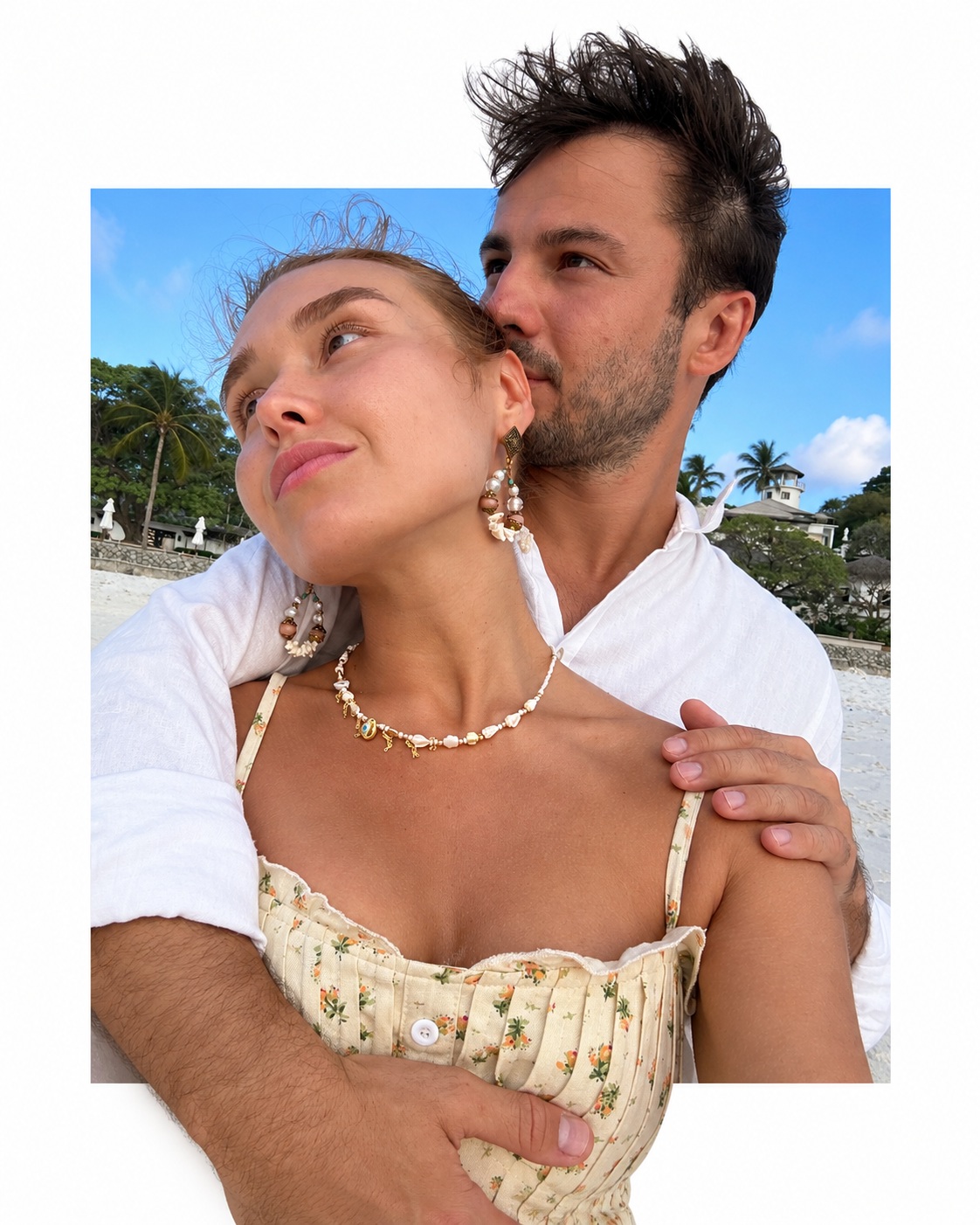
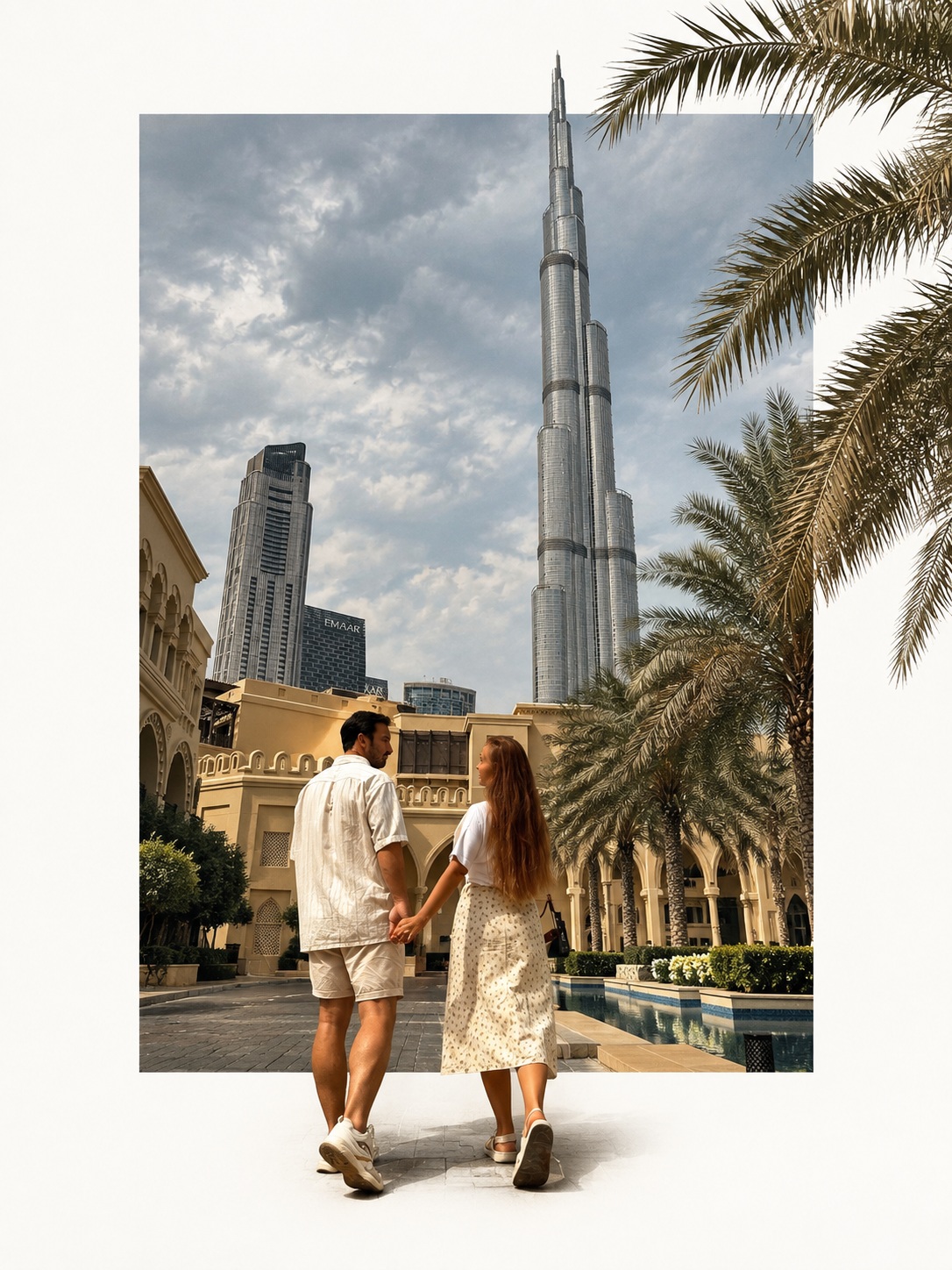
Prompt template
- Format
- Markdown
- Inputs
- Uploaded_photo (image) · Required
- Outputs
- Edited_image (image)
Use the uploaded photo as the only main visual source. Redesign it as a photographic collage with modern graphic design, without creating a completely different scene or simply adding a border.

First, analyze the original photo’s subject, background, and spatial depth. Identify the most suitable clearly defined subject to preserve and extend beyond the frame, such as a branch, tree trunk, person, building, flower, plant, mountain, cloud, wave, streetlight, electrical wire, or another element with a clear outline.

Create the composition as follows:
1. Use a large area of clean white or natural warm white as the background, leaving generous blank space.
2. Place a simple, large rectangular photography window near the center.
3. Preserve part or all of the original scene and its background relationships inside the rectangle. Do not reduce it to a plain color block or generate an unrelated scene.
4. Carefully separate the most important original subject and place it on a layer above the rectangular photo window.
5. Keep part of the subject inside the rectangle while allowing another part to extend naturally across its edge and into the surrounding blank area.
6. Keep the rectangle’s boundary clean, straight, and clear. Do not let it cut through the subject where the subject crosses the edge; create a convincing foreground-and-background layer relationship.
7. Preserve the subject’s original shape, posture, movement, proportions, perspective, texture, and main colors so it remains recognizable from the source photo.
8. Avoid adding many decorative elements that are absent from the source. Do not turn the subject into an illustration or impose an obvious new style.

Aim for the effect of a photograph carefully re-typeset using precise cutouts and layer masks: a white canvas, a central window showing the original photo, and an original subject that crosses the window’s boundary. Keep the result natural, restrained, and spacious, with the feel of a photography magazine or art-book editorial design.

Adjust the rectangle’s position, size, and proportions to suit the source photo and make the subject’s passage across its edge feel natural and visually compelling. If the original image has a relatively plain background, such as sky, a wall, or water, prioritize retaining it inside the rectangular window to increase contrast with the subject.

Do not simply place a rectangular border around the entire photo. Do not keep every subject entirely inside the rectangle or cover the whole photo with the canvas. Do not arbitrarily alter the subject’s structure, duplicate branches or people, add extra limbs or meaningless objects, add conspicuous shadows that make the image look like a floating card, or turn the result into a generic poster template.
What you'll create
A selected branch, person, building or other clear subject crosses from a large photograph into clean white surrounding space. Preserved structure and generous negative space make the image feel like integrated modern graphic design.
Frequently asked questions
Should a floating-card drop shadow dominate?
No; conspicuous shadows that create that effect are excluded.







Comments
Tried this prompt? Share what you made, compare results, or ask a question