Vintage Brush-Illustration Poster from a Photo
Turn a supplied photo into a flat, hand-painted poster with a limited vintage palette, oversized subject lettering, and a short handwritten phrase.
Example outputs
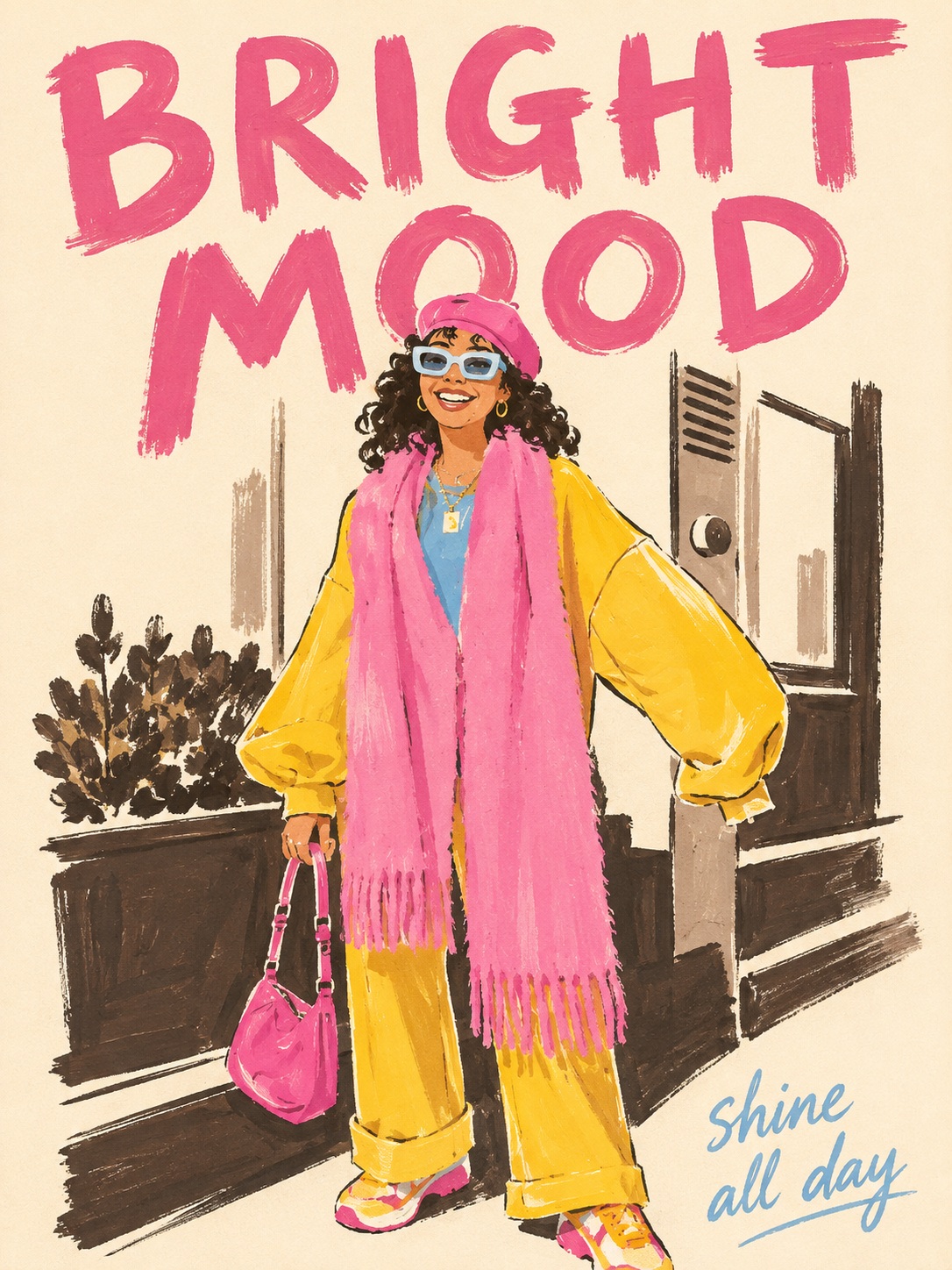
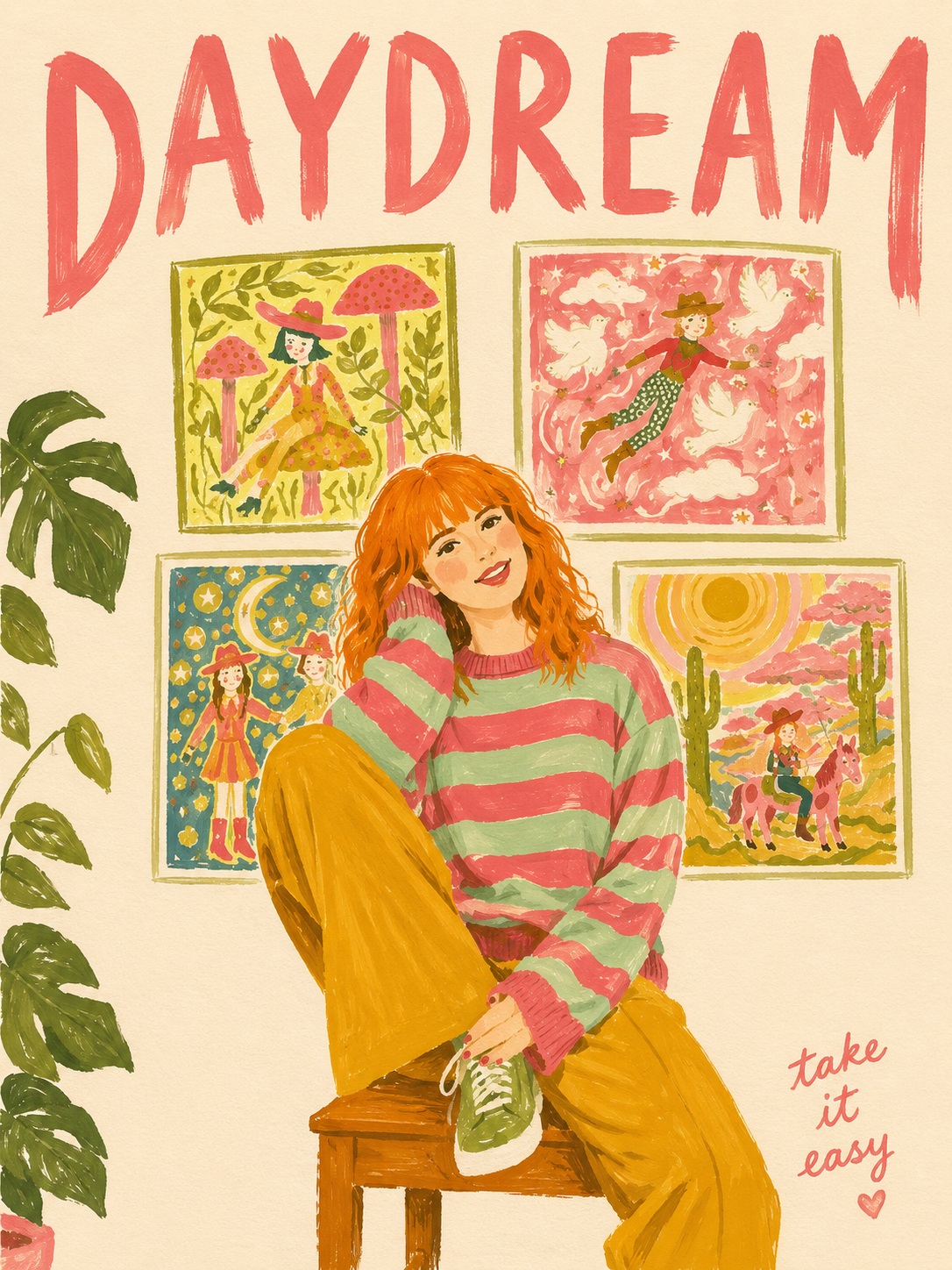
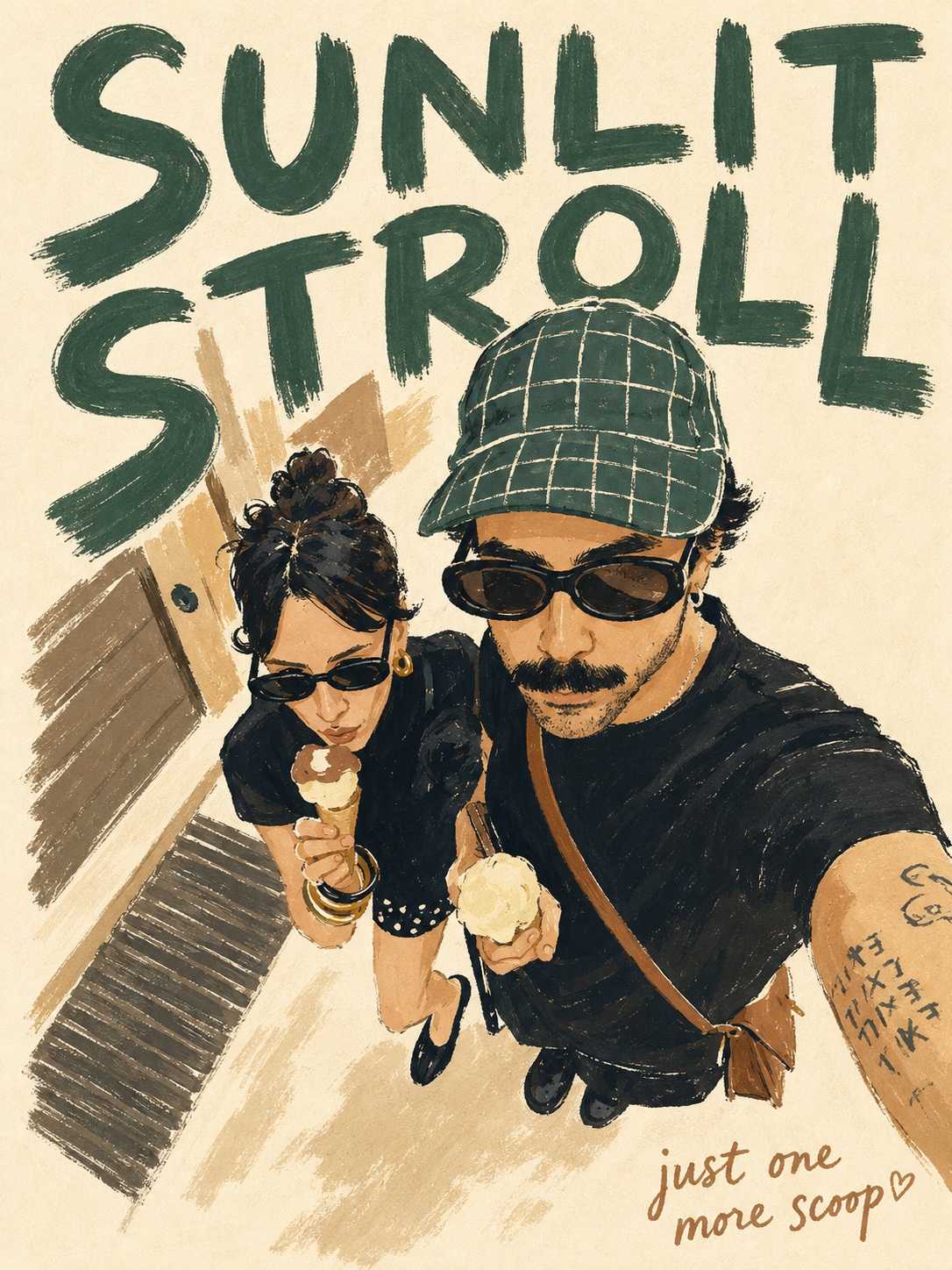
Prompt template
- Format
- Text Parameterized
- Inputs
- Photo (image) · Required Aspect_ratio (text) · Optional · Default: 3:4 Phrase (text) · Required
- Outputs
- Illustrated_poster (image)
Convert the attached photo into a poster featuring a brush-drawn illustration. The subject may be any food, product, landscape, animal, person, or object shown in the photo.

Use a vertical ${aspect-ratio:3:4} composition. Create a digital-wasteland, brush-drawing effect with visible brush marks, uneven edges, and slightly stretched coloration. Interpret the image as a flat illustration made of a simple arrangement of shapes, not a realistic rendering. Keep the finish hand-painted and unpolished. Use no gradients, shadows, or 3D textures. Draw a thin, uneven outline that is slightly distinct from the coloring area.

Use a cream-colored, not-quite-white paper background. Limit the palette to 3–4 colors sampled from the photo: one dark main color, one bright main color, and 1–2 additional colors. Slightly reduce saturation for a vintage tone.

Make the subject large and centered, occupying about 50–55% of the canvas. Leave generous space above, below, and on both sides. At the top, add 1–2 very large, widely spaced English words in capital letters, rendered with a brush. The lettering may overlap the illustration or shift to the right or below it. Choose words inspired by the photo’s atmosphere, season, time, or emotions; do not use the subject’s literal title.

At the bottom right, add this short English phrase: ${phrase}. Keep it to 3–5 words, hand-lettered and highlighted with a dotted color. Make it feel light and casual, not overly serious or cryptic.

Do not use realistic rendering, 3D effects, shadows, reflections, logos, watermarks, or a border frame. Do not enlarge the subject several times over.
Replace the ${…} placeholders with your values
before using this prompt. See parameters
and defaults below
Parameters
Replace each placeholder with your own value, or use its default when one is provided
${aspect-ratio:3:4}
aspect-ratio
Default: 3:4
${phrase}
phrase
Required
What you'll create
A centered subject occupies about half a cream-paper canvas, reinterpreted in uneven flat brush shapes. Three or four photo-derived colors, generous margins and a short hand-lettered phrase create an unpolished retro editorial finish.
Frequently asked questions
Should the large words simply name the subject?
No. The source asks for words inspired by atmosphere, season, time or emotion rather than the subject’s literal title.


Comments
Tried this prompt? Share what you made, compare results, or ask a question