Minimalist 3D Glass Logo Render
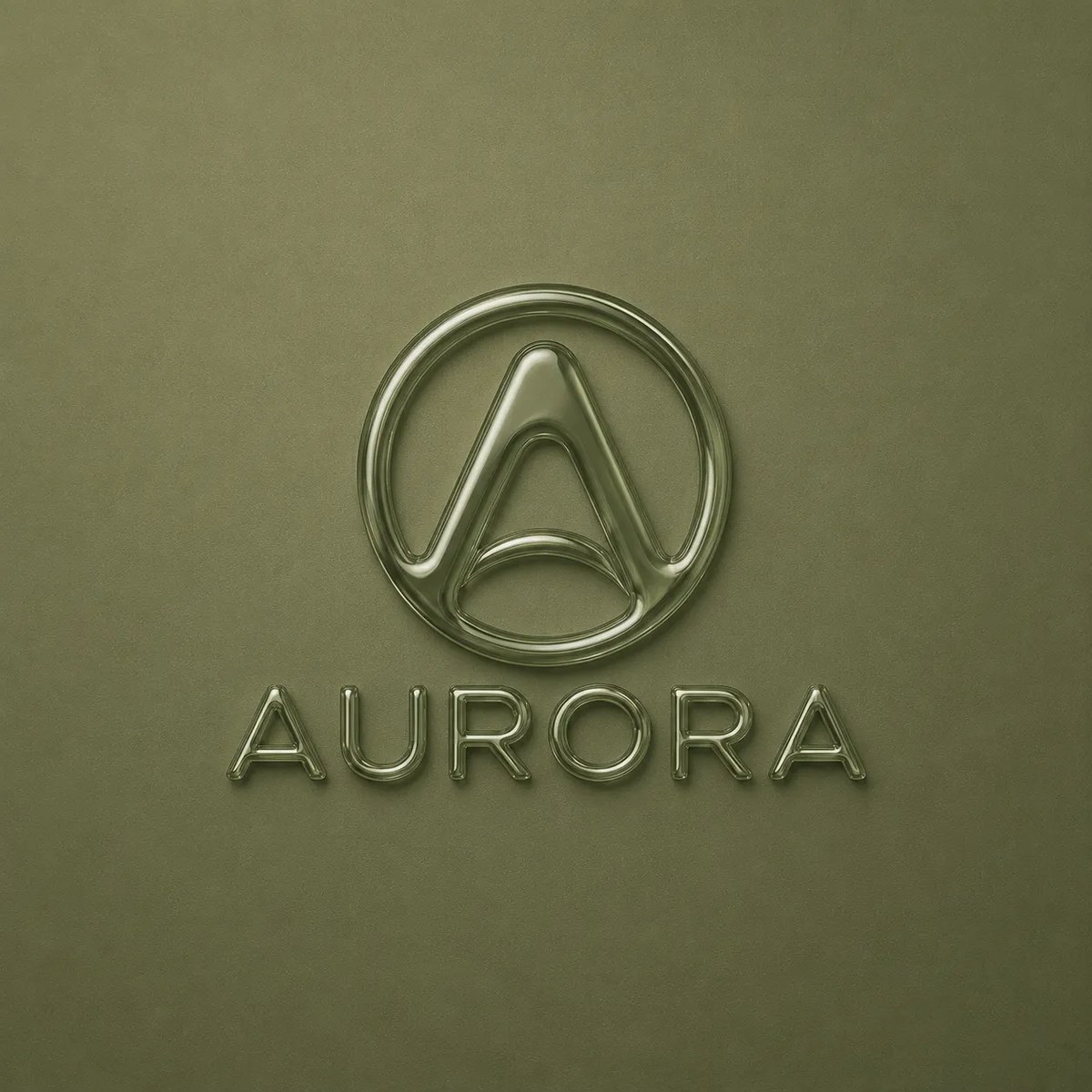
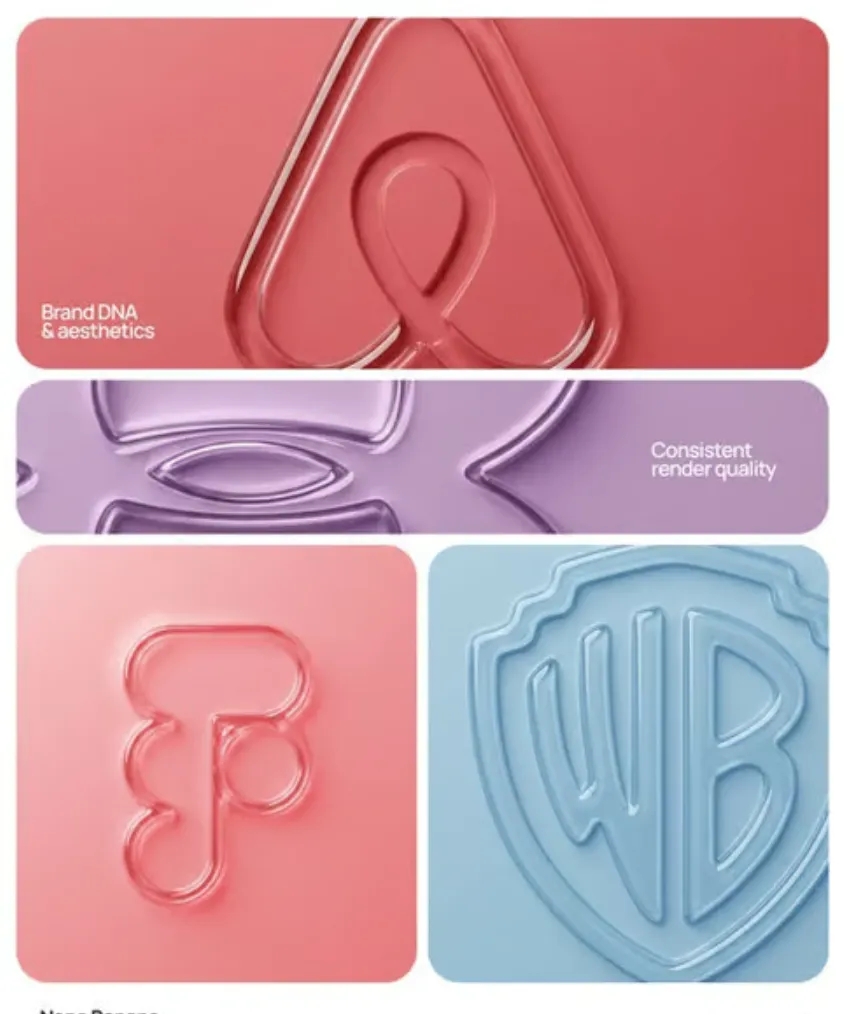
Create a centered, monochromatic embossed logo with a glossy glass or chrome rim and premium minimalist styling.
Example outputs
Prompt template
- Format
- Text Parameterized
- Inputs
- brand (text) · Required color (text) · Required
- Outputs
- logo_render (image)
Create a 3D embossed, glossy contour render of center-aligned ${brand} on a flat surface. Use a perfectly centered composition with ample negative space around the object for a premium minimalist aesthetic. Use a monochromatic ${color} palette with soft tonal gradients. Define the object with a raised, smooth, liquid-like glass bezel or chrome rim, creating a blind emboss effect in which the interior matches the background. Use a matte surface finish with a fine film-grain or noise-texture overlay. Apply soft, diffuse lighting with strong specular highlights on the rounded edges. Use a top-down view.Replace the ${…} placeholders with your values
before using this prompt. See parameters
and defaults below
Parameters
Replace each placeholder with your own value, or use its default when one is provided
${brand}
brand
Required
${color}
color
Required
What you'll create
A centered brand mark rises from a matte surface through a smooth liquid-like rim. Soft diffuse light and bright edge reflections reveal a blind-emboss effect from above.
Frequently asked questions
Does the logo interior contrast with the background?
No, the interior matches the background while the raised rim defines the shape.




Comments
Tried this prompt? Share what you made, compare results, or ask a question