Photorealistic Dark Angel Fashion Portrait
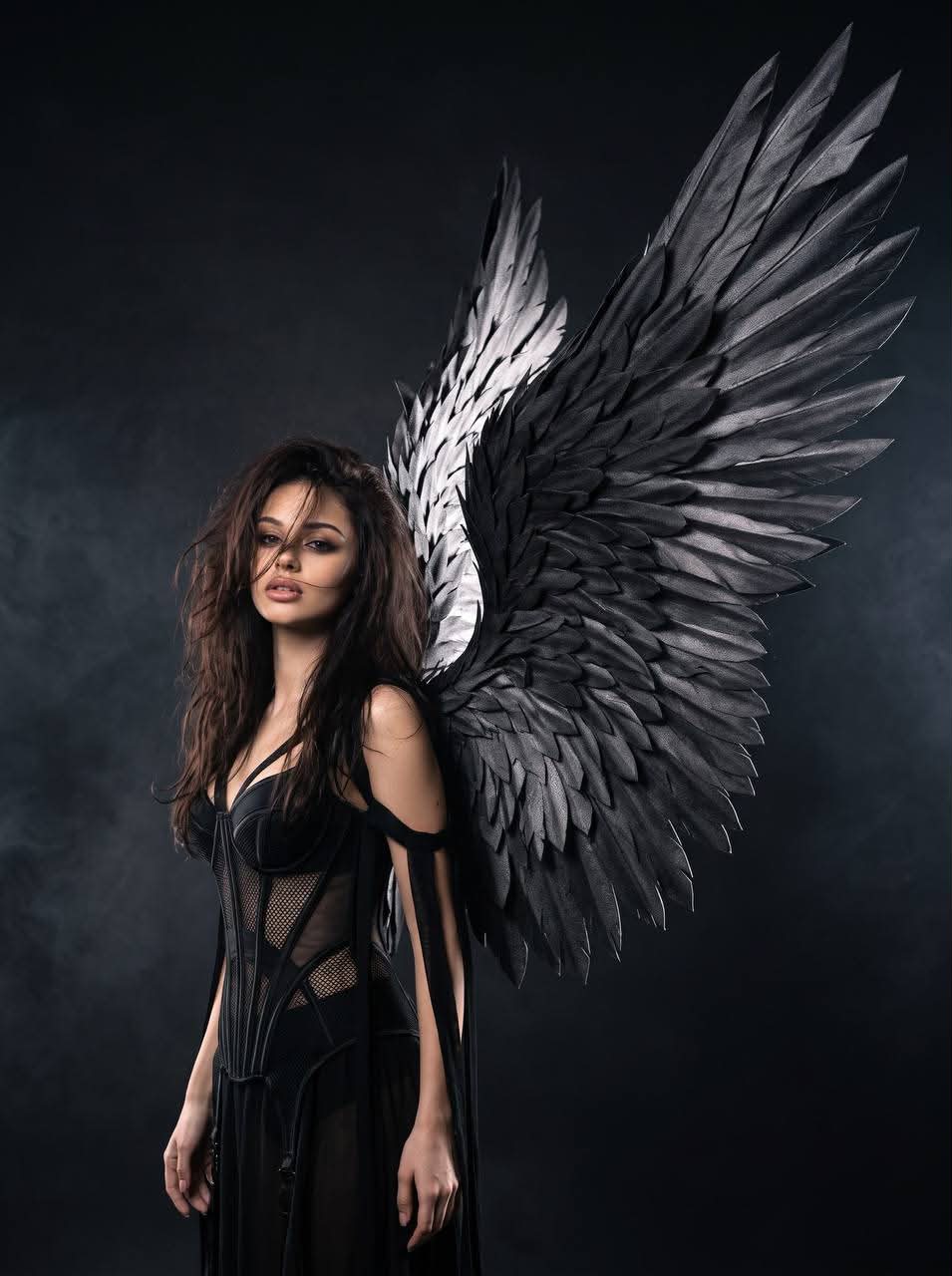
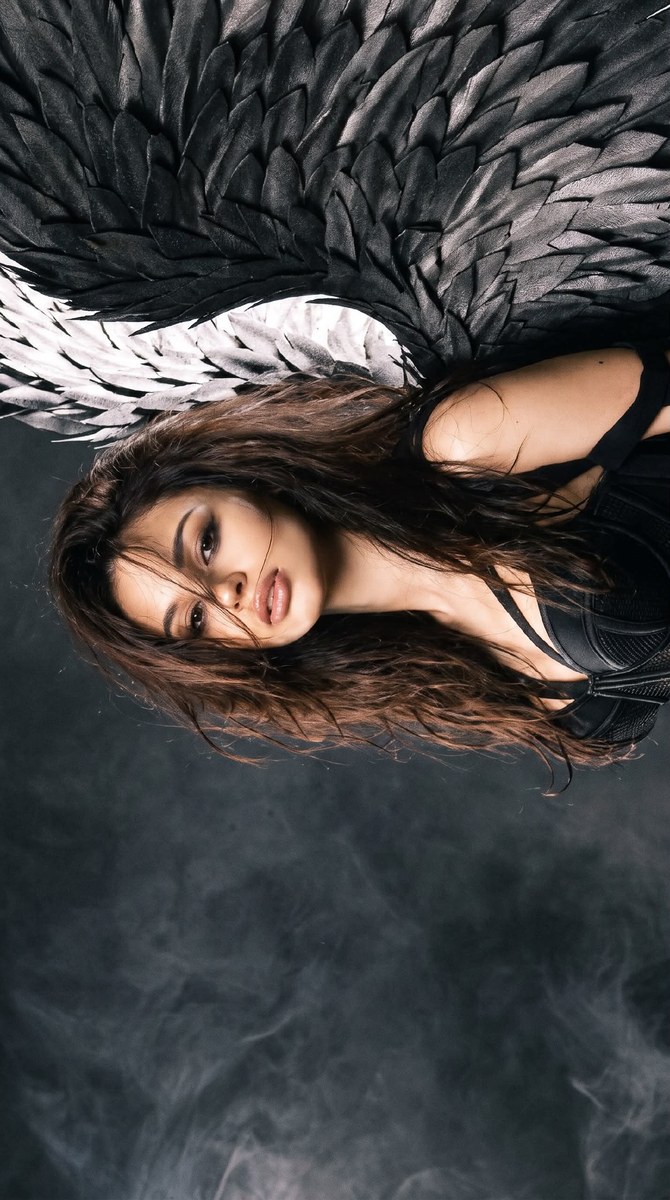
Create a dramatic high-fashion portrait of a dark angel with a giant sculptural black-feather wing.
Example outputs
Prompt template
- Format
- Text
- Outputs
- Photorealistic_angel_portrait (image)
Create a photorealistic dark angel fashion portrait with long dark hair, an expressive face, and a black avant-garde outfit. A giant sculptural black-feather wing should occupy almost the entire right half of the frame. Make the contrast between the illuminated face and the complex texture of the black feathers the main focus.

Use a dark luxury editorial aesthetic: gothic couture, dramatic high-fashion portraiture, a charcoal monochrome palette, softbox beauty lighting, silver rim light, and cinematic shadows. The skin, hair, fabric, and feathers should have natural, realistic textures. Keep the perspective natural and the overall result photographic, like a high-fashion magazine shoot.

Camera and focus: simulate a professional full-frame camera with an 85 mm portrait lens and shallow depth of field. Keep the face and front of the wing in focus; allow some distant feathers to fall slightly soft. Avoid excessive sharpness and digital HDR.

Use a soft vignette and moderate grain. Avoid orange filters, oversaturated colors, and excessively cold blue tones.

Avoid white wings, small wings, two identical wings, plastic-looking feathers, metal plates in place of feathers, cartoon styling, excessively smooth skin, artificial glow, extra fingers, incorrect anatomy, bright backgrounds, HDR, 3D rendering, and the typical glossy AI-generated look.
What you'll create
An illuminated face contrasts with a black wing filling almost the entire right half. Gothic couture, silver rim light and cinematic shadows remain within a charcoal photographic palette.
Frequently asked questions
Should there be two matching wings?
No. The brief excludes two identical wings and emphasizes one large sculptural wing.
Which details remain in focus?
The face and front feathers are sharp, while distant feathers may soften.




Comments
Tried this prompt? Share what you made, compare results, or ask a question