Woolly World | Circular Icon
Create a personalized, yarn-themed circular icon featuring the person or animal in a reference image.
Example outputs
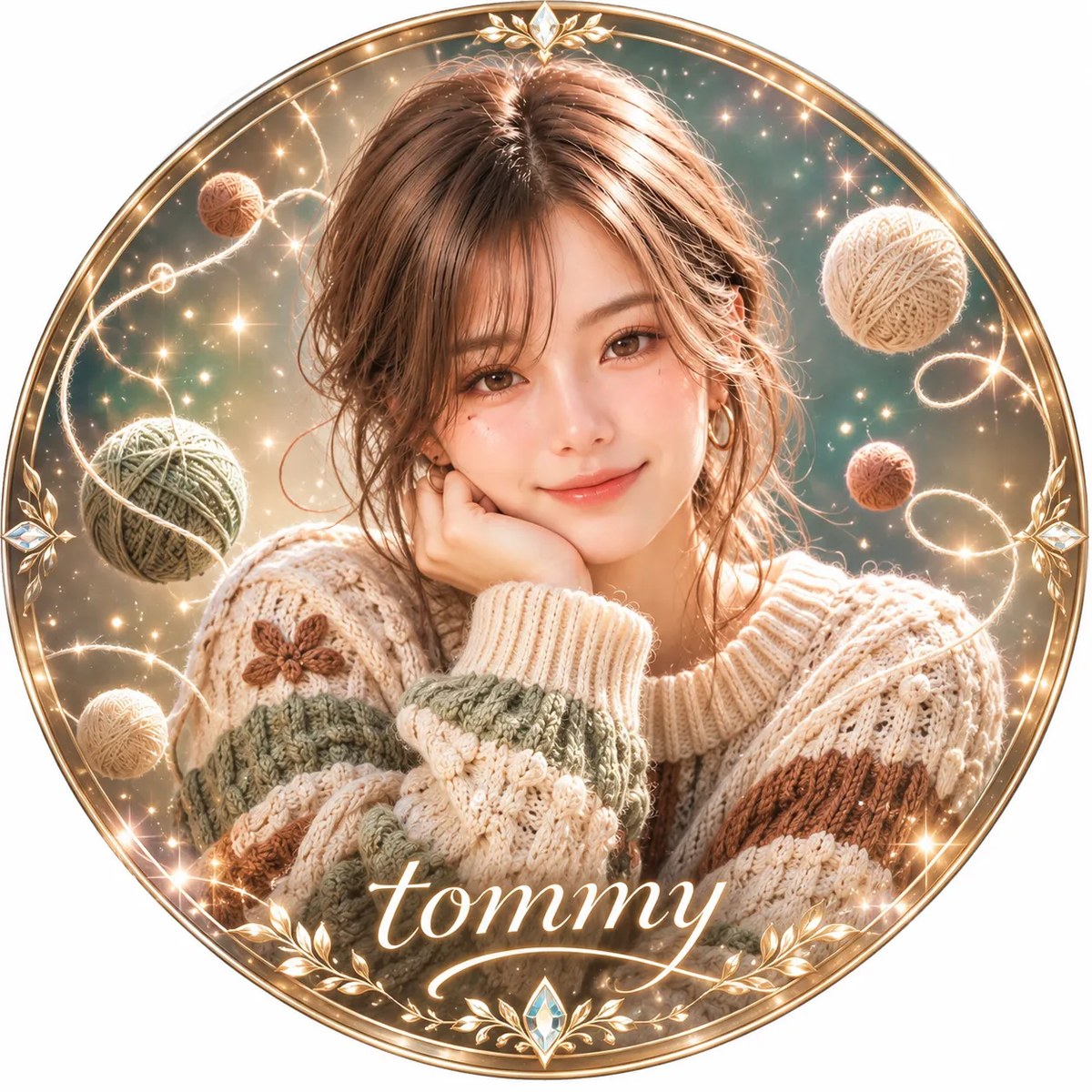
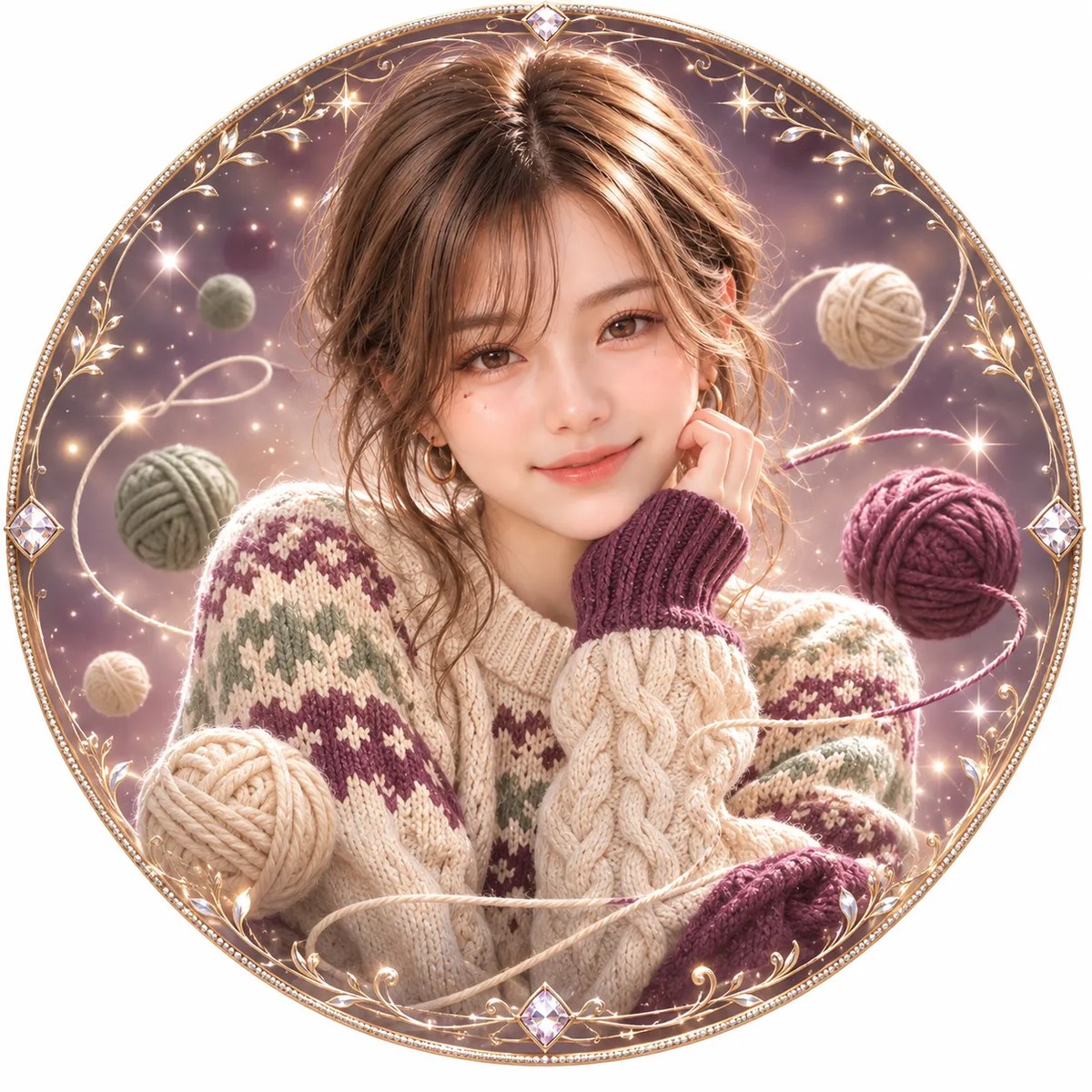
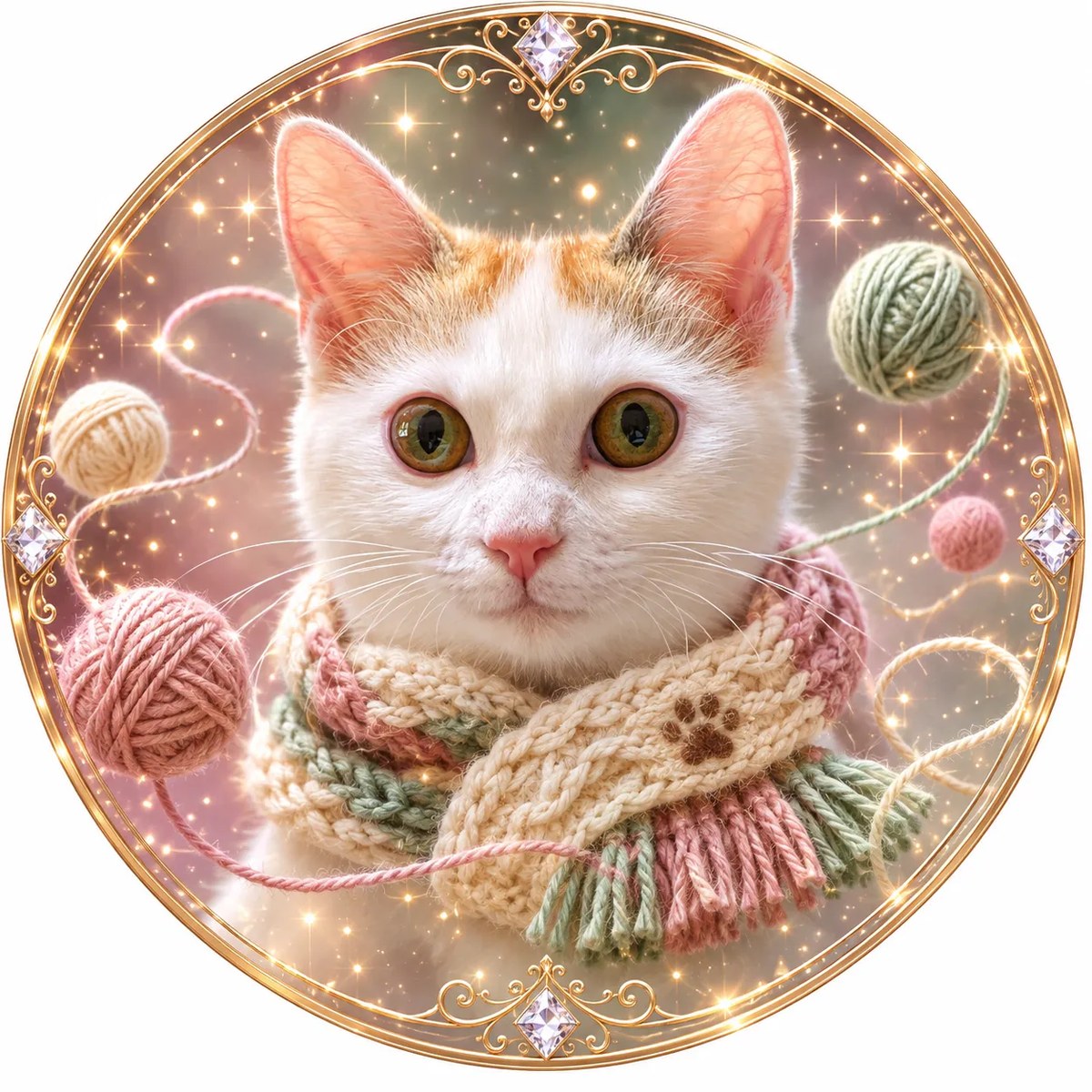
Prompt template
- Format
- Text Parameterized
- Inputs
- Reference_image (image) · Required text (text) · Optional · Default: Previous_conversation_context (text) · Optional
- Outputs
- Circular_profile_icon (image)
Create a square, high-resolution, semi-realistic anime illustration for a circular profile icon, using the supplied reference image.

Preserve the subject’s facial features and overall appearance, while creating a new expression and pose. Center the subject so they occupy approximately 60% of the image.

For a person, create a sweater. Do not use fixed sweater colors. Based on the owner’s personality, preferences, and atmosphere perceived from previous conversations, independently choose a unique combination of three colors. Create an original color scheme, knitting pattern, design, and motif for this individual. Do not imitate other people’s creations or existing designs.

For an animal, use only its face as the primary subject. Faithfully reproduce its distinctive facial features, fur colors, and markings; do not depict its full body. Add a small, beautifully coordinated knitted scarf, wrapped naturally around the neck and kept compact and proportionate to the face.

Choose rich, varying gradient background colors that complement the sweater or scarf. Surround the subject with floating yarn balls of different sizes and flowing yarn strands forming graceful spirals. Add delicate luminous particles and diamond-like sparkles. Keep all elements entirely within the circular frame.

Use dimensional lighting and shadows to emphasize the realistic texture of the knitted stitches and yarn. Create a glamorous, dreamy, whimsical, sophisticated atmosphere with a luxurious finish. Reflect the individual’s personality and preferences through the color palette, knitted design, patterns, and motifs. Do not add unspecified accessories, props, or other items.

Add an elegant circular decorative frame suitable for a profile icon. Use exquisite detail.

Text: ${text:}
If text is provided, place it at the bottom center, aligned with the horizontal centerline, and integrate it elegantly into the design. If the text is empty, do not add any text. For an animal, add a small paw print at the end of any provided text.
Replace the ${…} placeholders with your values
before using this prompt. See parameters
and defaults below
Parameters
Replace each placeholder with your own value, or use its default when one is provided
${text:}
text
Default: What you'll create
A reference-based subject appears centrally in a square semi-realistic anime composition designed for circular cropping. Original knitted styling and an ornate circular frame give the profile icon a detailed handmade character.
Frequently asked questions
Is text mandatory?
No. Empty text input produces an icon without lettering.
What happens to text for an animal subject?
A small paw print is added at the end of any supplied text.




Comments
Tried this prompt? Share what you made, compare results, or ask a question