Analog Portrait at an Ornate European Balcony
Create a cinematic 3:4 analog-style portrait using a reference photo, with an ornate iron balcony and classical European architecture in the background.
Example outputs
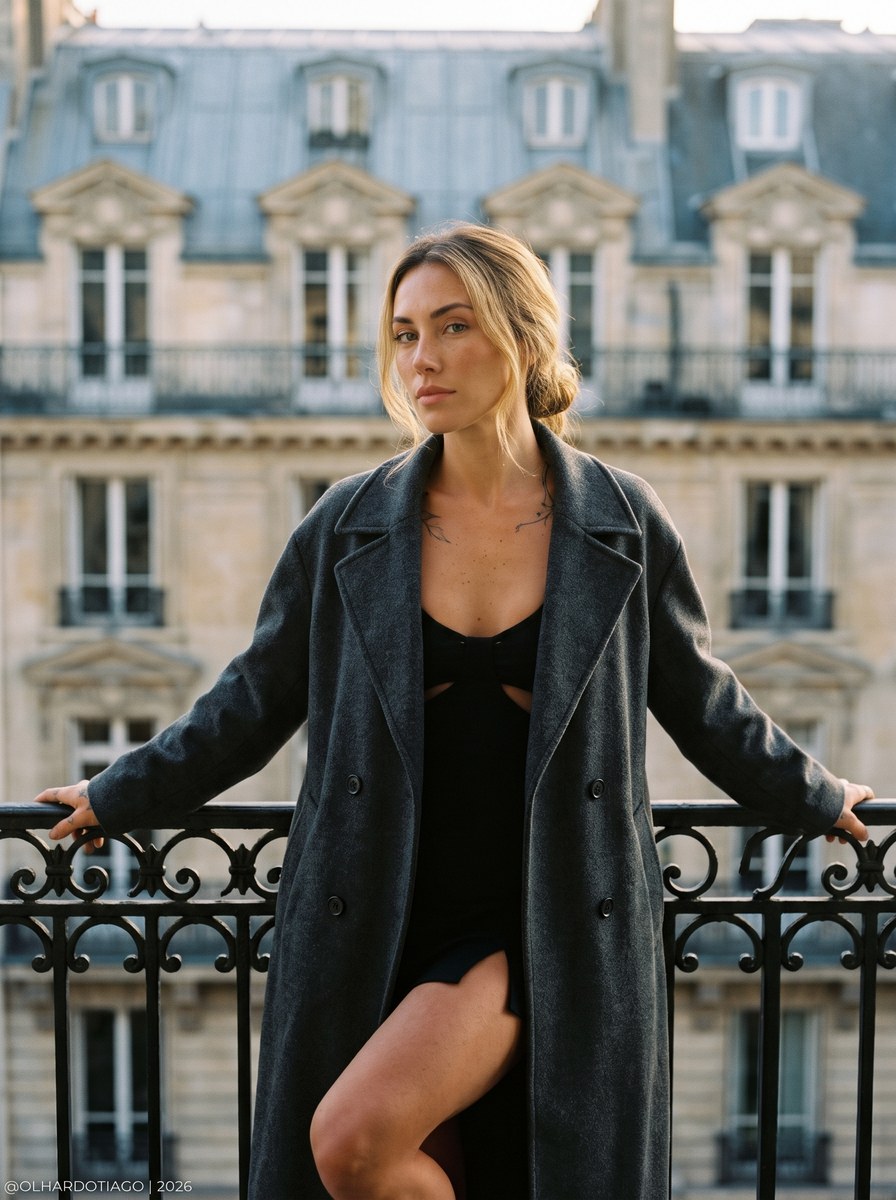
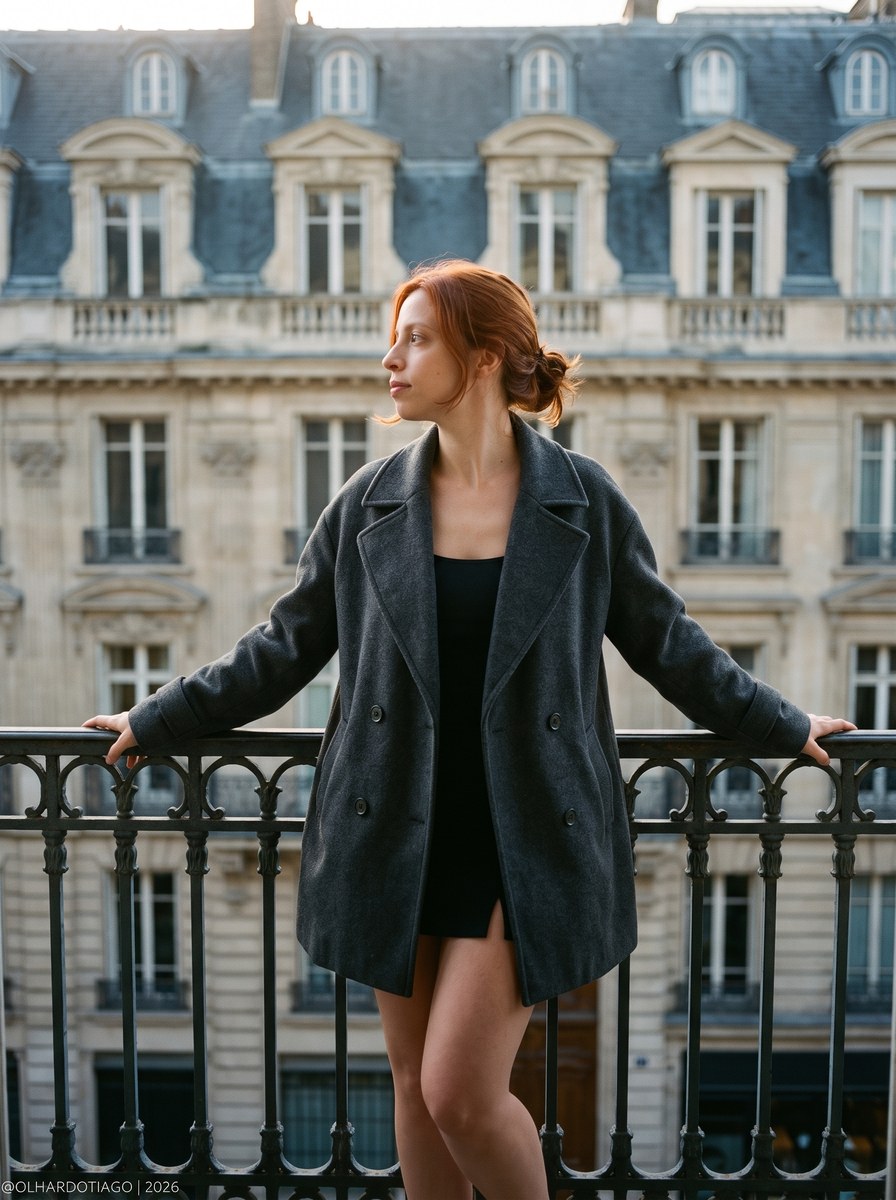
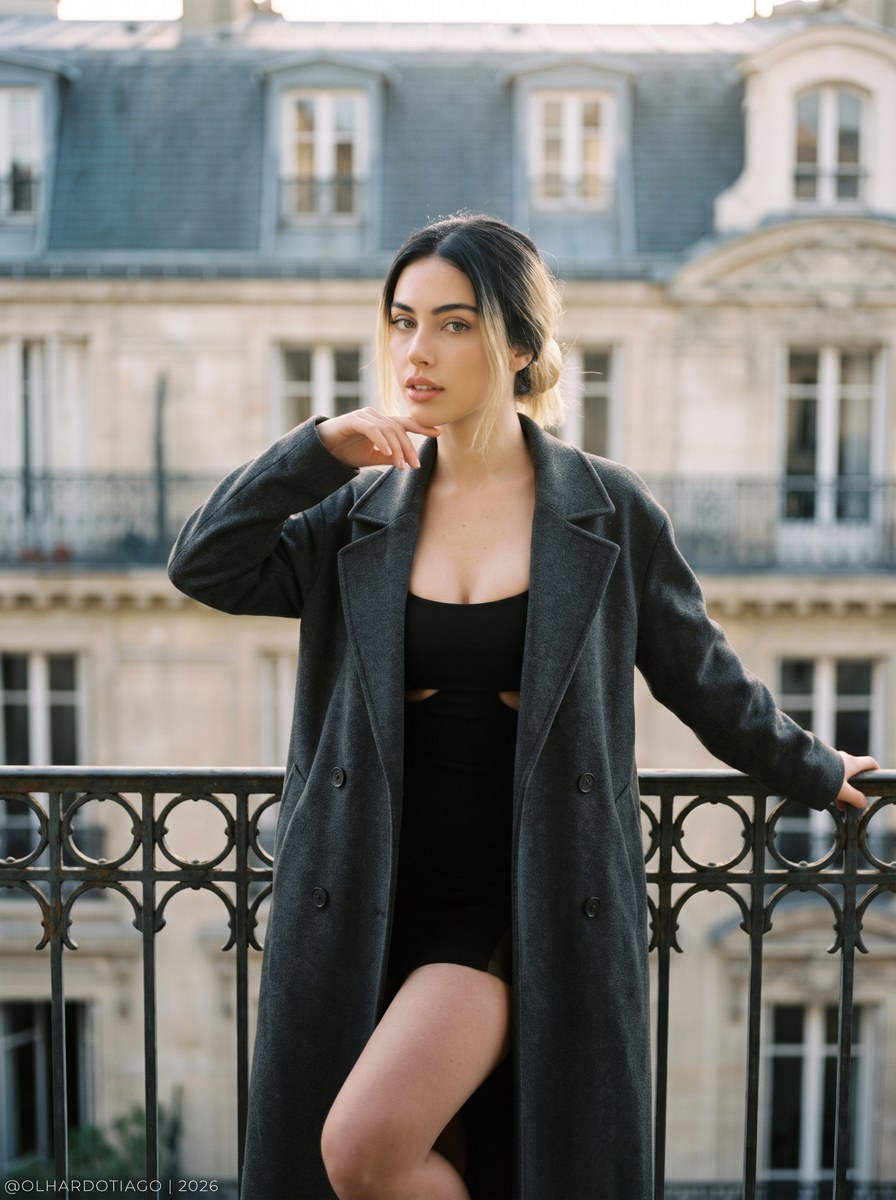
Prompt template
- Format
- Text Parameterized
- Inputs
- Reference_photo (image) · Required signature (text) · Optional · Default: @OLHARDOTIAGO | 2026
- Outputs
- Portrait (image)
Use the person in the attached photo as the subject of this photograph, faithfully preserving their face, features, skin tone, hair, and body proportions. Position the subject standing with their body facing the camera and their head turned in profile, looking to the left with a serene, contemplative expression. Their arms are extended, with their hands resting on an iron railing, and one leg is slightly bent. Dress the subject in a loose, deep graphite double-breasted overcoat over a dark garment with subtle cutouts and a short hem; keep their hair tied in a low bun.

Set the scene on a balcony in the foreground, with an ornamental cast-iron railing. Fill the background with the facade of a classical European building featuring a mansard roof and multiple windows. Use diffused natural backlighting to create a cinematic atmosphere, with soft beige, blue-gray, and aged-brown tones in the architecture. Give the skin delicate, warm, natural highlights; keep the overcoat in deep graphite shades and the shadows subtly cool. Let the light create a soft golden rim along the profile of the face, integrating the subject into the scene.

Photograph with a Leica M6 35mm analog camera and a Summicron 50mm f/2.0 lens, using Kodak Portra 400 35mm film. Use a moderately shallow depth of field, retaining the architectural presence of the background with soft, natural optical blur. Apply an authentic analog finish with fine, perceptible organic grain, sophisticated and gentle color reproduction, warm natural skin tones, delicate highlight rolloff, moderate contrast, slightly cool shadows, and the characteristic tonal response of Portra 400, with soft highlights and gradual transitions between light and shadow. Preserve the lens’s natural optical sharpness, real skin texture, and small photographic imperfections; avoid a digital appearance or excessive processing. Use a 3:4 portrait orientation.

In the lower-left corner, add the exact signature “${signature:@OLHARDOTIAGO | 2026}” in a small, thin sans-serif font, in a color that contrasts with the background, with a discreet margin and no background or frame.
Replace the ${…} placeholders with your values
before using this prompt. See parameters
and defaults below
Parameters
Replace each placeholder with your own value, or use its default when one is provided
${signature:@OLHARDOTIAGO | 2026}
signature
Default: @OLHARDOTIAGO | 2026
What you'll create
A reference-based figure stands at an ornamental iron balcony railing, body facing forward and head turned left in profile. A graphite overcoat, low bun and mansard-roofed building form a restrained analog portrait in diffused natural backlight.
Usage instructions
Frequently asked questions
Which direction does the subject look?
The head turns left in profile while the body faces the camera.
How should the signature appear?
A small thin sans-serif signature sits discreetly in the lower-left, without a frame or background.




Comments
Tried this prompt? Share what you made, compare results, or ask a question