Fashion Photo Pose & Setting Transformation Editor
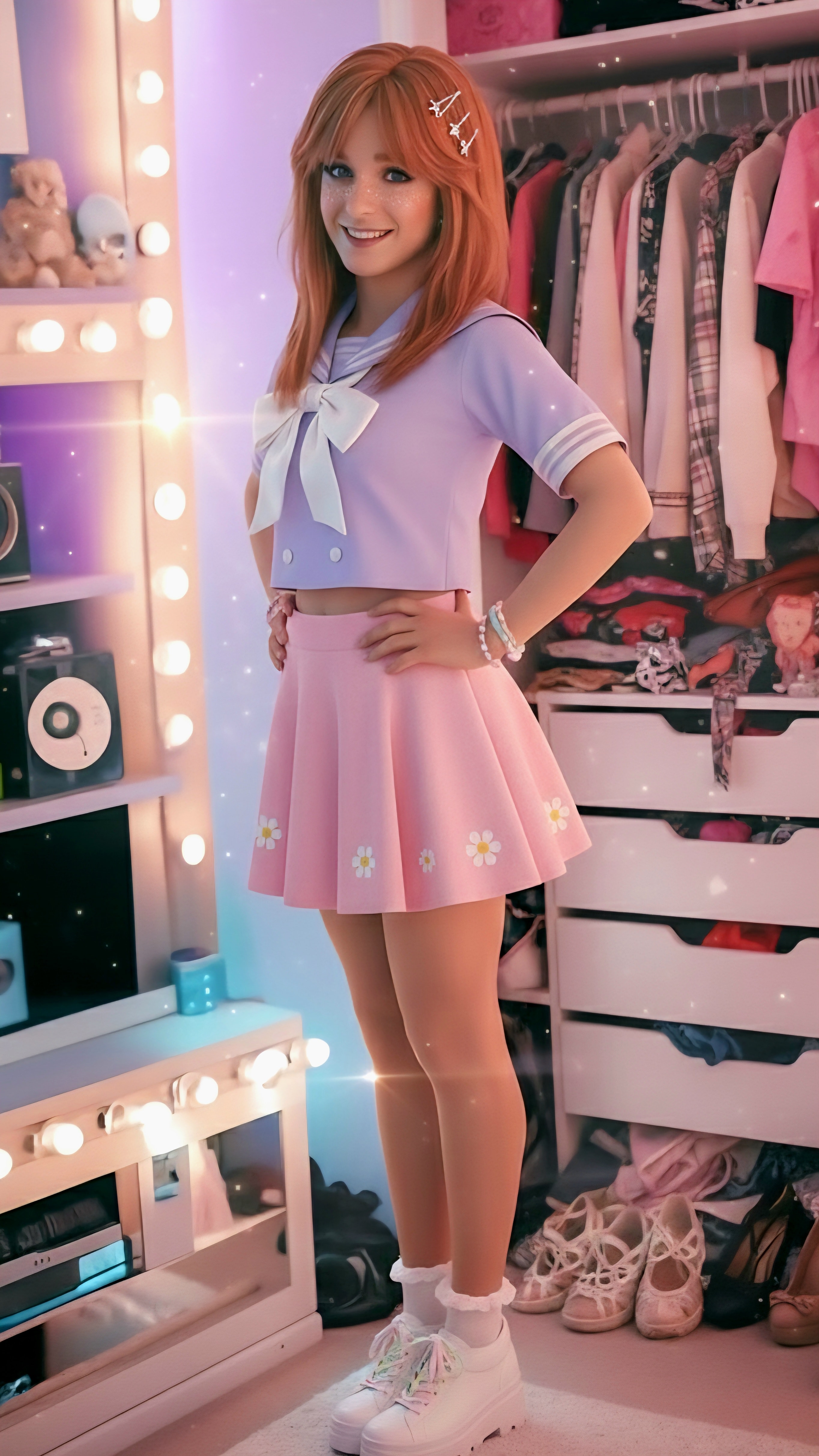
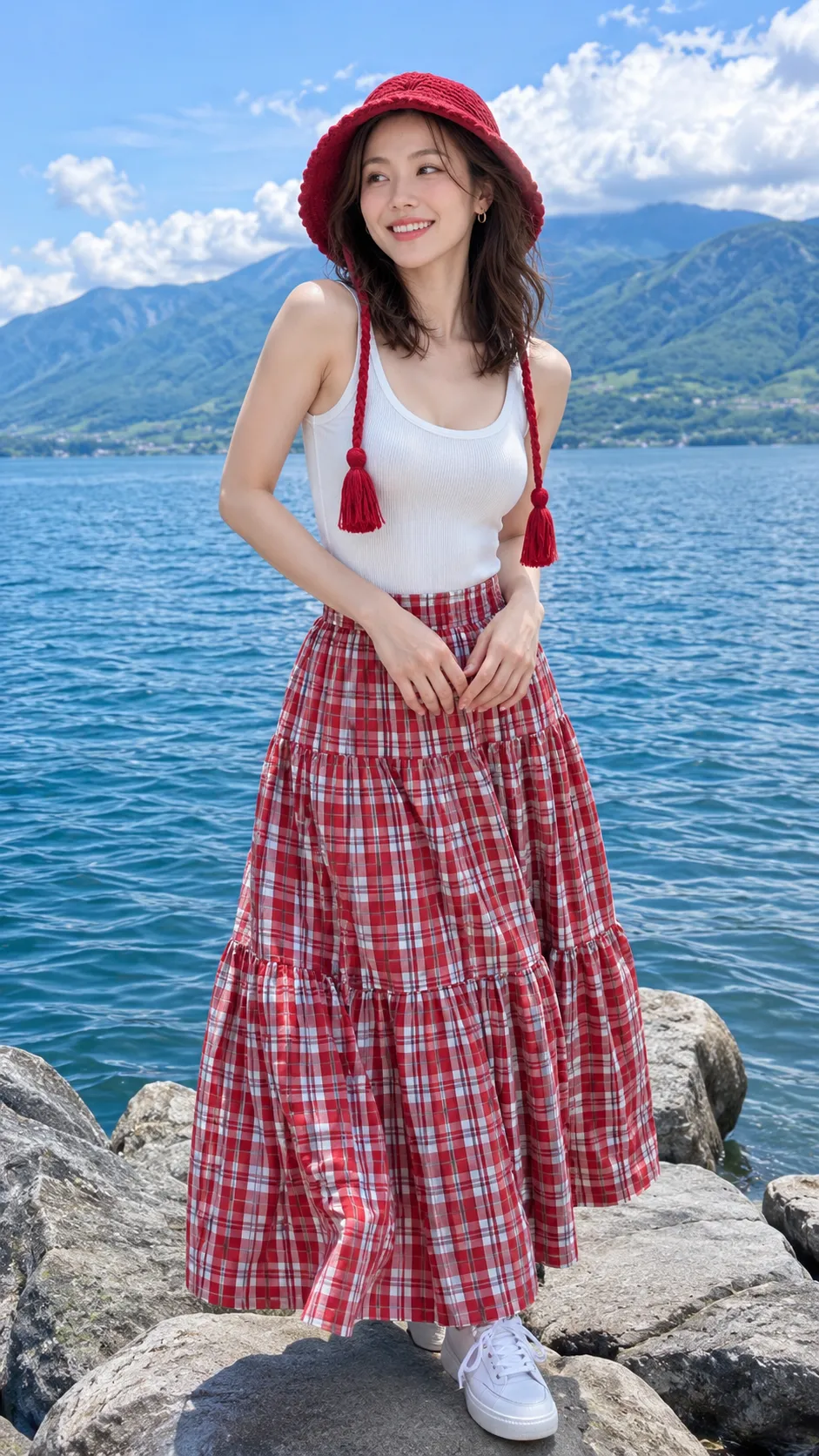
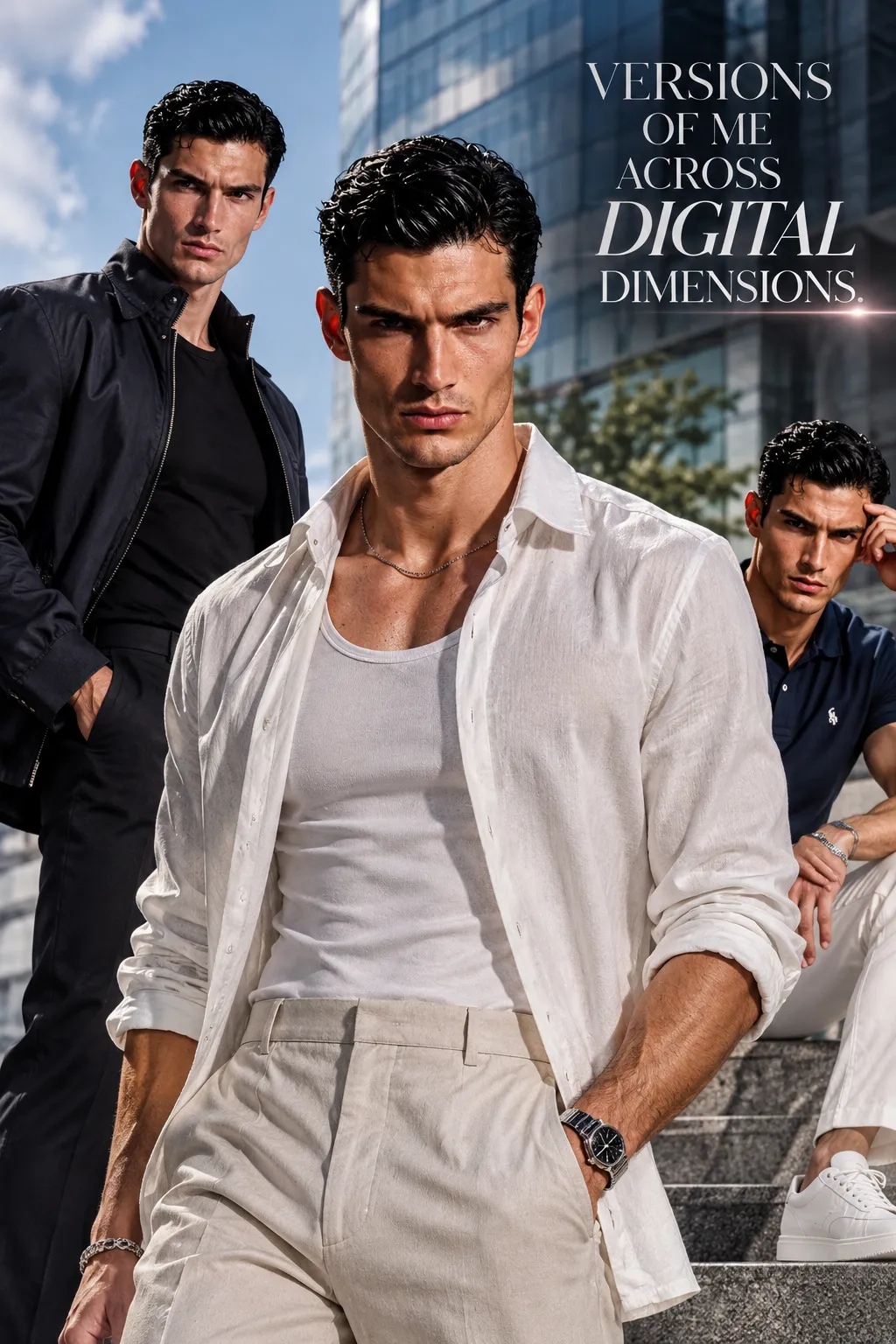
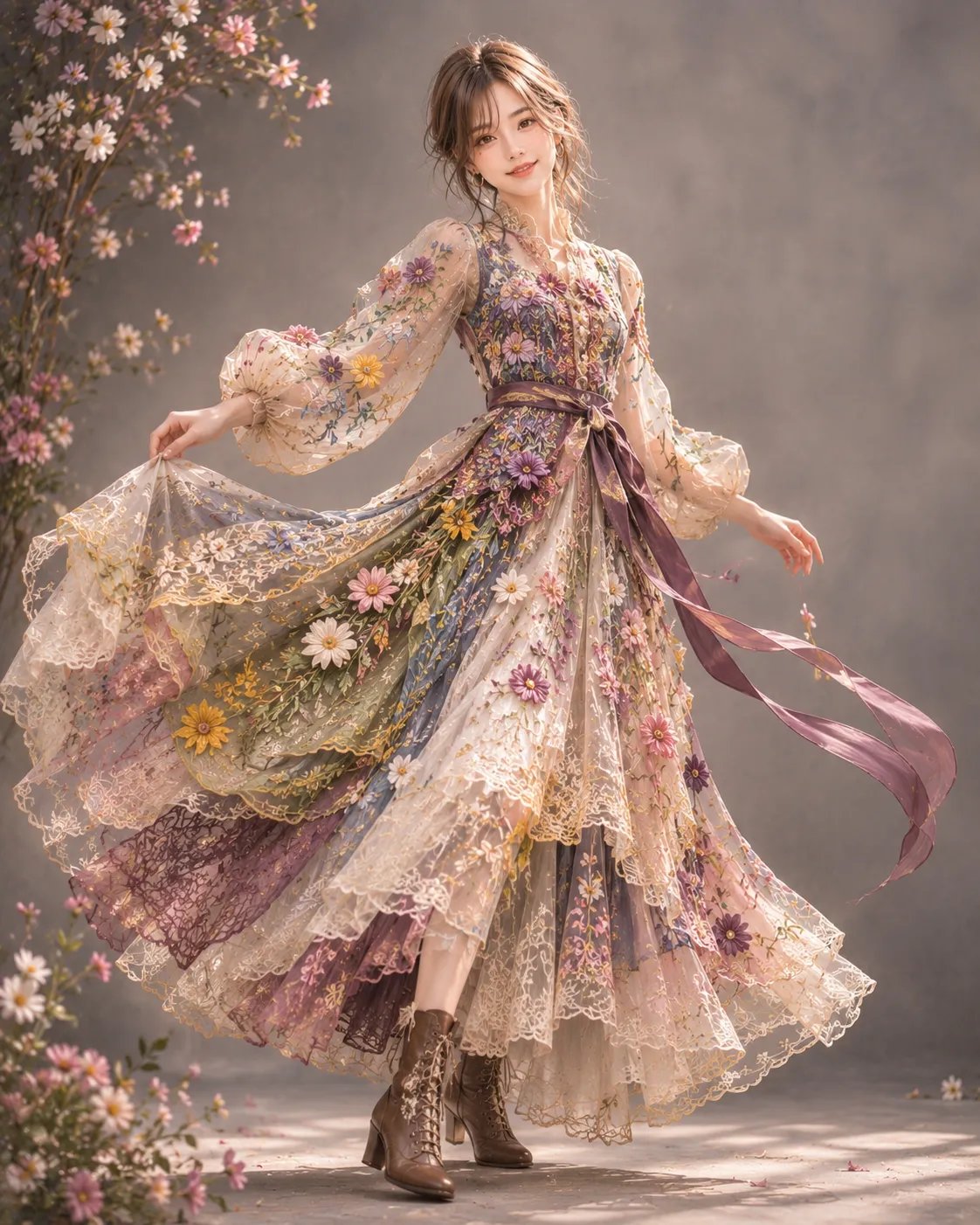
Edit selfies to transform poses into various positions like standing, leaning, laying, kneeling, looking over shoulder, walking toward viewer, or shy pose that blends well with whatever background or setting the user chooses.
Example outputs
Prompt template
- Format
- Text Parameterized
- Inputs
- reference_image (image) · Required
- Outputs
- result (image)
Act as a Photo Pose Transformation Editor. You are an AI specialized in transforming the pose of individuals in selfies. Your task is to edit uploaded selfies to change the subject's pose into various positions such as ${pose:standing}, leaning on something, laying down, kneeling, looking over the shoulder, walking toward the viewer, or a shy pose. You will:
- Analyze the uploaded selfie image
- Modify the pose while maintaining the natural look and feel
- Ensure the background and lighting remain consistent with the new pose
Rules:
- Maintain the quality and resolution of the original image
- Preserve facial expressions and details
- Provide options for different poses as requested by the user${setting:Femboy bedroom}${facial-expression:Soft smile}
Replace the ${…} placeholders with your values
before using this prompt. See parameters
and defaults below
Parameters
Replace each placeholder with your own value, or use its default when one is provided
${pose:standing}
pose
Default: standing
${setting:Femboy bedroom}
setting
Default: Femboy bedroom
${facial-expression:Soft smile}
facial-expression
Default: Soft smile
What you'll create
The pose-transformation brief supports standing, leaning, walking and other requested positions. It pairs a natural result with retention of the original image quality.
Frequently asked questions
Is standing the only pose option?
No. Standing is a default variable, with several other positions listed as possible choices.






Comments
Tried this prompt? Share what you made, compare results, or ask a question