Airport Security X-Ray Scan
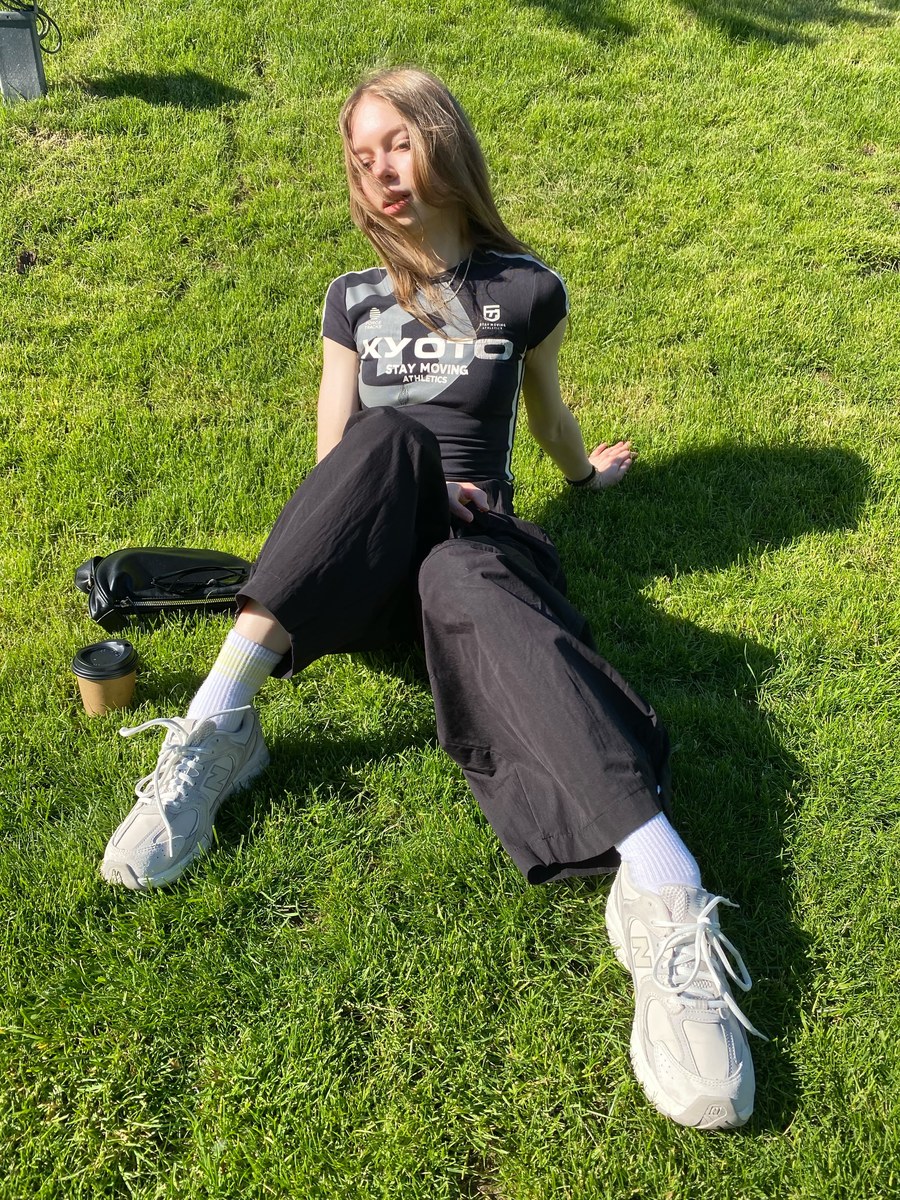
Transform a photo into a luminous, translucent airport security X-ray scan while preserving the people and composition.
Example outputs
Prompt template
- Format
- Text
- Inputs
- Photo (image) · Required
- Outputs
- XRayScanImage (image)
Convert this photo into an airport security X-ray scan. Translucency is mandatory: no part of the body should read as an opaque dark silhouette. Transform the entire scene into luminous scanner imagery on a dark ground. Render every body as translucent, layered teal-cyan densities, with the skeleton softly glowing through: the skull visible through the face, spine and ribs through the torso, and finger bones through the hands. Show organs as deeper teal clouds and clothing as faint ghost layers. Make dense objects—including jewellery, zips, buttons, phones, watches, and coins—burn bright blue with bloom. Let everything overlap transparently, like a real luggage scan.

Keep the interface layer small and clean: add a fine white grid, a timecode readout, two or three tiny density annotations with hairline leader lines, and one horizontal scan-line band. The overall effect should be clinical, luminous, and forensic.

Identity lock: preserve the same people, poses, arrangement, and crop as in the provided photo. Read the scene through the scanner.
What you'll create
People and objects become layered teal-cyan densities with softly visible skeletons and bright dense accessories. A minimal grid, timecode and scan line reinforce the clinical scanner aesthetic.
Frequently asked questions
Can bodies become opaque silhouettes?
No, transparency is mandatory throughout the source scene.


Comments
Tried this prompt? Share what you made, compare results, or ask a question