Multi-View Product Advertisement Poster
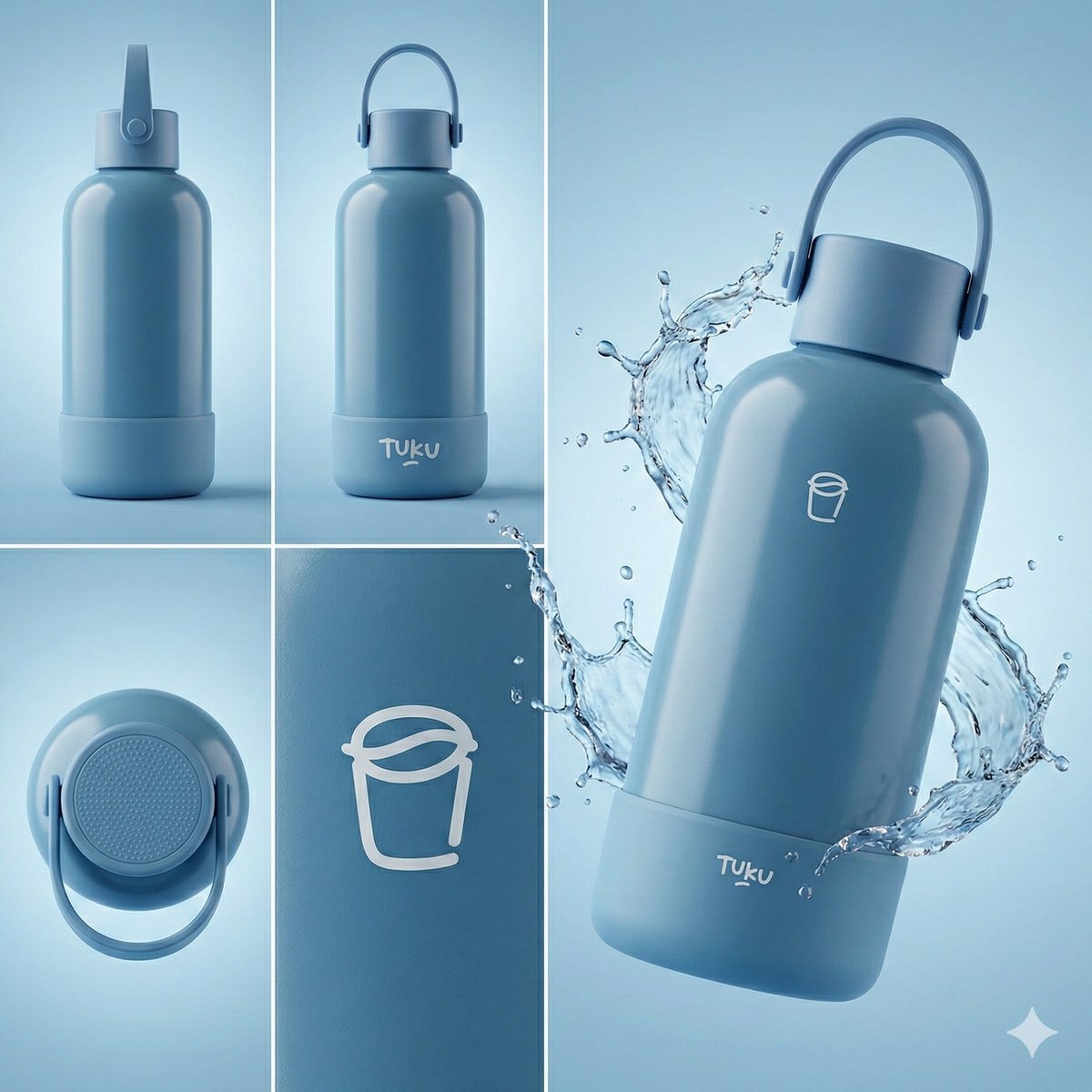
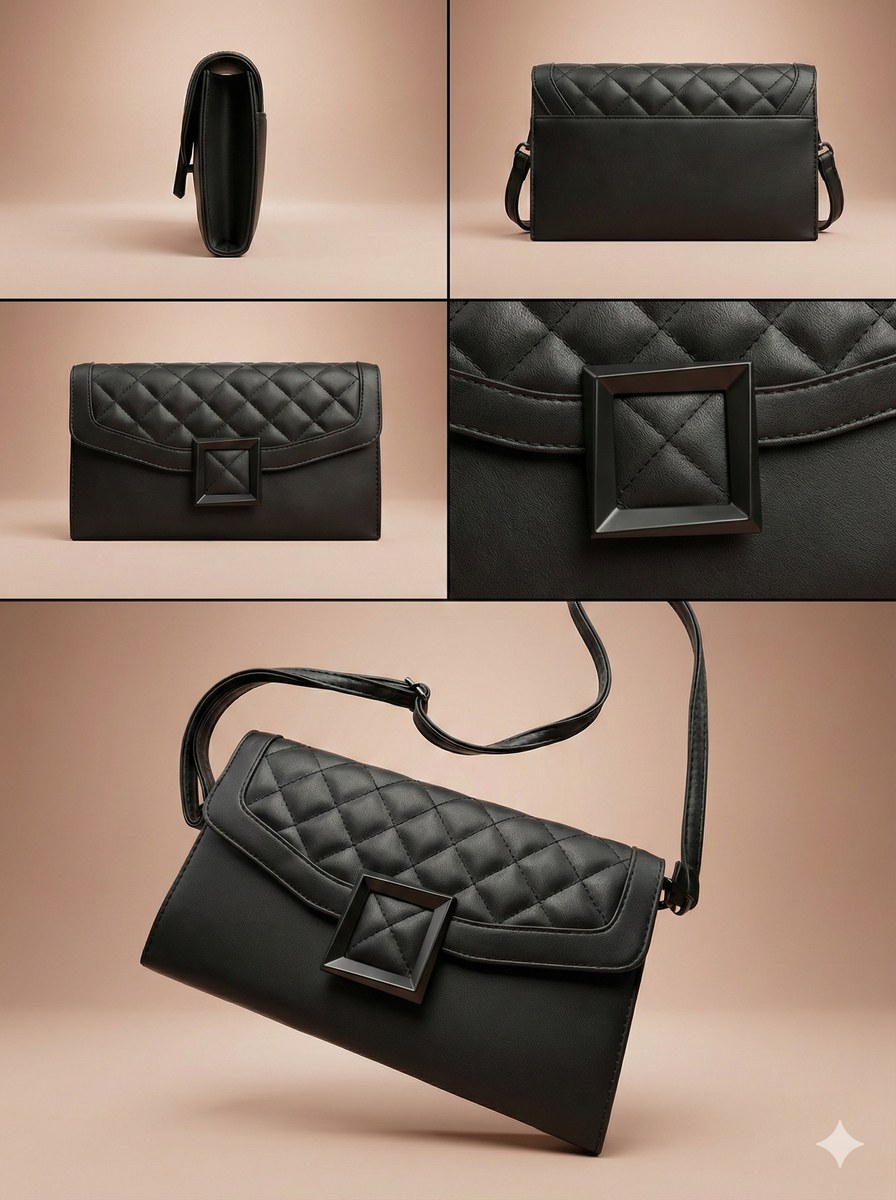
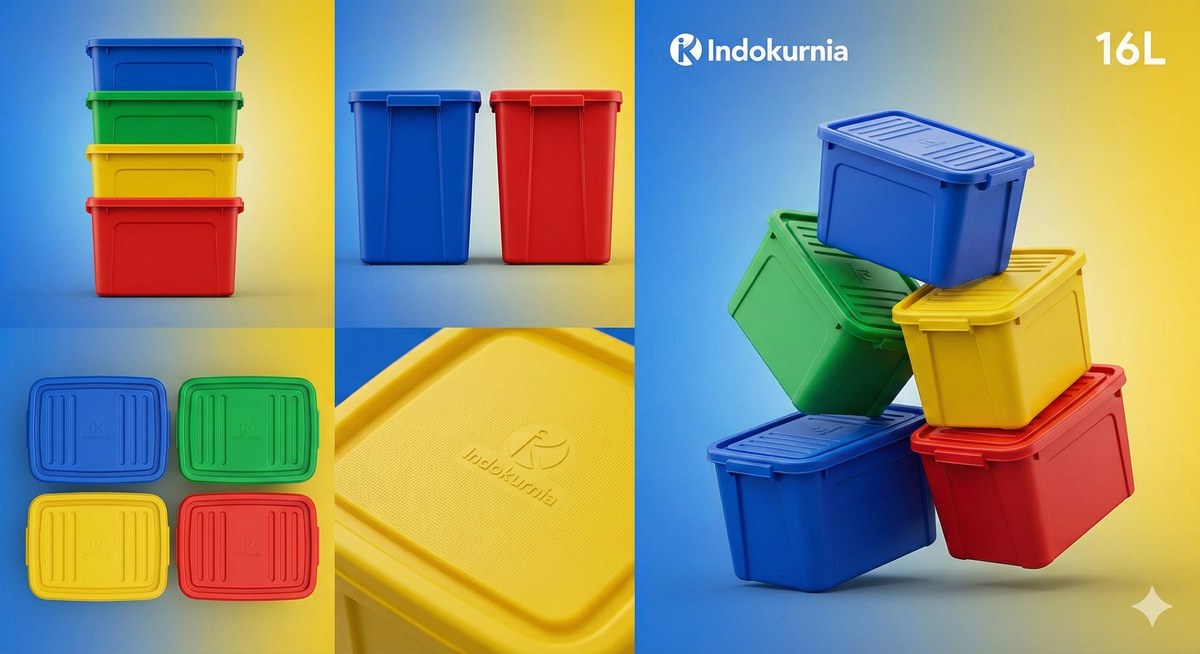
Create a detailed product advertisement poster as a structured, multi-view collage based on a supplied product image.
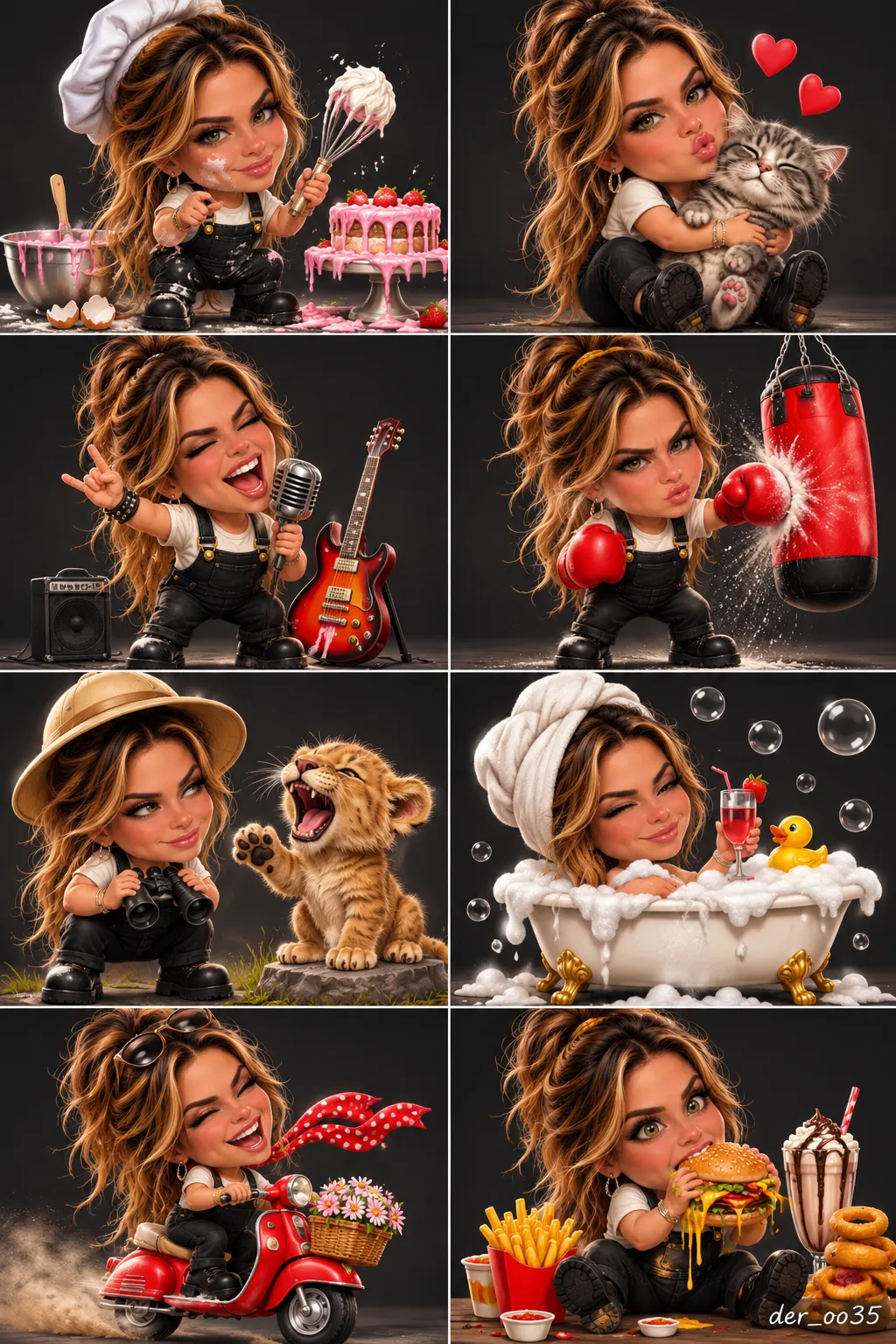
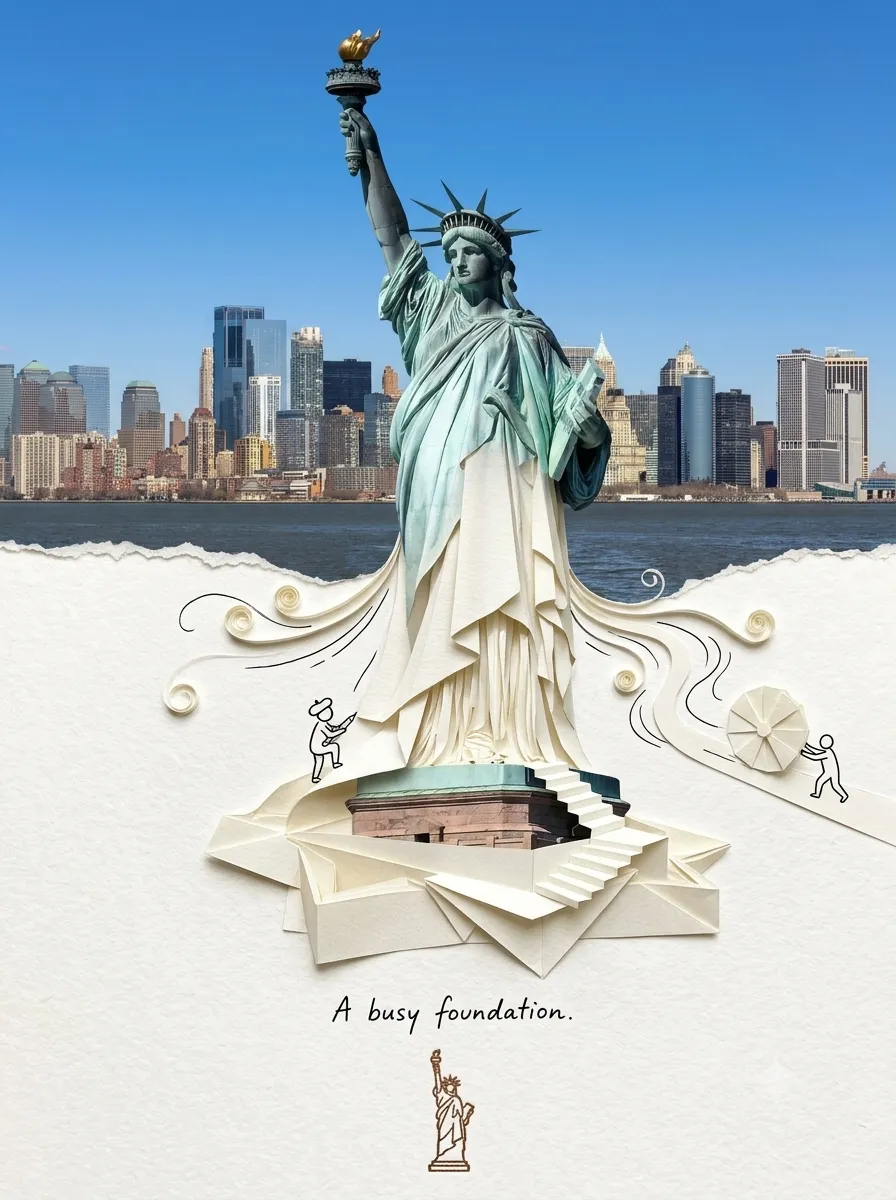
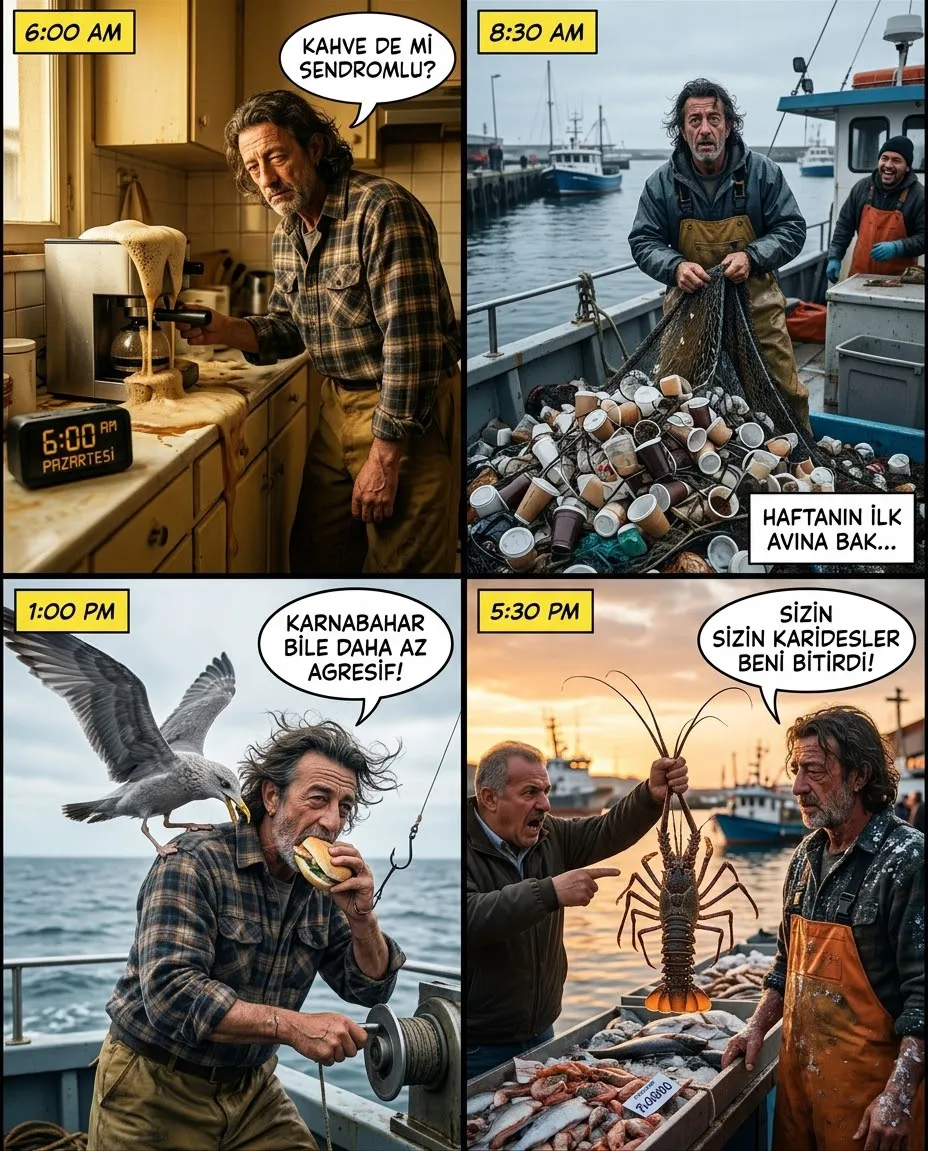
Example outputs
Prompt template
- Format
- Text Parameterized
- Inputs
- Product_image (image) · Required background_color (text) · Required
- Outputs
- Product_advertisement_poster (image)
(masterpiece, best quality:1.2), professional product advertisement poster featuring the object from the input image.

(layout structure): structured grid collage, 4-panel split screen, technical breakdown, (knolling style:1.3).

(composition elements):
1. Side profile view of the input product.
2. Back view highlighting details.
3. Top-down view showing texture.
4. Macro close-up shot.
5. (Hero shot in foreground:1.3) showing the input product in a dynamic pose.

(environment & mood): ${background-color} gradient background, studio lighting, softbox, commercial photography, sharp focus, matte finish, hyperrealistic.

(style): 8k resolution, highly detailed, no distortion, consistent with input image design.
Replace the ${…} placeholders with your values
before using this prompt. See parameters
and defaults below
Parameters
Replace each placeholder with your own value, or use its default when one is provided
${background-color}
background-color
Required
What you'll create
The source product appears in side, back, overhead and macro views. A gradient studio background, softbox light and sharp materials combine the breakdown with a prominent hero presentation.
Frequently asked questions
Can the product design change across views?
No. Every view remains consistent with the input object.
What background control is available?
The background-color parameter sets the studio gradient palette.





Comments
Tried this prompt? Share what you made, compare results, or ask a question