Cinematic Rose-and-Stone Fashion Portrait
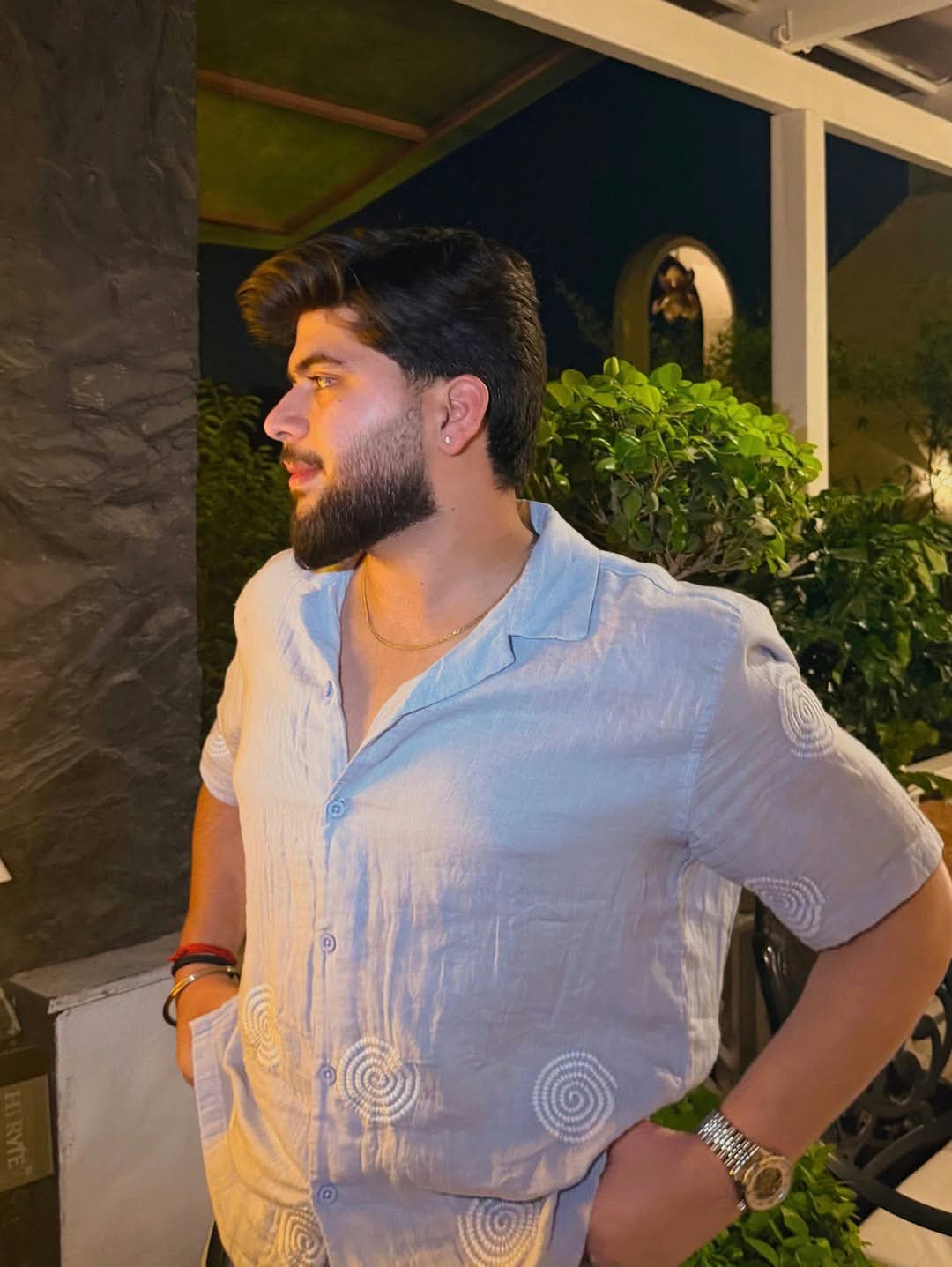
Create a cinematic fashion portrait of a stylish young man against a rose-draped stone wall.
Example outputs
Prompt template
- Format
- Text Parameterized
- Inputs
- subject (text) · Optional · Default: a stylish young man setting (text) · Optional · Default: a textured stone wall draped with blooming red and soft pink roses outfit (text) · Optional · Default: a deep burgundy linen button-down shirt with sleeves rolled up and crisp white tailored trousers
- Outputs
- Fashion_portrait (image)
Create a cinematic fashion portrait of ${subject:a stylish young man} leaning against ${setting:a textured stone wall draped with blooming red and soft pink roses}. The subject wears ${outfit:a deep burgundy linen button-down shirt with sleeves rolled up and crisp white tailored trousers}. Pose him with one hand in his pocket, with a minimalist silver wristwatch visible. Give him thick wavy dark hair, light stubble, a sharp jawline, and expressive brows.Replace the ${…} placeholders with your values
before using this prompt. See parameters
and defaults below
Parameters
Replace each placeholder with your own value, or use its default when one is provided
${subject:a stylish young man}
subject
Default: a stylish young man
${setting:a textured stone wall draped with blooming red and soft pink roses}
setting
Default: a textured stone wall draped with blooming red and soft pink roses
${outfit:a deep burgundy linen button-down shirt with sleeves rolled up and crisp white tailored trousers}
outfit
Default: a deep burgundy linen button-down shirt with sleeves rolled up and crisp white tailored trousers
What you'll create
A wavy-haired man leans against a textured wall covered in red and pink roses, keeping one hand in his pocket with a silver watch visible.
Frequently asked questions
Can the subject, setting and outfit change?
Yes. Each is supplied through a separate configurable input.




Comments
Tried this prompt? Share what you made, compare results, or ask a question