Radial City Landmark Poster
Create a vertical city poster combining recognizable landmarks, dramatic radial perspective, oversized city typography, and a restrained color palette.
Example outputs
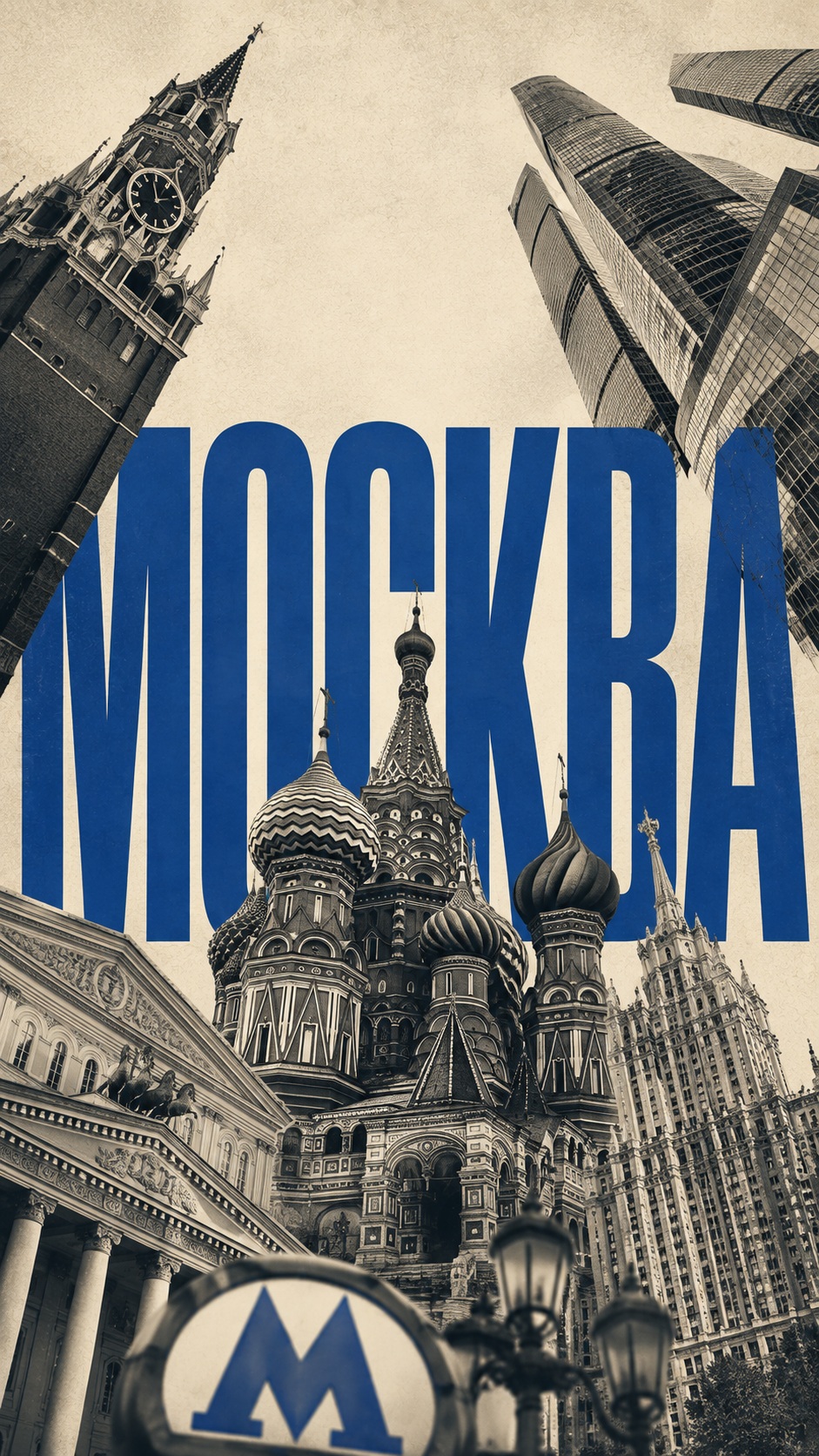
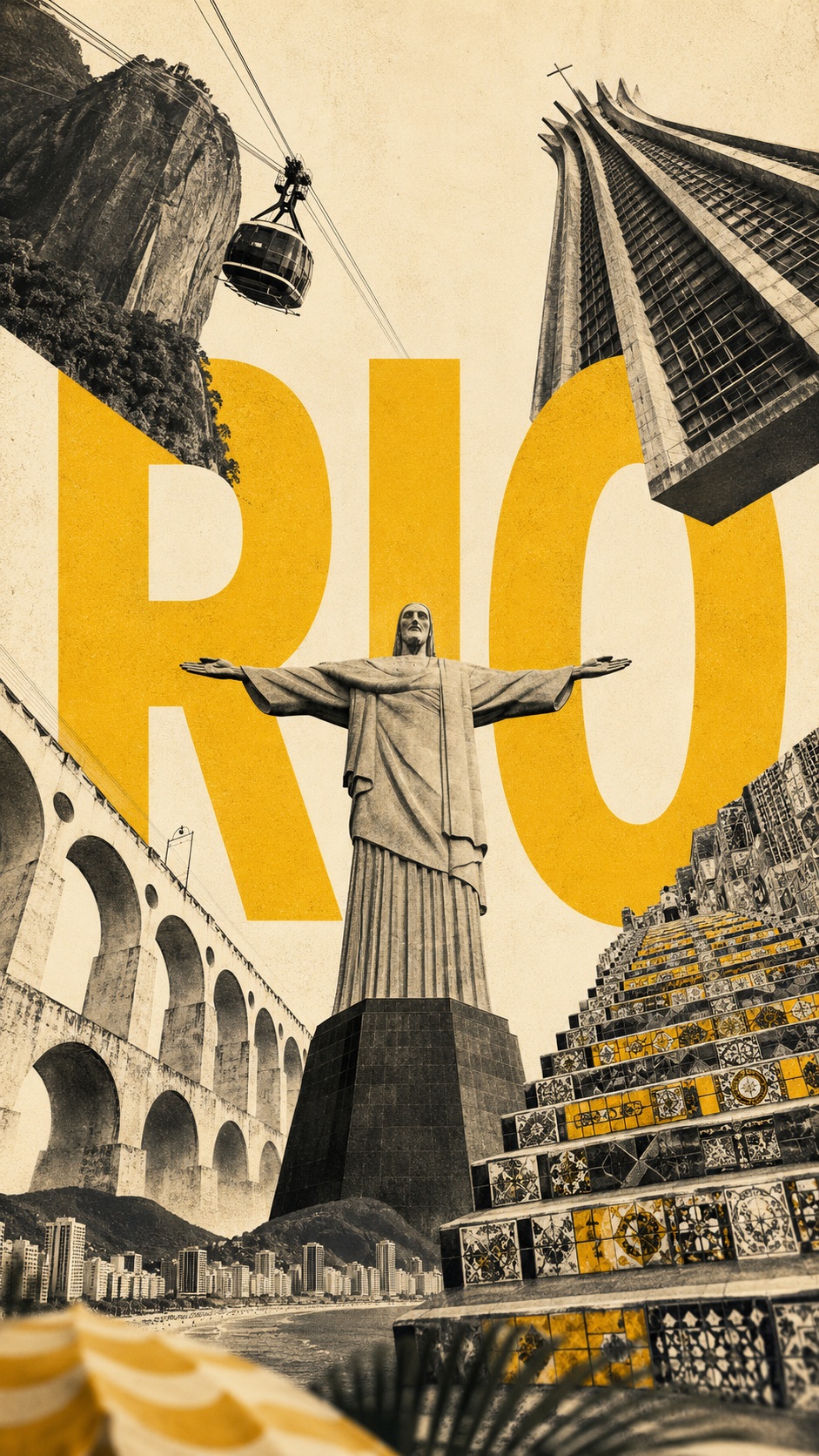
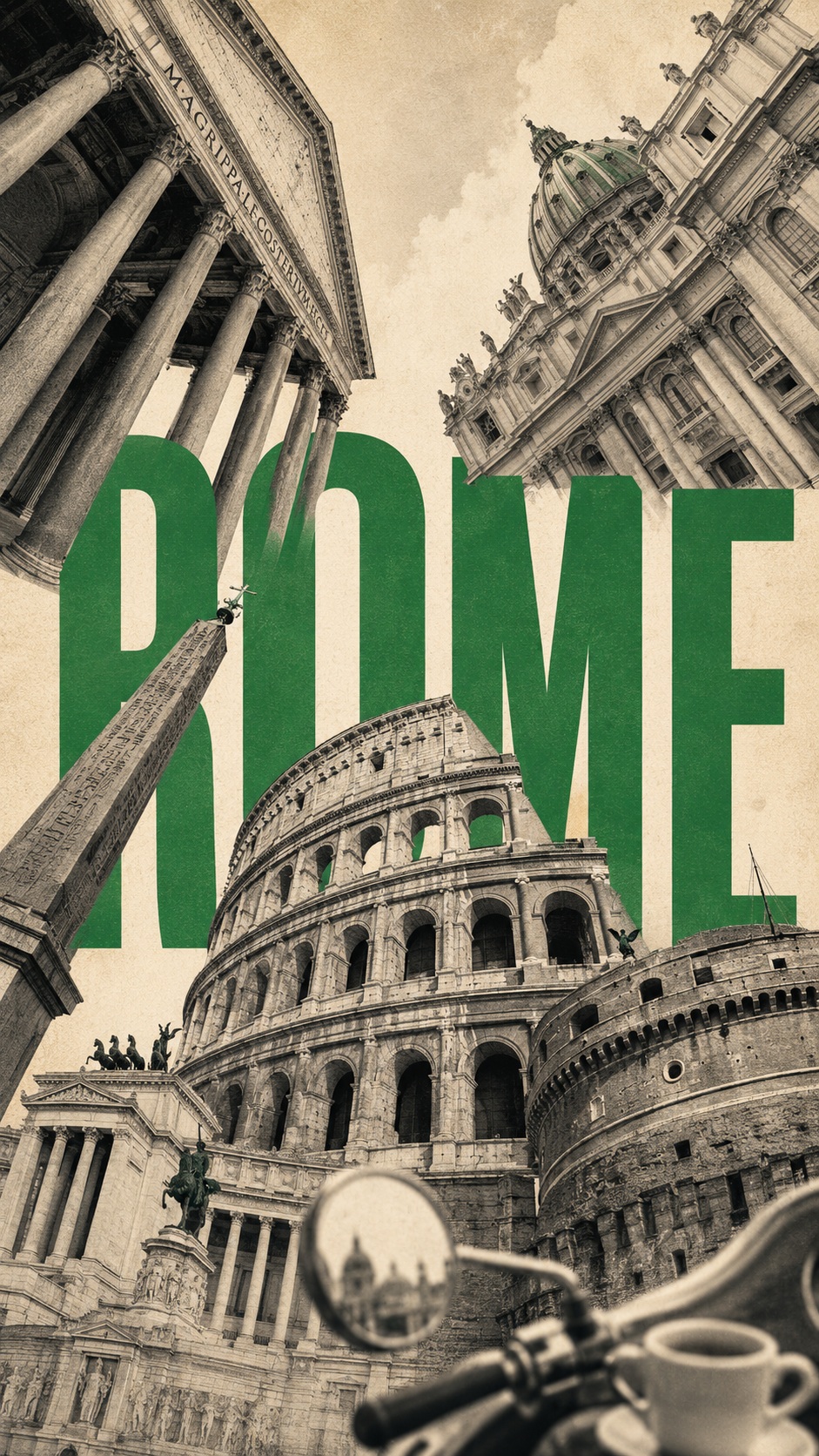

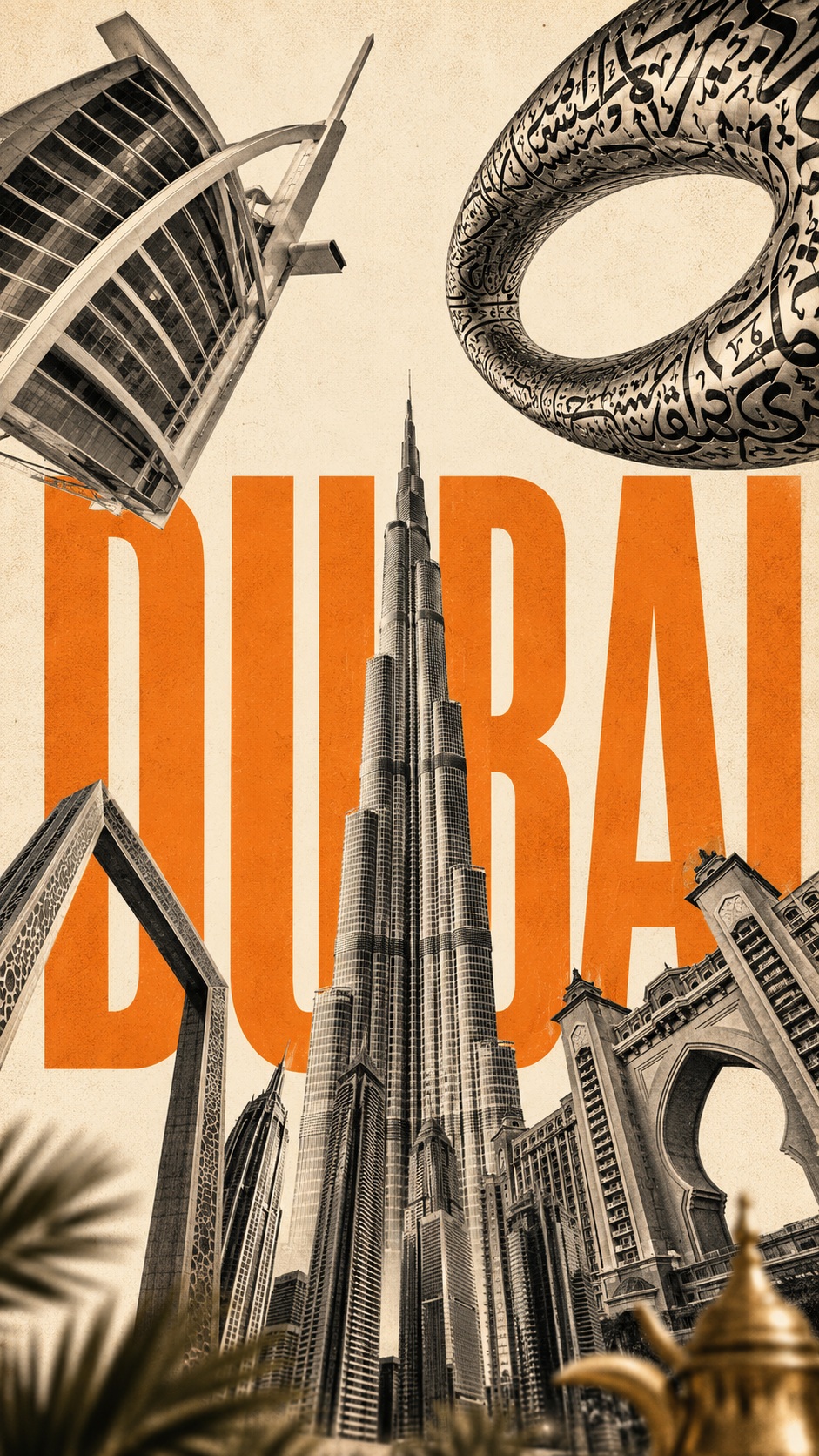
Prompt template
- Format
- Text Parameterized
- Inputs
- city (text) · Optional · Default: ROME country (text) · Optional · Default: ITALY primary_landmark (text) · Required other_landmarks (text) · Required accent_color (text) · Optional · Default: GREEN foreground_detail (text) · Required
- Outputs
- Citylandmarkposter (image)
Create a vertical 9:16 city poster featuring the landmarks of ${city:ROME}, ${country:ITALY}. Treat each landmark as a separate element in an architectural collage, not as part of a realistic street scene.

Use ${primary-landmark} as the central vertical element and the most complete, recognizable structure in the composition. Place ${other-landmarks} around the frame: upper left, upper right, lower left, and lower right. Make the landmarks large at the edges and gradually narrow them toward the center of the sky, creating an expressive radial composition with upward movement and an extreme bird's-eye perspective. Do not follow real-world geographic locations; evoke the city's visual identity through its landmarks.

Behind the architecture, set the city name in large, clean sans-serif lettering that occupies about 45–60% of the image. Partially conceal the letters behind the landmarks while keeping the name easily legible. Use crisp, even, high-contrast lettering without distressed, cracked, or faded effects.

Use a limited three-color palette: a warm cream-white background, charcoal-black or gray architecture, and one vivid accent color, ${accent-color:GREEN}, for the city name. Render the landmarks as realistic architectural photography with a very subtle vintage finish: fine grain, halftone, and paper texture.

Add ${foreground-detail} as a small, softly blurred foreground detail along the bottom edge. It should occupy only 5–10% of the image and add depth and local atmosphere.

Overall visual formula: iconic landmarks, extreme perspective, radial convergence, oversized city-name typography, a restrained palette, and subtle foreground depth.
Replace the ${…} placeholders with your values
before using this prompt. See parameters
and defaults below
Parameters
Replace each placeholder with your own value, or use its default when one is provided
${city:ROME}
city
Default: ROME
${country:ITALY}
country
Default: ITALY
${primary-landmark}
primary-landmark
Required
${other-landmarks}
other-landmarks
Required
${accent-color:GREEN}
accent-color
Default: GREEN
${foreground-detail}
foreground-detail
Required
What you'll create
Recognizable landmarks spread around a central structure and converge toward the sky, overlapping large clean city-name typography within a vertical poster.
Frequently asked questions
Must landmark positions follow actual geography?
No, the source prioritizes the city’s visual identity over geographic placement.







Comments
Tried this prompt? Share what you made, compare results, or ask a question