Golden Thread Charcoal Portrait
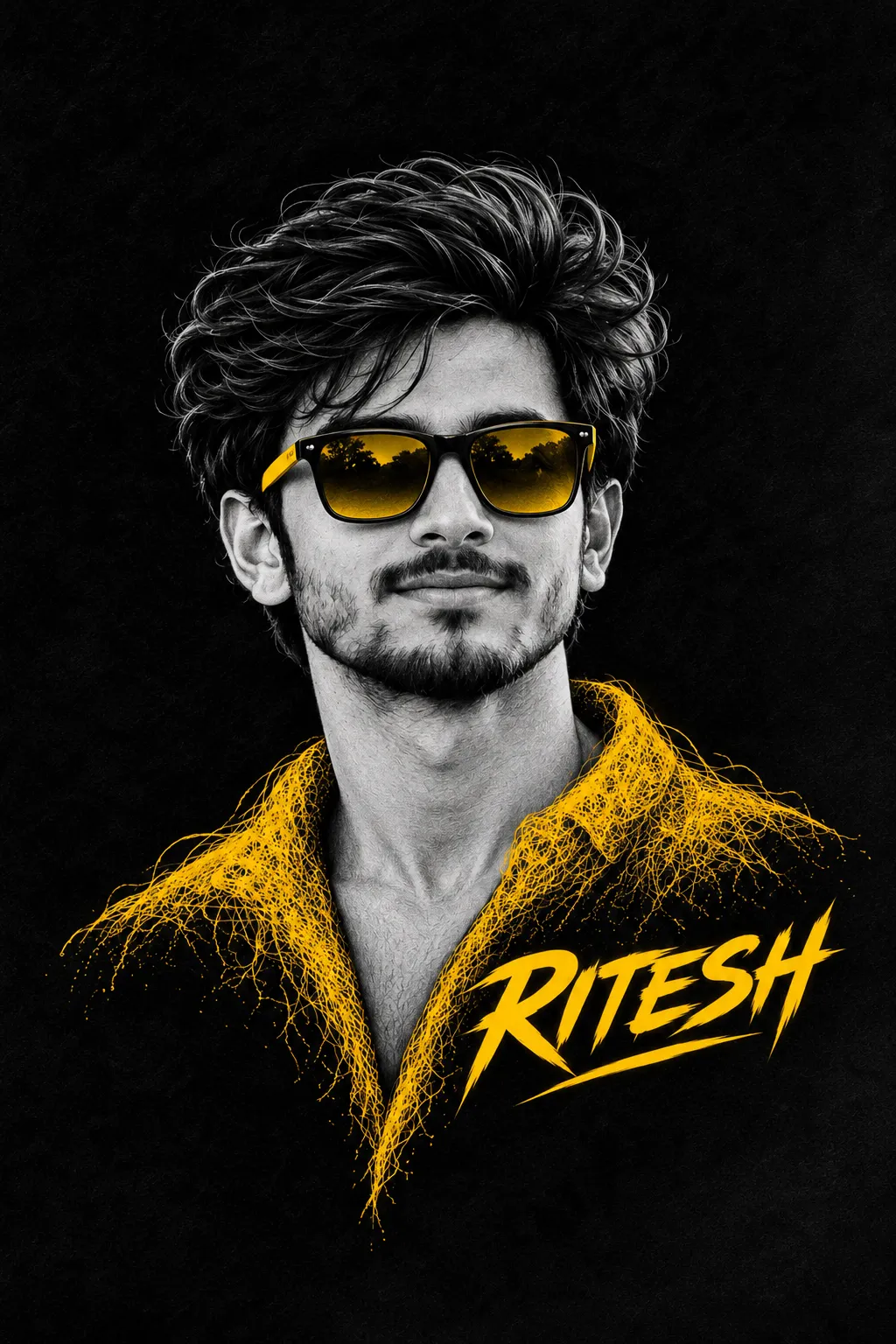
Create a vertical portrait that combines a detailed charcoal-and-graphite sketch with vivid golden accents and custom brushstroke lettering. Provide a reference face and change the displayed name as needed
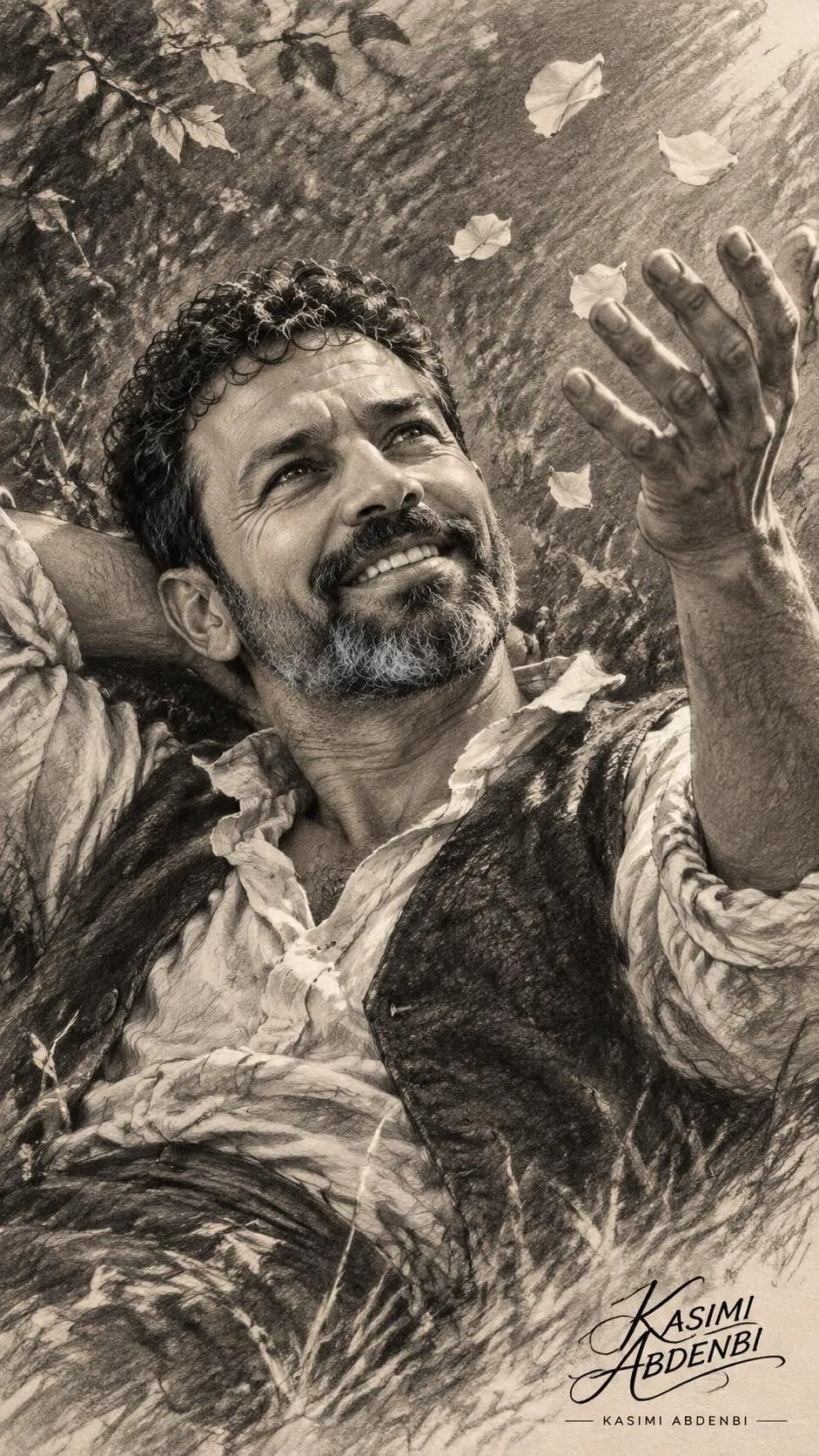
Example outputs
Prompt template
- Format
- Text Parameterized
- Inputs
- Reference_face (image) · Required name (text) · Optional · Default: RITESH
- Outputs
- Portrait (image)
Create an ultra-realistic 8K artistic digital portrait using the exact reference face, preserving 100% facial identity, facial structure, hairstyle, beard and natural expression. A stylish young man wearing bold black rectangular sunglasses with reflective golden-yellow lenses and yellow temple accents. Render the entire portrait in a highly detailed monochrome charcoal and graphite sketch style, with intricate pencil grain, fine crosshatching and dramatic highlights.

Vertical 9:16 composition, centered upper-body portrait, sophisticated modern graphic-art aesthetic. No additional text beyond the specified name, no watermark, no logos.

Keep the sunglasses in striking golden yellow. The shoulders and collar are transformed into intricate glowing golden-yellow tangled thread art, resembling hundreds of fine luminous wires forming an artistic jacket with a deep V-shaped neckline. Pure black textured background, dramatic studio lighting, premium artistic contrast, cinematic atmosphere. Add large, bold, dynamic golden-yellow brushstroke typography reading "${name:RITESH}" in the lower-right area, with a stylish hand-painted underline.
Replace the ${…} placeholders with your values
before using this prompt. See parameters
and defaults below
Parameters
Replace each placeholder with your own value, or use its default when one is provided
${name:RITESH}
name
Default: RITESH
What you'll create
This prompt creates a centered upper-body portrait that preserves the reference face in a detailed charcoal-and-graphite sketch style. Golden-yellow sunglasses, glowing thread-art clothing, and custom brushstroke lettering stand out against a textured black background
Usage instructions
Frequently asked questions
Which parts of the portrait should remain golden yellow?
The sunglasses, tangled-thread jacket, and brushstroke name lettering are golden yellow; the rest of the portrait uses monochrome charcoal and graphite
Can the lettering be changed?
Yes. Replace the default name with the text you want displayed


Comments
Tried this prompt? Share what you made, compare results, or ask a question