Coral Saree Over-the-Shoulder Studio Portrait
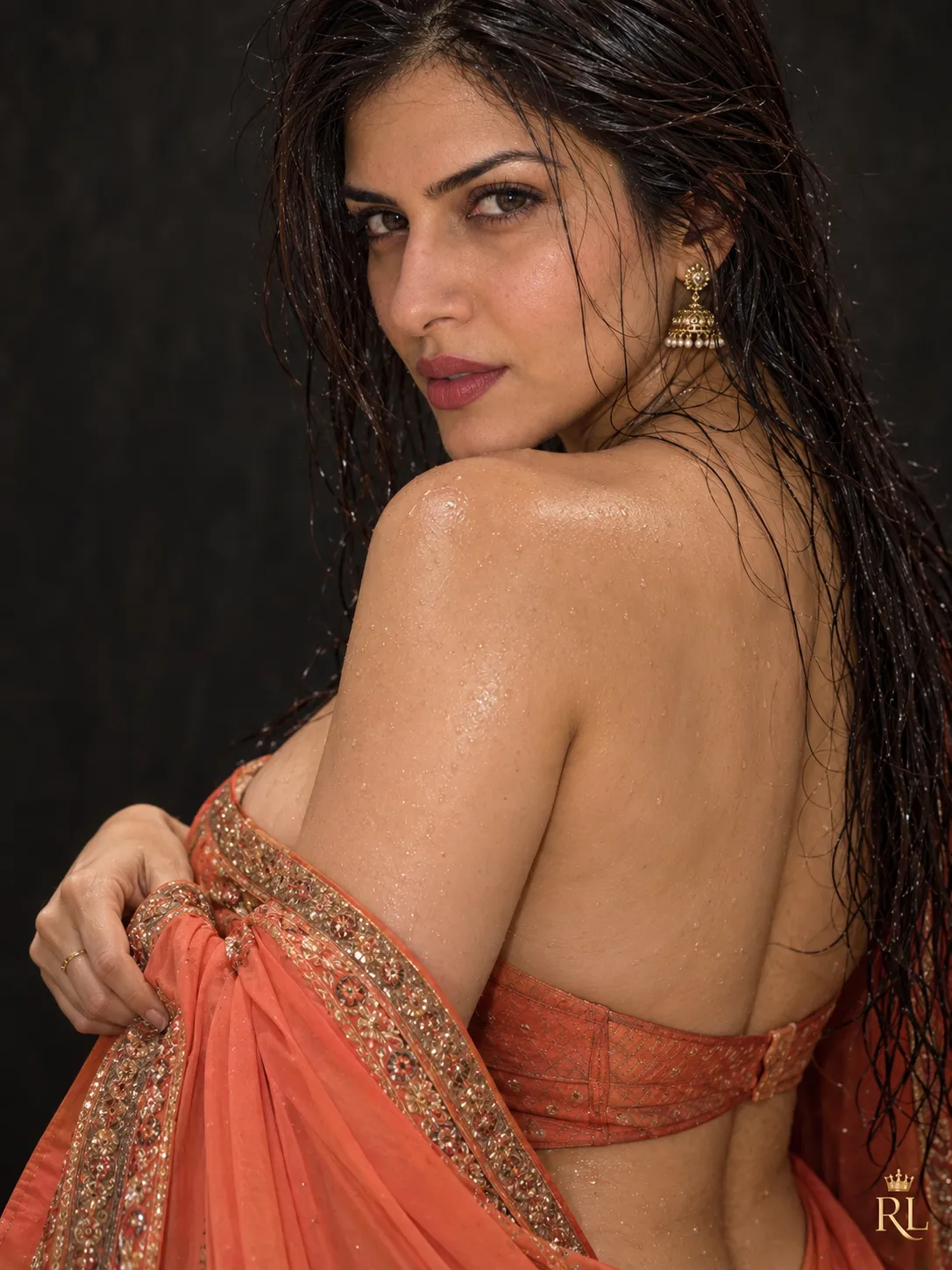
Create a realistic studio portrait of an Indian woman in an embroidered saree, with wet hair, warm cinematic lighting, and a crowned gold designer logo.
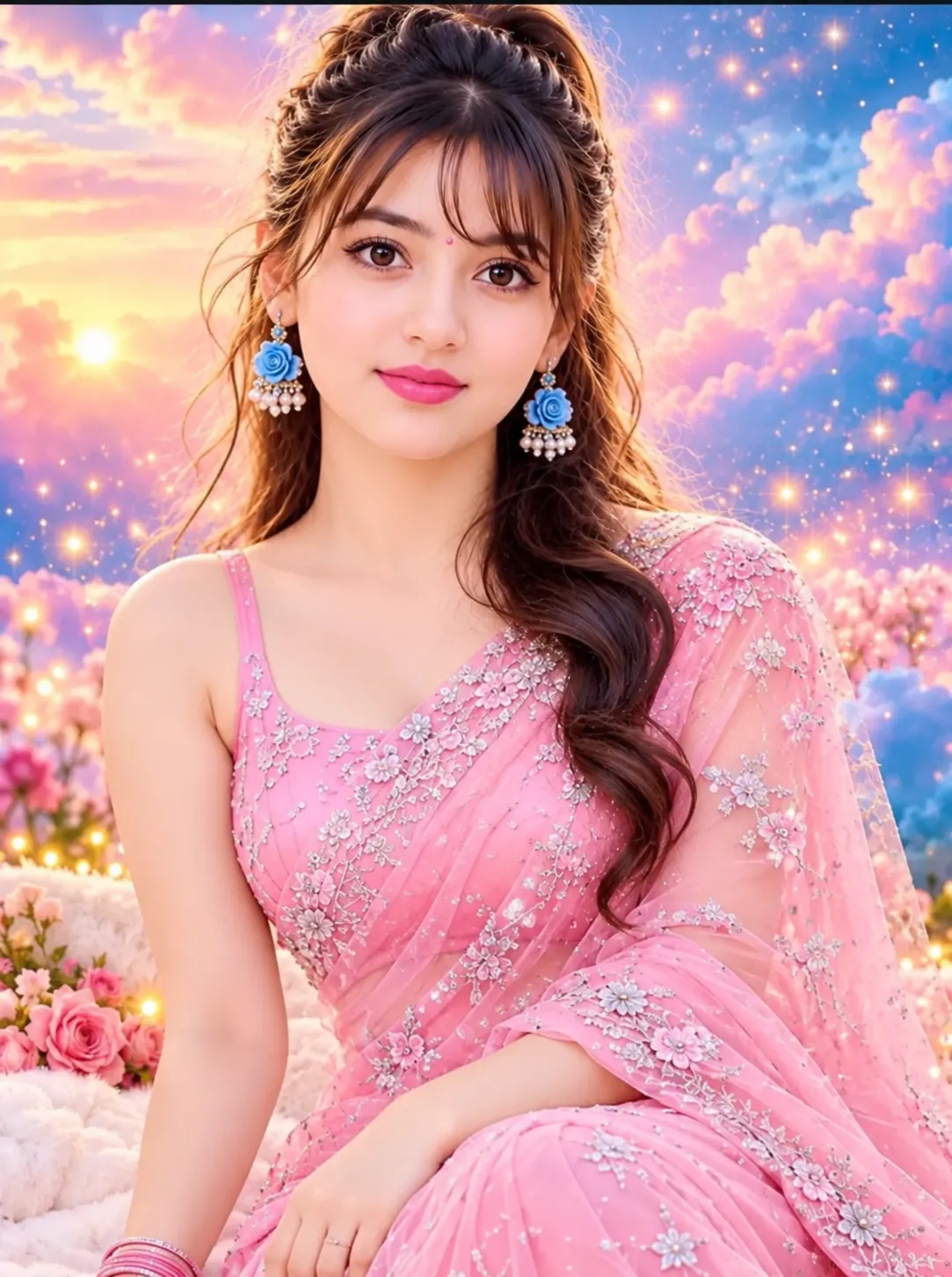
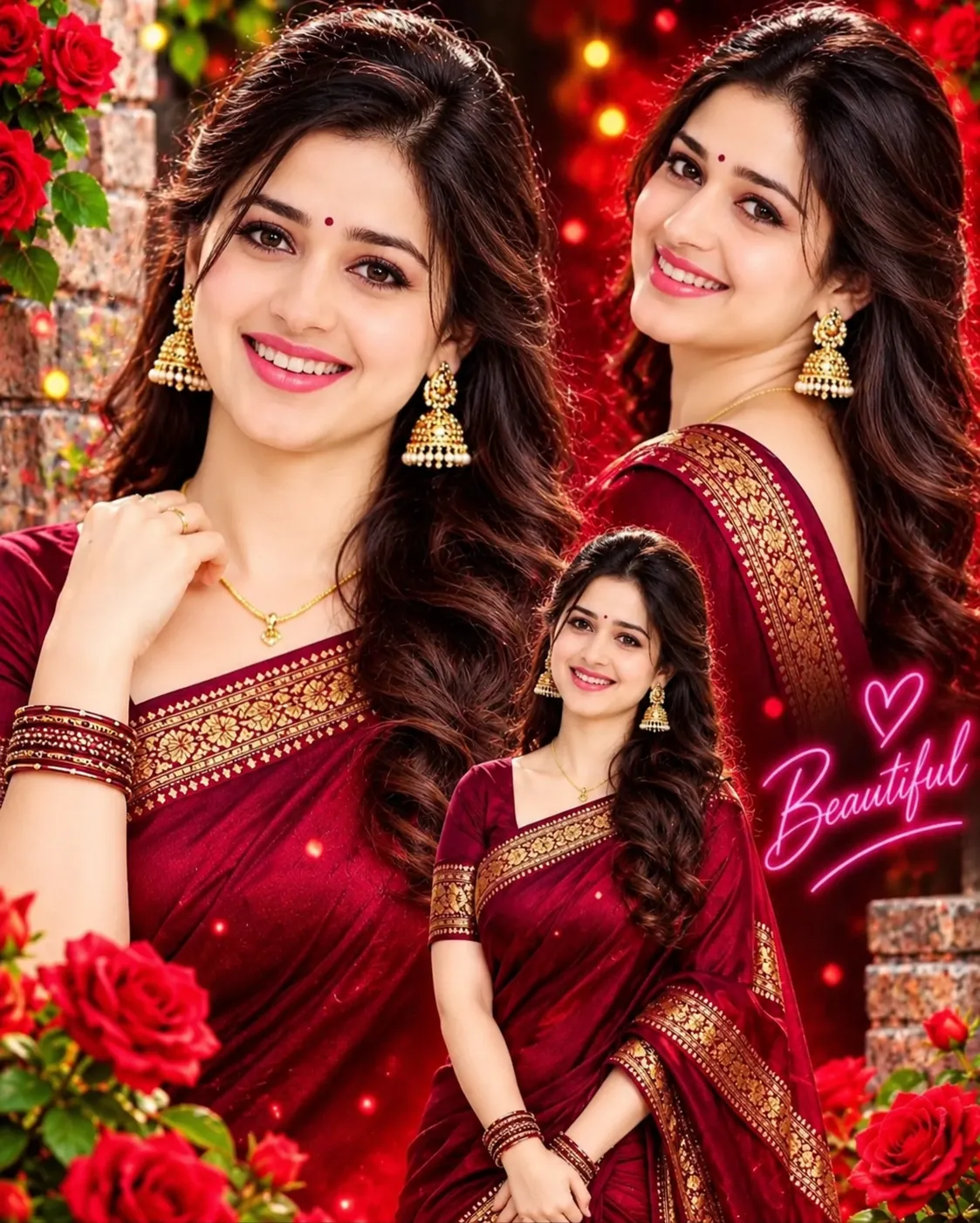
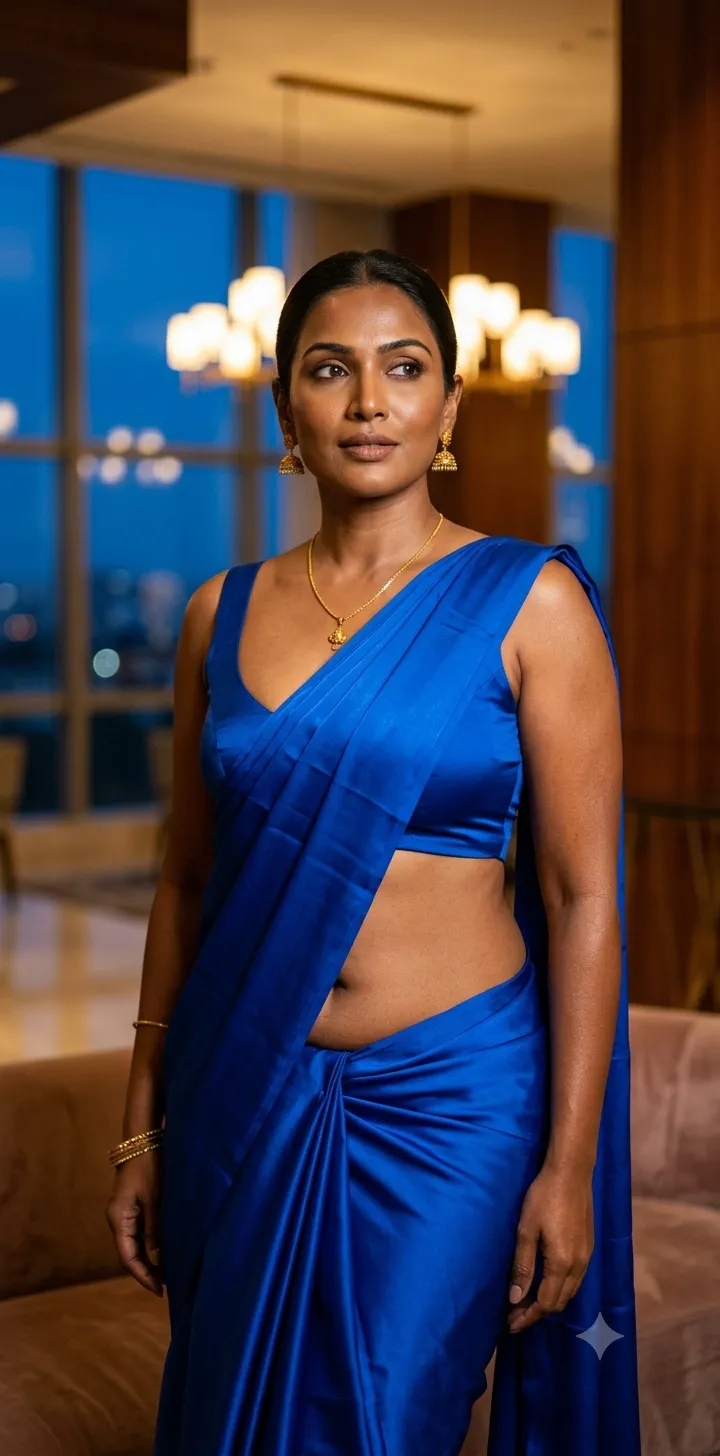
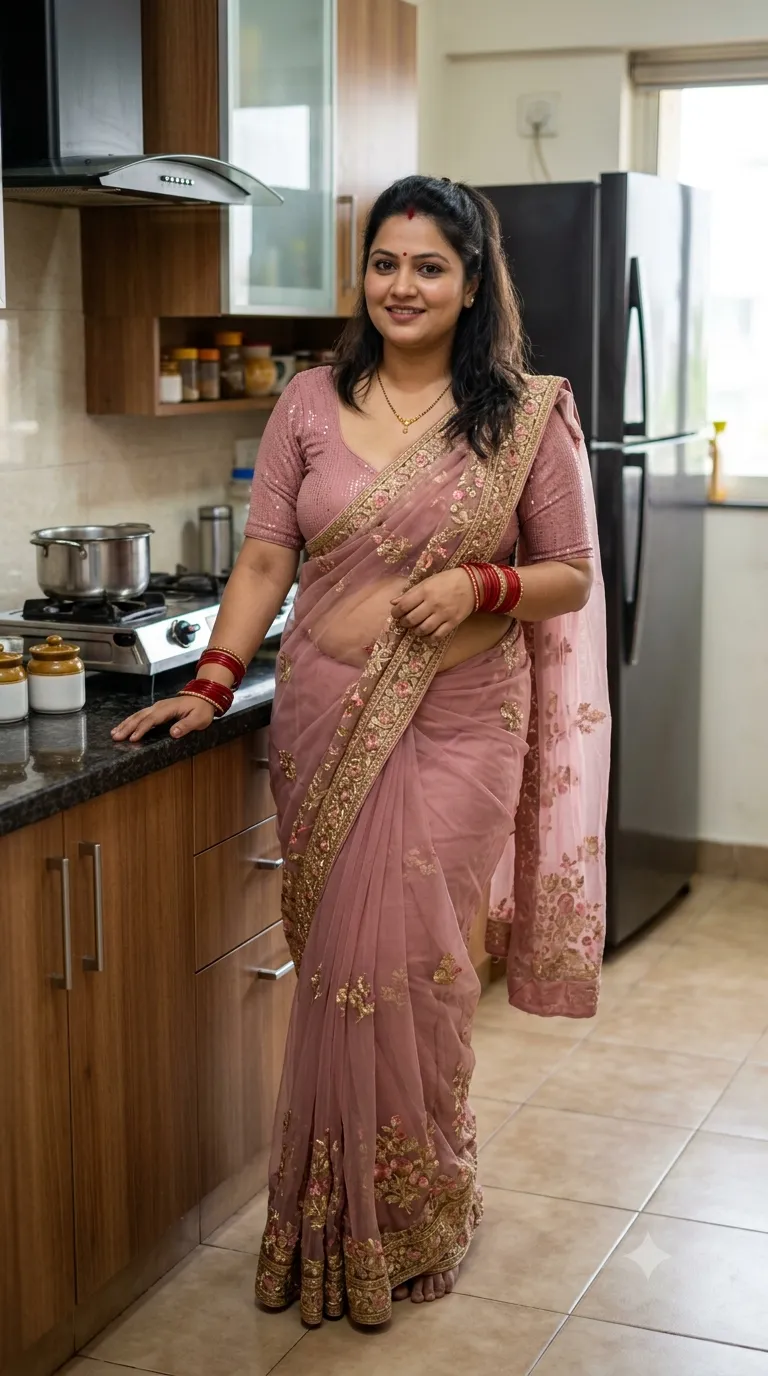
Example outputs
Prompt template
- Format
- Text Parameterized
- Inputs
- saree_color (text) · Optional · Default: coral-orange logo_text (text) · Optional · Default: RL
- Outputs
- studio_portrait (image)
Indian woman wearing a ${saree-color:coral-orange} traditional saree with intricate antique-gold embroidered borders and a matching backless blouse. Her long, wet dark hair falls naturally down her back, with delicate water droplets glistening on her skin. She looks over her shoulder directly at the camera with a confident, composed expression. Traditional gold jhumka earrings, subtle makeup, natural skin pores, realistic fabric texture and embroidery.

Dark charcoal studio backdrop, soft directional lighting, rich warm tones, authentic full-frame DSLR photography, intimate cinematic composition, no CGI or illustration, crowned gold “${logo-text:RL}” designer logo at bottom right.
Replace the ${…} placeholders with your values
before using this prompt. See parameters
and defaults below
Parameters
Replace each placeholder with your own value, or use its default when one is provided
${saree-color:coral-orange}
saree-color
Default: coral-orange
${logo-text:RL}
logo-text
Default: RL
What you'll create
A woman turns confidently toward the lens, with water droplets and natural skin catching soft directional light. Gold jhumka earrings and intricate warm fabric borders create the principal accents.
Frequently asked questions
Can the saree color be changed?
Yes; coral-orange is the default saree-color input.


Comments
Tried this prompt? Share what you made, compare results, or ask a question