Dynamic Watercolor Marker Portrait
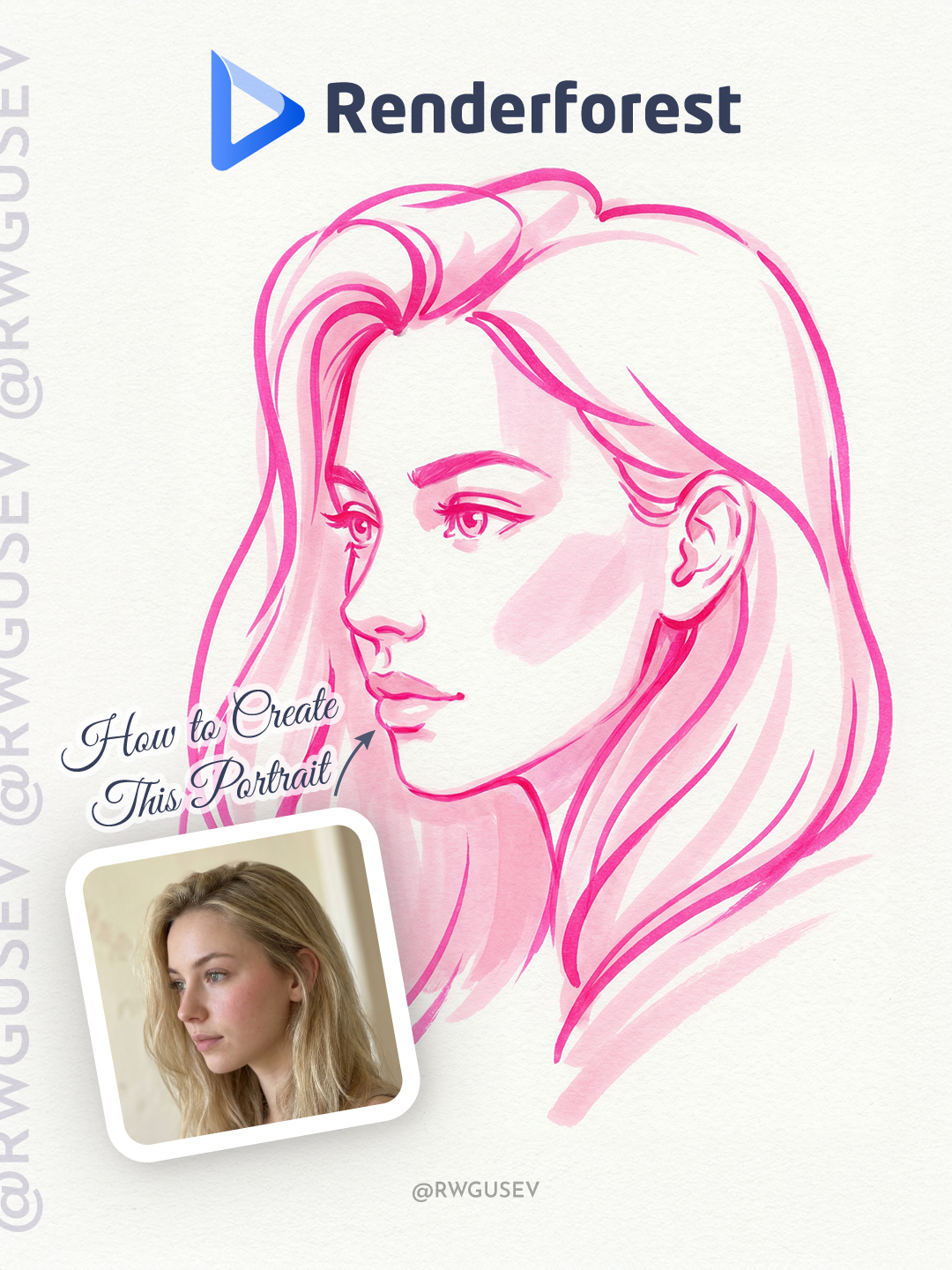
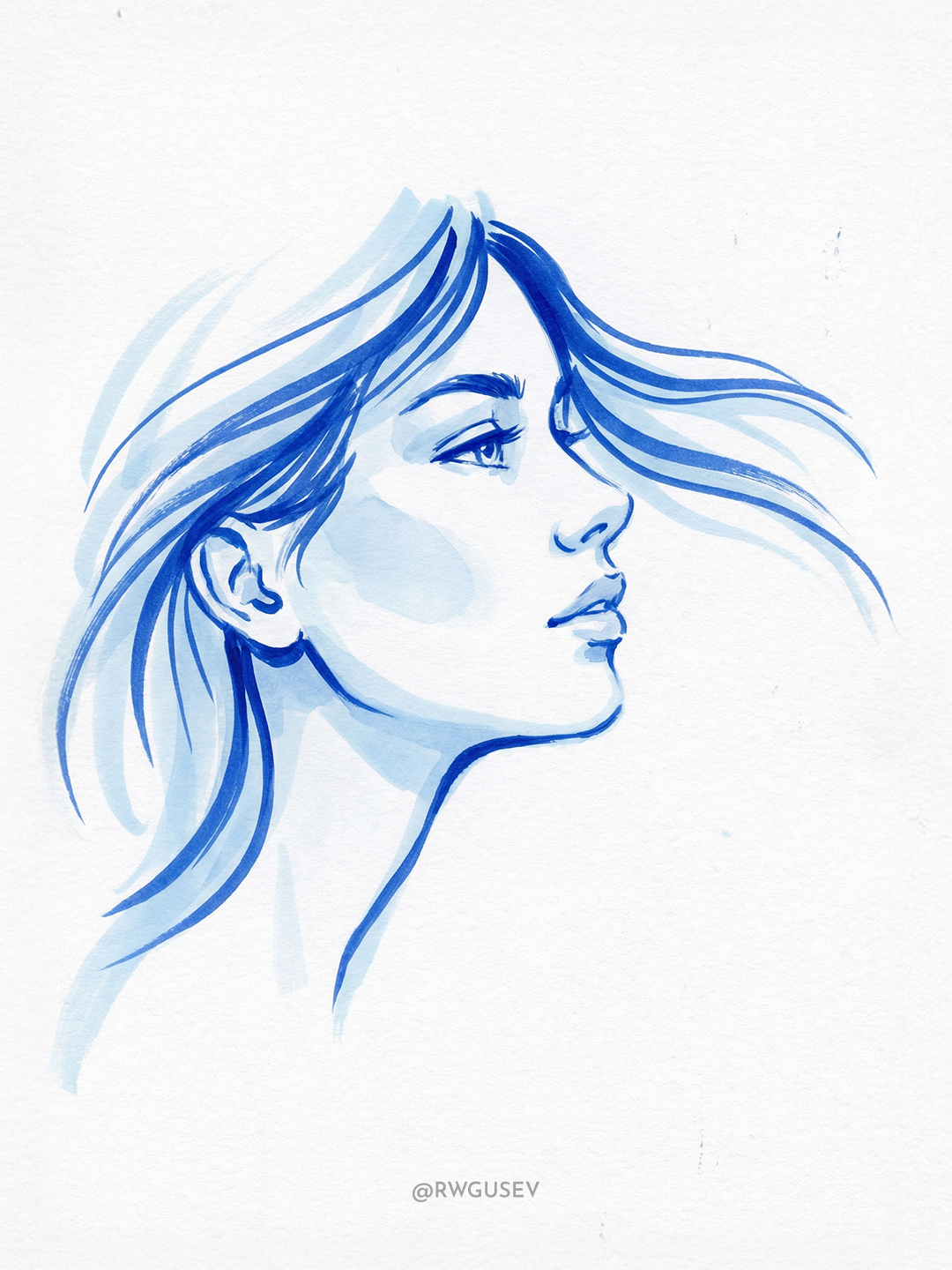
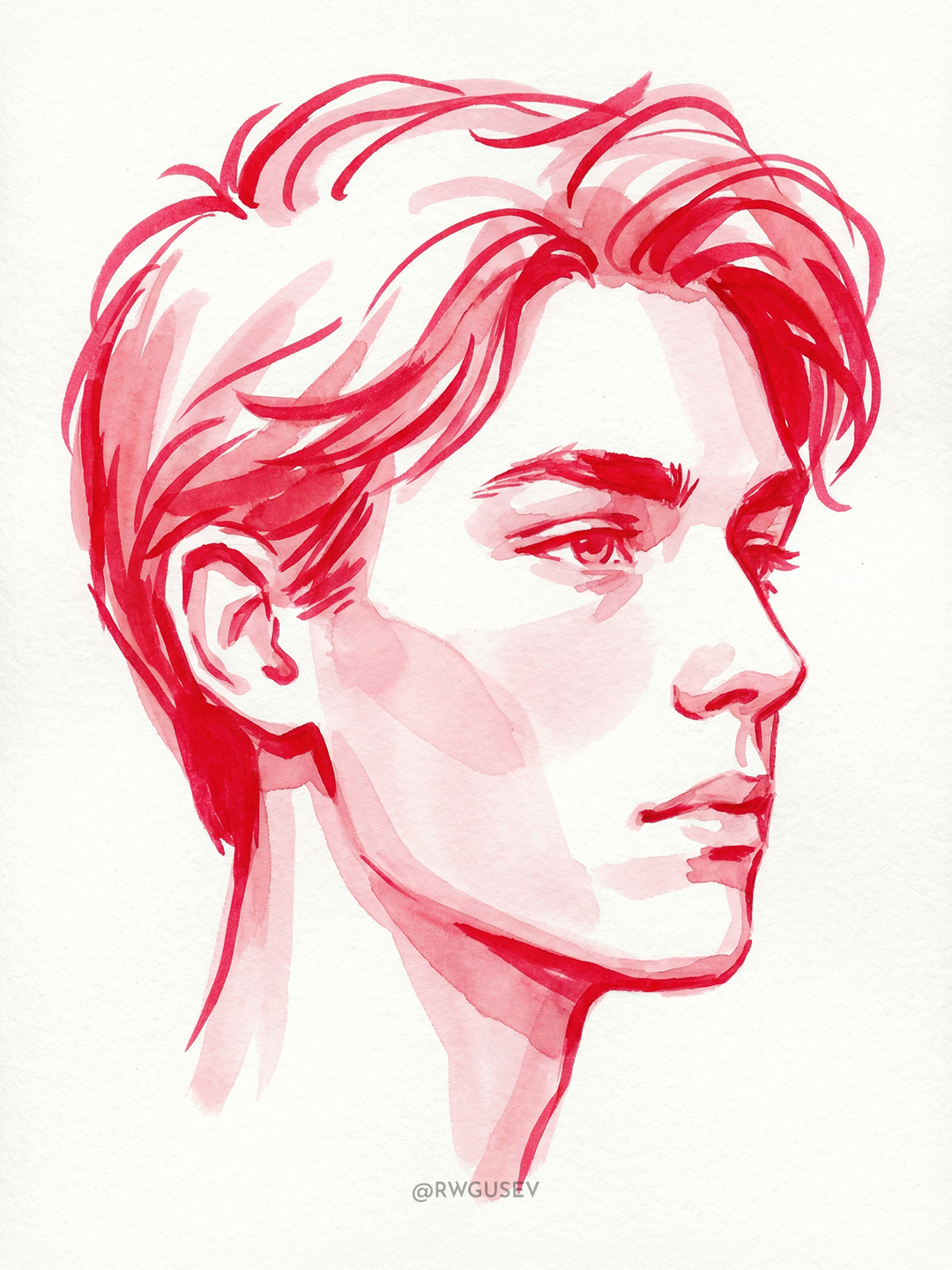
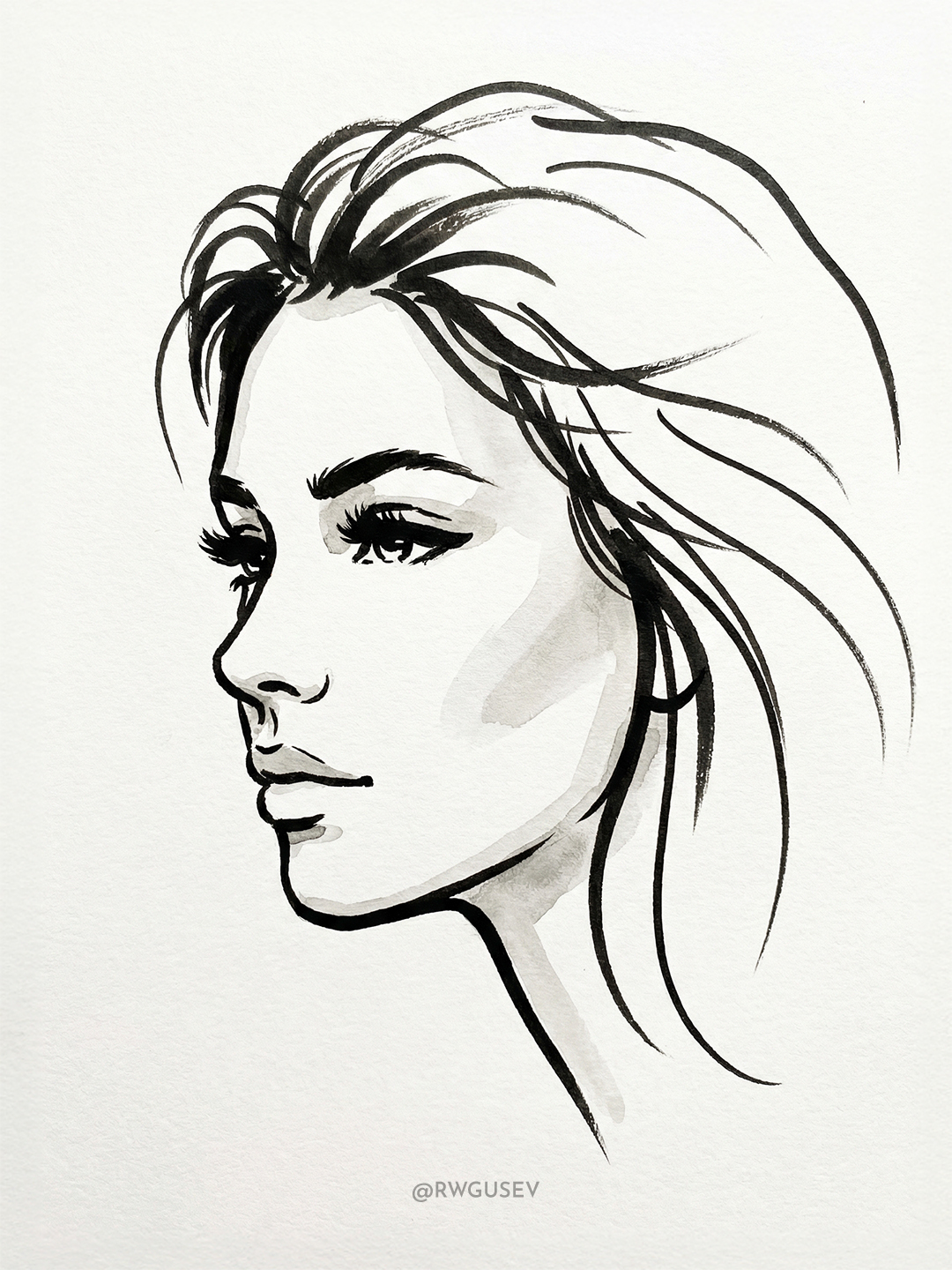
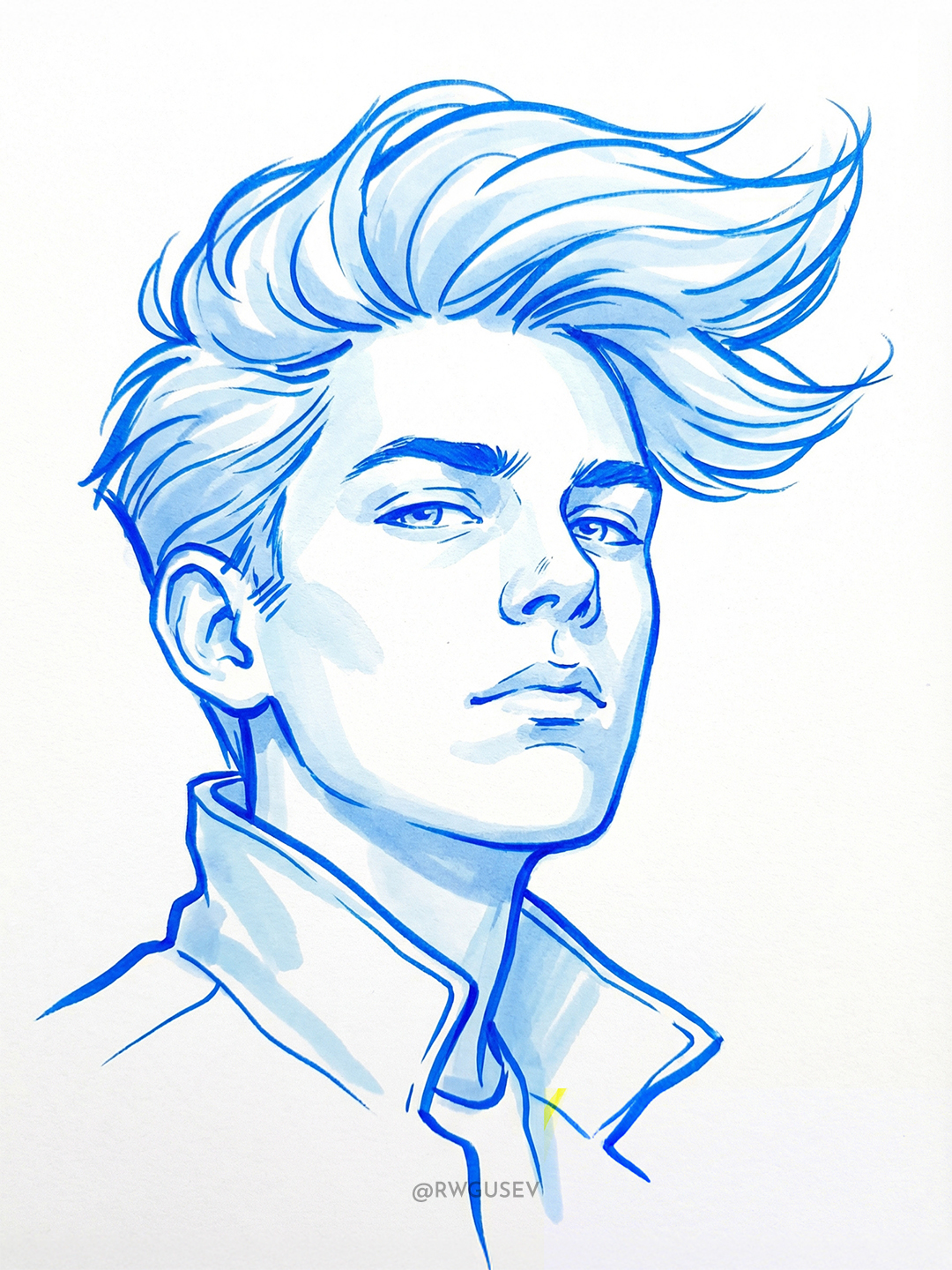
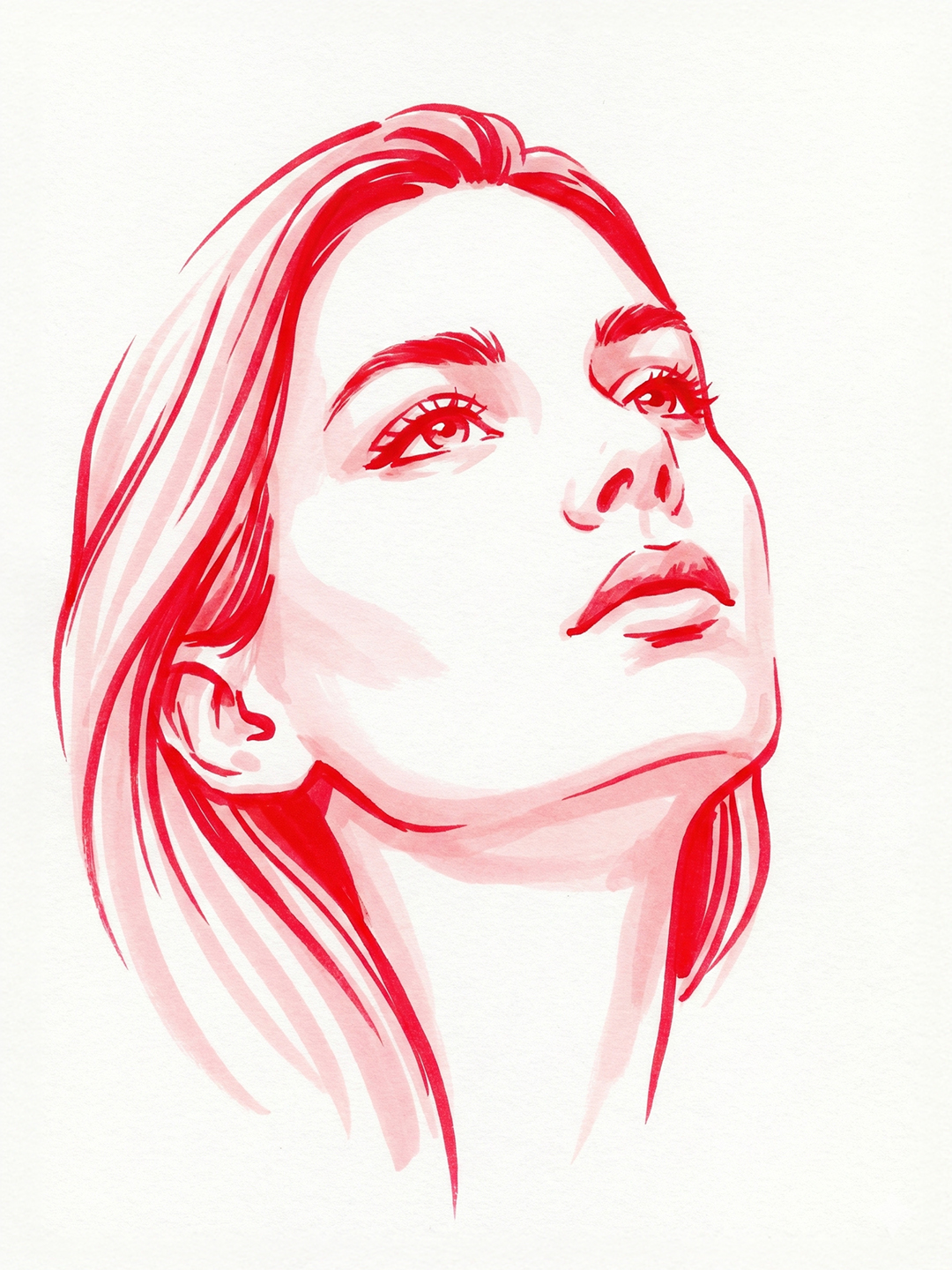
Turn a reference image into a bold, dynamic portrait drawn with watercolor markers, using one color family and generous white space.
Example outputs
Prompt template
- Format
- Text Parameterized
- Inputs
- Reference_image (image) · Required color (text) · Required
- Outputs
- Portrait (image)
Using the attached image as a reference, create a stylish, dynamic, stylized portrait of the person’s head, drawn with watercolor markers. Use only one ${color} color family in contrasting shades: a bright, vivid shade for the crucial contour lines and details, and a very light pastel shade for soft volume and shadows. Maximize the use of white paper as negative space.

Use no dark colors. Keep marker strokes from overlapping, and use long, smooth, dynamic lines wherever possible. Choose a stylish perspective and camera angle. Include only essential details. Show a slight paper texture beneath the strokes; keep the rest clean white. Make the result bold, graphic, and vivid.
Replace the ${…} placeholders with your values
before using this prompt. See parameters
and defaults below
Parameters
Replace each placeholder with your own value, or use its default when one is provided
${color}
color
Required
What you'll create
Smooth dynamic marker lines describe the reference person with bright contours and pale volume. Visible paper texture and minimal essential detail keep the portrait bold and airy.
Frequently asked questions
Are dark shades requested?
No dark colors are allowed.
How are the two shade levels used?
A vivid shade draws contours while a very light pastel shade suggests shadows and volume.



Comments
Tried this prompt? Share what you made, compare results, or ask a question