AR/VR Educational Video Prompt
Create a focused educational AR/VR video prompt using a subject, action, location, mood, camera movement, and learning purpose.
Example outputs
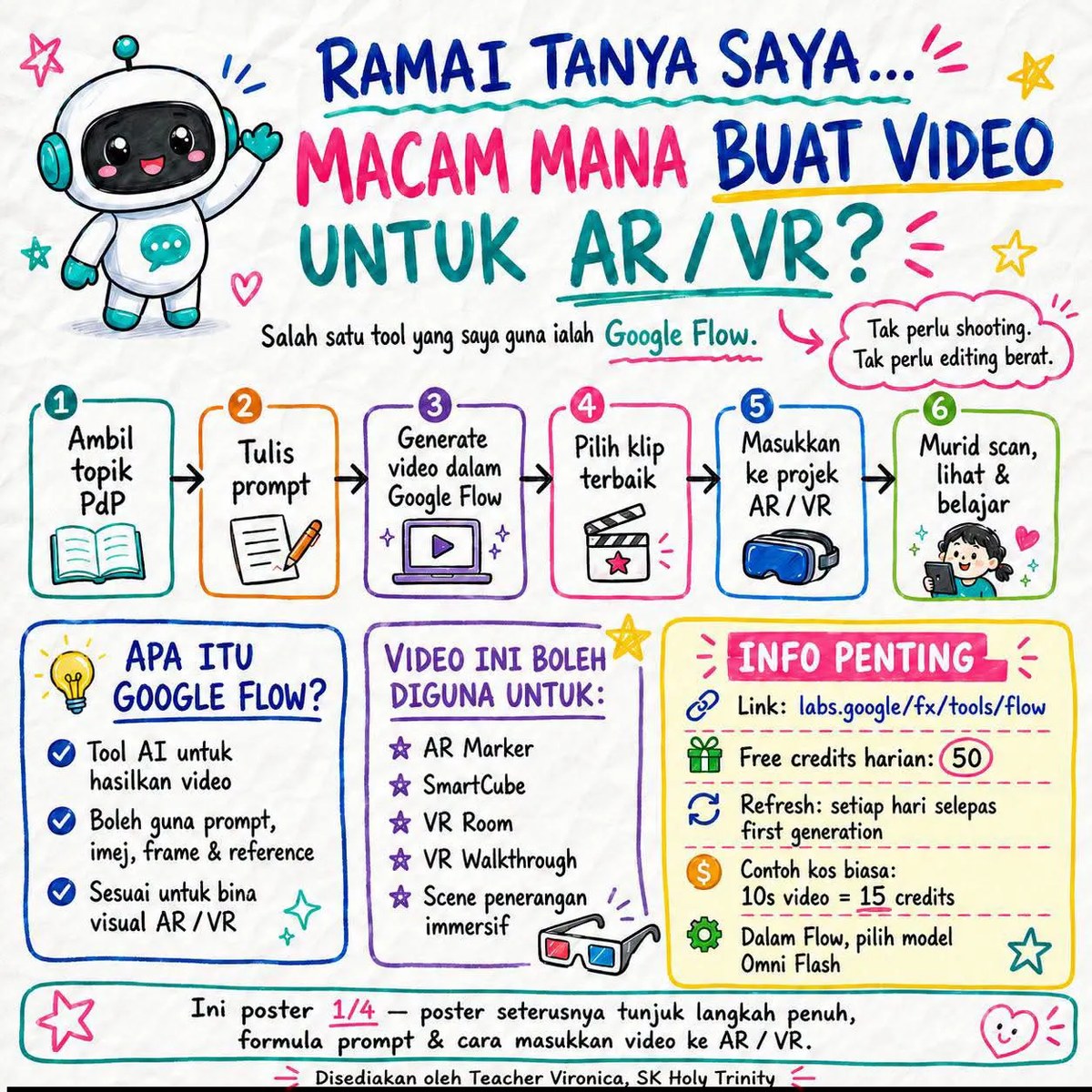
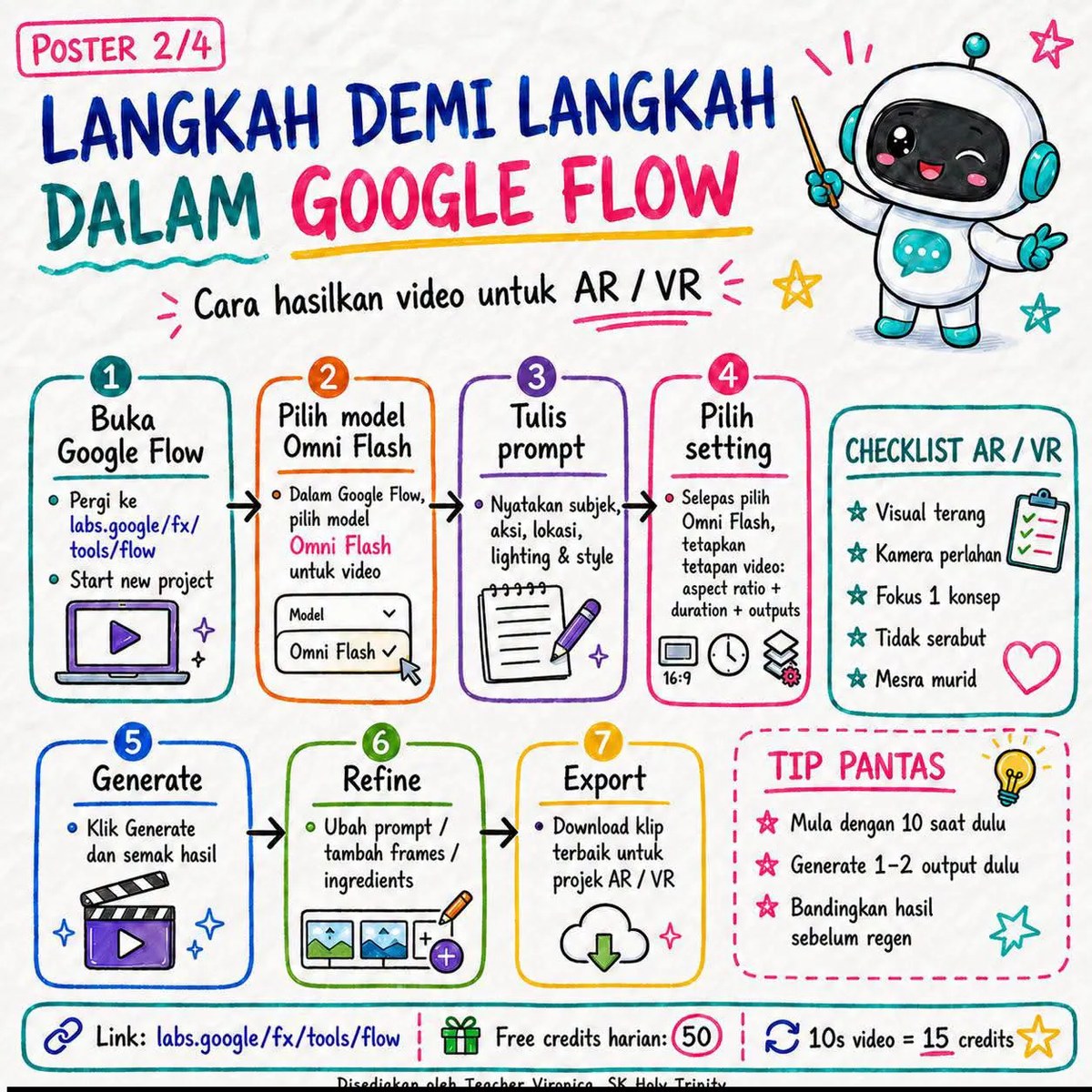
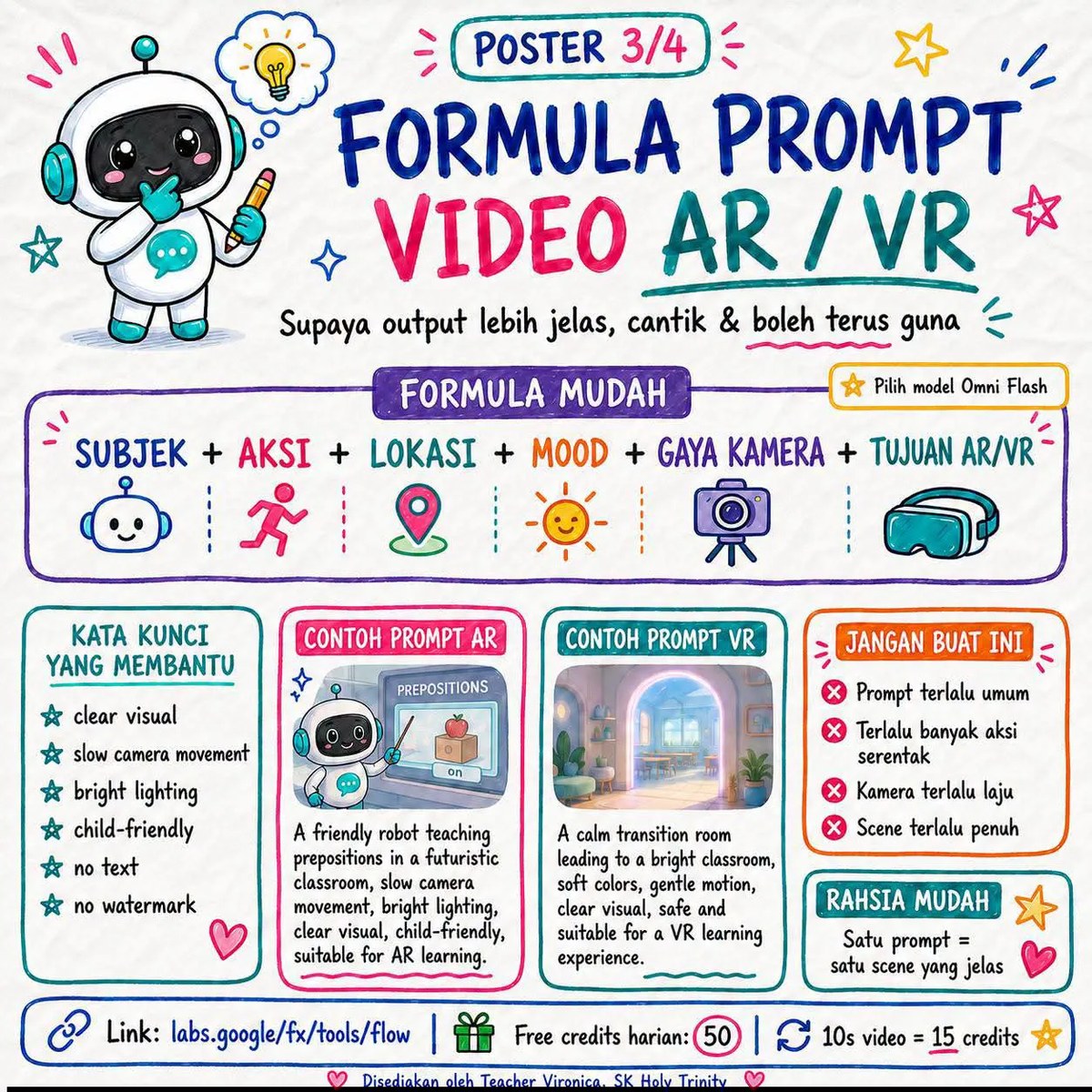
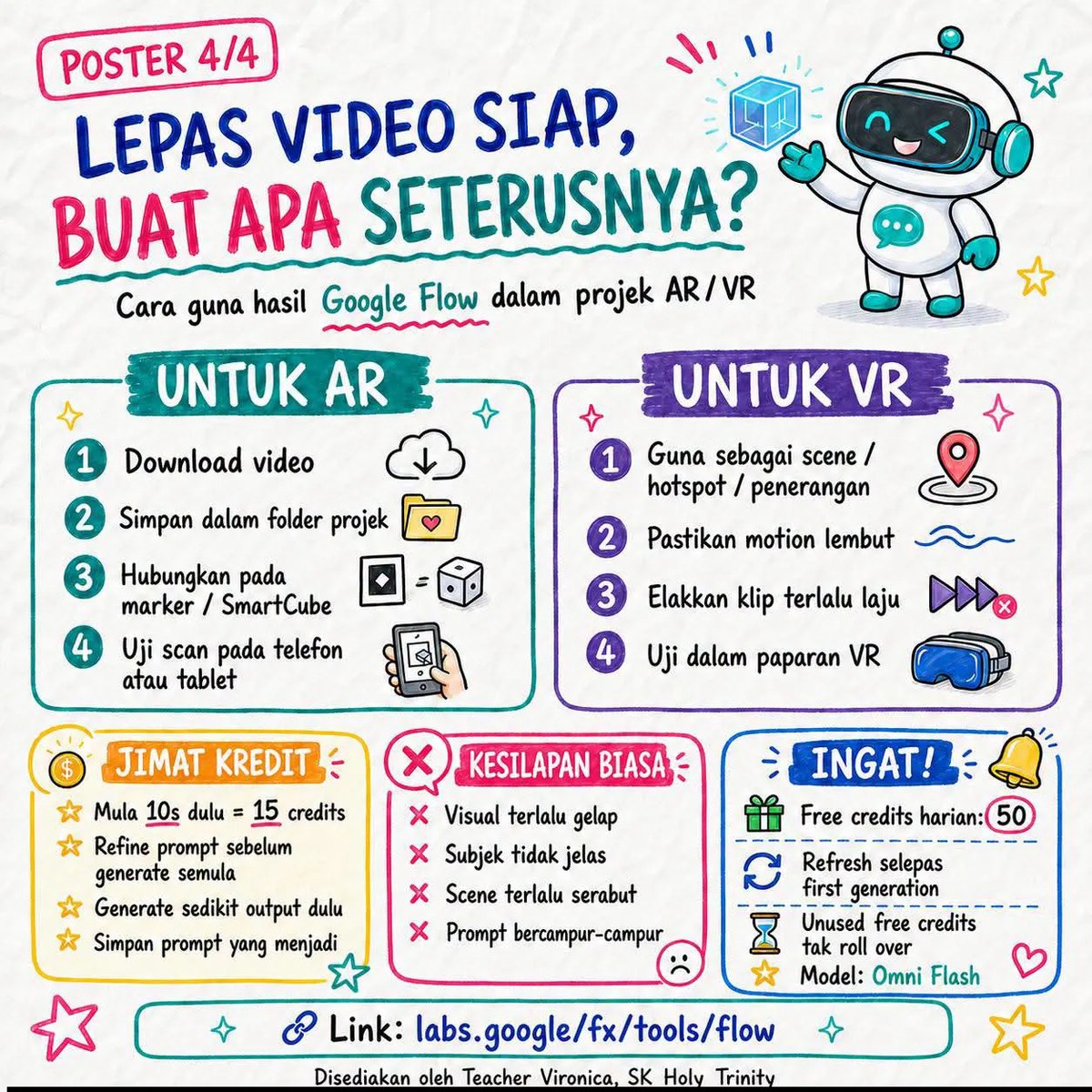
Prompt template
- Format
- Text Parameterized
- Inputs
- subject (text) · Required action (text) · Required location (text) · Required mood (text) · Required camera_movement (text) · Optional · Default: slow camera movement learning_purpose (text) · Required
- Outputs
- ARVr_educational_video (video)
Create one AR/VR educational video in Google Flow using these details:
- Subject: ${subject}
- Action: ${action}
- Location: ${location}
- Mood: ${mood}
- Camera movement: ${camera-movement:slow camera movement}
- Learning purpose or concept: ${learning-purpose}

Keep the video focused on one learning concept. Use bright, clear visuals and slow camera movement to help prevent viewer discomfort.
Replace the ${…} placeholders with your values
before using this prompt. See parameters
and defaults below
Parameters
Replace each placeholder with your own value, or use its default when one is provided
${subject}
subject
Required
${action}
action
Required
${location}
location
Required
${mood}
mood
Required
${camera-movement:slow camera movement}
camera-movement
Default: slow camera movement
${learning-purpose}
learning-purpose
Required
What you'll create
The supplied subject, action and location become a bright educational scene. Slow camera movement supports understandable viewing with reduced discomfort.
Frequently asked questions
Can multiple unrelated lessons be combined?
No. It stays focused on one concept.
What camera pace is requested?
Slow and clear.


Comments
Tried this prompt? Share what you made, compare results, or ask a question