Sharpen a Portrait While Preserving Natural Skin
Generate selective portrait-sharpening guidance that improves detail without making skin look artificial.
Prompt template
- Format
- Text Parameterized
- Inputs
- blurred_area (text) · Required
- Outputs
- sharpening_prompt (text)
Act as a portrait-restoration expert who understands the difference between proper sharpening and over-sharpening that makes a photo look artificial. My photo is blurry in this area: ${blurred-area}. Write a detailed prompt for selective sharpening. Explain how to sharpen the eyes and eyebrows without making the skin look plastic, preserve natural skin texture while increasing overall sharpness, and clarify hair strands.Replace the ${…} placeholders with your values
before using this prompt. See parameters
and defaults below
Parameters
Replace each placeholder with your own value, or use its default when one is provided
${blurred-area}
blurred-area
Required
What you'll create
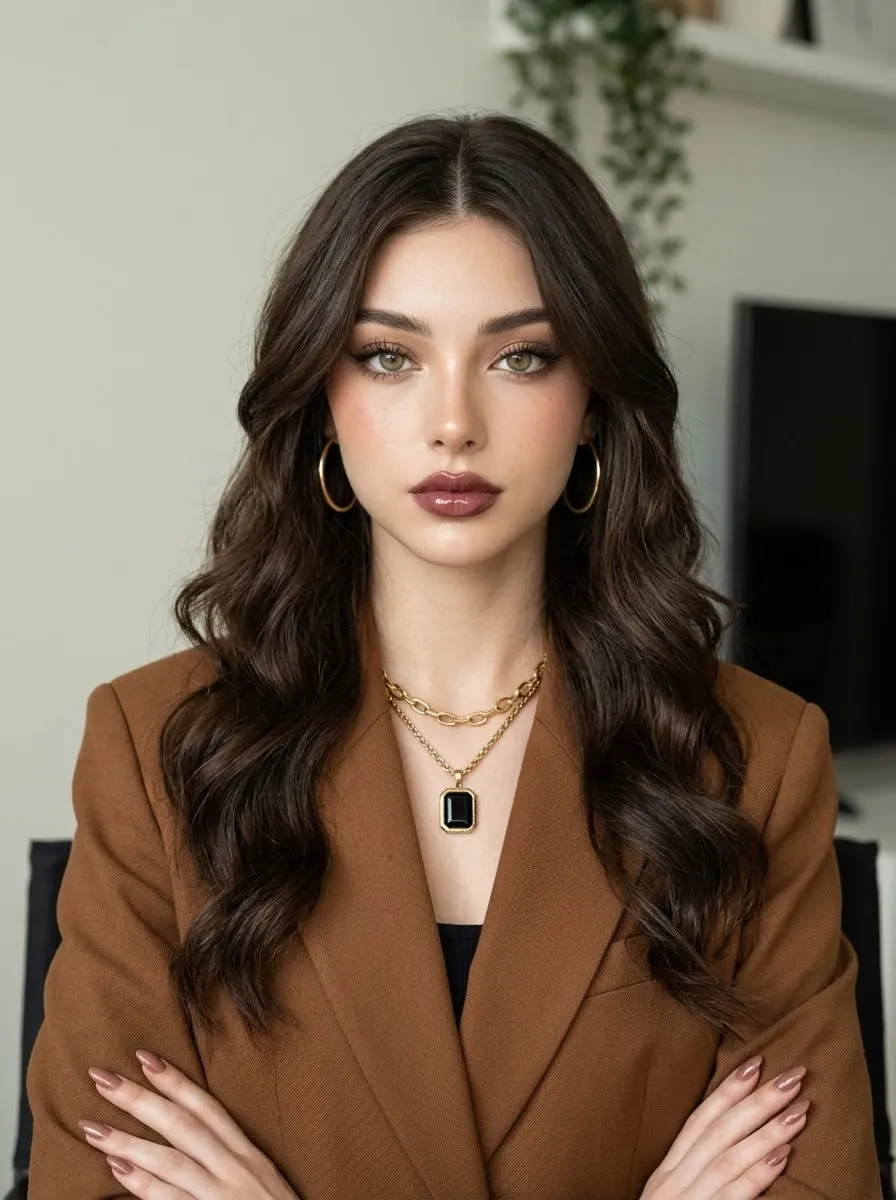
A selective restoration prompt strengthens important facial and hair details without giving the skin a plastic or overprocessed appearance.
Frequently asked questions
Should all skin texture be smoothed away?
No, the source explicitly preserves natural skin texture.


Comments
Tried this prompt? Share what you made, compare results, or ask a question