Create a 10-Second Product Review Storyboard and Video
Generate a six-scene storyboard image, then use it with the product image and a video prompt and script to create a 10-second, 9:16 product video.
By Threads — Published on
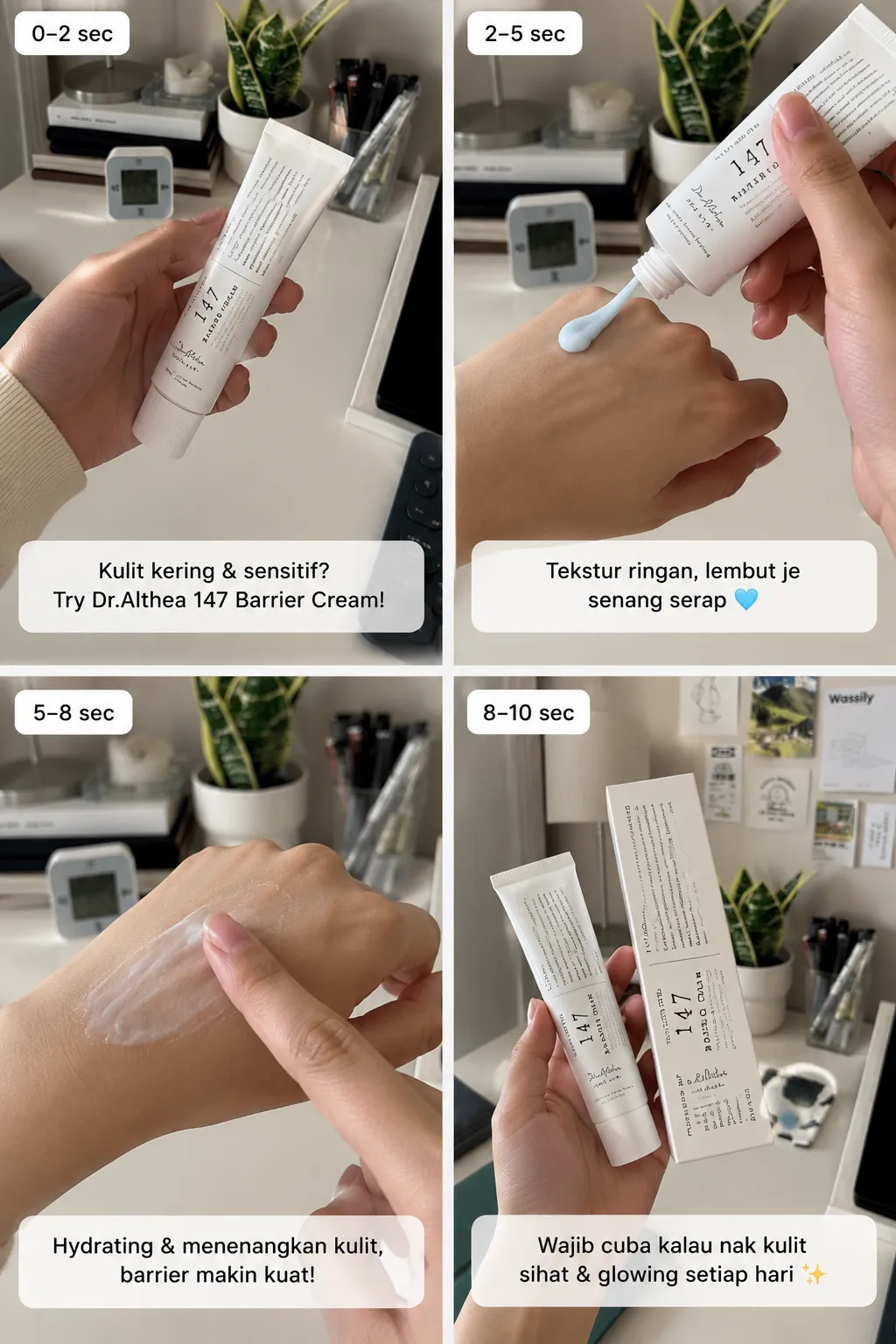
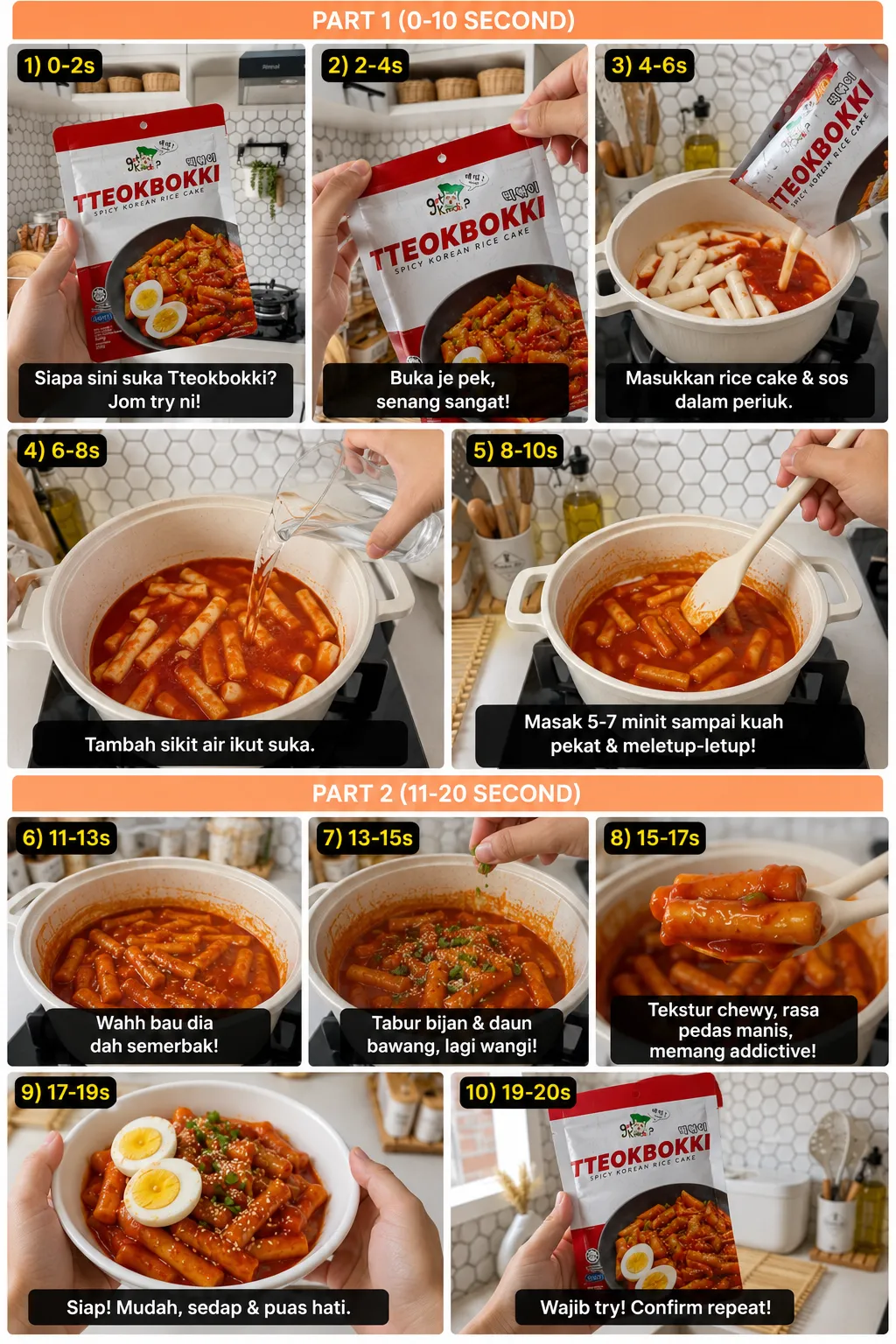
Example results
Screenshots


Prompt template
Using the attached product image, create a POV-style product review storyboard for ${product:a mop}. Make exactly 6 scenes for a 10-second video, focusing on the product’s USP: ${usp:lightweight and efficient}. Generate the storyboard as an image.

Then write a video-generation prompt and a spoken script for a 10-second product video. Use this line as the core message: “${voiceover-line:Anyone who wants a lightweight but efficient mop needs this!}”

In Google Flow, choose Video — Omni Flash. Attach the storyboard image and product image, then provide the video prompt and script. Set the aspect ratio to 9:16, duration to 10 seconds, and quantity to 1 video.
Parameters
${product:a mop}
product
Default: a mop
${usp:lightweight and efficient}
usp
Default: lightweight and efficient
${voiceover-line:Anyone who wants a lightweight but efficient mop needs this!}
voiceover-line
Default: Anyone who wants a lightweight but efficient mop needs this!



Comments — 0