- Category
- Photography
Photorealistic Black-and-White Over-the-Shoulder Portrait
Create a softly lit, photorealistic fashion portrait using an uploaded portrait as a strict appearance reference.
By Threads — Published on
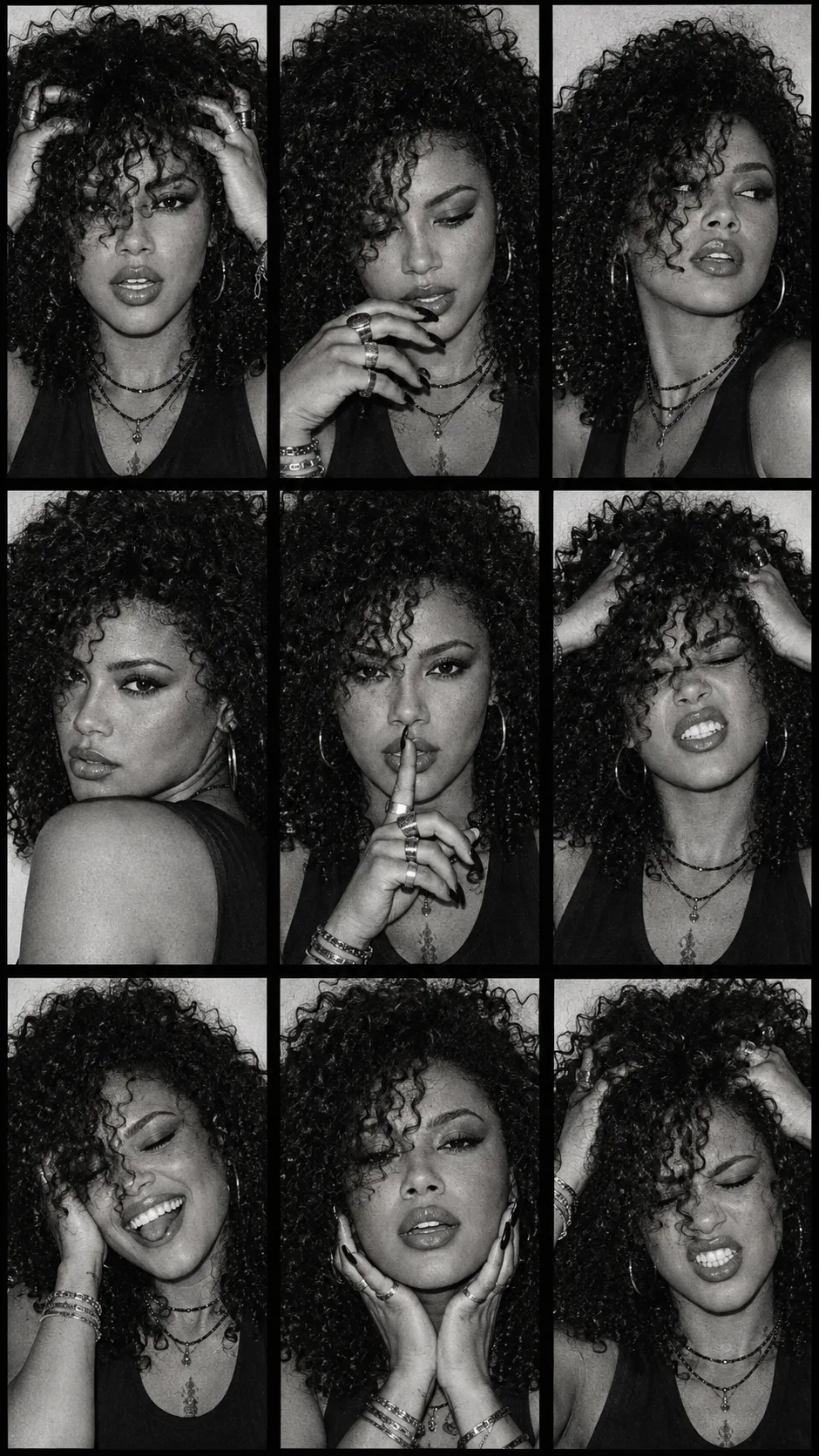
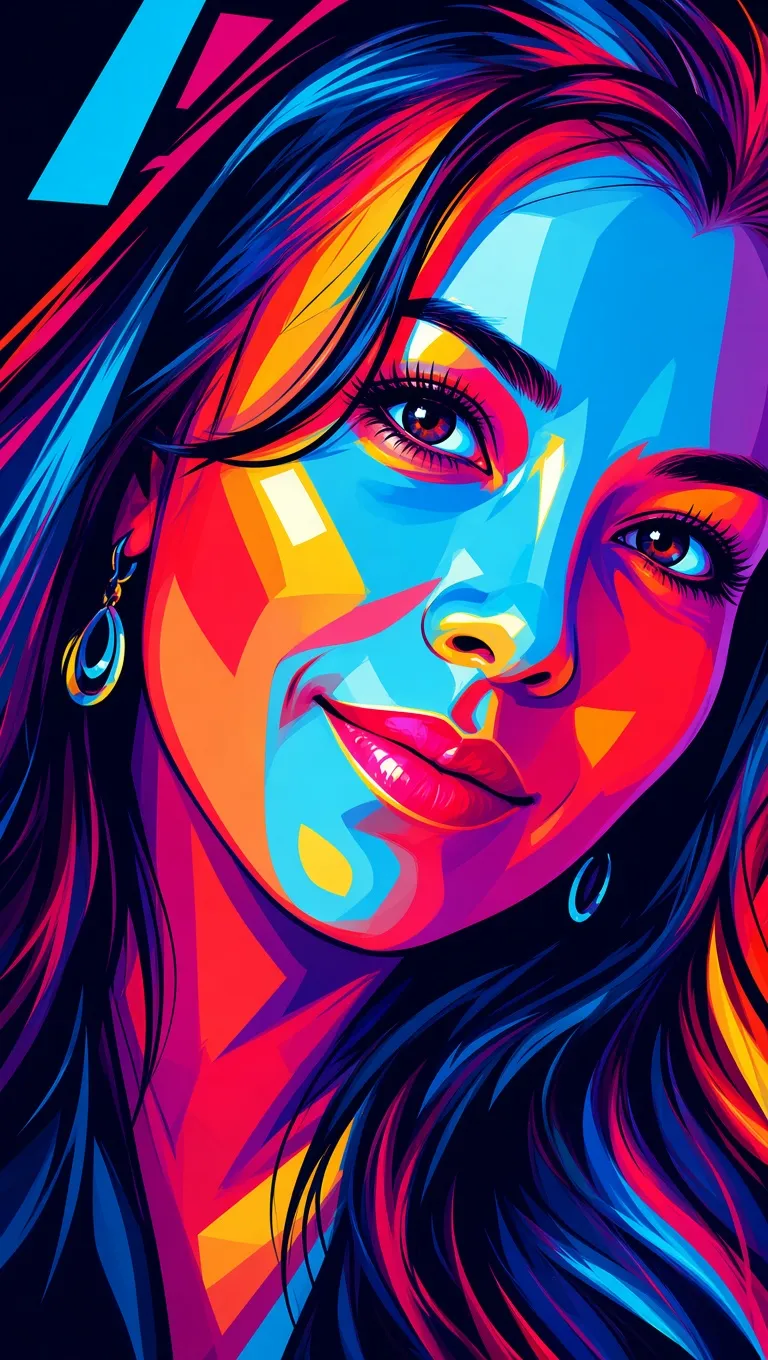
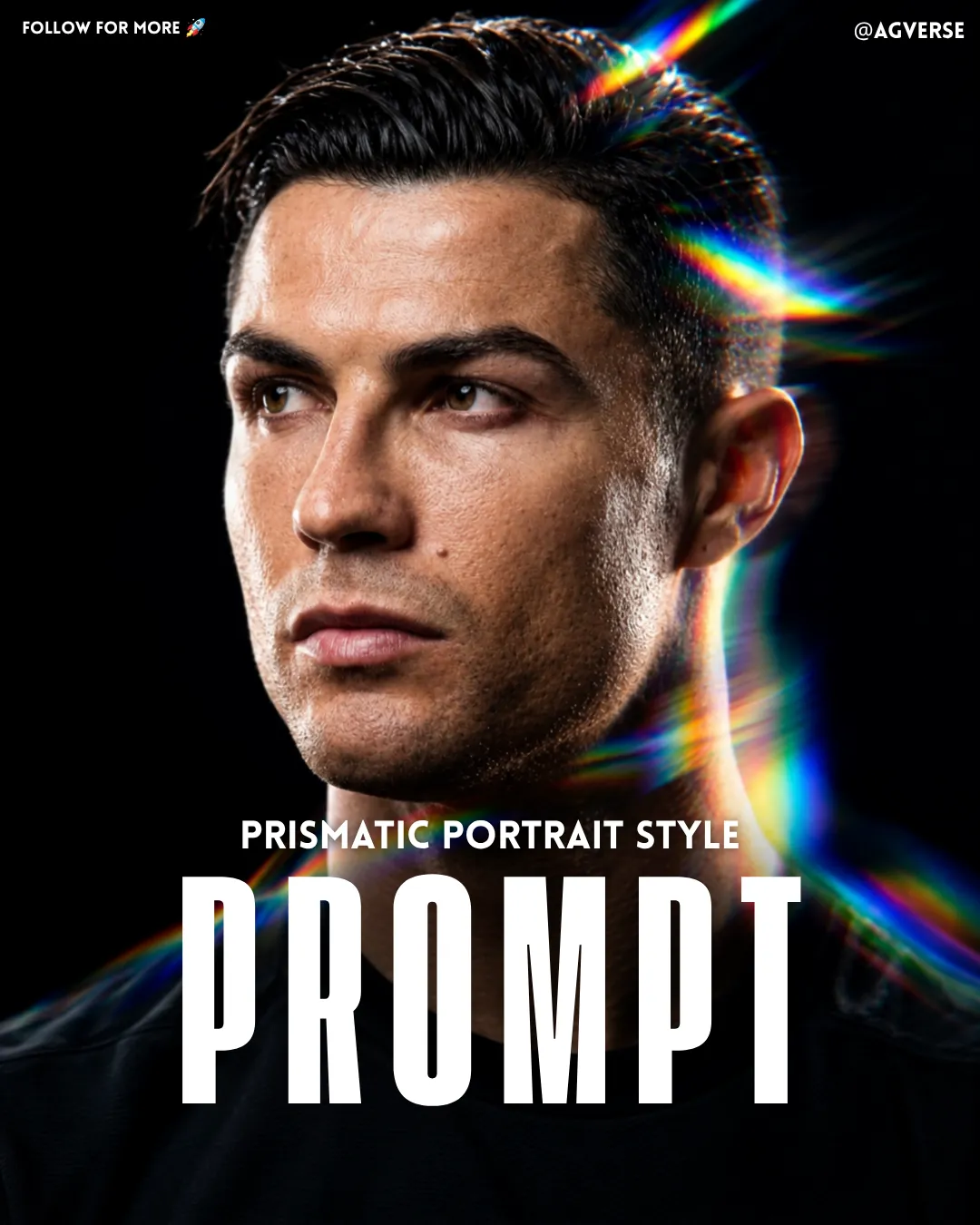
Example images

Prompt template
- Format
- Text Parameterized
- Inputs
- Reference_portrait (image) · Required aspect_ratio (text) · Optional · Default: 9:16
- Outputs
- Portrait (image)
Replace the ${…} placeholders with your values
before using this prompt. See parameters
and defaults below.
Create a photorealistic black-and-white portrait in a ${aspect-ratio:9:16} aspect ratio. Use the uploaded portrait as a strict reference for appearance, preserving the person’s facial features, age, and proportions.

Frame a close-up from behind, over the shoulder. Turn the body three-quarters away from the camera, with the nearer shoulder filling the lower part of the frame. Turn the head back toward the lens, with the face pointing to the left side of the frame, chin slightly raised, and lips slightly parted. Position the camera at face level.

Dress the person in a voluminous leather jacket with vintage distressing, a high collar, broad shoulders, and long shoulder tabs fastened with snaps. Add wide, ribbed half-hoop earrings and narrow, rectangular black glasses with completely opaque lenses. Style the dark chestnut hair smoothly in a low ponytail, without flyaways or micro-detailing.

Use a light, blurred background, soft side lighting, deep, clean shadows, and delicate highlights on the skin and jacket. Create the atmosphere of a relaxed fashion shoot, with natural skin texture and slight photographic softness. No text or extra accessories.
Parameters
Replace each placeholder with your own value, or use its default when one is provided.
${aspect-ratio:9:16}
aspect-ratio
Default: 9:16





Comments — 0