- Category
- Design & Image
Two-Panel Screen-Printed Scale-Contrast Poster
Create a separate 3:4 vertical poster for each uploaded photo, pairing a lightly adjusted photo panel with a minimalist, screen-printed graphic of the same subject in a vast field of motion.
By Threads — Published on — Modified on
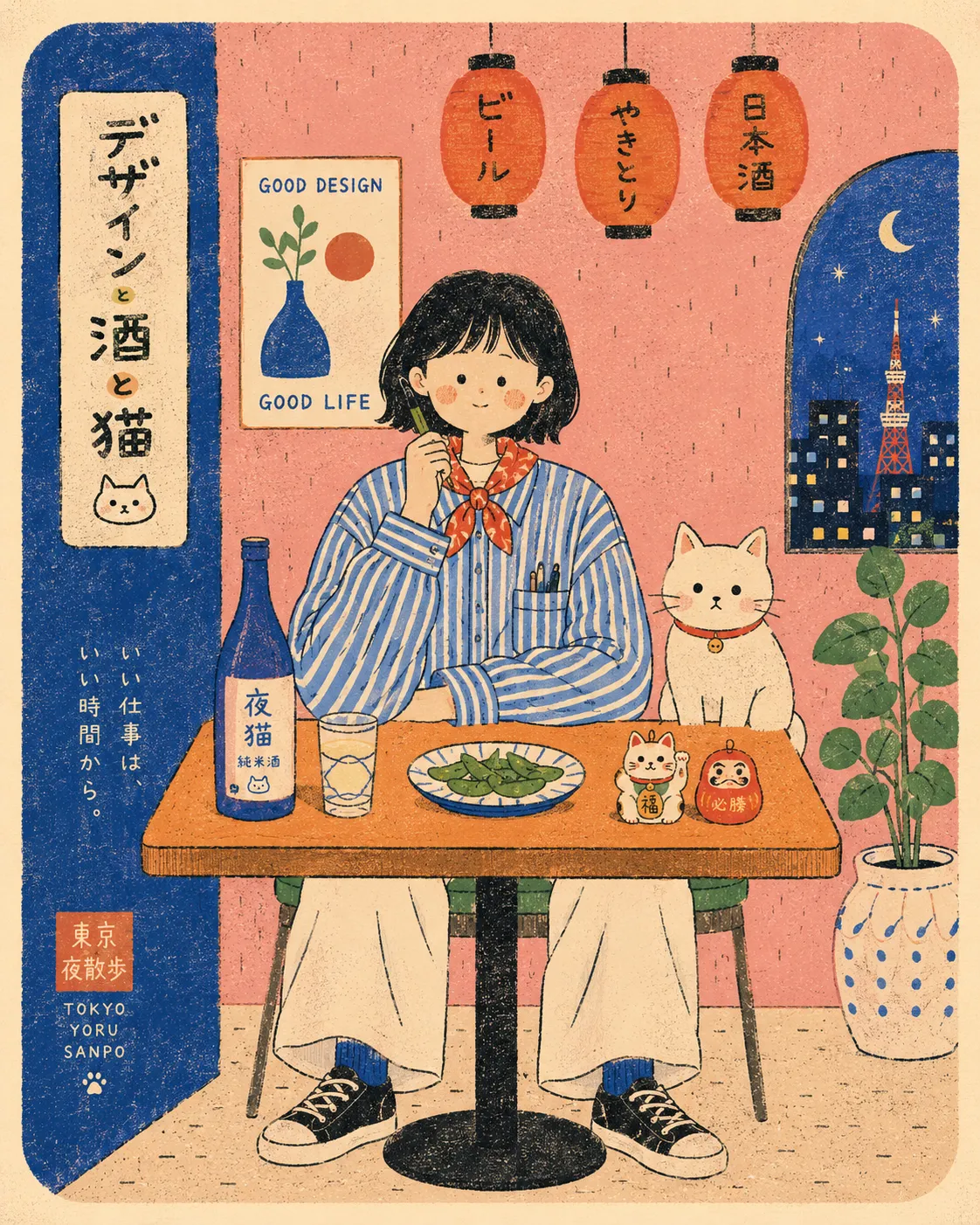
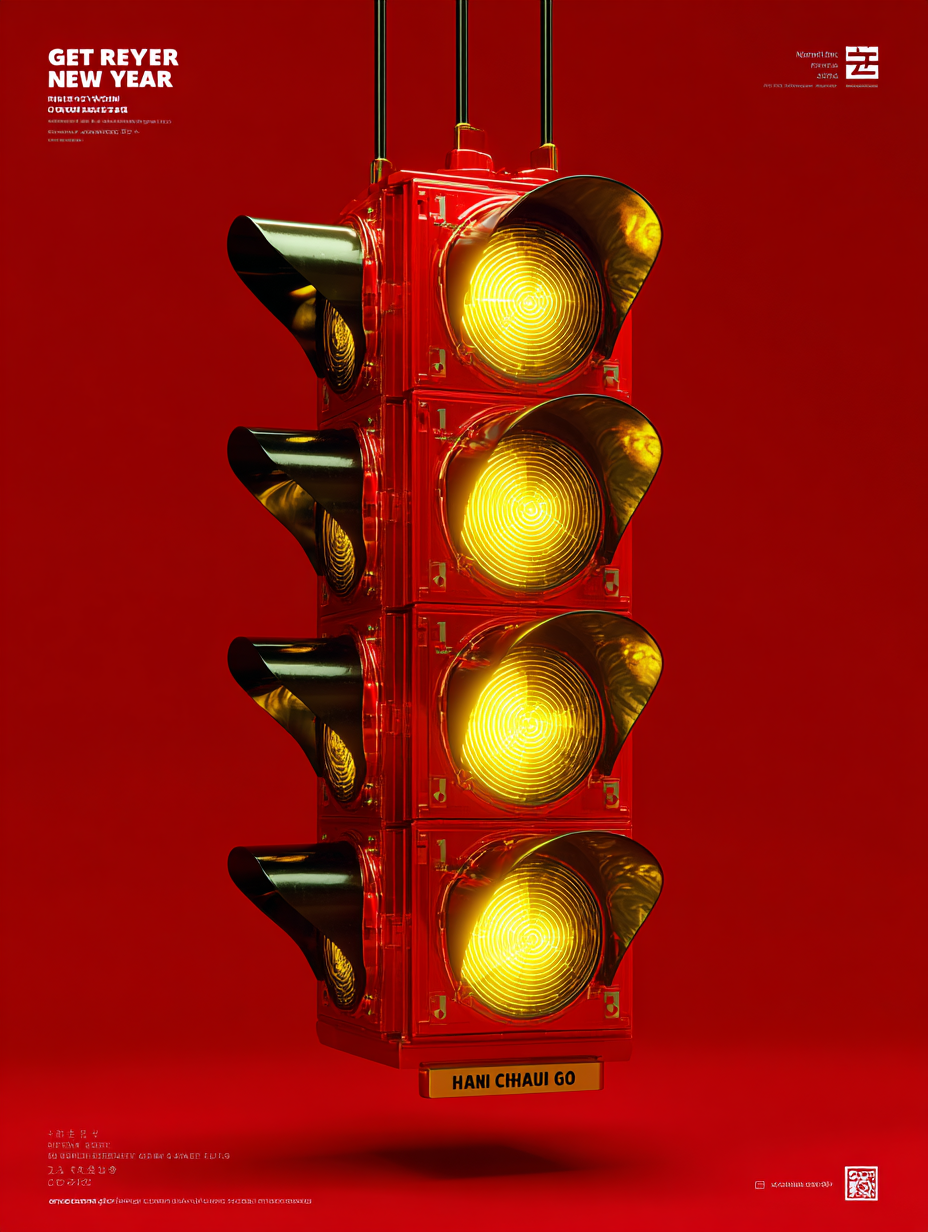
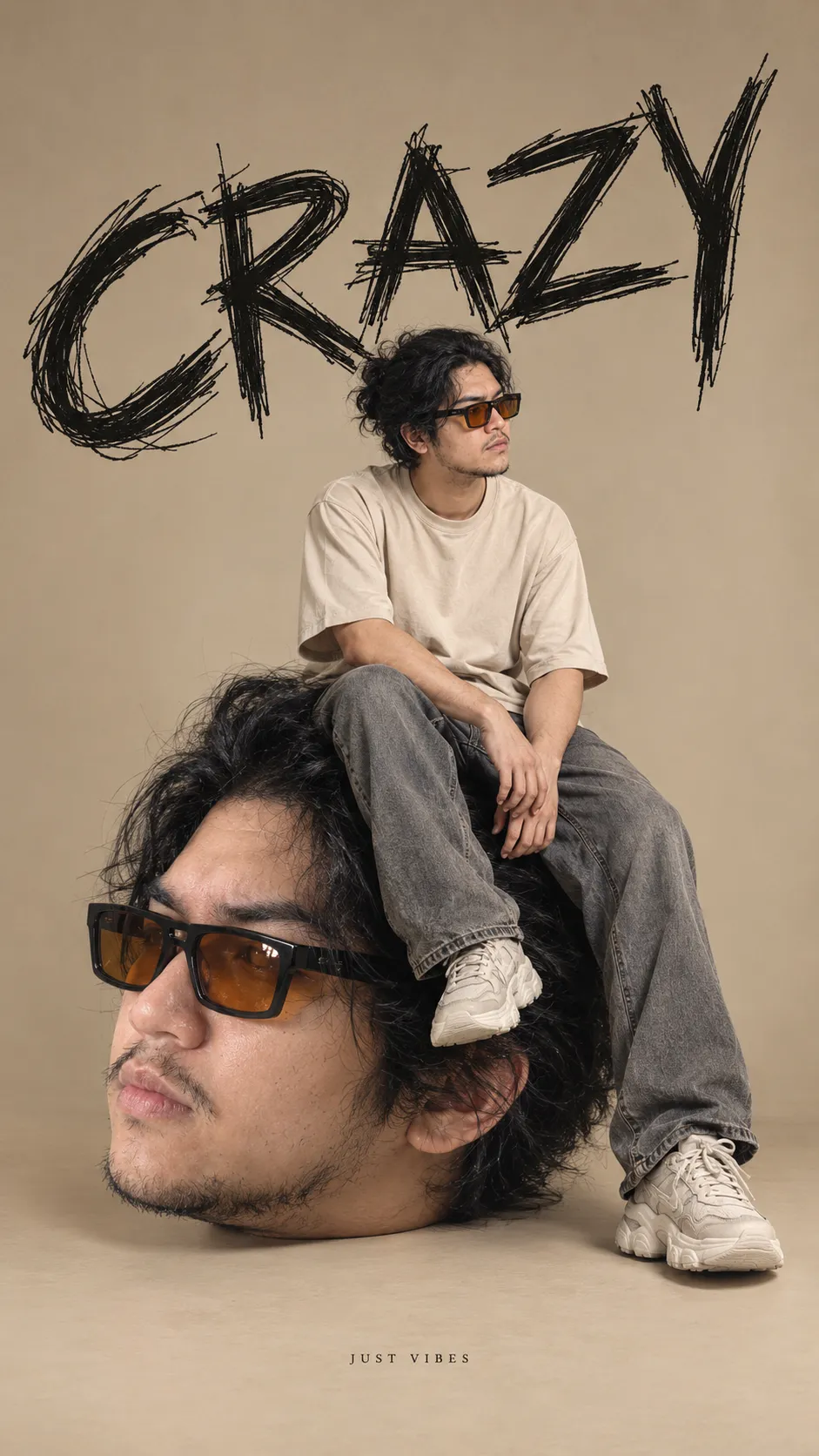
Example images


Prompt template
- Format
- Text
- Inputs
- Uploaded_photo (image) · Required
- Outputs
- Two_panel_poster (image)
Create a separate, standalone high-end design poster for each uploaded photo. Do not combine multiple photos into a collage; output one poster per photo.

Use a 3:4 vertical two-panel layout. The upper and lower panels must be exactly equal in height, each occupying 50% of the canvas.

UPPER PANEL: Preserve the identity and number of the photo’s subjects, their poses, clothing, props, spatial relationships, natural lighting, and colors. Apply only subtle photographic color grading. Crop naturally or extend the environment to fit the horizontal panel. Do not stretch or redesign the subjects, and add no text.

LOWER PANEL: On warm ivory-white fibrous paper, redesign the same subject as a minimalist cut-paper silhouette rendered as a flat color shape and hand screen-printed.

This panel must depict a vast field from a distant viewpoint, with the subject appearing only as a tiny, far-off printed mark. Make it about one-tenth of the canvas width and never more than 18% of its width; its height must not exceed one-fifth of the lower panel’s height. Do not enlarge it even if the source photo is a close-up. Make the dynamic field 6–10 times wider than the subject; the subject must not fill the lower panel.

Make the subject recognizable only through its outer contour, pose, number, orientation, and the connections between key props. Render it as one continuous, solid, flat-color shape. Do not depict internal anatomy, facial features, fur, hair, clothing folds, material texture, or modeled light and shadow. Consolidate fragmented structures into the silhouette; do not draw individual fine strands. Do not use internal highlights, hatching, or halftone dots to create volume. Allow only a few random areas of missing ink. Do not make the subject a photograph reduced in size, a cutout, a realistic sketch, or a realistic etching. Simplify its outline by hand, with rough, ragged edges; avoid fine tracing and smooth vector-icon styling. Preserve necessary negative spaces and connections.

Remove all physical objects from the environment. Translate only the original photo’s action, lighting, or spatial direction into one dominant movement: falling, rising, one-way flow, dispersal, or irregular echoes. Use fine broken lines, coarse halftone dots, and varying grain density to create a vast field. Keep it dense near the subject, then gradually make it sparser and more fragmented in the distance, dissolving into blank space. Keep at least 60% of the lower panel as quiet paper. Do not turn every photo into a vortex. Use fine grain in the field around the subject, not to reproduce texture inside the subject.

Extract one vivid main color from the source photo and combine it with the paper color and a small amount of black, for a total of 2–3 colors. Use the same main color for the subject and the dynamic field. Create variations in field darkness through halftone-dot density and layered ink. Retain screen-print and Risograph characteristics: ink gaps, coarse grain, and slight misregistration. Do not use ordinary gradients, glow, CGI, 3D, or photographic shadows.

Derive a very short English title and 2–4 groups of tiny English observational words from the source photo. Arrange them with restraint along the direction of movement or the edge of the blank space. Include only states, objects, and directions that can be confirmed from the image. Do not invent locations, dates, or coordinates, and do not reuse wording unique to the reference. Emphasize a small flat subject, vast space, a single movement, and a strong contrast of scale. Avoid multiple focal points, decorative clutter, borders, and watermarks.




Comments — 0