Cinematic Black-and-White Close-Up Portrait
Create a dramatic 9:16 portrait while preserving the subject’s facial features.
Example outputs
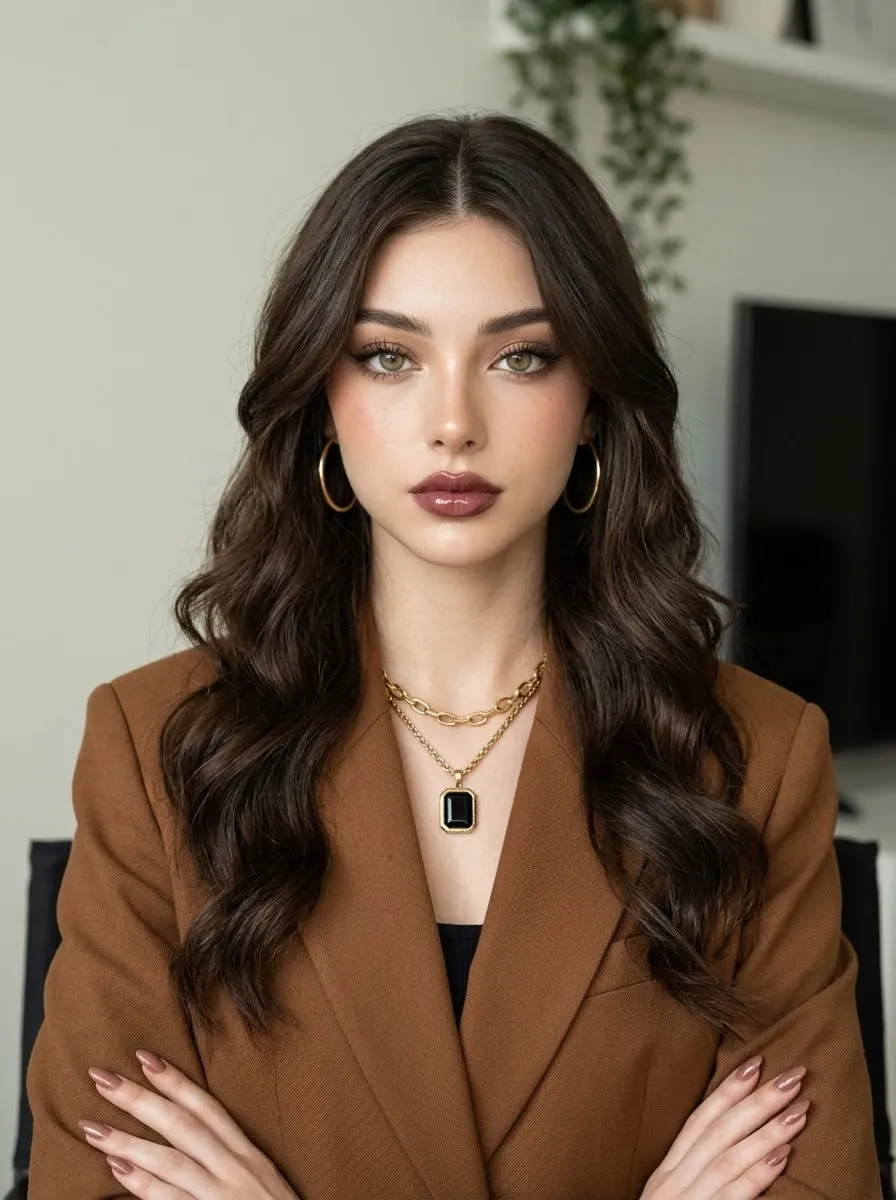
Prompt template
- Format
- Text
- Inputs
- Reference_image (image) · Required
- Outputs
- Generated_portrait (image)
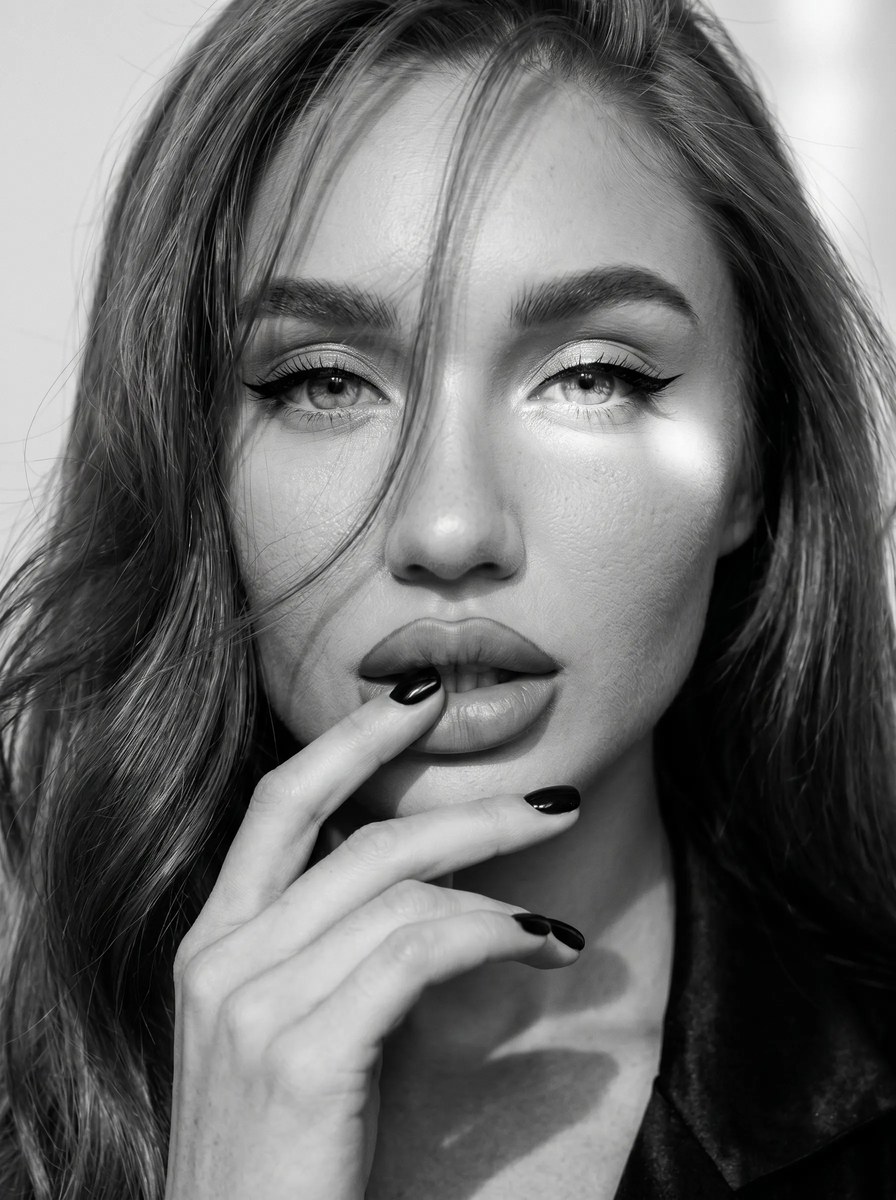
Use the supplied reference image to preserve the subject’s facial features. Create an extreme close-up, black-and-white portrait of a woman facing the camera. Her long, shiny, wavy hair falls across her face in loose strands, and she looks into the camera with a playful expression. Give her elegant eye makeup with long, sharp black winged eyeliner, thick long lashes, and highlighter at the inner corners of her eyes and on her cheekbones. Her body has a shimmer, and her full lips are covered in matte color with a defined outline. She runs her fingers over her lips; her nails are short and black. Use a light wall as the background, with sunlight falling partly across her eyes. Add a cinematic effect and film grain. Aspect ratio: 9:16.What you'll create
A reference-preserving face looks toward the camera in an extreme close portrait. Fingers touch the lips, short dark nails and wavy strands add detail, and a light wall supports the dramatic monochrome sunlight and film-grain treatment.
Generation settings
Aspect ratio: 9:16
Frequently asked questions
Is the portrait meant to be in color?
No. A black-and-white cinematic finish is explicitly requested.


Comments
Tried this prompt? Share what you made, compare results, or ask a question