Photorealistic Warm-Toned Smartphone Portrait Composite
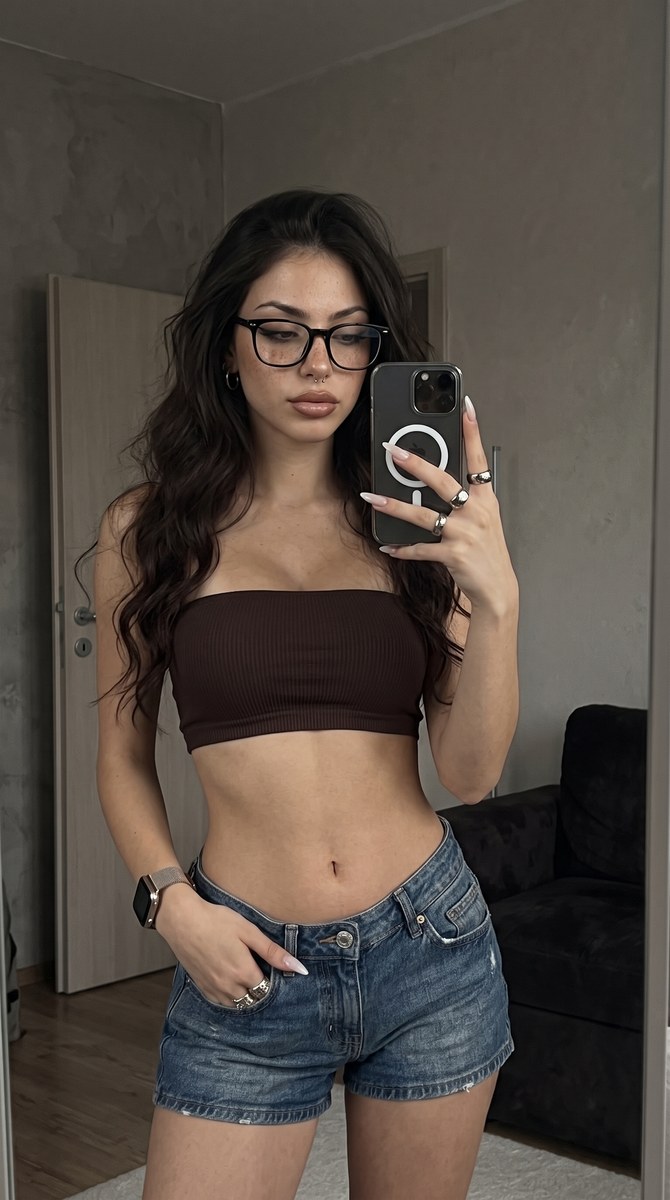
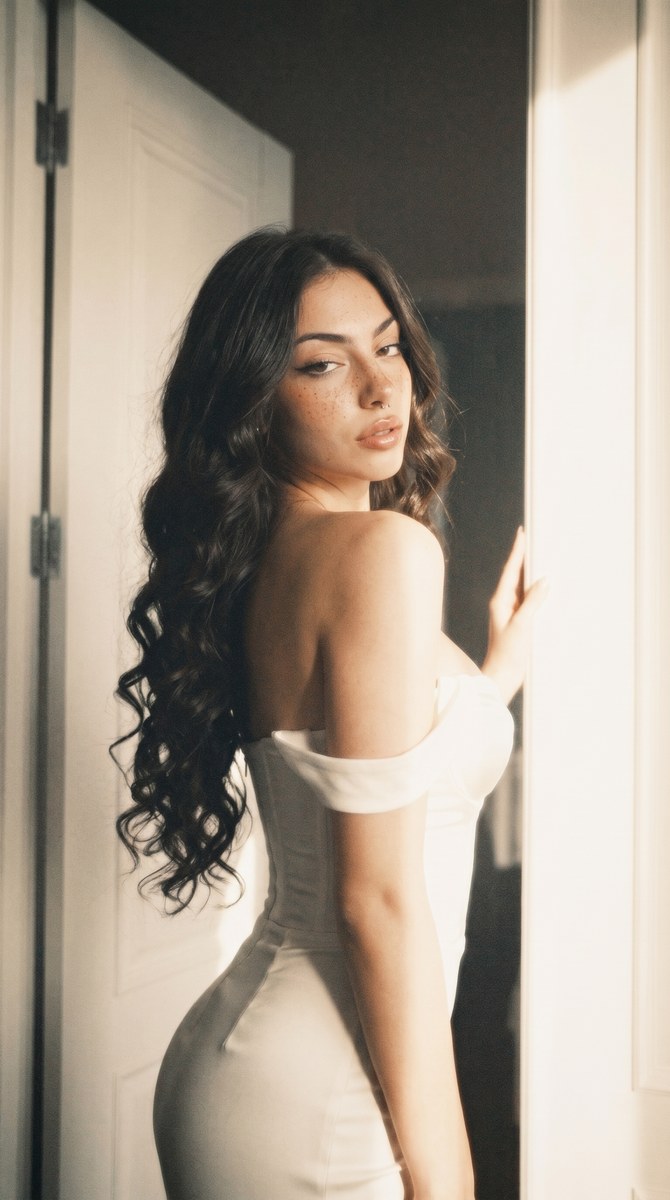
Create a warm, softly hazed smartphone-style photo using the setting from one reference image and the person from another, while preserving facial features and applying the specified makeup and body proportions.
Example outputs
Prompt template
- Format
- Text Parameterized
- Inputs
- First_reference_photo (image) · Required Second_reference_photo (image) · Required aspect_ratio (text) · Optional · Default: 9:16
- Outputs
- Photorealistic_composite_image (image)
Do not alter facial features. The ribcage is broad and highly defined, the waist is narrow, and the hips are wide. Makeup: a radiant complexion with a "dewy" or "glass skin" finish, featuring subtle contouring. Bright highlights appear on the forehead, the bridge of the nose, and the cheekbones. Sharp, graphic black eyeliner wings extend toward the temples. Brown eyeshadow is applied with a dark, blended effect. The eyelashes are long and extended, with extra length toward the outer corners.

Vertical ${aspect-ratio:9:16} aspect ratio. A photorealistic smartphone image, captured with the main camera of an iPhone 15 Pro Max. Medium-to-high resolution, featuring a warm beige-yellow color filter, slightly faded color rendition, high exposure with occasional blown-out highlights, moderate contrast, noticeable film grain, and a subtle soft-glow haze. The model from the second reference photo is seamlessly integrated into the setting of the first.
Replace the ${…} placeholders with your values
before using this prompt. See parameters
and defaults below
Parameters
Replace each placeholder with your own value, or use its default when one is provided
${aspect-ratio:9:16}
aspect-ratio
Default: 9:16
What you'll create
The second-reference model is integrated into the first-reference environment with a dewy complexion and graphic eye makeup. Beige-yellow filtering, faded color and visible grain create a hazy phone-photo finish.
Usage instructions
Frequently asked questions
Which image supplies the environment?
The first image.
Are slightly blown highlights excluded?
No. Occasional overexposed highlights are part of the requested look.




Comments
Tried this prompt? Share what you made, compare results, or ask a question