Sunlit Smartphone Selfie Composite
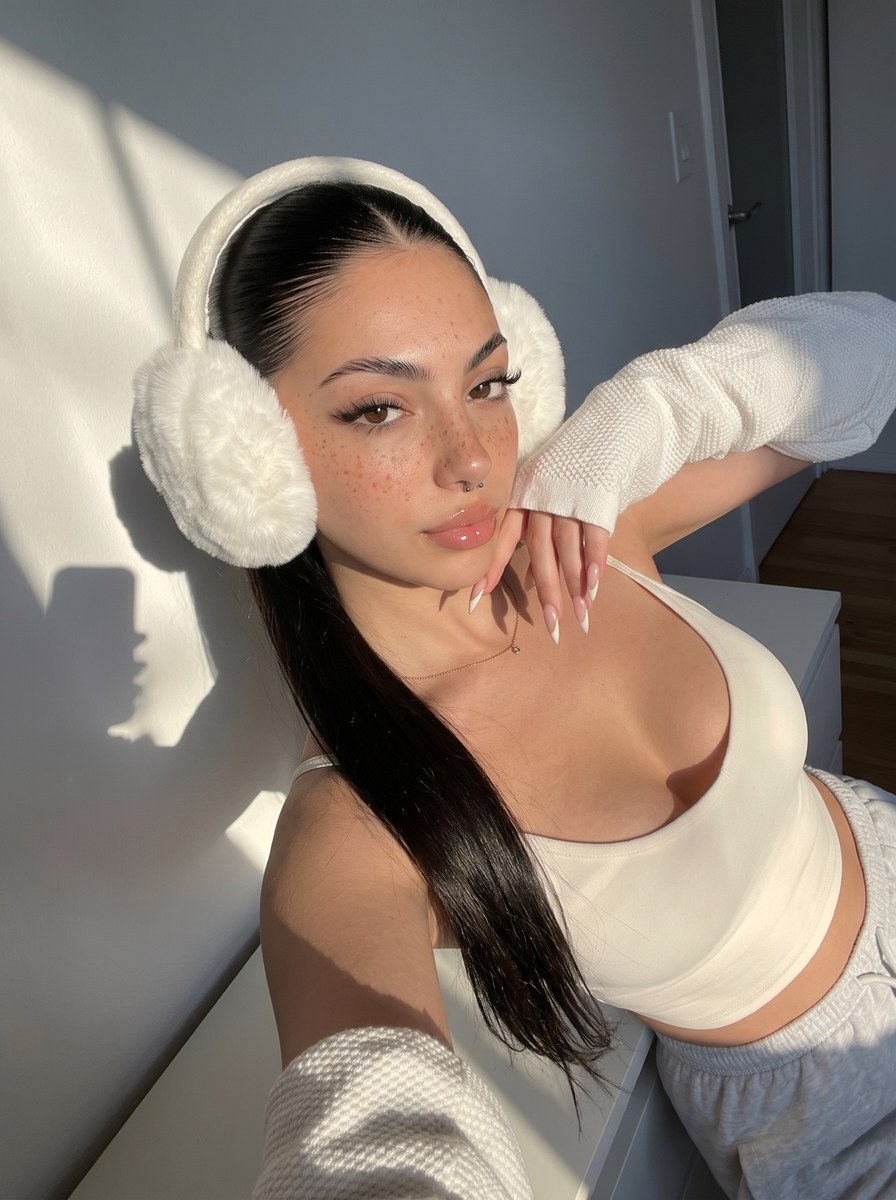
Blend the person from a second photo into the setting of a first photo as a detailed, photorealistic smartphone selfie.
Example outputs
Prompt template
- Format
- Text Parameterized
- Inputs
- Setting_photo (image) · Required Person_photo (image) · Required Aspect_ratio (text) · Optional · Default: 3:4
- Outputs
- Photo (image)
Create a photorealistic smartphone selfie taken with the front-facing camera of a modern iPhone 17 Pro Max. Aspect ratio: ${aspect-ratio:3:4}. Use high resolution and focus on the face, with bright direct sunlight, sharp shadows, high contrast, warm white balance, occasional overexposed highlights, subtle digital grain, and low noise. Seamlessly integrate the model from the second photo into the setting of the first photo, with a consistent light source, aligned shadows, reflected light, and a unified color palette.Replace the ${…} placeholders with your values
before using this prompt. See parameters
and defaults below
Parameters
Replace each placeholder with your own value, or use its default when one is provided
${aspect-ratio:3:4}
aspect-ratio
Default: 3:4
What you'll create
The person from one image enters the setting of another in a face-focused smartphone view. Direct sunshine, sharp shadows and warm highlights unify the grainy photographic result.
Generation settings
Aspect ratio: 3:4
Usage instructions
Provide both photos: the first supplies the setting, and the second supplies the person to integrate. Adjust the aspect ratio for different framing; retain the lighting and shadow-matching details to support a unified composite.
Frequently asked questions
Can the two source images keep incompatible light directions?
No. Light and shadows should be aligned.
Which image supplies the person?
The second photo.




Comments
Tried this prompt? Share what you made, compare results, or ask a question