Candid Snowy Night Portrait
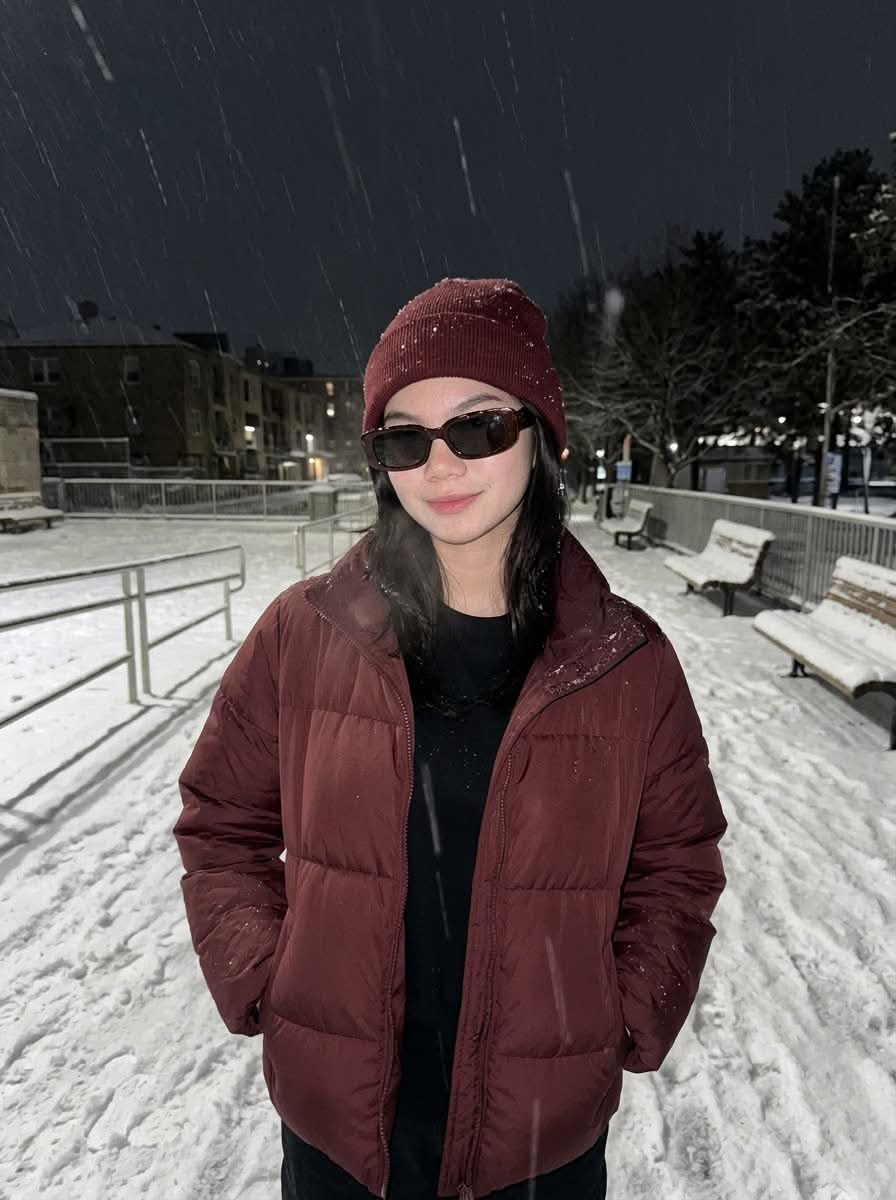
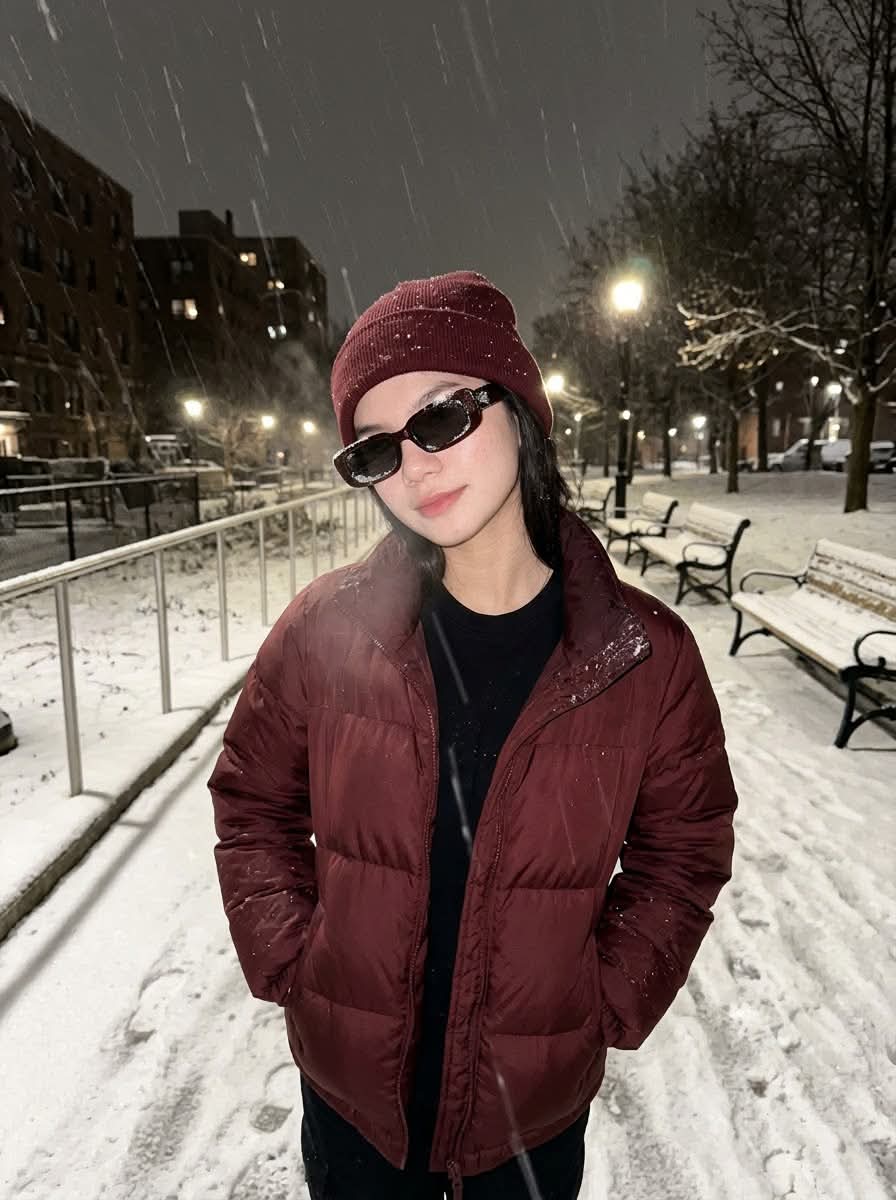
Create a realistic, casual nighttime portrait of the person in a reference image standing in falling snow, with a maroon puffer outfit, direct flash, and a detailed urban background. The prompt also requests a subtle handwritten watermark, while specifying conflicting aspect ratios and photographic styles
Example outputs
Prompt template
- Format
- Text Parameterized
- Inputs
- Reference_image (image) · Required Watermark_text (text) · Optional · Default: xyerosee
- Outputs
- Portrait (image)
Create an image of the person in the reference image, male or female, with the most realistic and human appearance possible. Do not change the subject's facial features; preserve the original face.

Make it look like a casual, unintentional selfie or portrait taken by a friend on a recent iPhone back camera, with portrait 3:4 framing. There should be no clear subject or specific composition. Use slight, natural motion blur, with no color grading, stylization, or cinematic look. Keep the tone neutral—not too cool or too warm. The background must be fully sharp and in focus, with no bokeh, depth-of-field effect, or portrait mode. Use off-center, slightly crooked framing, with part of the face sharply captured. All images should have a 3:4 aspect ratio.

The subject stands in falling nighttime snow, shoulders relaxed and leaning slightly toward the lens, with hands tucked into the puffer jacket's pockets. Outfit and accessories: a matte maroon puffer jacket over a black crewneck tee, a maroon knit beanie, and rectangular dark sunglasses with a light dusting of snow on the frames and jacket.

Show snow-packed ground, metal railings, snow-laden benches, distant buildings and trees under warm streetlights, and faint visible breath mist. Falling flakes should streak subtly from the shutter speed and tiny hand movement. Include crisp nylon fabric texture, a wet sheen on the jacket, and compacted snow grain at the subject's feet. Keep the background fully detailed and in focus. Include a storefront with large glass windows. Use the style of a high-end fashion magazine and an 85mm lens.

Use a recent iPhone back camera look (approximately 26mm equivalent, f/1.9–f/2.2, 1/120–1/200s, ISO 100–200) with direct on-camera flash. The image should not look AI-generated, but rather as if taken by a real person. Use 8K resolution, a hyper-realistic look, and a 3:4 aspect ratio. Also use cinematic color grading, soft lighting mainly from city lights on the ground and possibly dim ambient lighting on the terrace, creating an elegant urban nighttime atmosphere. Use a 9:16 aspect ratio.

Add subtle, semi-transparent handwritten white-ink watermark text “${watermark-text:xyerosee}” centered at the bottom. --cref [INSERT_REFERENCE_IMAGE_URL] --cw 100
Replace the ${…} placeholders with your values
before using this prompt. See parameters
and defaults below
Parameters
Replace each placeholder with your own value, or use its default when one is provided
${watermark-text:xyerosee}
watermark-text
Default: xyerosee
What you'll create
This prompt requests a realistic, casual-looking portrait of the person in a reference image standing in falling snow at night. It specifies a maroon winter outfit, direct flash, a sharply focused urban background, and a subtle handwritten watermark
Usage instructions
Frequently asked questions
Which aspect ratio should the final image use?
The prompt specifies both 3:4 and 9:16, which conflict; choose one ratio before generating
Can the watermark text be changed?
Yes. Replace the default text “xyerosee” with the wording you want




Comments
Tried this prompt? Share what you made, compare results, or ask a question