Upscale and Enhance an Image Naturally
Improve image clarity and fine detail while preserving the original scene and avoiding an artificial look.
Example outputs
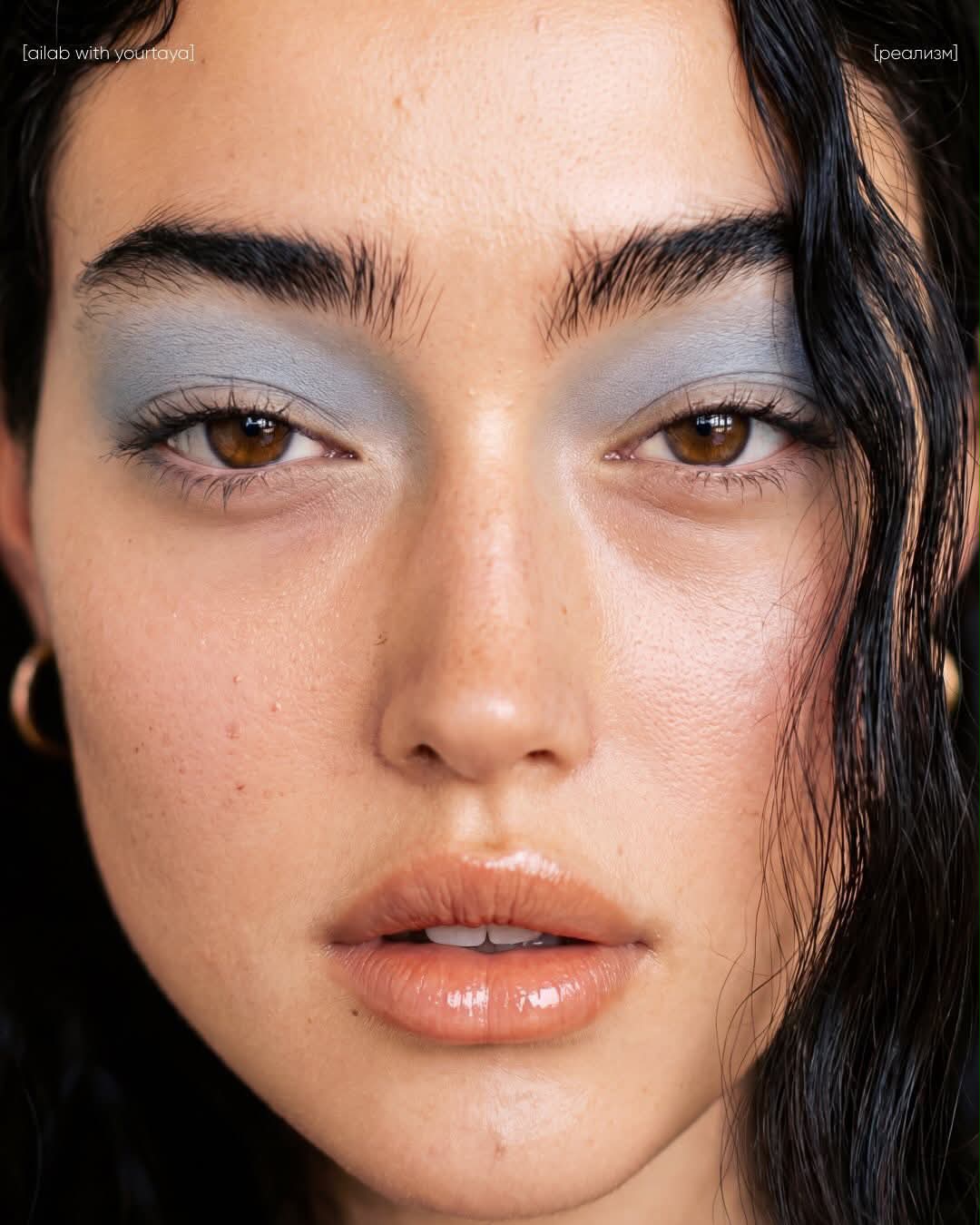
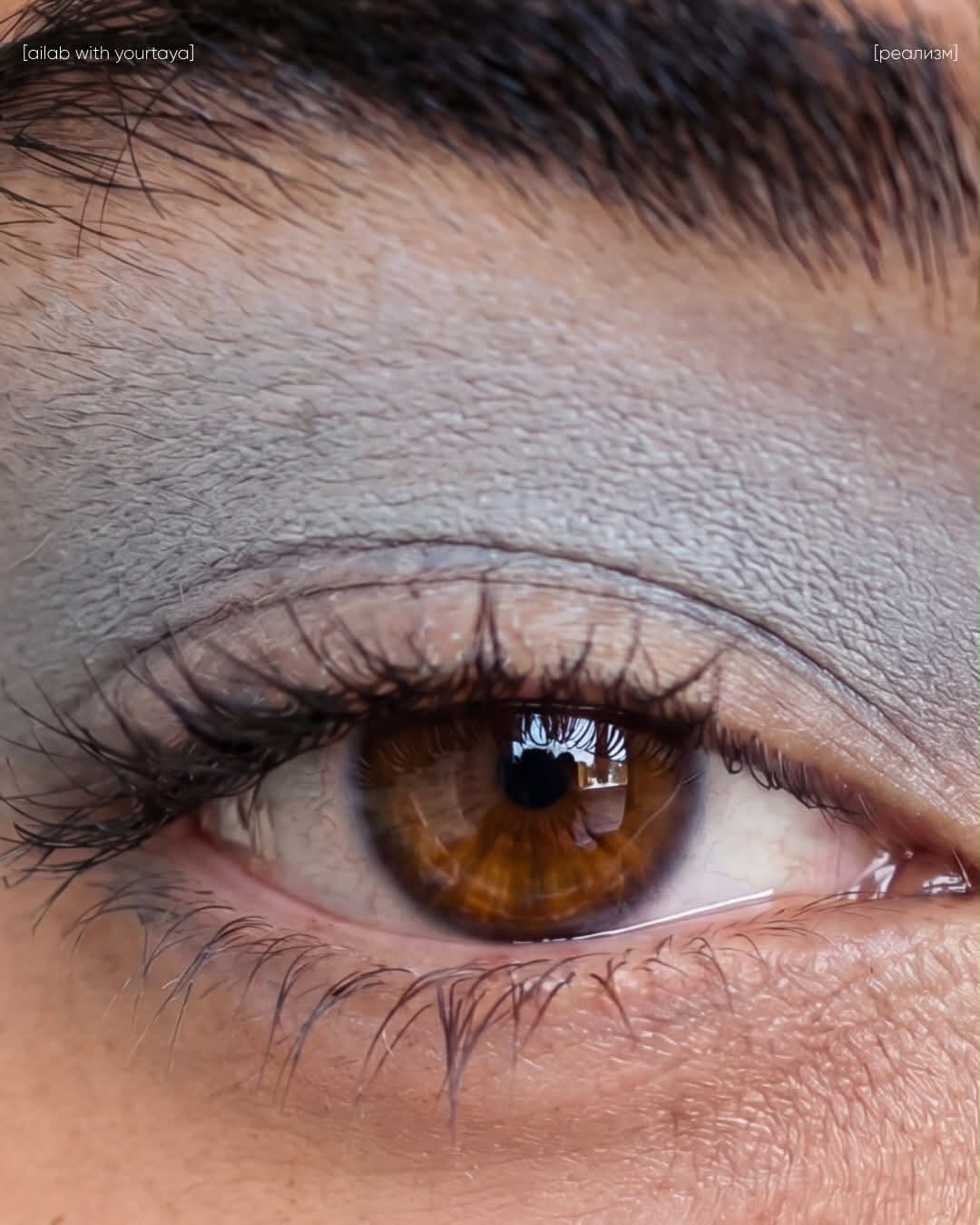
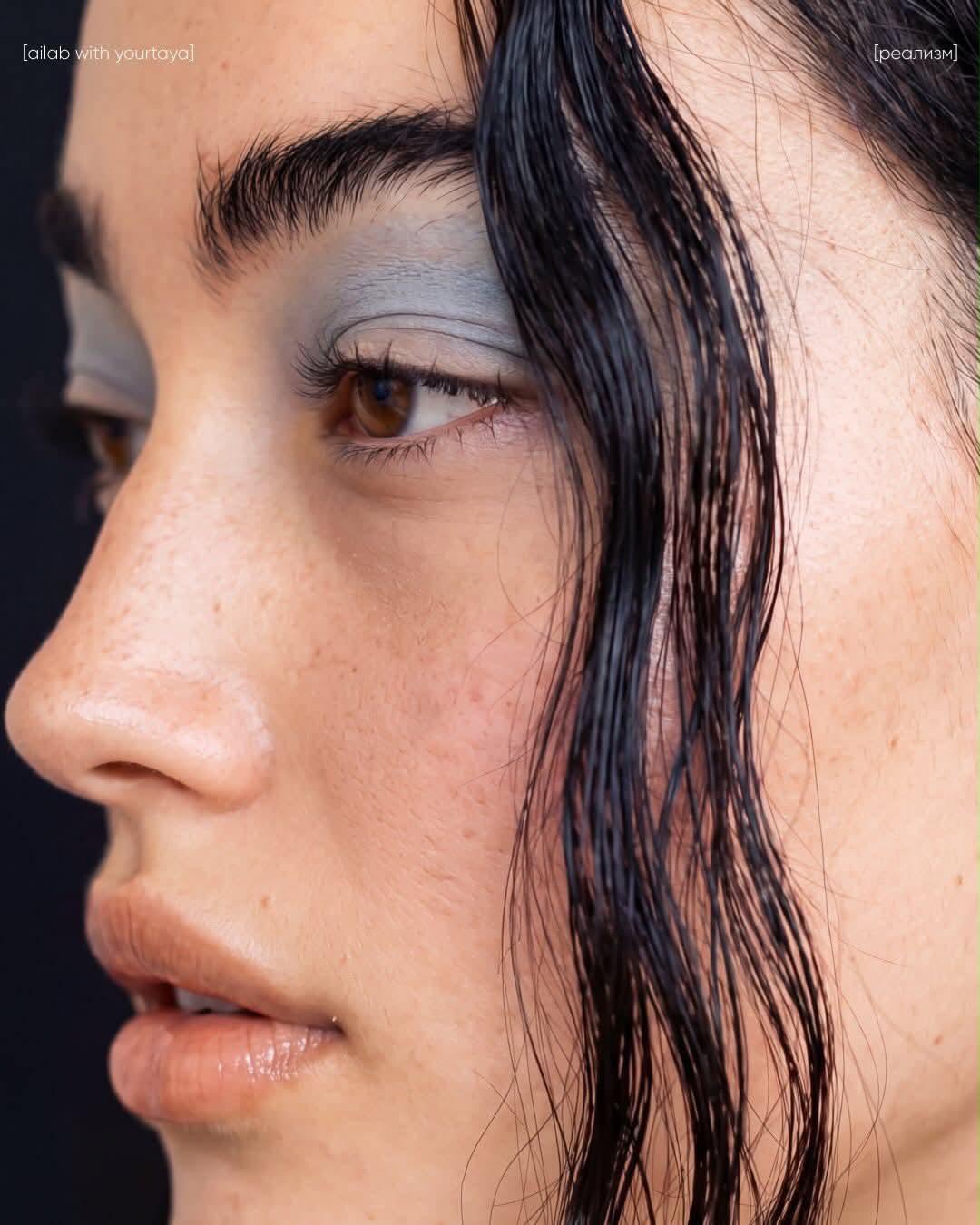
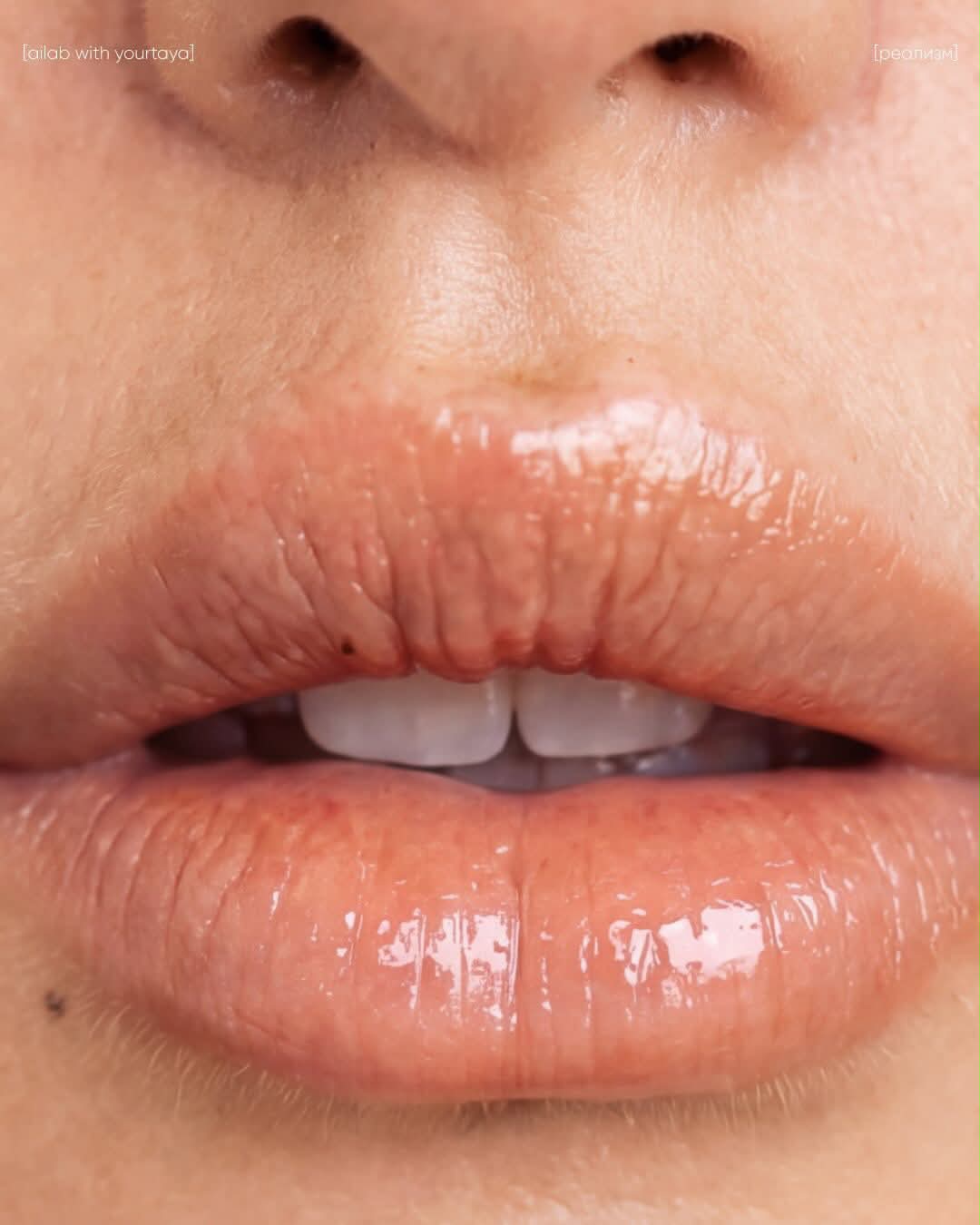
Prompt template
- Format
- Text
- Inputs
- image (image) · Required
- Outputs
- enhanced_image (image)
Upscale and enhance the provided image while preserving its original composition, objects, lighting, colors, and overall mood. Improve sharpness, clarity, fine details, textures, edges, micro-contrast, and natural depth. Keep the result realistic and clean without changing the subject, proportions, or background. Do not overprocess or oversharpen, and do not make the image look artificial.What you'll create
Improved clarity, edge definition and texture support a cleaner image without changing objects, lighting, color or composition.
Frequently asked questions
Should added sharpness create an artificial finish?
No. The source avoids overprocessing and excessive sharpening.


Comments
Tried this prompt? Share what you made, compare results, or ask a question