Educational Infographic Poster Generator
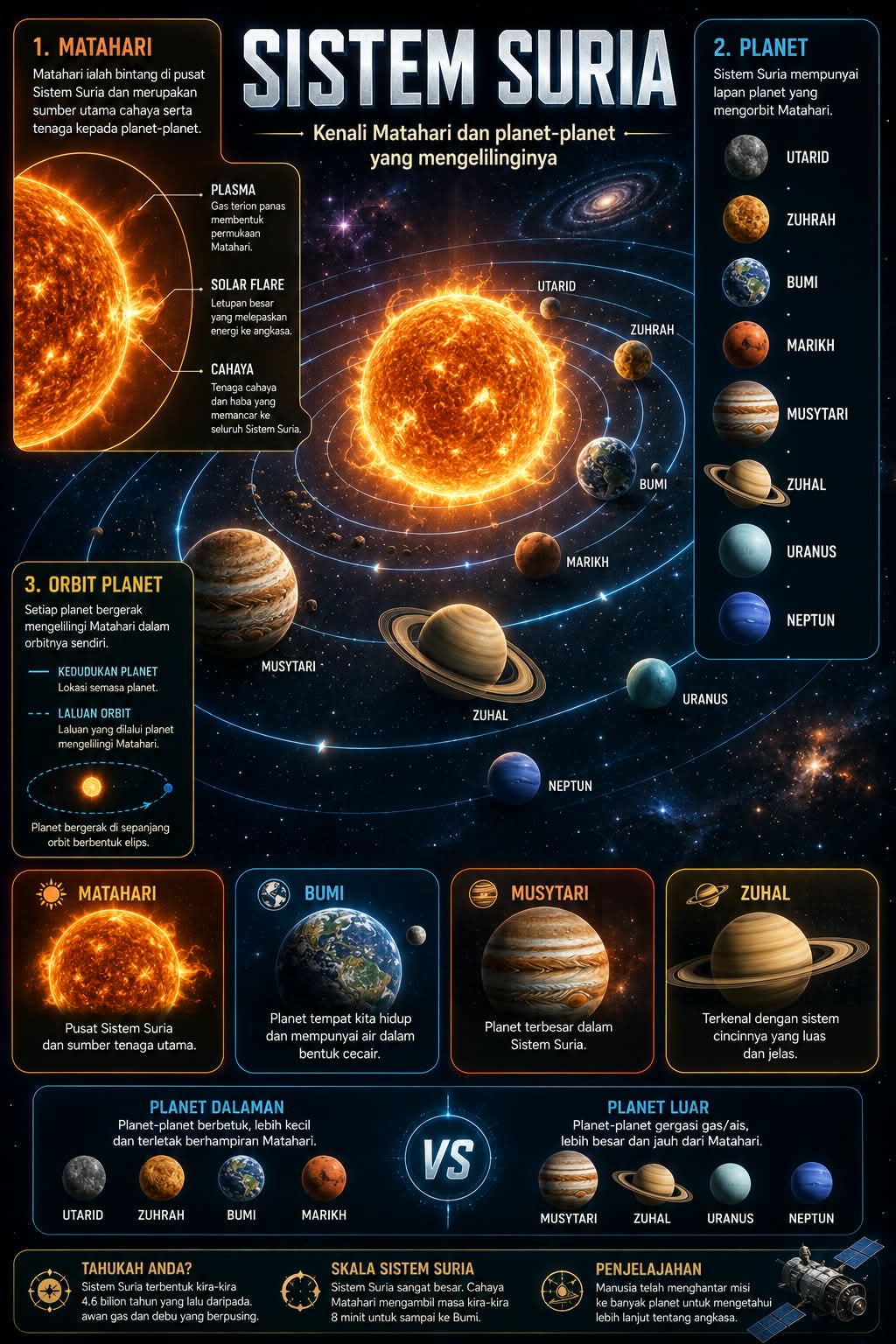
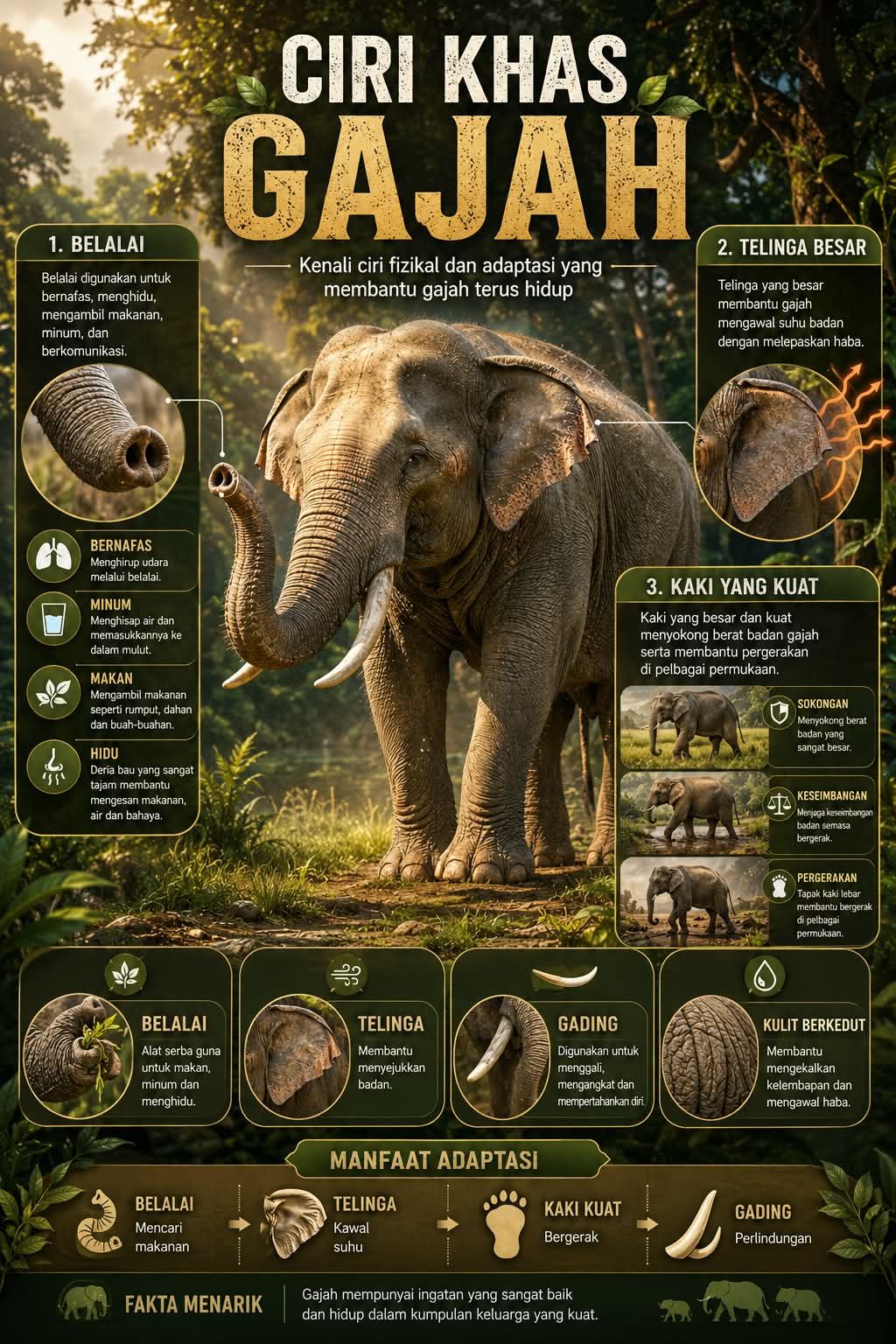
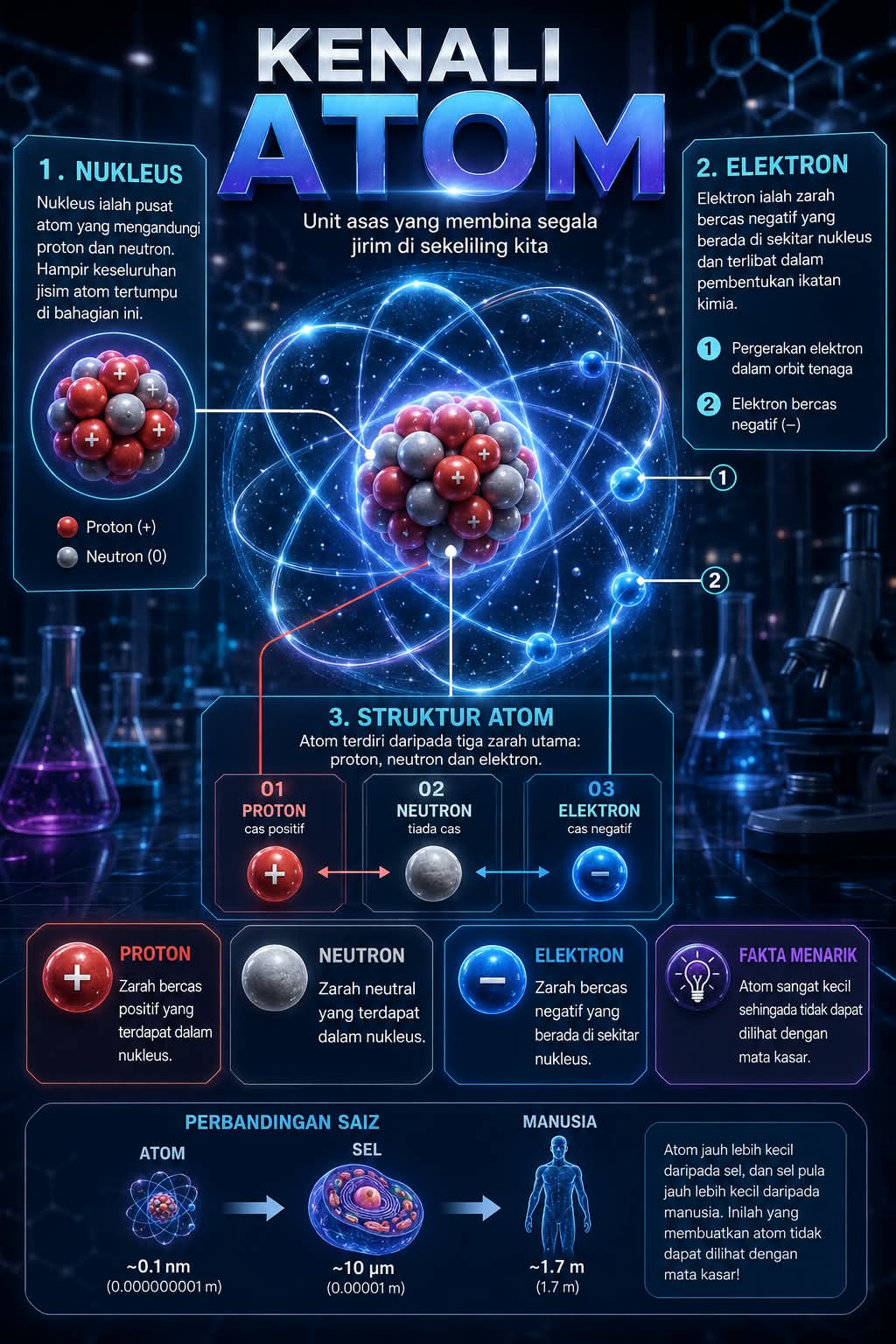
Create a polished vertical educational infographic poster with a dominant central visual, labeled information sections, and a clear, professional layout.
Example outputs
Prompt template
- Format
- Markdown Parameterized
- Inputs
- topic (text) · Required main_title (text) · Required subtitle (text) · Required main_object (text) · Required environment_setting (text) · Required section1_title (text) · Required section1_text (text) · Required detail_element_1 (text) · Required section2_title (text) · Required section2_text (text) · Required section3_title (text) · Required section3_text (text) · Required box1_title (text) · Required box1_desc (text) · Required box2_title (text) · Required box2_desc (text) · Required box3_title (text) · Required box3_desc (text) · Required extra_info (text) · Required color_theme (text) · Required aspect_ratio (text) · Required
- Outputs
- infographic_poster (image)
Create a premium vertical infographic poster about ${topic}.

**Title:** “${main-title}”

**Subtitle:** “${subtitle}”

**Main visual:** Place a highly detailed, cinematic ${main-object} at the center of the composition. Show it from a dynamic three-quarter angle, with realistic textures and depth. Set it in ${environment-setting}. Use soft cinematic lighting, volumetric light rays, a subtle glow, and atmospheric depth.

**Infographic sections:**

- **Top left — ${section1-title}:** ${section1-text}. Add a small close-up detail of ${detail-element-1}, with a pointer line.
- **Top right — ${section2-title}:** ${section2-text}. Add an annotated diagram or action breakdown.
- **Middle or side — ${section3-title}:** ${section3-text}. Show a motion/action sequence or stages.

**Bottom highlight panel:** Include 3–4 rounded boxes with icons:
- “${box1-title}” — ${box1-desc}
- “${box2-title}” — ${box2-desc}
- “${box3-title}” — ${box3-desc}

**Optional extra:** Add a comparison bar, timeline, or facts if useful: ${extra-info}

**Design style:** Ultra-detailed 3D illustration, clean infographic layout, modern educational poster style, smooth gradients, soft shadows, balanced composition, and no clutter.

**Color palette:** ${color-theme} (for example, nature green, ocean blue, premium gold, or warm sunset).

**Typography:** Use a bold cinematic title and clean sans-serif body text, with clear hierarchy and spacing.

**Composition rules:** Keep the main subject dominant. Do not let text overlap important visuals. Align icons and labels neatly, with professional spacing like a high-end infographic.

**Output:** An ultra-high-resolution image with sharp details and professional infographic design. Aspect ratio: ${aspect-ratio}.
Replace the ${…} placeholders with your values
before using this prompt. See parameters
and defaults below
Parameters
Replace each placeholder with your own value, or use its default when one is provided
${topic}
topic
Required
${main-title}
main-title
Required
${subtitle}
subtitle
Required
${main-object}
main-object
Required
${environment-setting}
environment-setting
Required
${section1-title}
section1-title
Required
${section1-text}
section1-text
Required
${detail-element-1}
detail-element-1
Required
${section2-title}
section2-title
Required
${section2-text}
section2-text
Required
${section3-title}
section3-title
Required
${section3-text}
section3-text
Required
${box1-title}
box1-title
Required
${box1-desc}
box1-desc
Required
${box2-title}
box2-title
Required
${box2-desc}
box2-desc
Required
${box3-title}
box3-title
Required
${box3-desc}
box3-desc
Required
${extra-info}
extra-info
Required
${color-theme}
color-theme
Required
${aspect-ratio}
aspect-ratio
Required
What you'll create
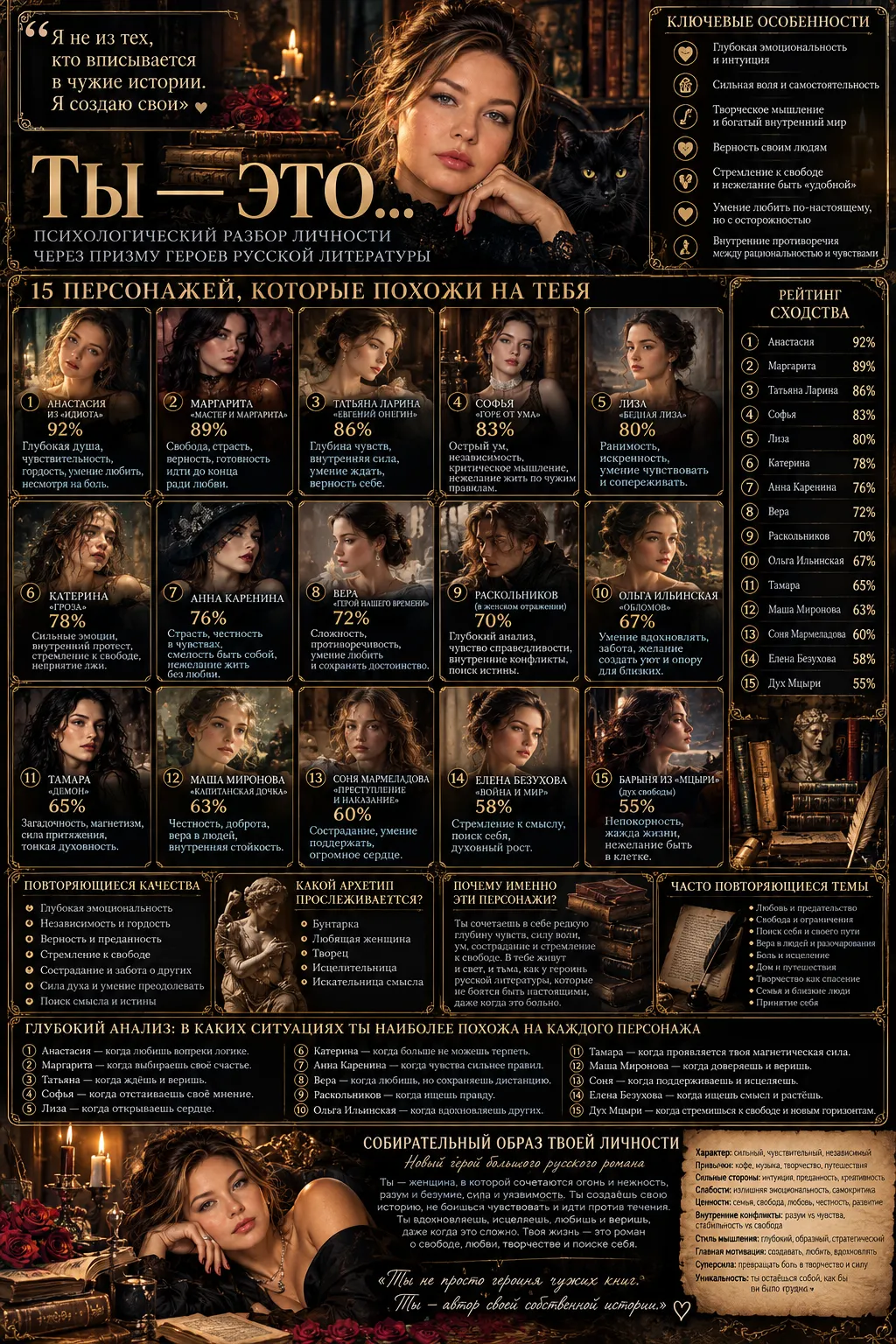
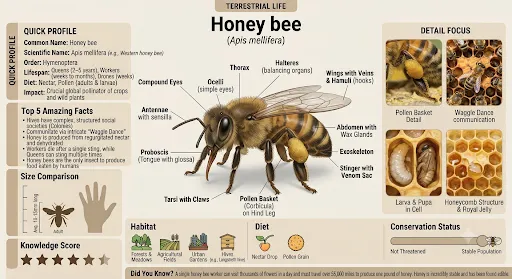
A cinematic central object anchors a vertical poster with close-up callouts, diagrams and stages. Rounded icon boxes, a selected palette and optional timeline or comparison information form an organized educational layout.
Frequently asked questions
Should labels overlap the central visual?
No. The source requires important visuals to stay unobstructed with aligned labels and icons.




Comments
Tried this prompt? Share what you made, compare results, or ask a question