Hand-Drawn Notebook Educational Poster
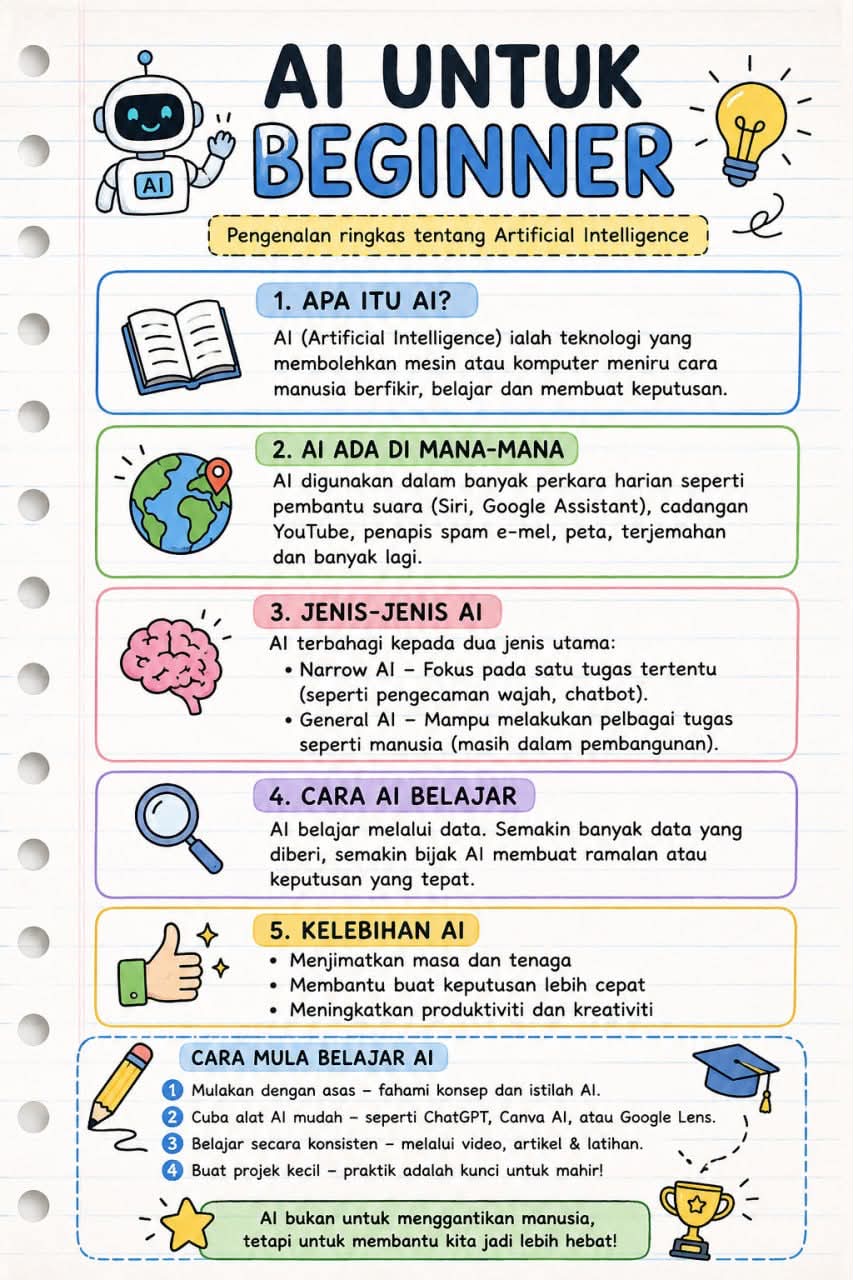
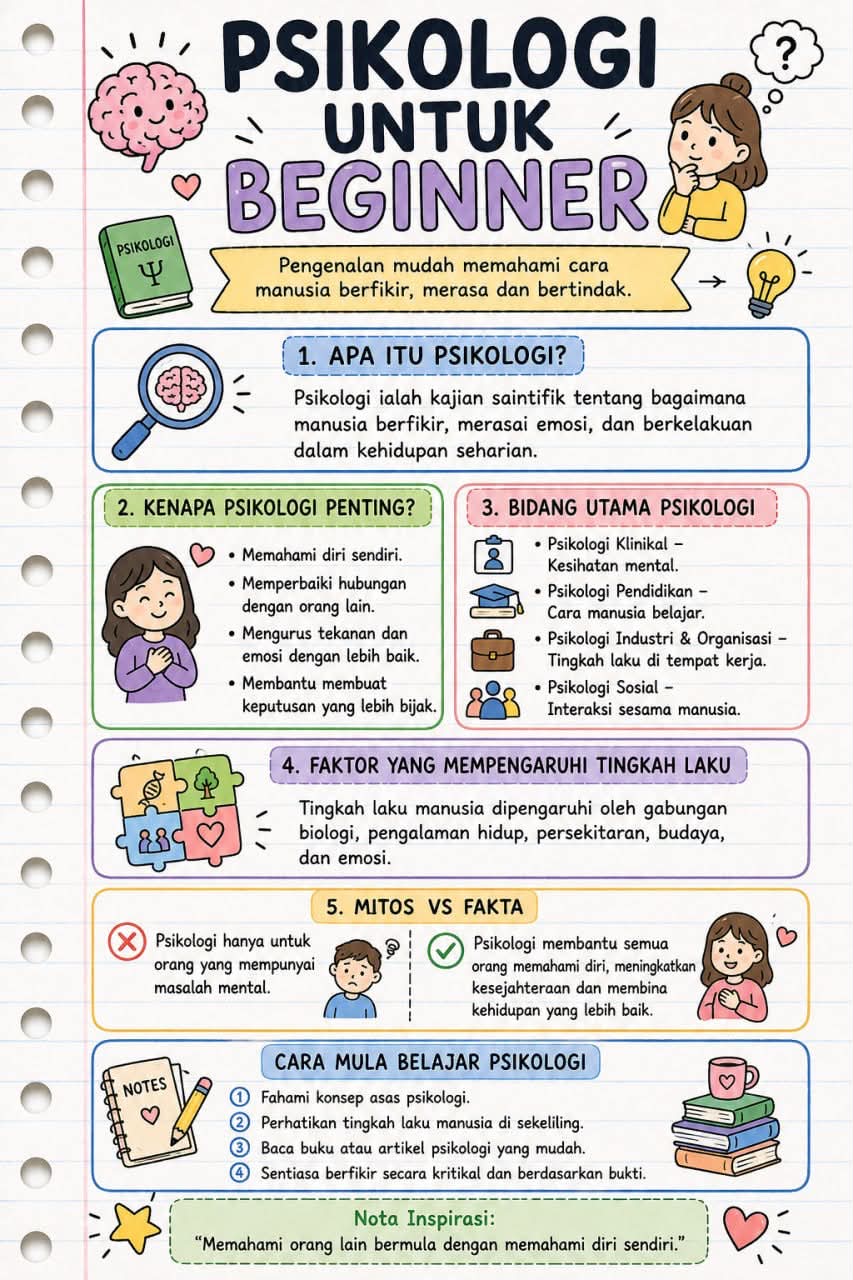
Create a vertical, student-note-style educational infographic that adapts its layout to the supplied text.
Example outputs
Prompt template
- Format
- Text Parameterized
- Inputs
- poster_title (text) · Required subheading (text) · Required item_1_title (text) · Required item_1_description (text) · Required item_2_title (text) · Required item_2_description (text) · Required
- Outputs
- educational_poster (image)
Create a single-page vertical educational poster in a hand-drawn notebook infographic style. Let the layout, icons, and spacing adjust automatically to the supplied text.

Background: White notebook paper texture with light blue horizontal lines, subtle paper grain, and binder holes on the left. Keep a clean study-note aesthetic.

Layout: Portrait orientation, 3:4 aspect ratio, modular sections, and generous white space.

Typography: Use a rounded sans-serif font with a clear hierarchy: large bold title, smaller subheading, and readable body text.

Illustrations and icons: Include small, cute, flat, doodle-style educational icons, such as a robot, book, light bulb, brain, magnifier, pencil, arrows, and success badge. Position icons beside related text, and never let them overlap text.

Auto-adjustment rules:
- Expand or shrink text boxes based on text length.
- Adapt icons and spacing dynamically.
- Prevent text from overlapping illustrations or borders.
- Keep the layout clean with either short or long text.

Design tone: Friendly, educational, and beginner-friendly. Make it look like organized student notes or a learning poster.

Insert the following text exactly as written; keep the content editable:

Title:
${poster-title}

Subheading:
${subheading}

Body content:
${item-1-title}
${item-1-description}
${item-2-title}
${item-2-description}

Output requirements: High resolution, sharp text, clean margins, and no watermark.
Replace the ${…} placeholders with your values
before using this prompt. See parameters
and defaults below
Parameters
Replace each placeholder with your own value, or use its default when one is provided
${poster-title}
poster-title
Required
${subheading}
subheading
Required
${item-1-title}
item-1-title
Required
${item-1-description}
item-1-description
Required
${item-2-title}
item-2-title
Required
${item-2-description}
item-2-description
Required
What you'll create
Lined white paper, binder holes and rounded typography frame a modular learning infographic with generous whitespace and small educational illustrations.
Frequently asked questions
Can icons overlap the written content?
No, the source requires clear separation between text, illustrations and borders.









Comments
Tried this prompt? Share what you made, compare results, or ask a question