Photo and Chinese Paper-Cut Composite
Create a portrait-format artwork that pairs an untouched reference photo with a matching Chinese paper-cut illustration.
Example outputs
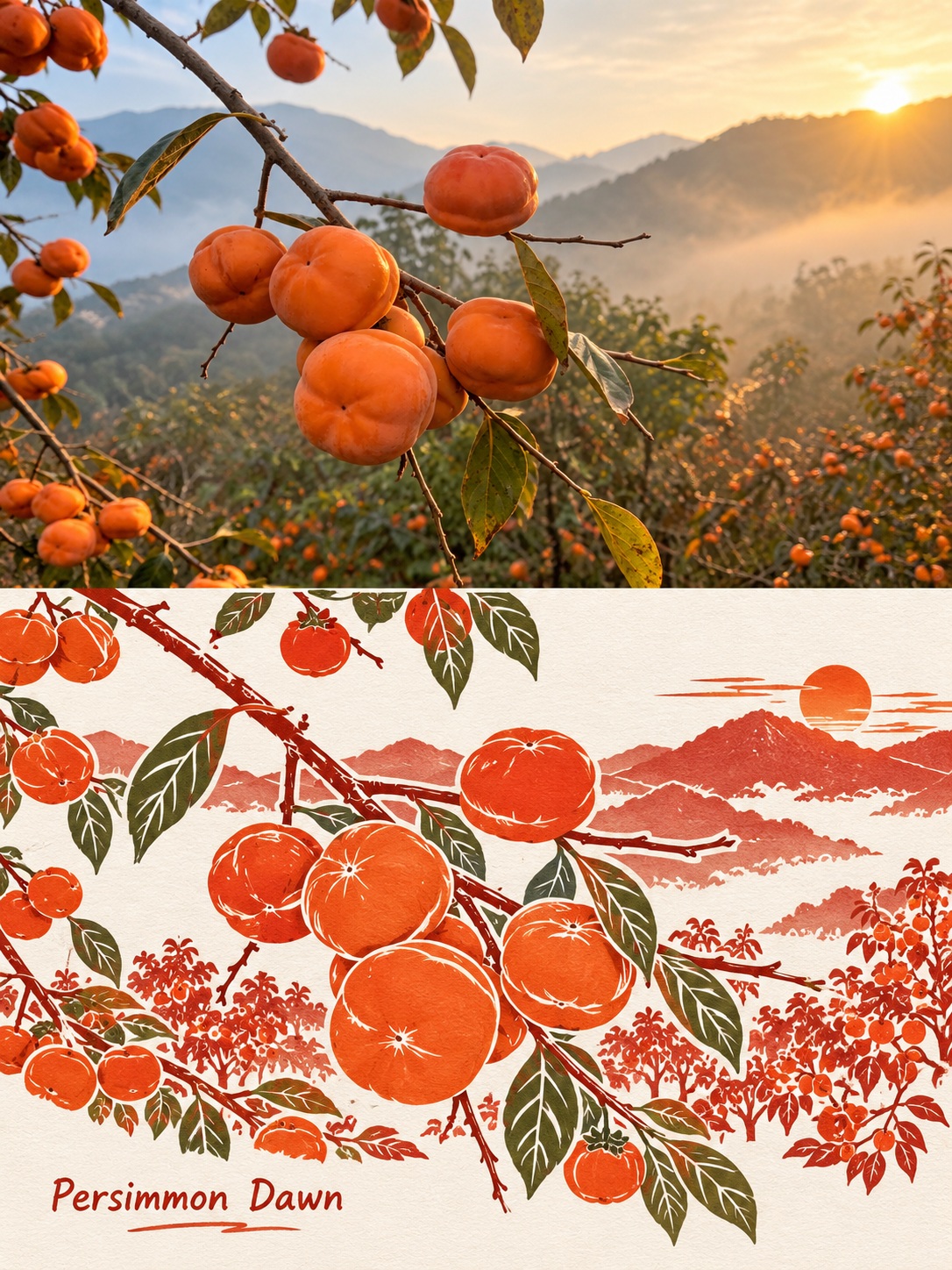
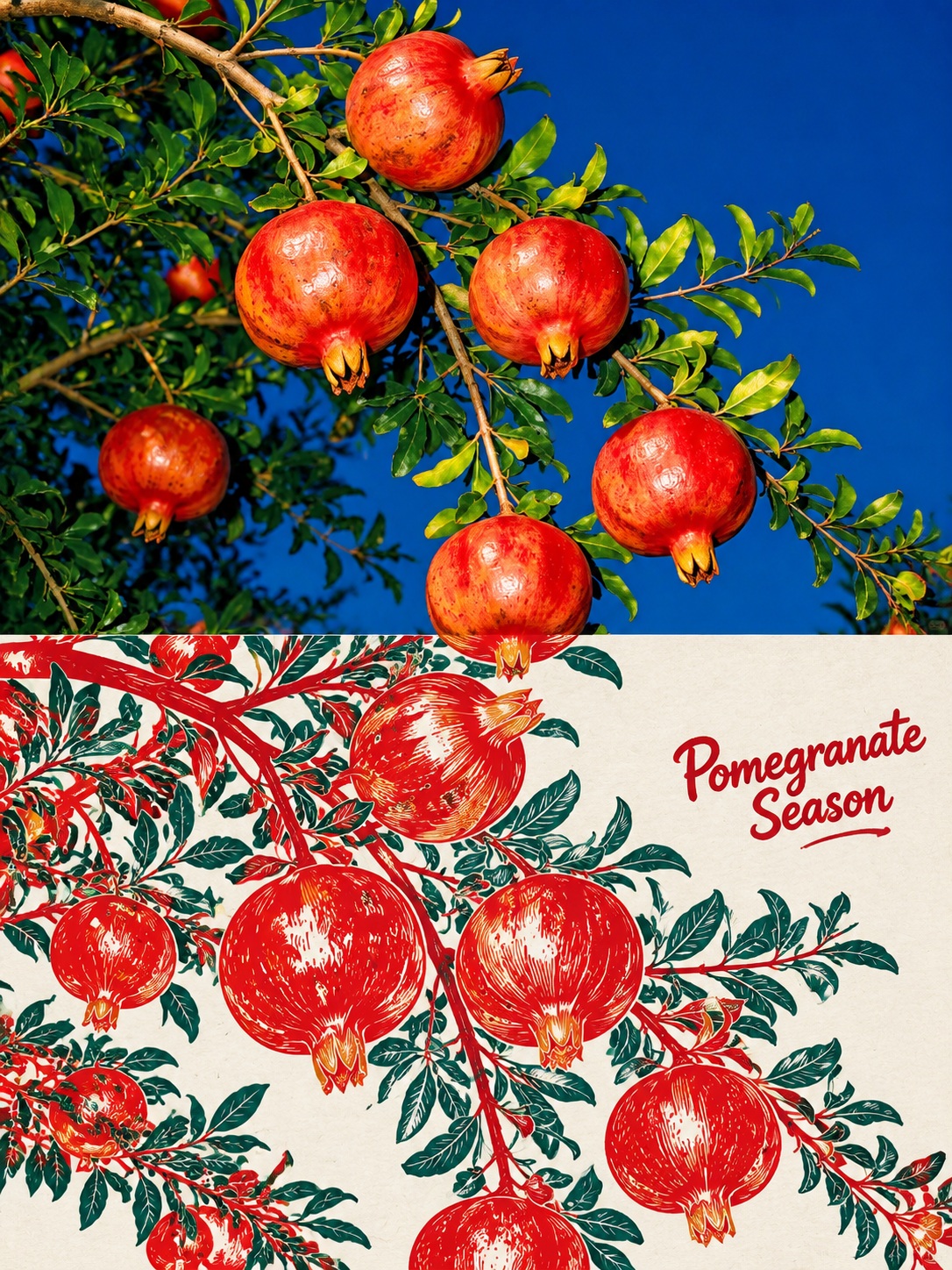
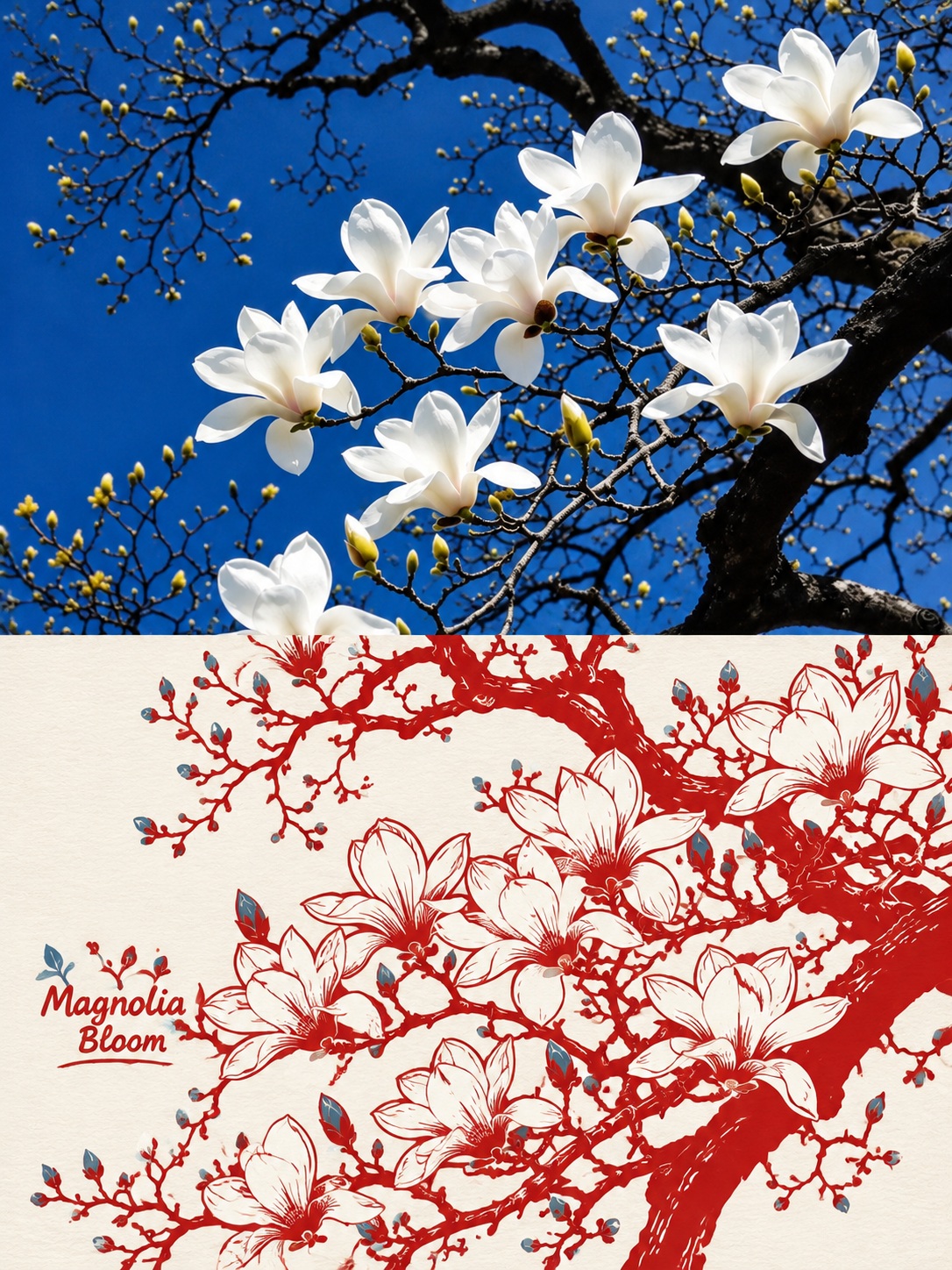
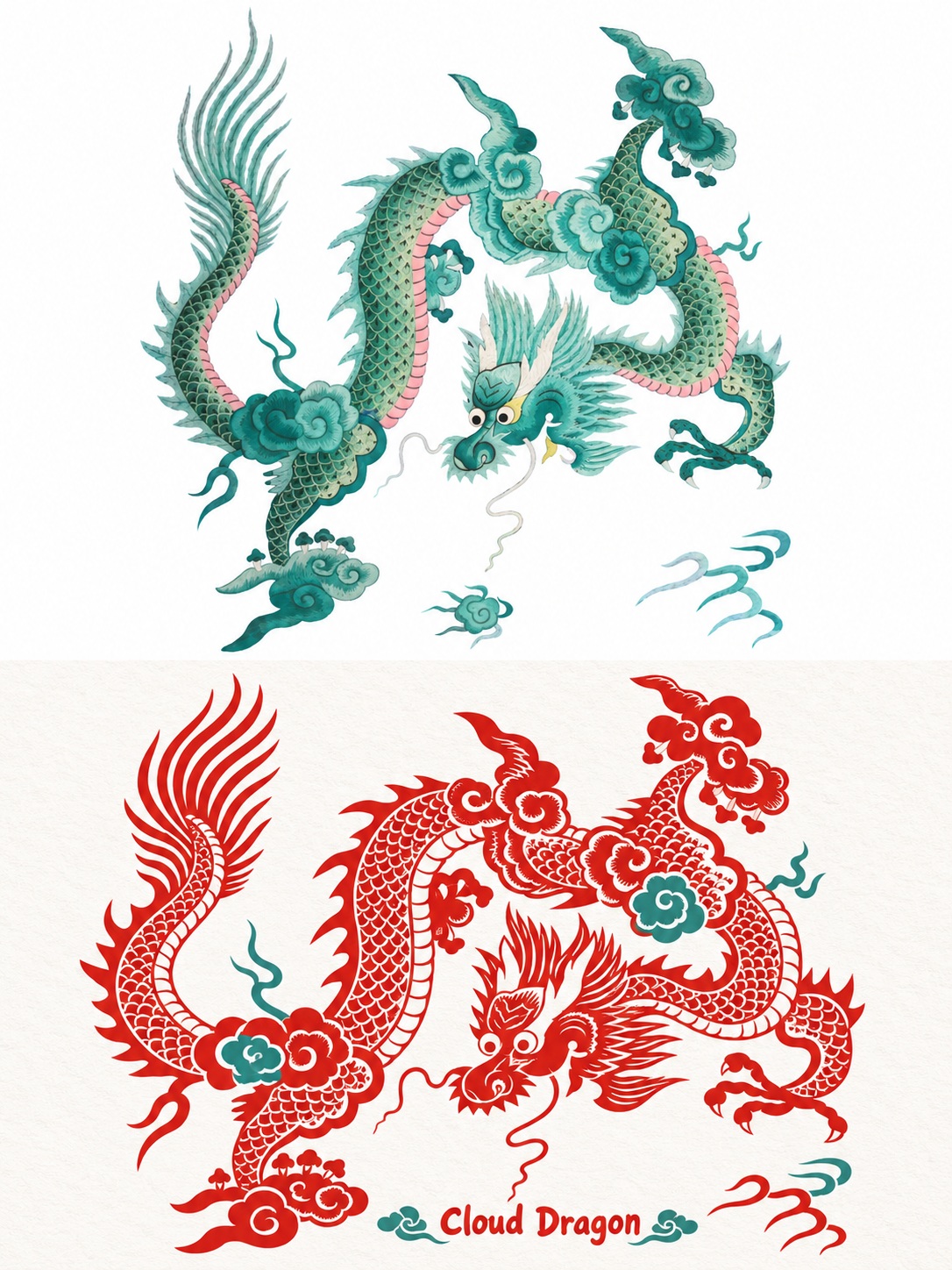
Prompt template
- Format
- Text
- Inputs
- Reference_photo (image) · Required
- Outputs
- Composite_artwork (image)
Use the single uploaded photograph as your sole reference. Create one 3:4 portrait-format artwork combining the original photo and a Chinese paper-cut illustration. Produce one image only; do not make a collage or blend multiple images.

**Fixed layout:** Divide the canvas into two equal-height halves, each occupying exactly 50% of the image. The halves must have the same width and meet seamlessly, with no border or gap. Place the original photograph in the upper half and the paper-cut illustration in the lower half. Keep the title and all negative space within the lower half.

**Upper half — preserve the original photo:** Preserve the photo’s subject, composition, identity, pose, objects, spatial relationships, natural lighting, and colors. Only proportional resizing and cropping of nonessential background areas are allowed. Do not redraw or distort the photo, add or remove anything, or add text.

**Lower half — Chinese paper-cut illustration:** Reinterpret the same scene as a refined Chinese traditional paper-cut cartoon. Preserve the subject’s key contours, number of subjects, actions, expressions, structure, and identifying features. Do not simply convert the image to two colors. Do not add people, props, or narrative elements. Use connected, solid-color paper-cut shapes, with paper-white cutouts for facial features, clothing folds, leaf veins, and other important details. Keep the contours graceful, the cutouts intricate, the linework varied in weight, and the structure intact. Avoid scattered holes, broken lines, and cluttered patterns. Use a flat 2D style, not three-dimensional papercraft.

**Colors and paper:** Use warm vermilion and rouge red as the primary colors, with paper white and a small amount of supporting color, such as ink green, indigo, or light ochre, chosen to suit the subject. Keep colors clean and flat, without gradients, cast shadows, or metallic shine. Use clean cream-white or neutral-white art paper as the background, with only a subtle, delicate texture. Avoid yellowing, dirt, and dense noise. Preserve important environmental features from the original scene. Do not add decorative clouds, dragons, phoenixes, peonies, lanterns, or other unrelated ornamentation.

**Composition and negative space:** Let the paper-cut subject occupy about two-thirds of the lower half. Reserve about one-third of that area in total for surrounding negative space and the title. Keep the subject a moderate size, with clear details and complete edges. Do not let it touch the edges or shrink it into a badge. Do not force symmetry. Keep the negative space natural and the composition balanced between open and detailed areas.

**English title:** Derive a title of 1–3 English words from the photo’s content. Use a rounded, cute typeface with a slight handwritten feel, in vermilion or a coordinated dark color. Keep the title small and place it in the negative space in the lower half, without covering the subject. Add only this one English title; do not add Chinese text, supporting copy, seals, or watermarks.

Aim for an overall result with East Asian aesthetics, intricate cutouts, elegant composition, vivid colors, and a clean printed finish. Keep the original photograph and the paper-cut scene consistent in subject matter. Do not use watercolor, gouache, 3D effects, full-bleed patterns, or unrelated fantastical elements.
What you'll create
The unchanged source photograph fills the upper half while a Chinese paper-cut interpretation occupies the lower. Matching width and subject matter connect the image without a gap or border.
Frequently asked questions
Can other photographs be blended in?
No. The single uploaded photo is the sole reference.
Where do the title and negative space belong?
Entirely within the lower illustrated half.


Comments
Tried this prompt? Share what you made, compare results, or ask a question