Seoul Woodcut City Poster
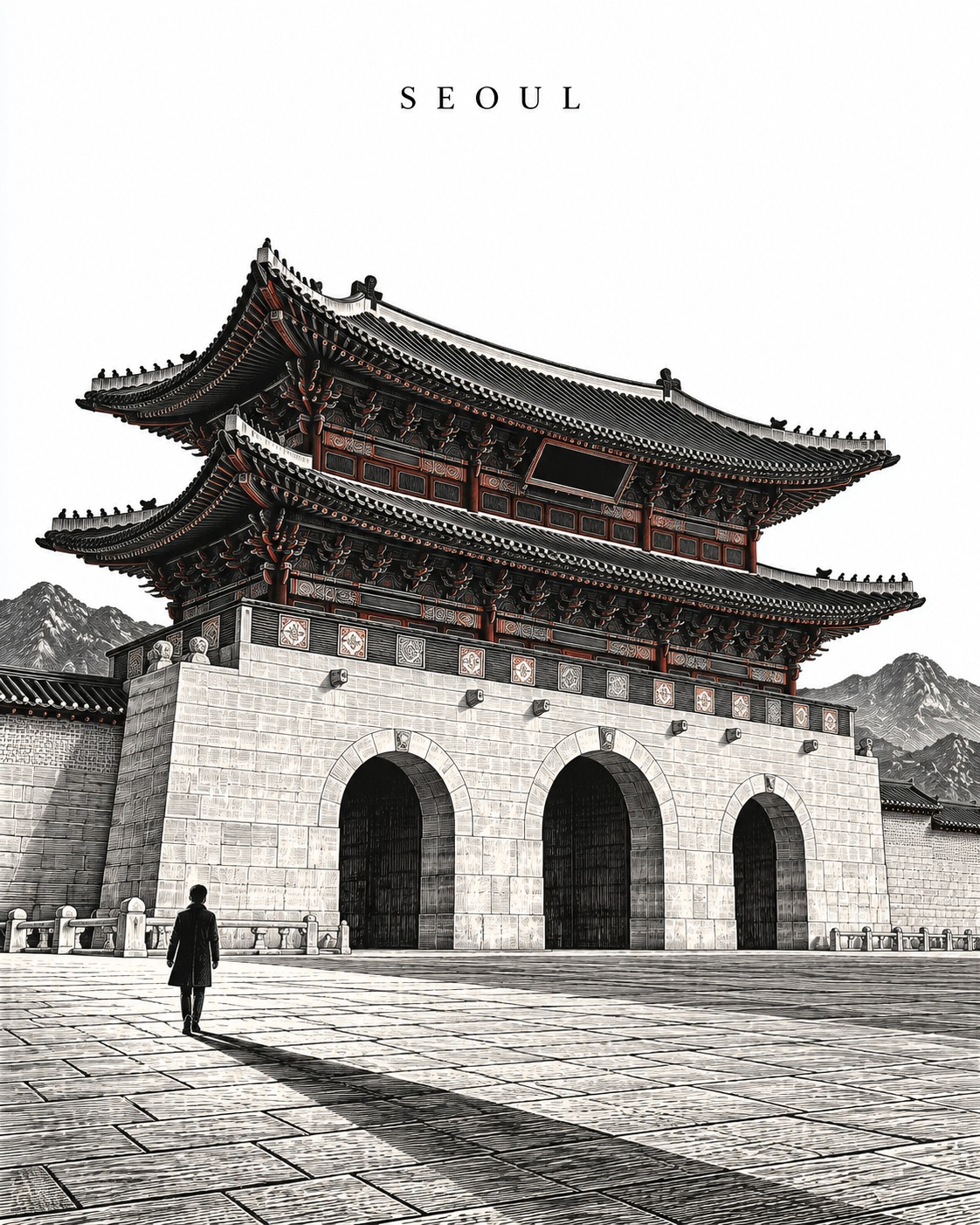
Create a collectible wood-engraved poster featuring Gwanghwamun in Seoul, with architectural detail and restrained copper-red accents.
Example outputs
Prompt template
- Format
- Text Parameterized
- Inputs
- landmark (text) · Optional · Default: Gwanghwamun city (text) · Optional · Default: Seoul
- Outputs
- Cityscape_woodcut_poster (image)
Create a collectible wood-engraved city poster featuring ${landmark:Gwanghwamun} in ${city:Seoul}. Use a vertical 4:5 composition on pure-white paper.

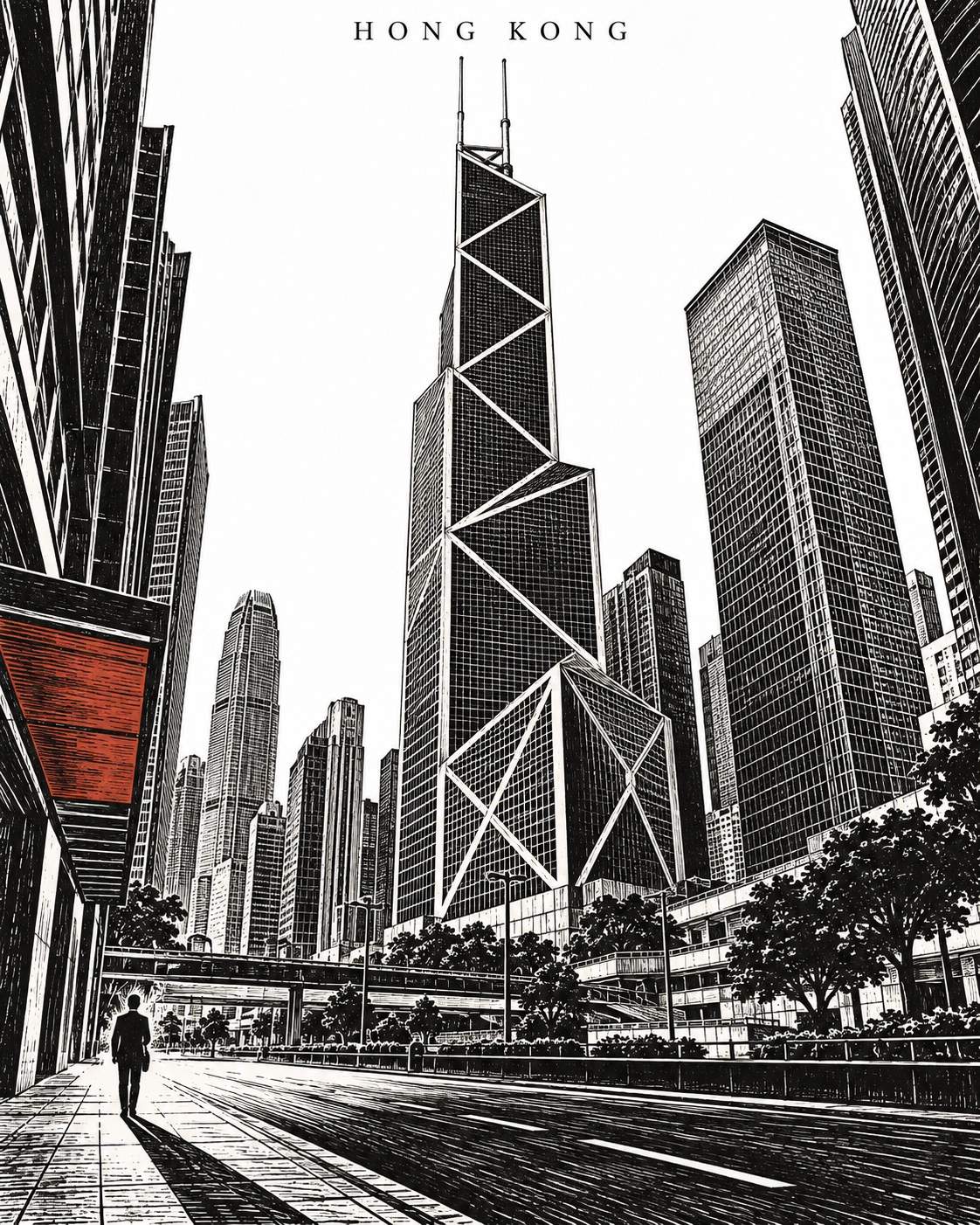
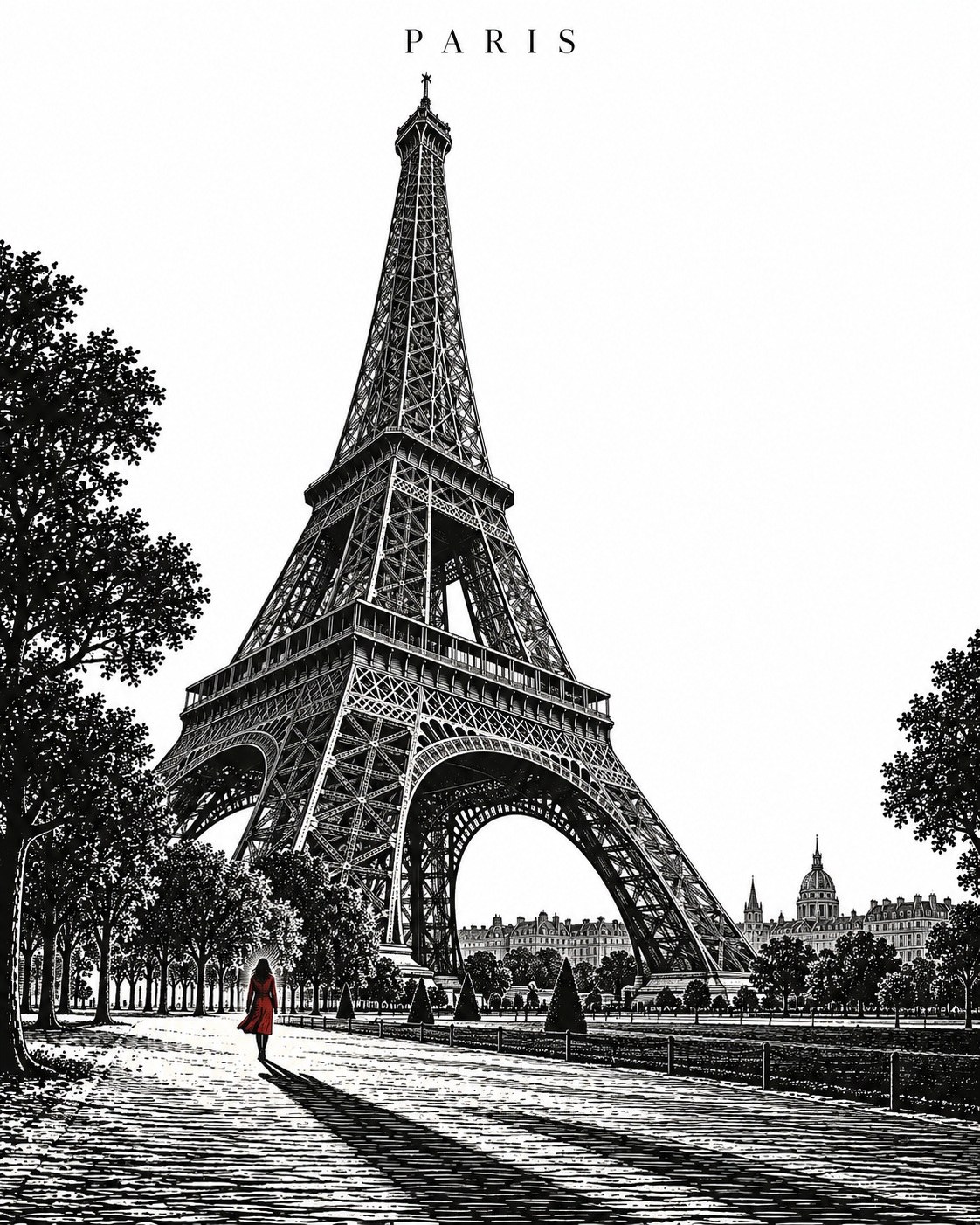
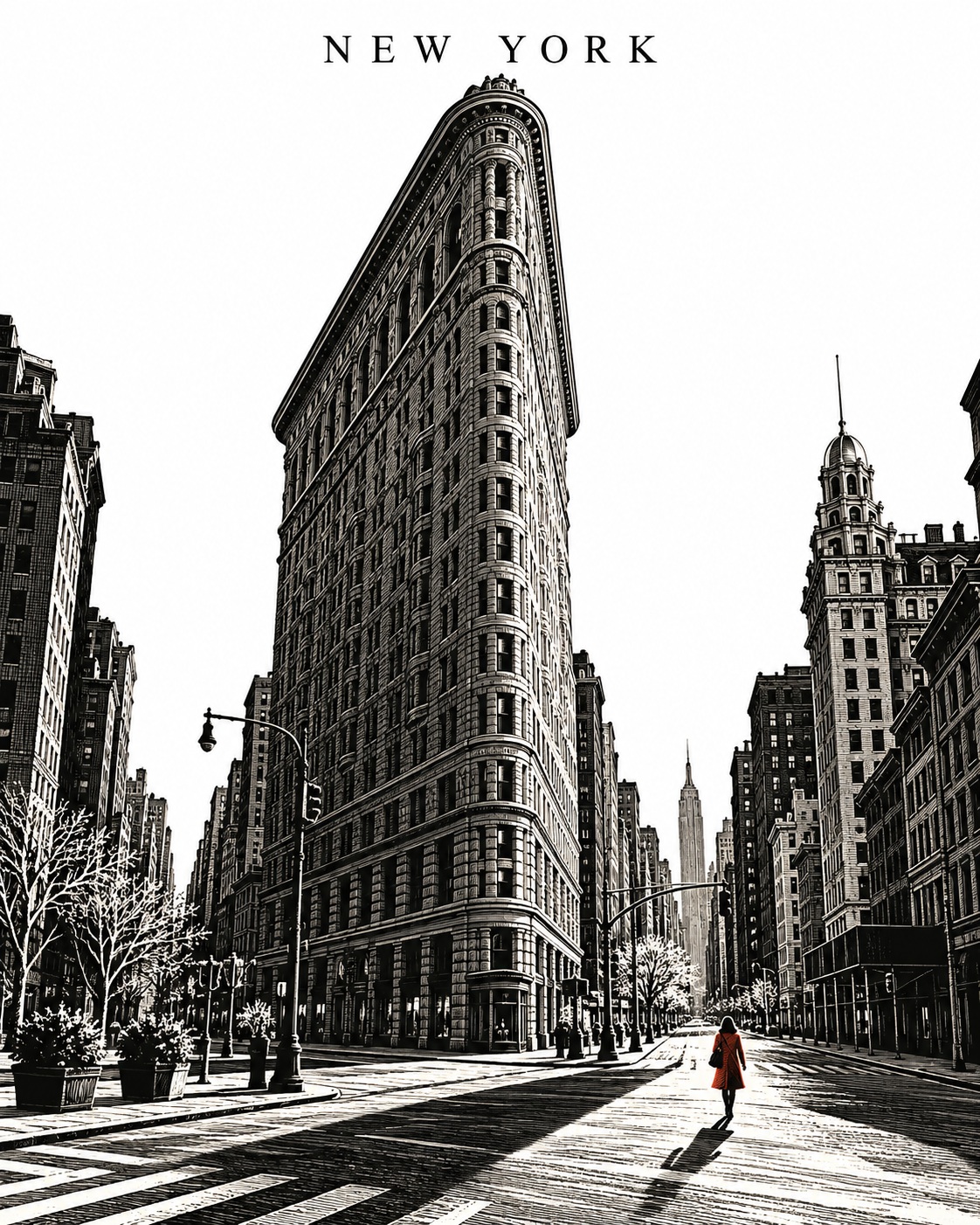
Choose a low corner viewpoint, preserving the defining architecture and recognizable local street setting. Build depth with fine white incisions through broad charcoal-black masses, rhythmic parallel cuts, and one restrained copper-red accent.

Let a long diagonal shadow lead toward one tiny pedestrian. Create a strong architectural silhouette, a luminous unprinted sky, and refined handmade detail.

Place the city name, set in elegant uppercase serif typography, at the top in small type with generous spacing and clear white space around it.

Include no other lettering, logos, borders, signatures, or watermarks.
Replace the ${…} placeholders with your values
before using this prompt. See parameters
and defaults below
Parameters
Replace each placeholder with your own value, or use its default when one is provided
${landmark:Gwanghwamun}
landmark
Default: Gwanghwamun
${city:Seoul}
city
Default: Seoul
What you'll create
A low corner view presents the chosen landmark with recognizable street architecture. Fine incisions and a long diagonal shadow lead toward a tiny pedestrian beneath luminous unprinted sky.
Frequently asked questions
What is the default landmark?
The landmark parameter defaults to Gwanghwamun in Seoul.
How is depth established?
Fine white incisions, rhythmic parallel cuts and broad dark masses create the wood-engraved depth.



Comments
Tried this prompt? Share what you made, compare results, or ask a question