Photography
Fashion Photography
Photo Collage
Smartphone Aesthetic
Google Gemini 2-5-flash-image
Nano Banana
Smartphone Camera Roll Fashion Collage
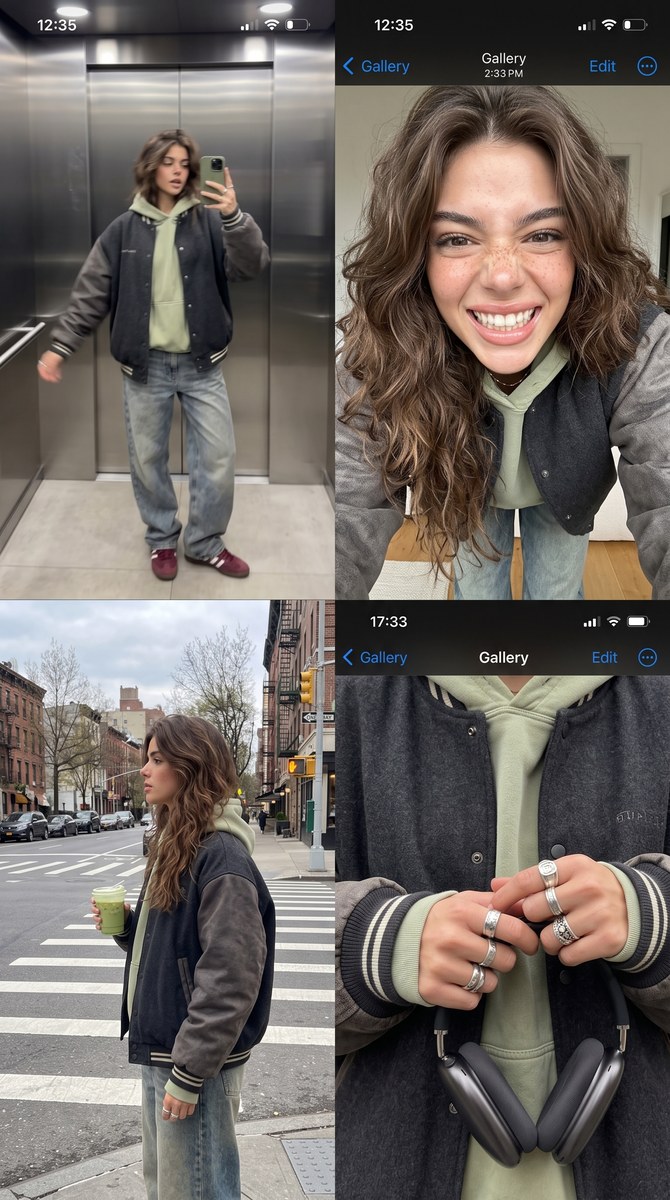
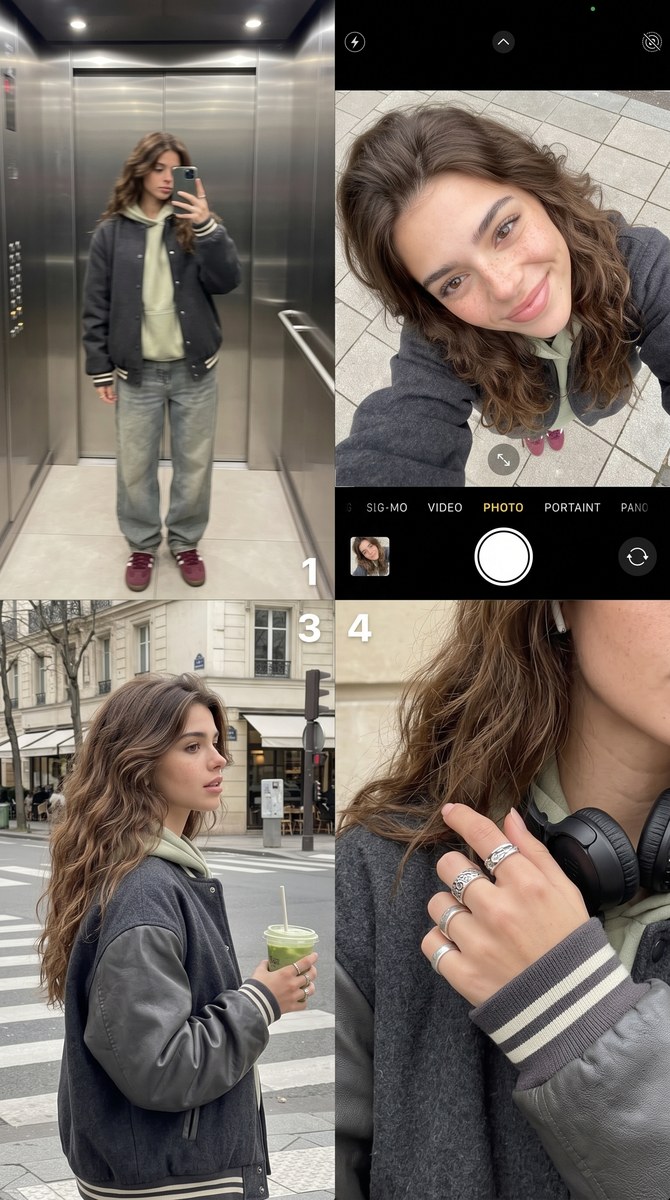
Create a four-photo lifestyle fashion collage styled like a premium smartphone camera roll.
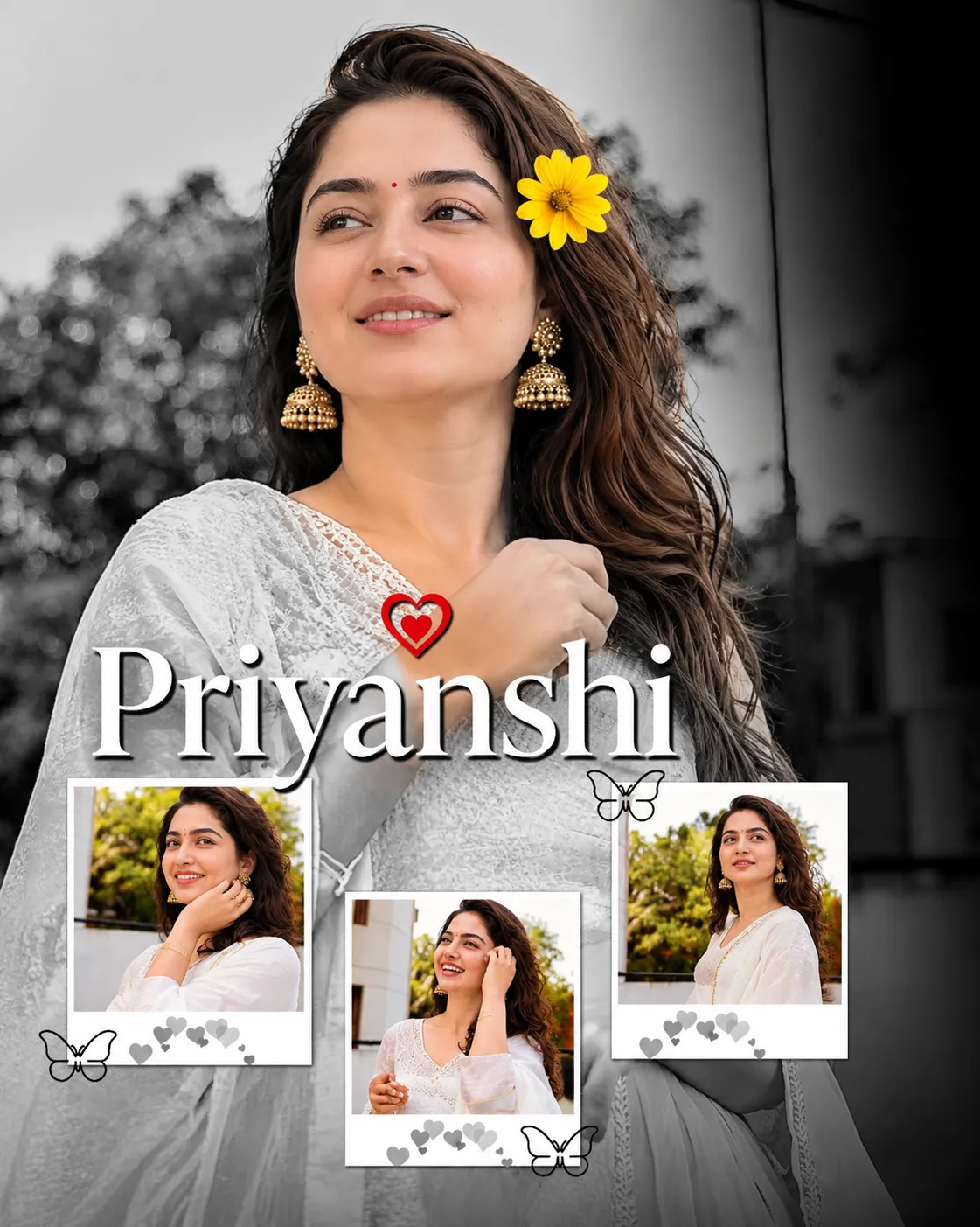
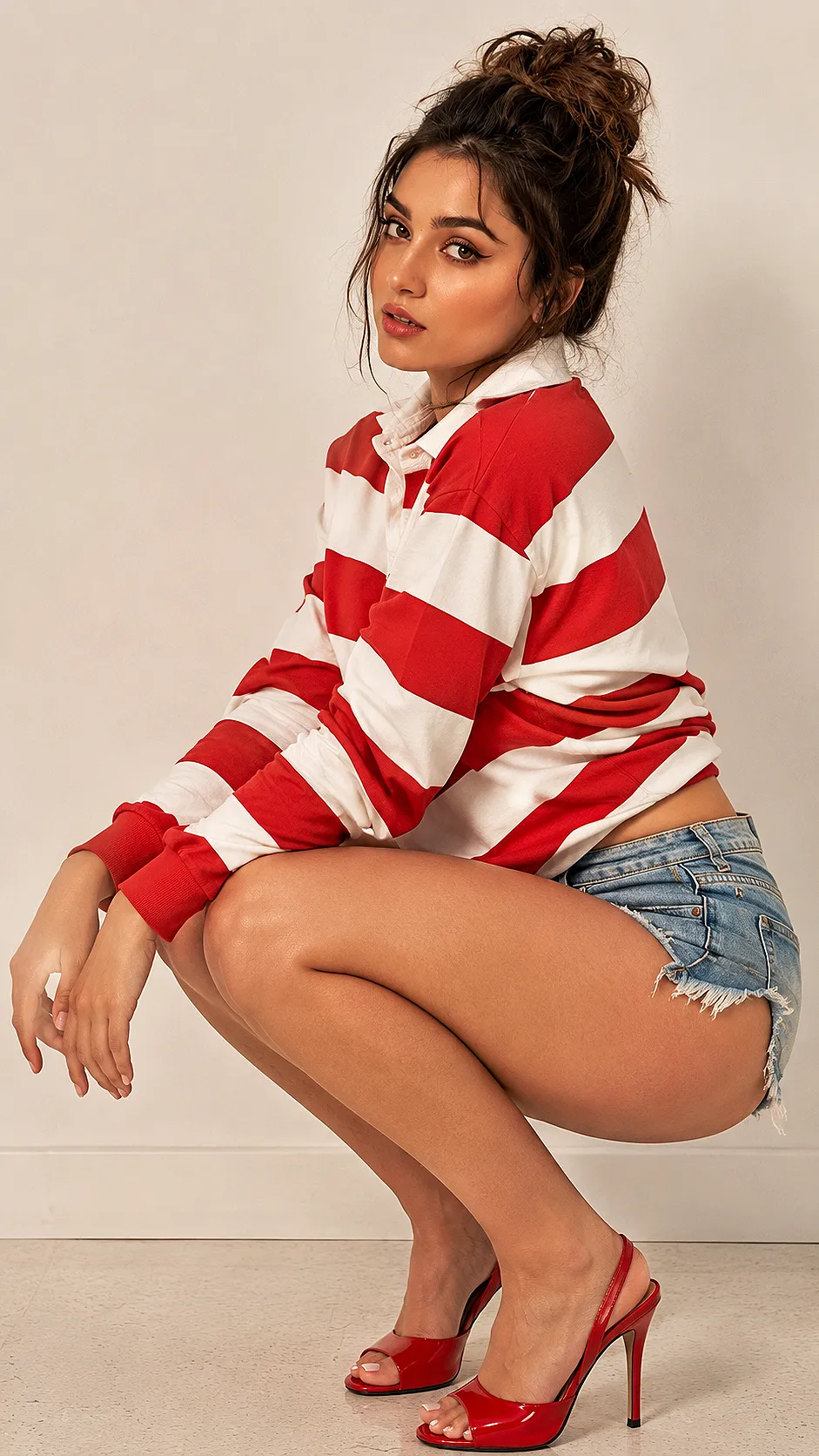
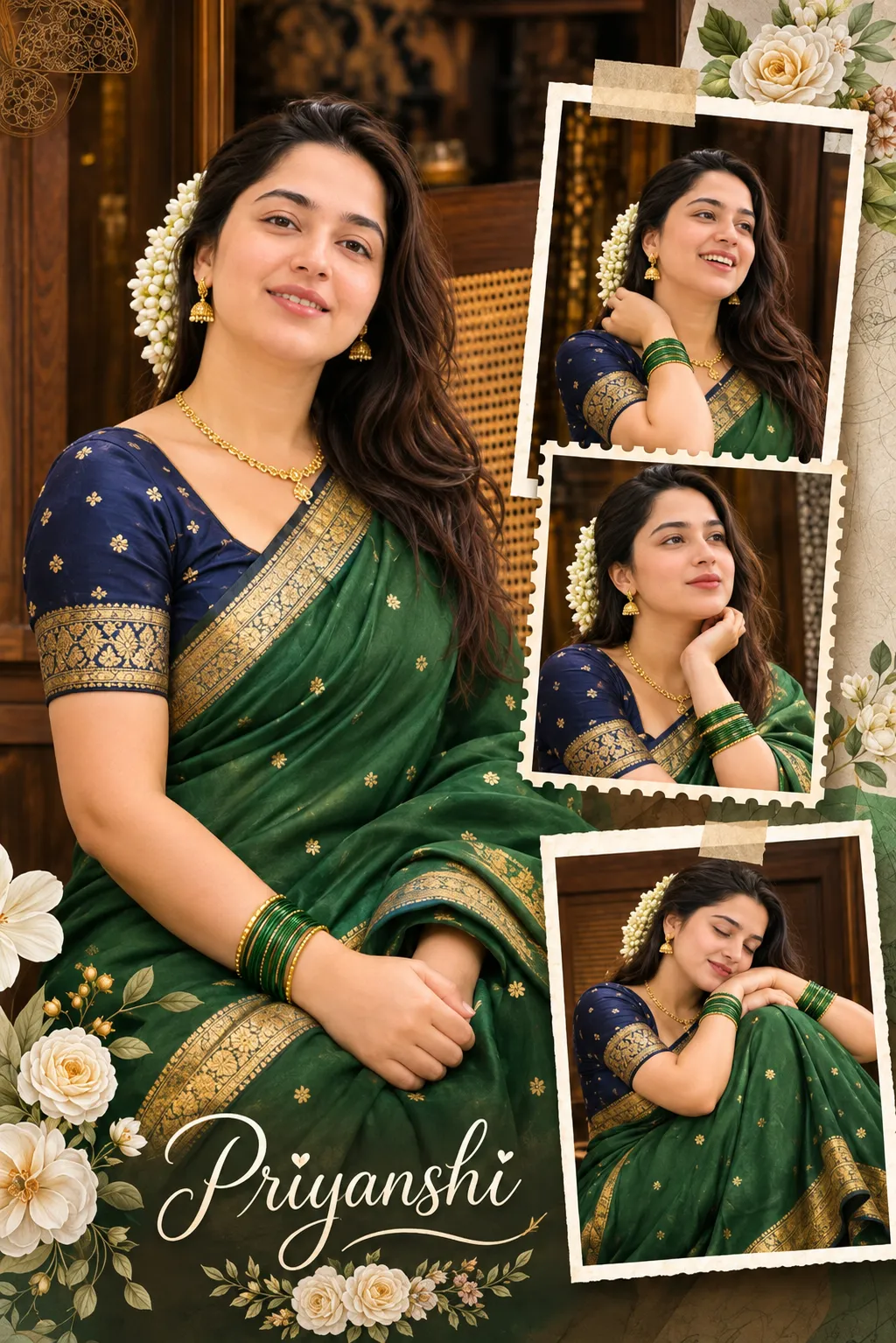
Example outputs
Prompt template
- Format
- Text Parameterized
- Inputs
- human (text) · Required
- Outputs
- fashion_collage (image)
Create a premium smartphone camera roll collage featuring ${human} wearing an oversized charcoal varsity jacket over a faded pistachio hoodie, loose stone-washed denim, and burgundy sneakers. Arrange four authentic photos like an iPhone gallery: a blurry mirror outfit check in an elevator; an ultra-wide selfie while leaning over the camera with an exaggerated grin; a candid side profile waiting at a crosswalk and holding an iced matcha; and a zoomed-in detail shot of rings, headphones, and sleeves. Use soft overcast afternoon light and a muted sage, charcoal, cream, and burgundy palette. Add subtle gallery UI overlays and natural imperfections. Lifestyle fashion photography, aspect ratio 4:5.Replace the ${…} placeholders with your values
before using this prompt. See parameters
and defaults below
Parameters
Replace each placeholder with your own value, or use its default when one is provided
${human}
human
Required
What you'll create
Four images show an elevator outfit check, an expressive wide selfie, a crosswalk profile and accessory detail. Muted sage, charcoal and burgundy tones unify the casual camera-roll layout.
Frequently asked questions
Should every frame use the same type of shot?
No, the source deliberately mixes a mirror view, selfie, candid profile and detail image.







Comments
Tried this prompt? Share what you made, compare results, or ask a question