“What Are You Looking At?” 2D Webtoon Close-Up
Reinterpret every subject in a reference image as an intentionally unflattering, comic 2D webtoon character. The aspect ratio can be adjusted while keeping the requested close-up composition and style.
Prompt template
- Format
- Text Parameterized
- Inputs
- Reference_image (image) · Required aspect_ratio (text) · Optional · Default: 9:16
- Outputs
- Illustrated_image (image)
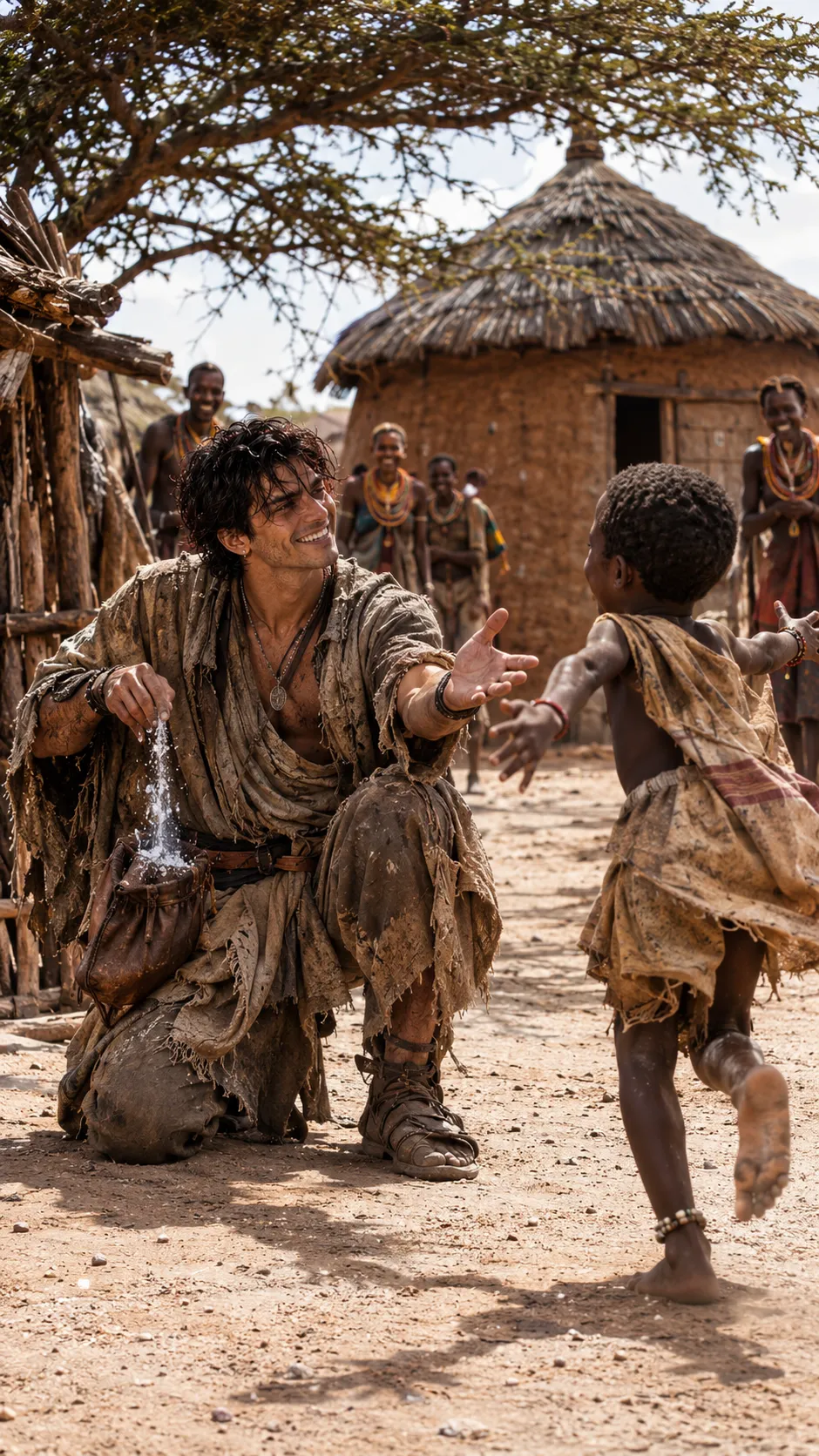
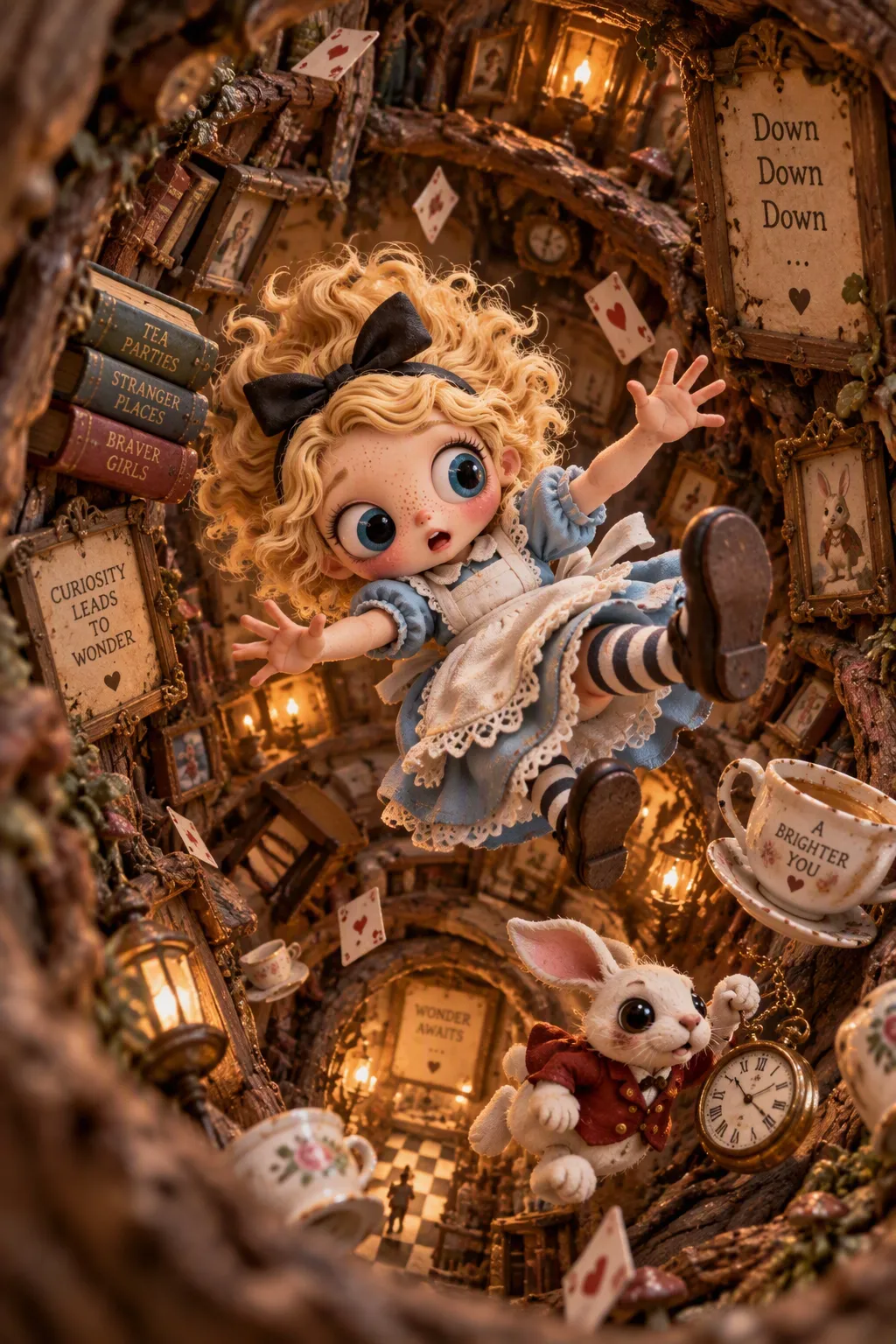
Reinterpret every subject in the uploaded reference image as the most absurdly pathetic and irritating 2D webtoon character imaginable. ABSOLUTE IDENTITY LOCK 300%. Preserve each subject’s original face, hair, skin tone, age, distinctive features, and the total number of subjects. This applies to people, characters, Blythe dolls, BJD dolls, and animals. For animals, preserve species, coat pattern, ears, and muzzle; for dolls, preserve the face sculpt and distinctive features.

Give each subject half-lidded eyes with a crooked sideways glare and thick lips pushed into a dissatisfied pout. Add crooked eyebrows, exaggerated chin fullness and nasolabial folds, and a bored, insolent expression. Use a frontal extreme facial close-up and comically asymmetrical faces. Draw with thick, crooked black outlines, simple pastel coloring, and an intentionally crude hand-drawn feel. Use a pure white background and an intentionally ugly comic webtoon style. Do not beautify, render in 3D, or make photorealistic.

--ar ${aspect-ratio:9:16} --v 7 --style raw --s 150
Replace the ${…} placeholders with your values
before using this prompt. See parameters
and defaults below
Parameters
Replace each placeholder with your own value, or use its default when one is provided
${aspect-ratio:9:16}
aspect-ratio
Default: 9:16
What you'll create
Create a deliberately unattractive, comic 2D webtoon reinterpretation of every subject in a reference image. Show them in a frontal extreme close-up with exaggerated, asymmetrical expressions, rough black outlines, simple pastel coloring, and a pure white background.
Generation settings
Midjourney v7
Advanced settings
- Stylize
- 150
Usage instructions
Frequently asked questions
Can the prompt be used with animals or dolls?
Yes. It explicitly includes people, characters, Blythe and BJD dolls, and animals, and asks to preserve animal and doll features.




Comments
Tried this prompt? Share what you made, compare results, or ask a question