Cinematic Portrait with Glowing Light Trails
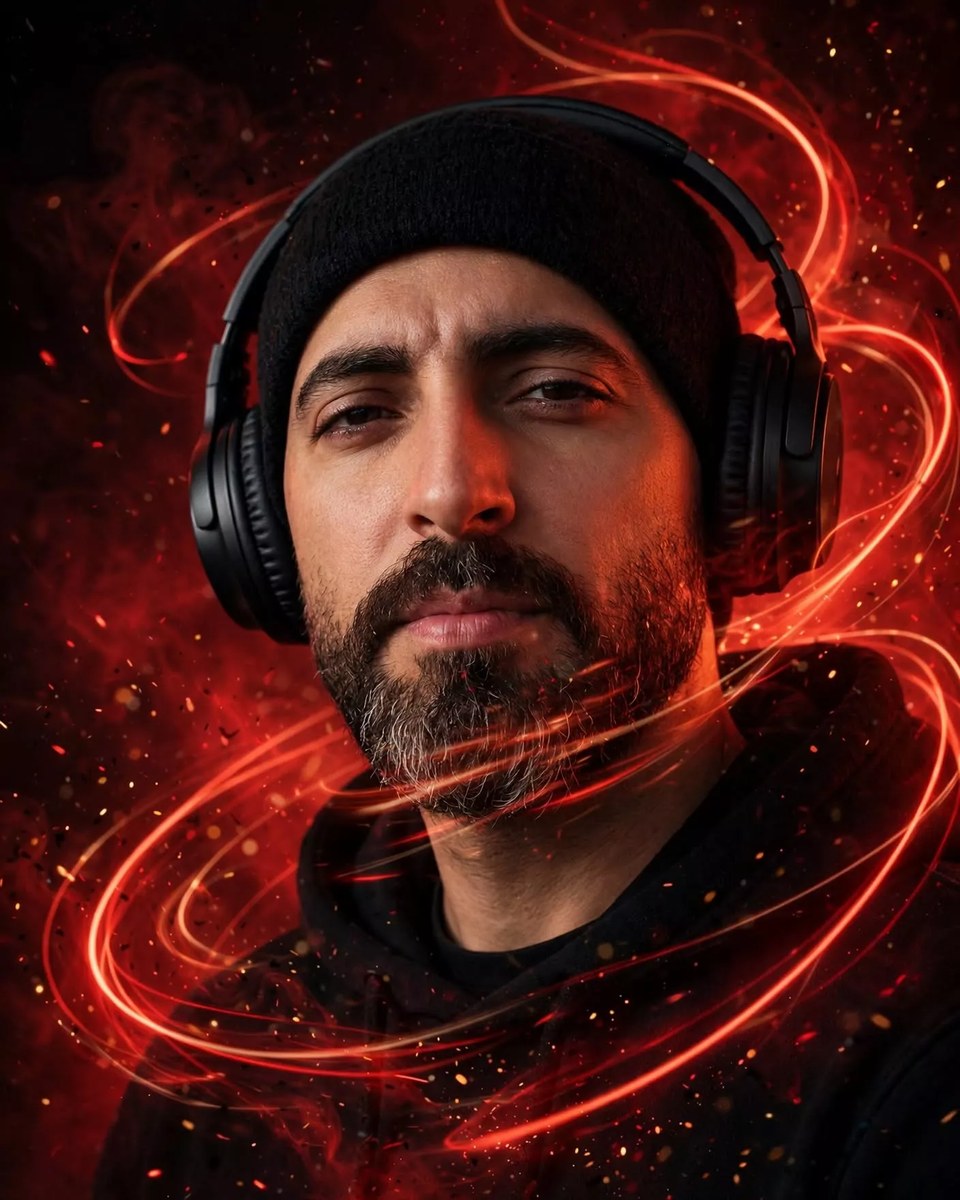
Create a cinematic editorial portrait of a young man with glowing light trails and luminous particles. Use a reference image to preserve his identity, and customize the aspect ratio if needed.
Example outputs
Prompt template
- Format
- Text Parameterized
- Inputs
- Reference_image (image) · Required aspect_ratio (text) · Optional · Default: 4:5
- Outputs
- Portrait (image)
Use the attached reference image as the identity of the subject. Preserve the facial features, skin tone, and likeness exactly.

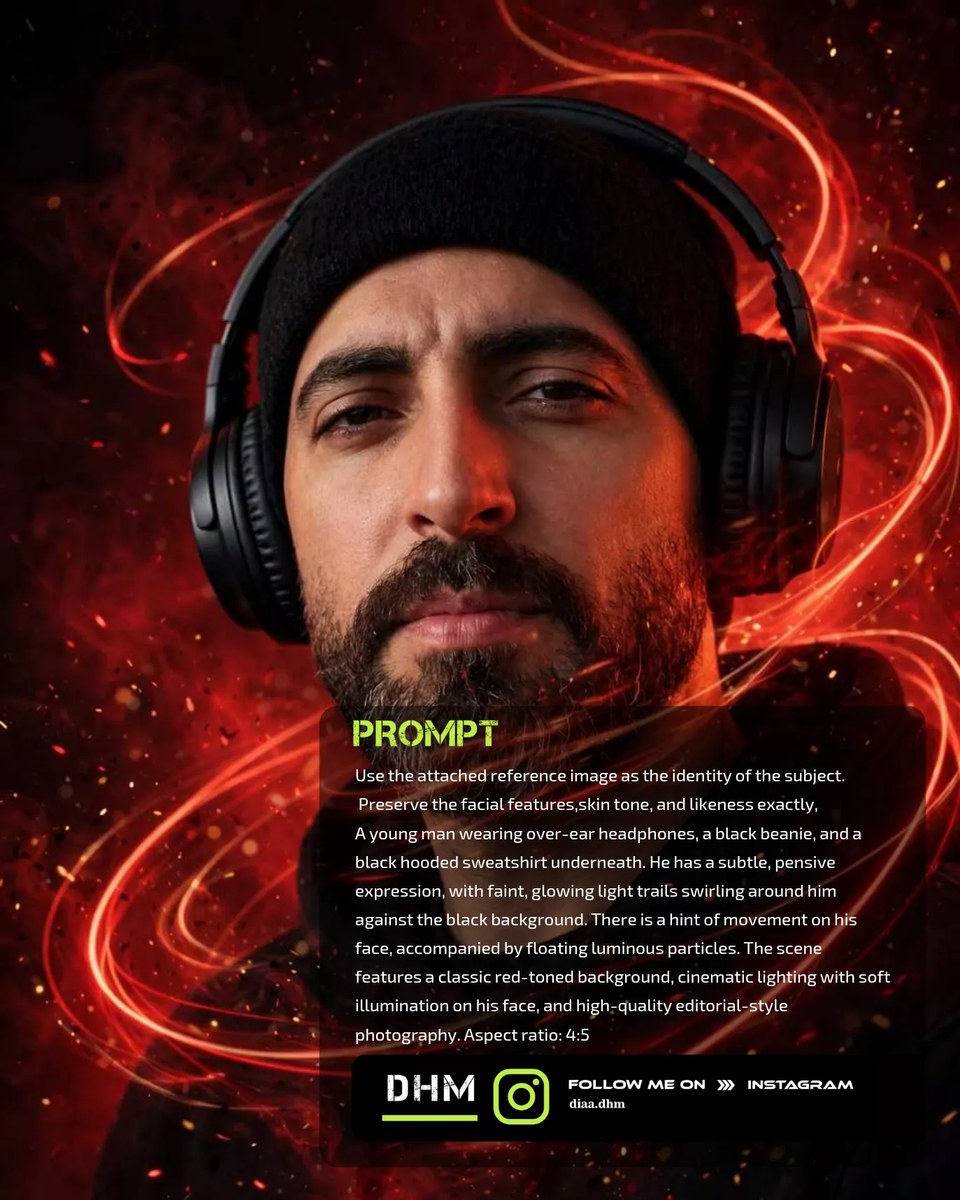
A young man wearing over-ear headphones, a black beanie, and a black hooded sweatshirt. He has a subtle, pensive expression, with faint, glowing light trails swirling around him against the black background. There is a hint of movement on his face, accompanied by floating luminous particles. The scene features a classic red-toned background, cinematic lighting with soft illumination on his face, and high-quality editorial-style photography. Aspect ratio: ${aspect-ratio:4:5}
Replace the ${…} placeholders with your values
before using this prompt. See parameters
and defaults below
Parameters
Replace each placeholder with your own value, or use its default when one is provided
${aspect-ratio:4:5}
aspect-ratio
Default: 4:5
What you'll create
This prompt creates an editorial-style photograph of a young man wearing headphones, a black beanie, and a black hoodie. Glowing light trails and particles, cinematic facial lighting, and a black and red-toned background shape the scene.
Generation settings
Usage instructions
Frequently asked questions
What should the reference image guide?
Use it to preserve the subject’s facial features, skin tone, and likeness.


Comments
Tried this prompt? Share what you made, compare results, or ask a question