Long-Exposure Light-Painted Portrait
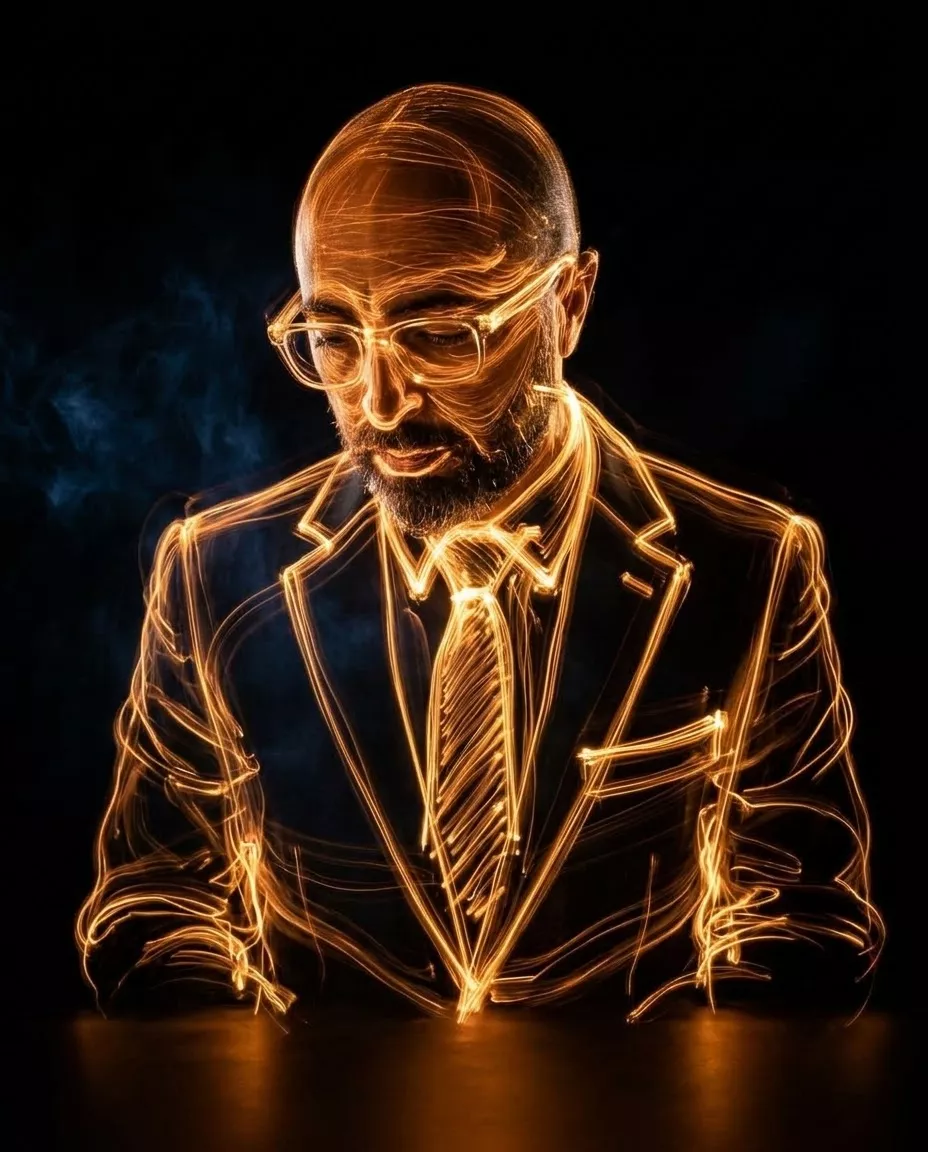
Create a light-painted portrait that uses a reference image to preserve the subject’s likeness. The aspect ratio can be adjusted from the original 4:5
Example outputs
Prompt template
- Format
- Text Parameterized
- Inputs
- Reference_image (image) · Required Aspect_ratio (text) · Optional · Default: 4:5
- Outputs
- Light_painted_portrait (image)
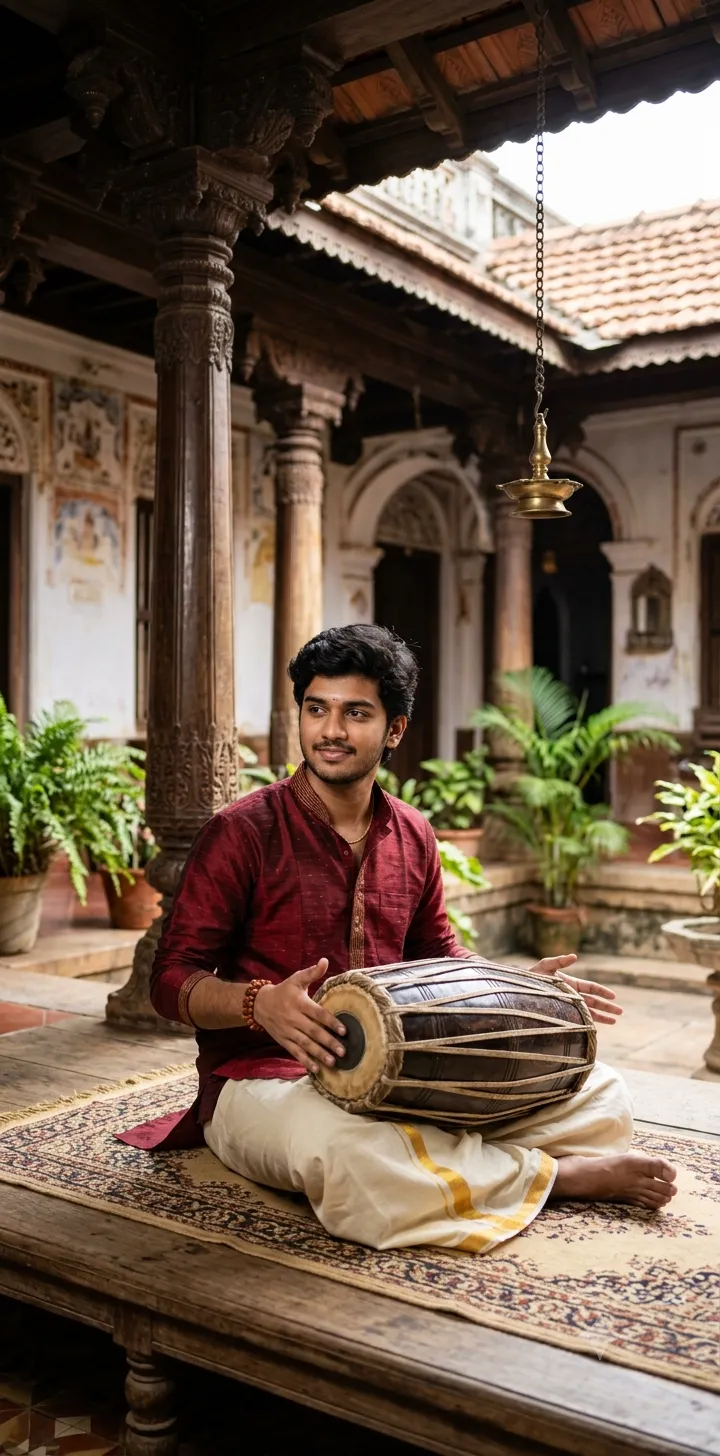
Use the attached reference image as the identity of the subject. Preserve the facial features and likeness exactly.

Create an image of a man wearing glasses, a suit, and a tie, looking downward, rendered entirely through long-exposure light painting in bright orange and golden-yellow streaks against a pitch-black background. Construct the contours of his tilted head, the structural frames of his glasses, the sharp lapels of his suit jacket, and the drape of his tie from continuous, fluid, overlapping trails of luminous light. Vary the glowing lines in thickness and intensity to create a translucent, skeletal silhouette of the man's head and upper torso. Set the figure in a solid, completely dark space to maximize the high contrast of the energetic light ribbons, with a subtle, warm orange reflection pooling on the smooth, dark surface directly beneath the glowing figure. Aspect ratio: ${aspect-ratio:4:5}
Replace the ${…} placeholders with your values
before using this prompt. See parameters
and defaults below
Parameters
Replace each placeholder with your own value, or use its default when one is provided
${aspect-ratio:4:5}
aspect-ratio
Default: 4:5
What you'll create
This prompt creates a portrait of a man looking downward, with his glasses, suit, and tie formed from bright orange and golden-yellow light trails. A pitch-black setting and a subtle warm reflection beneath the figure emphasize the glowing silhouette
Generation settings
Google Gemini
Usage instructions
Frequently asked questions
What does the reference image control?
It provides the subject’s identity; the prompt asks to preserve the subject’s facial features and likeness
Can I change the aspect ratio?
Yes. The original ratio is 4:5, and you can replace it with another aspect ratio


Comments
Tried this prompt? Share what you made, compare results, or ask a question