Paper Scene Editorial
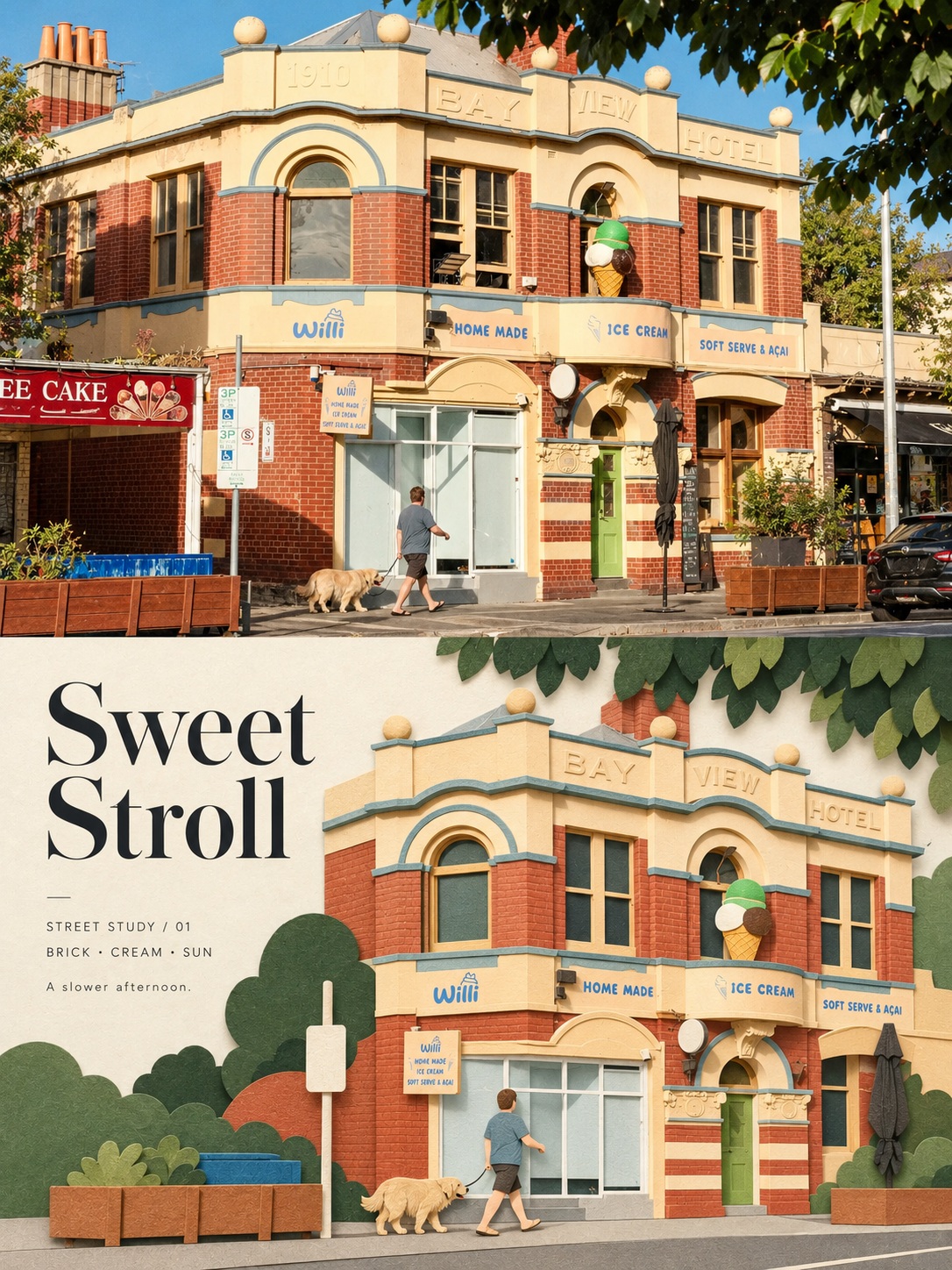
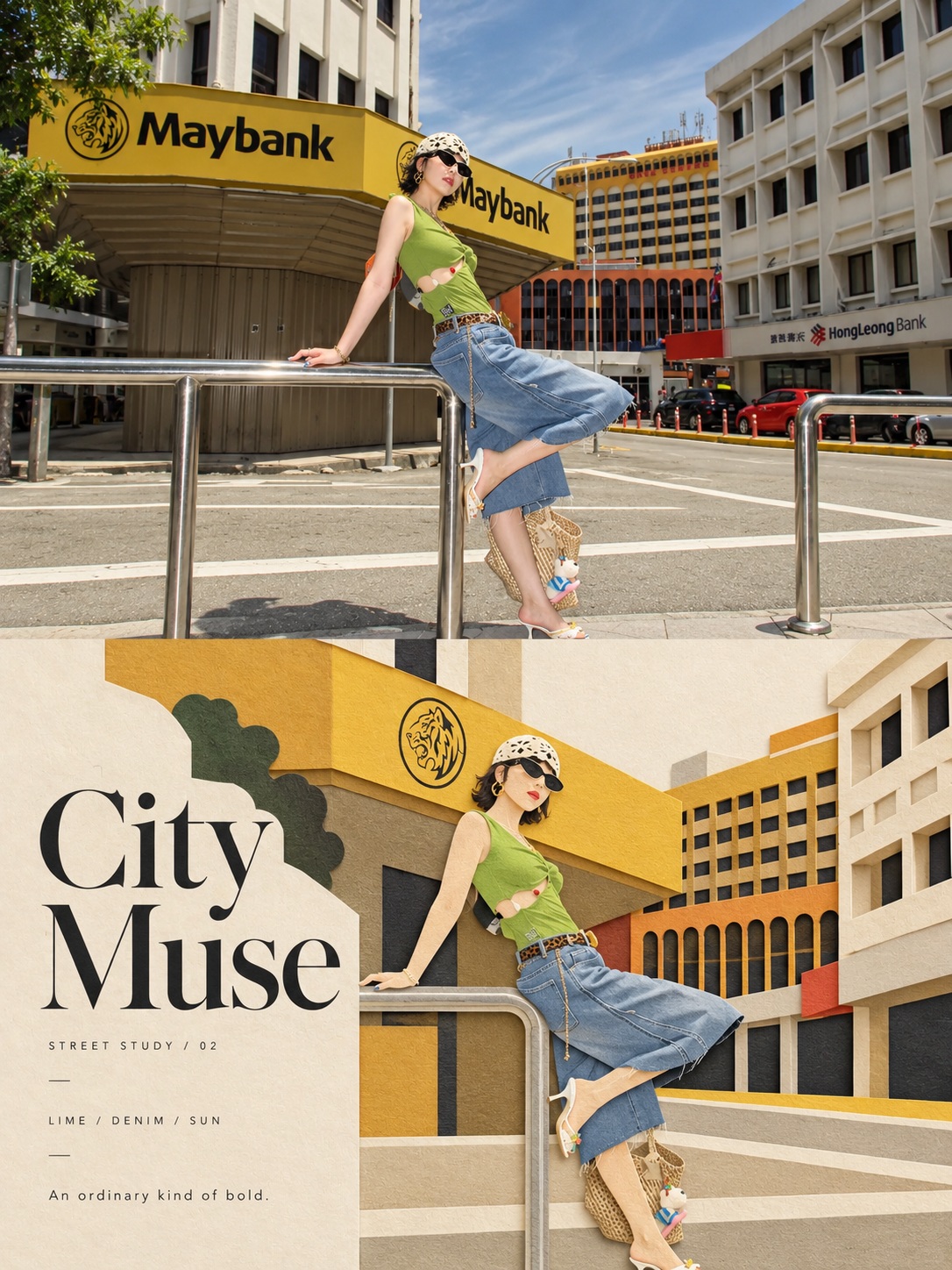
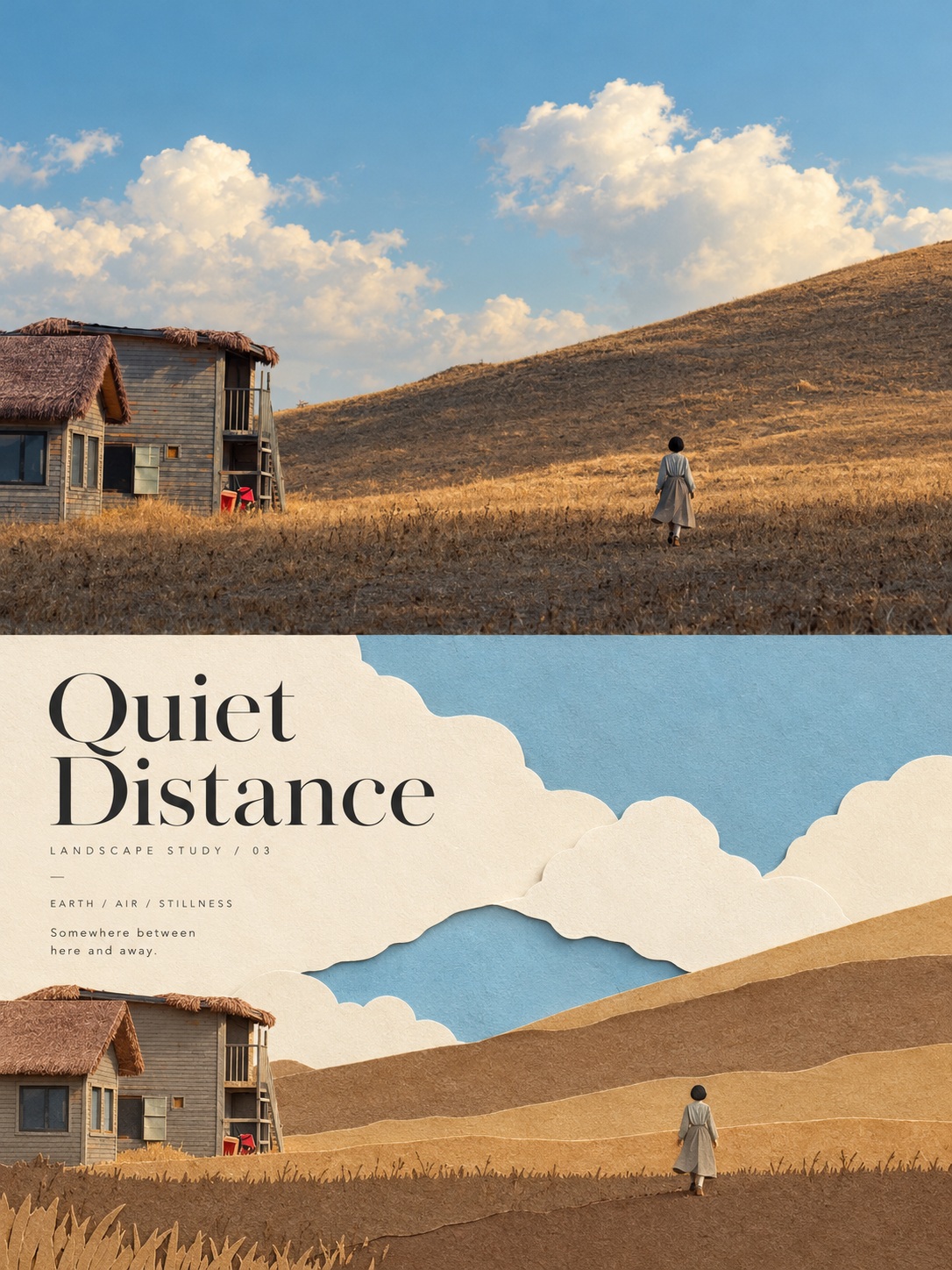
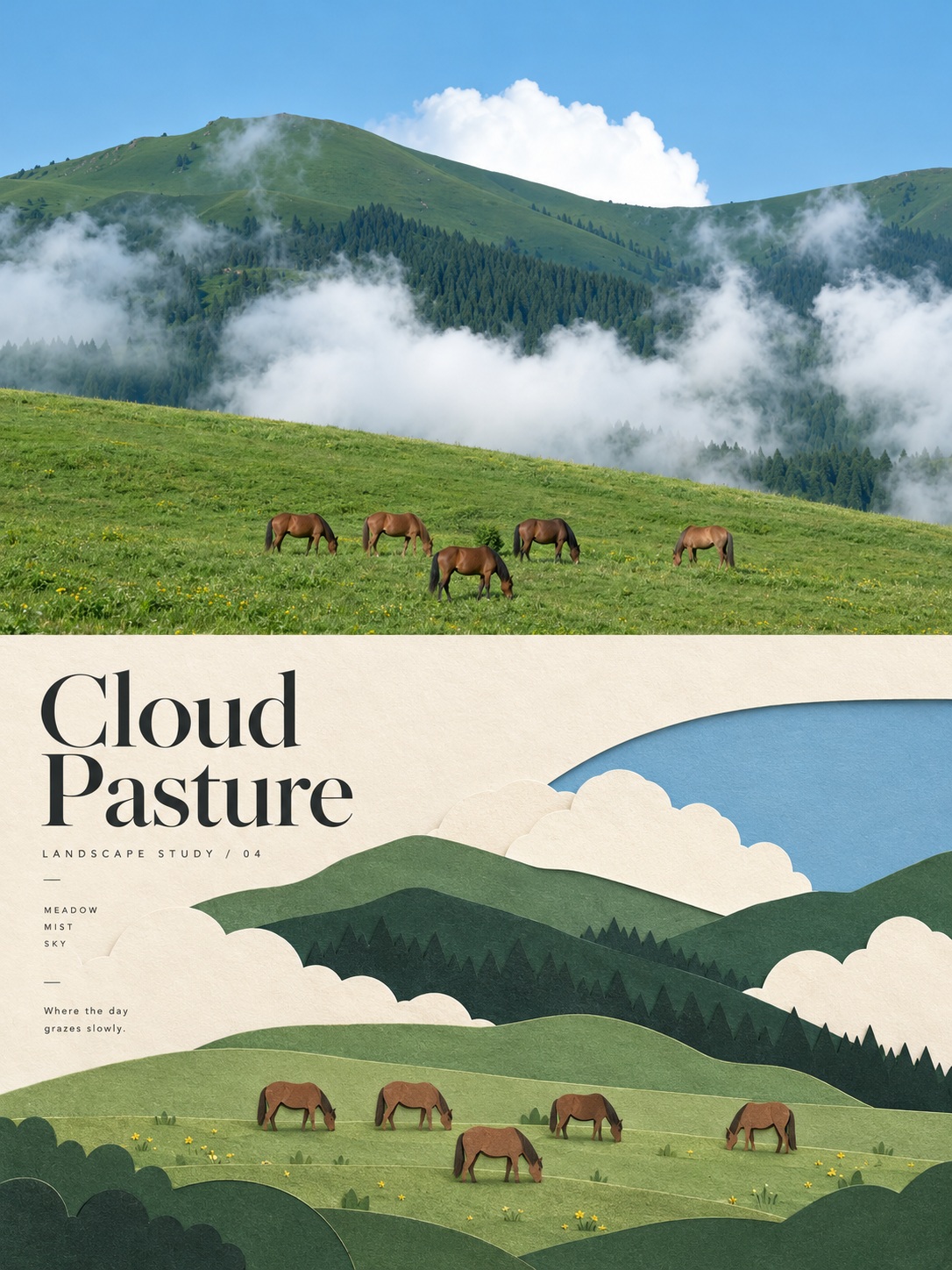
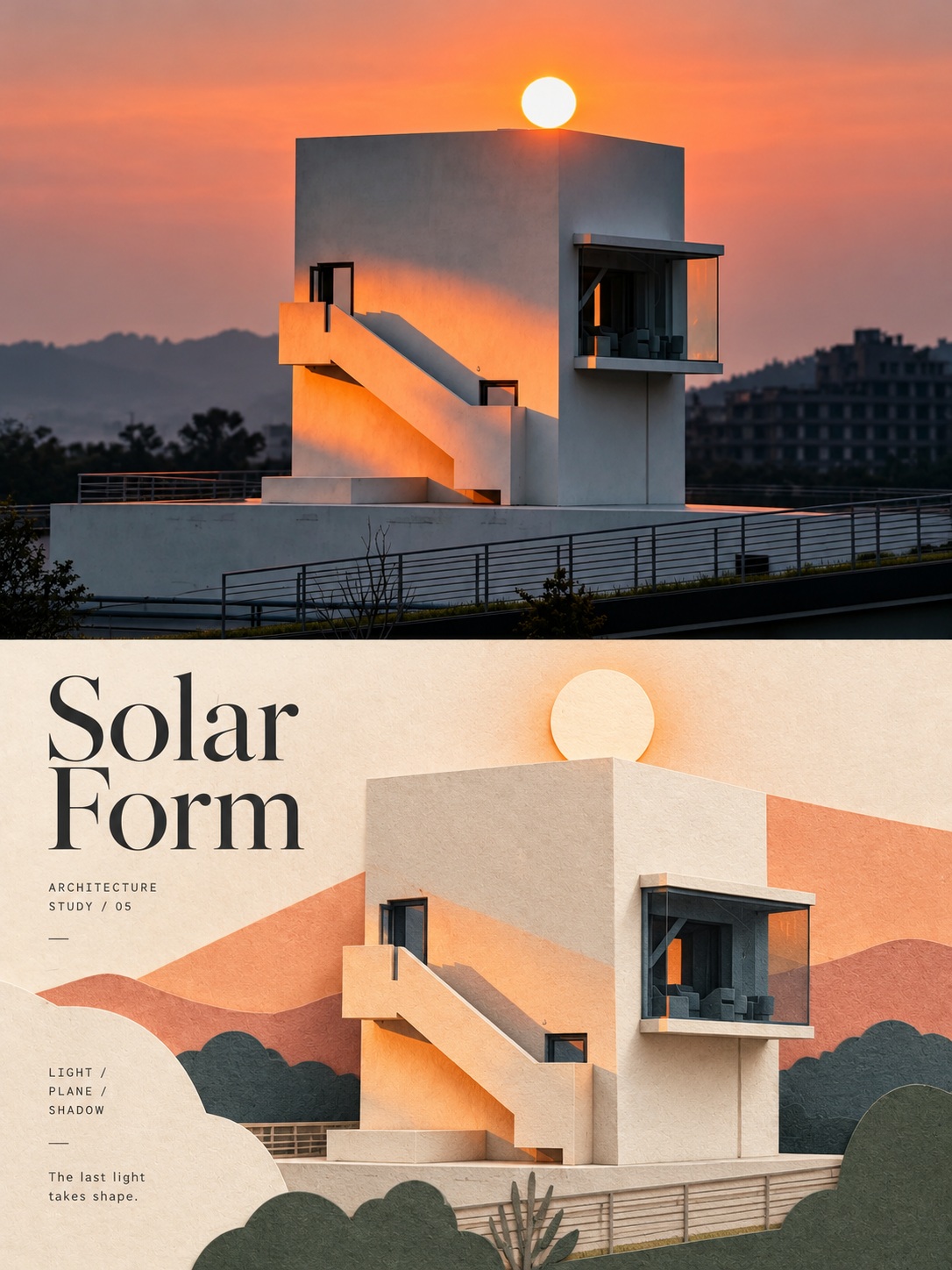
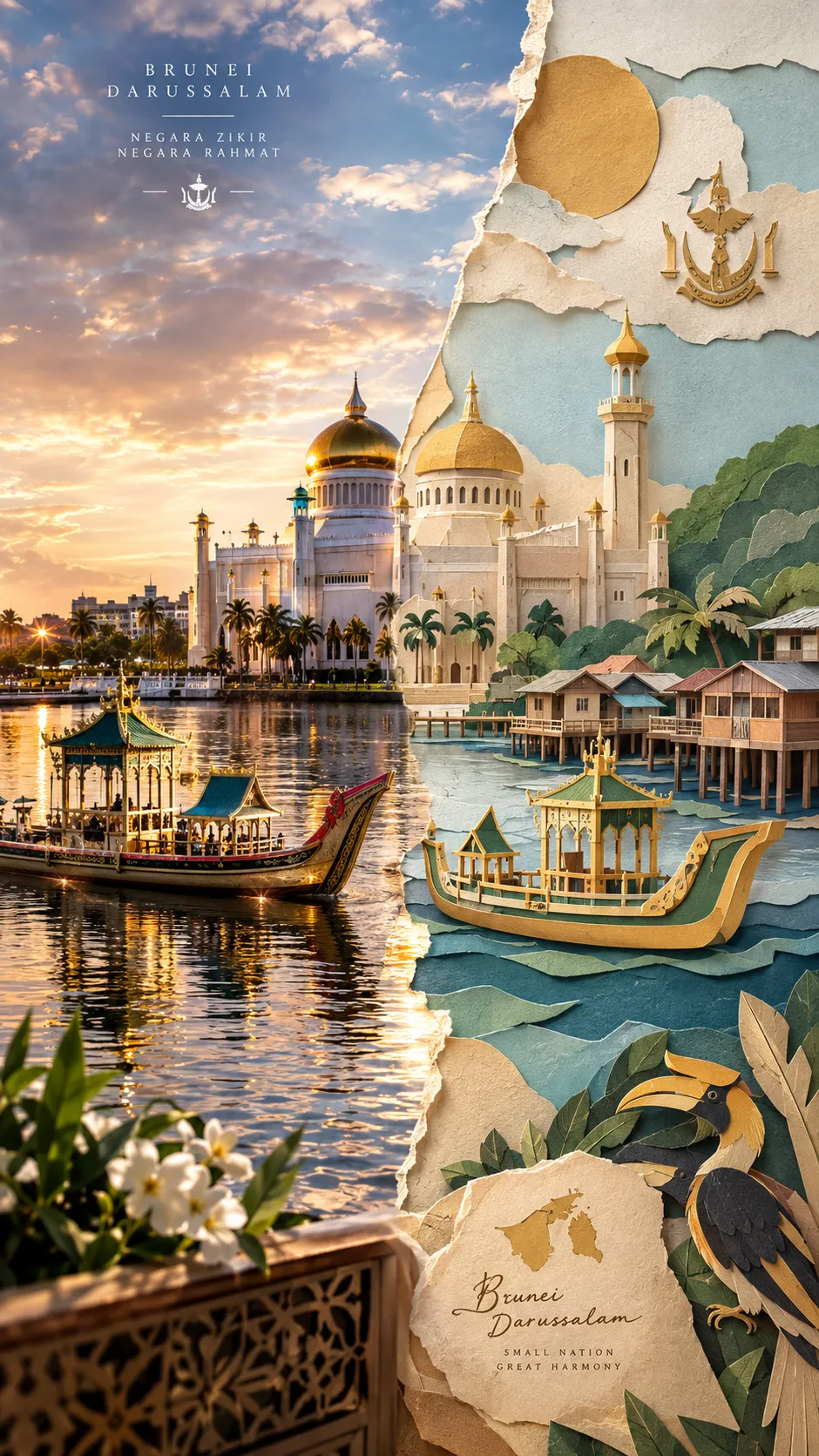
Transform an uploaded photo into a high-end editorial poster featuring a layered paper-cut interpretation of its subject and a restrained text layout.
Example outputs
Prompt template
- Format
- Text
- Inputs
- Uploaded_photo (image) · Required
- Outputs
- Editorial_poster (image)
Use the uploaded photo as the sole source for the subject and create a high-end editorial poster. Produce a separate output for each photo; do not combine multiple photos into a collage.

Use a vertical 3:4 canvas. Divide it into two sections of exactly equal height, each occupying 50% of the canvas, with the boundary at the center. Include no border or gap between the sections.

Preserve the identity and pose of the subject, architectural structures, natural light and shadows, realistic textures, and the original color atmosphere. Apply only subtle, art-magazine-quality color grading. If needed, naturally extend the environmental background to fit the banner-shaped sections. Do not stretch the subject, alter its proportions, or crop out important narrative elements.

Identify the photo’s most distinctive theme, silhouette, pose, and narrative relationships, and reinterpret them as minimalist, handcrafted layered paper cutouts and paper sculpture. Make one central subject the visual focal point, and simplify the surroundings into foreground, middle-ground, and background paper layers.

Create depth with cutting, folding, layering, masking, positive and negative shapes, and negative space. Keep the subject recognizable without mechanically reproducing every detail.

Draw a limited, harmonious palette from the original photo. Use warm ivory paper as the base, combined with a main color, dark structural tones, and a small accent color. Show matte cardstock, fine paper fibers, clean cut edges, realistic thickness, and soft contact shadows under natural diffused light.

Add text only in the lower half. Create a concise English headline inspired by the photo’s theme, accompanied by 2–4 groups of small supporting text, such as a serial number, material words, category labels, or a very short poem. Do not add a year or invent a place name or coordinates.
What you'll create
A faithful photographic scene is paired with a paper-based editorial treatment in a vertical layout. Natural light, subtle grading and small lower-panel text preserve the source’s atmosphere within an art-magazine design.
Frequently asked questions
Can the typography invent a location?
No. The source prohibits invented place names, coordinates and years.
Where can text appear?
Only in the lower half.



Comments
Tried this prompt? Share what you made, compare results, or ask a question