Turn a Photo into a Kawaii Sticker Illustration
Transform a photo into a playful, hand-drawn kawaii sticker-style illustration with bold outlines and pastel colors.
Example outputs
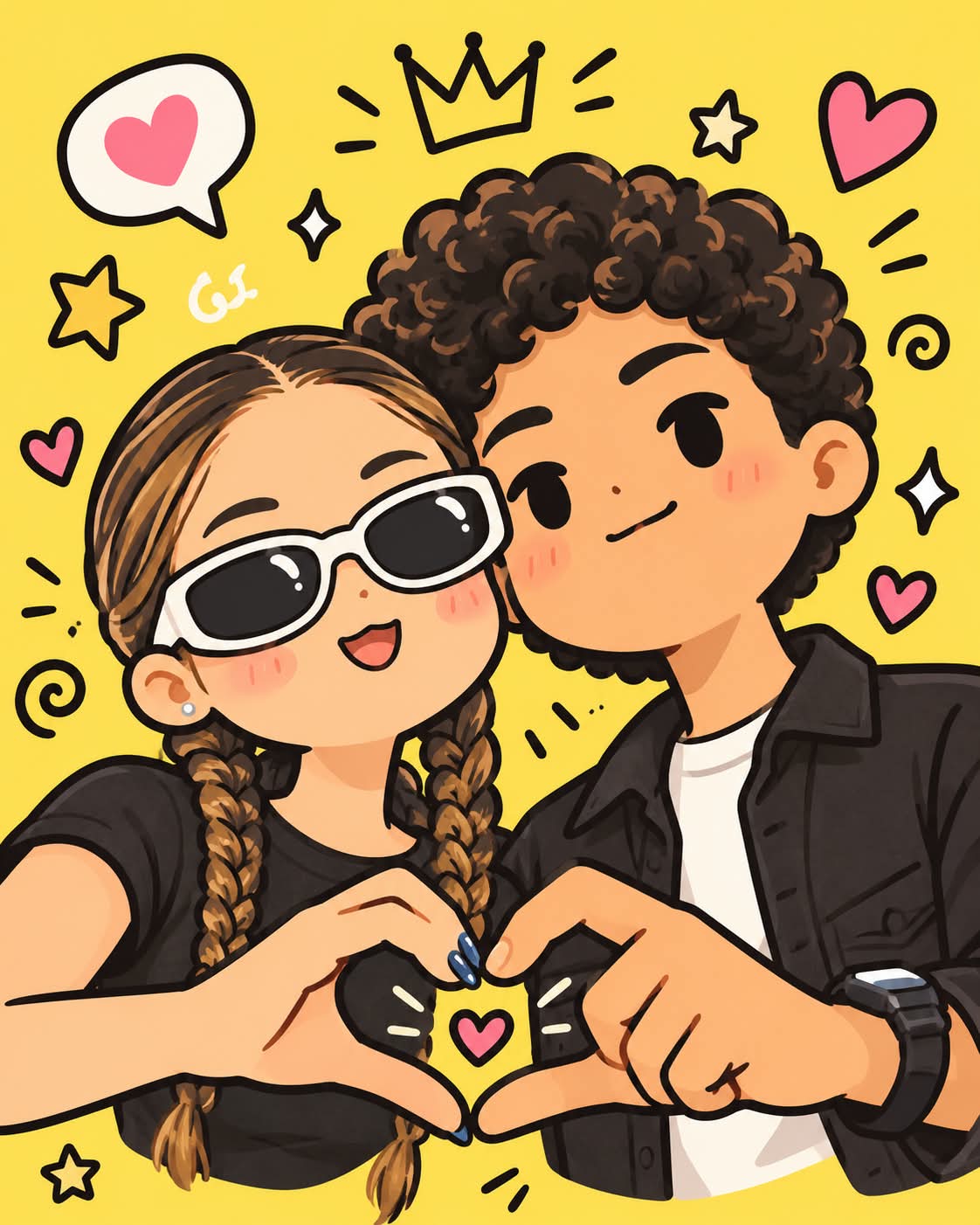

Prompt template
- Format
- Text Parameterized
- Inputs
- Photo (image) · Required Background (text) · Optional · Default: bright yellow Aspect_ratio (text) · Optional · Default: 4:5 background_color (text) · Optional · Default: bright yellow
- Outputs
- Kawaii_illustration (image)
Transform the uploaded photo into a cute, kawaii, hand-drawn character illustration in a contemporary Japanese/Korean cartoon sticker-art style. Use clean, thick, expressive black outlines and a soft pastel and cream color palette with simple flat colors and minimal shading. Depict the people or subjects as rounded, simplified characters with playful, slightly oversized heads, tiny oval eyes, small mouths, and subtle pink cheeks. Surround them with whimsical doodle elements such as stars, hearts, and swirls. Use a solid ${background-color:bright yellow} background. Keep the composition energetic and the mood whimsical and youthful. Create a clean 2D digital illustration in a ${aspect-ratio:4:5} aspect ratio.Replace the ${…} placeholders with your values
before using this prompt. See parameters
and defaults below
Parameters
Replace each placeholder with your own value, or use its default when one is provided
${background-color:bright yellow}
background-color
Default: bright yellow
${aspect-ratio:4:5}
aspect-ratio
Default: 4:5
What you'll create
Reference subjects become simple thick-outlined cartoon figures with small eyes and pink cheeks, surrounded by stars, hearts and swirls.
Frequently asked questions
Can the background color change?
Yes, the background-color parameter controls it.


Comments
Tried this prompt? Share what you made, compare results, or ask a question