Fox Photorealism and Storybook Woodcut
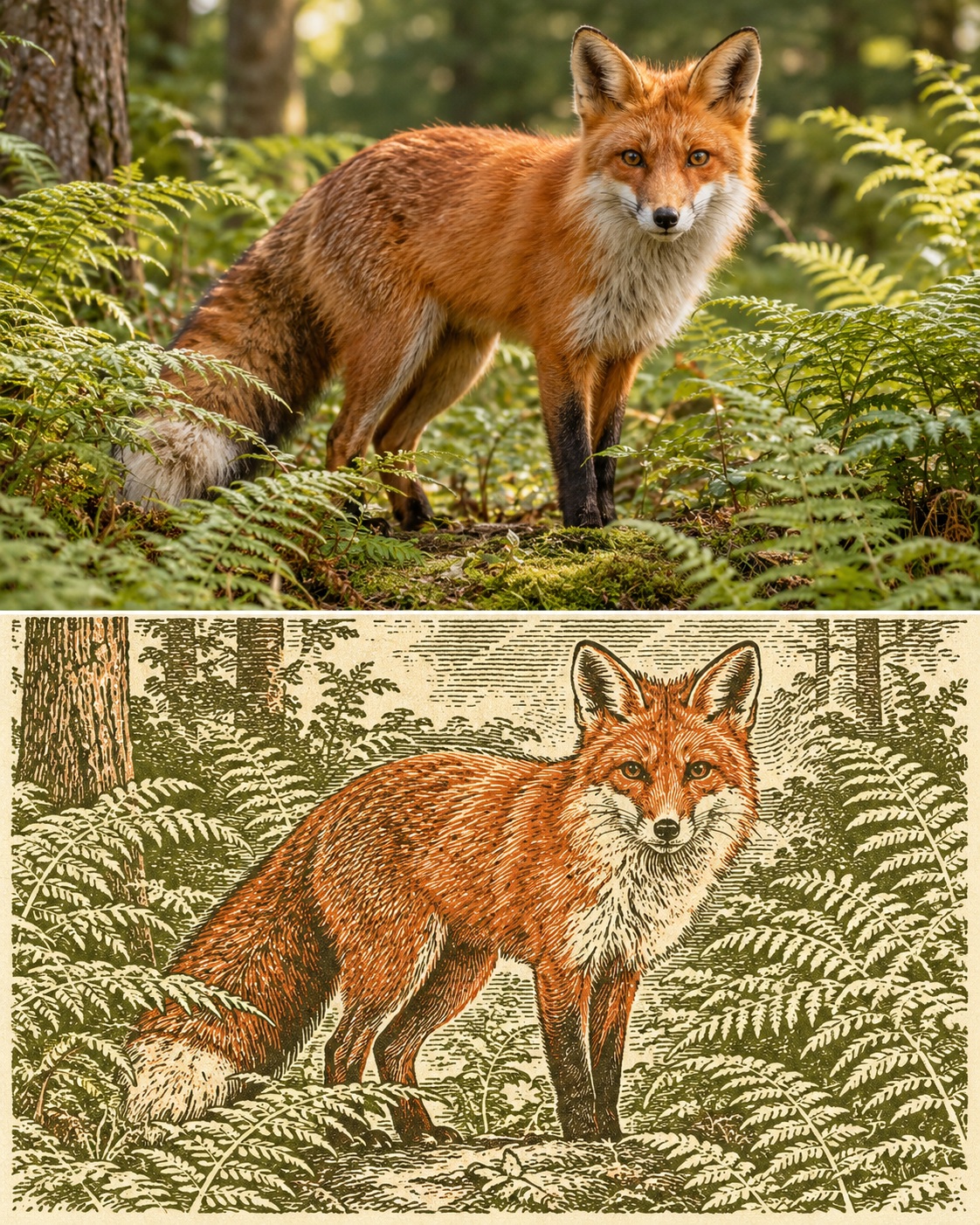
Create a split image of a red fox in a fern clearing, shown first photorealistically and then as a vintage storybook woodcut. The subject can be changed while retaining the supplied scene as its default.
Example outputs
Prompt template
- Format
- Text Parameterized
- Inputs
- Subject (text) · Optional · Default: red fox in a fern clearing
- Outputs
- Splitstylecomparisonimage (image)
4:5, equal top and bottom. Top: photorealistic ${subject:red fox in a fern clearing}. Bottom: same scene as a vintage storybook woodcut, moss green and rust ink on cream paper. Match framing, no text.Replace the ${…} placeholders with your values
before using this prompt. See parameters
and defaults below
Parameters
Replace each placeholder with your own value, or use its default when one is provided
${subject:red fox in a fern clearing}
subject
Default: red fox in a fern clearing
What you'll create
This prompt pairs a photorealistic red fox in a fern clearing with a woodcut version of the same scene. Both sections share matched framing, with the woodcut rendered in moss-green and rust ink on cream paper.
Usage instructions
The prompt uses a red fox in a fern clearing as its default subject; you can replace that subject or setting while keeping the two sections matched. The specified 4:5 layout divides the image equally between the photorealistic scene and its woodcut counterpart.
Frequently asked questions
What makes the two versions read as the same scene?
The prompt asks the woodcut to repeat the photorealistic scene and match its framing


Comments
Tried this prompt? Share what you made, compare results, or ask a question