Photorealistic and Cloisonné Enamel Split Composition
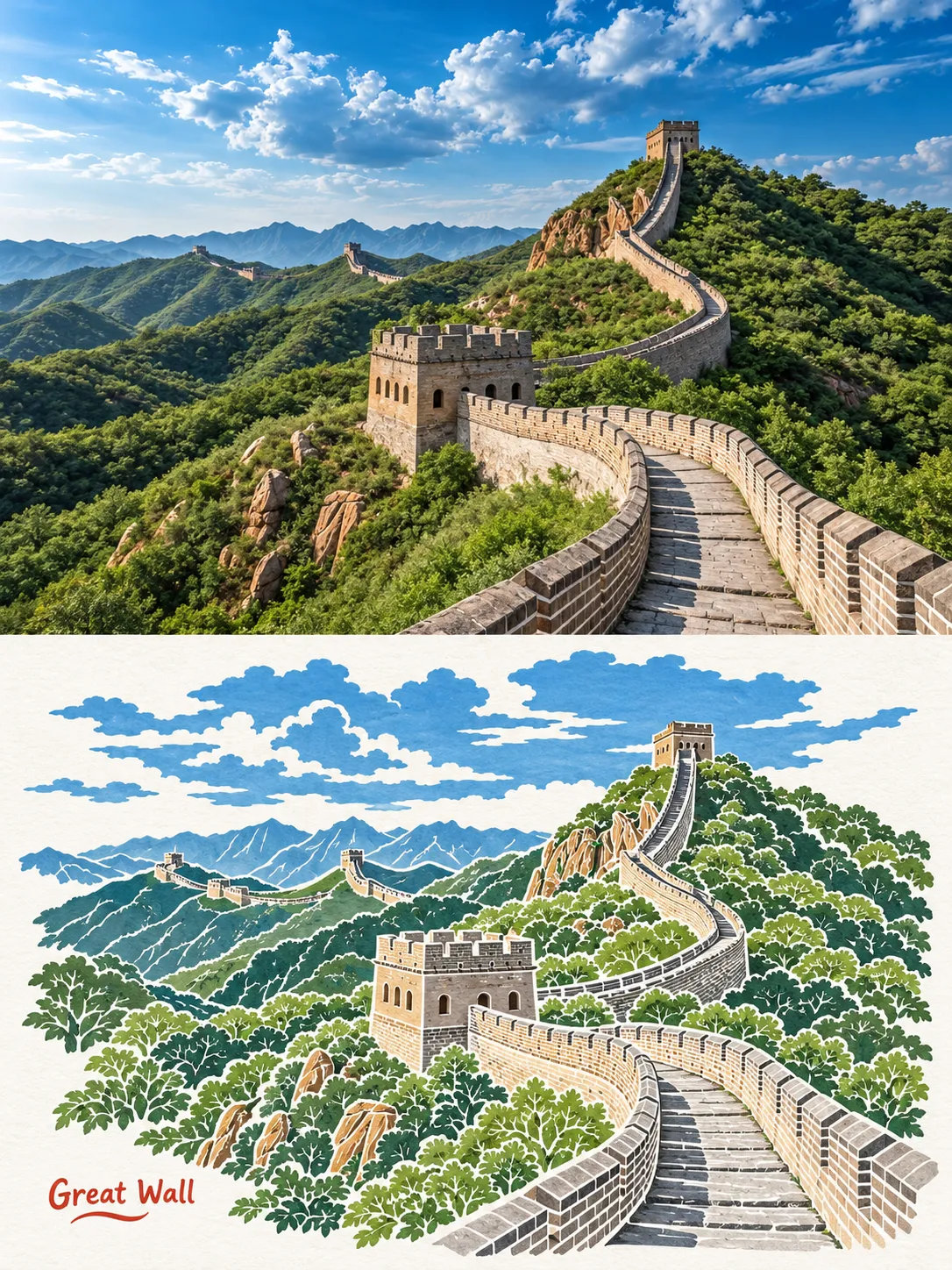
Create a vertically split image that compares a photorealistic subject with the same scene rendered in cloisonné enamel. Supply the subject to customize the result
Prompt template
- Format
- Text Parameterized
- Inputs
- subject (text) · Required
- Outputs
- split_composition (image)
Create a 4:5 image with equal top and bottom panels. In the top panel, show a photorealistic ${subject}. In the bottom panel, show the same scene in cloisonné enamel, with gold wires and turquoise and coral colors. Show the full subject in both panels, matching the angle, scale, and framing. Use side lighting and include no text.Replace the ${…} placeholders with your values
before using this prompt. See parameters
and defaults below
Parameters
Replace each placeholder with your own value, or use its default when one is provided
${subject}
subject
Required
What you'll create
This prompt creates a 4:5 composition with equal top and bottom panels featuring the same full subject. The top is photorealistic, while the bottom uses turquoise-and-coral cloisonné enamel with gold wires
Usage instructions
Provide the subject to fill the required placeholder; the image uses it in both panels. Keep the equal-panel layout and matched angle, scale, and framing to make the two treatments directly comparable



Comments
Tried this prompt? Share what you made, compare results, or ask a question