Photo-to-Gouache Split Postcard
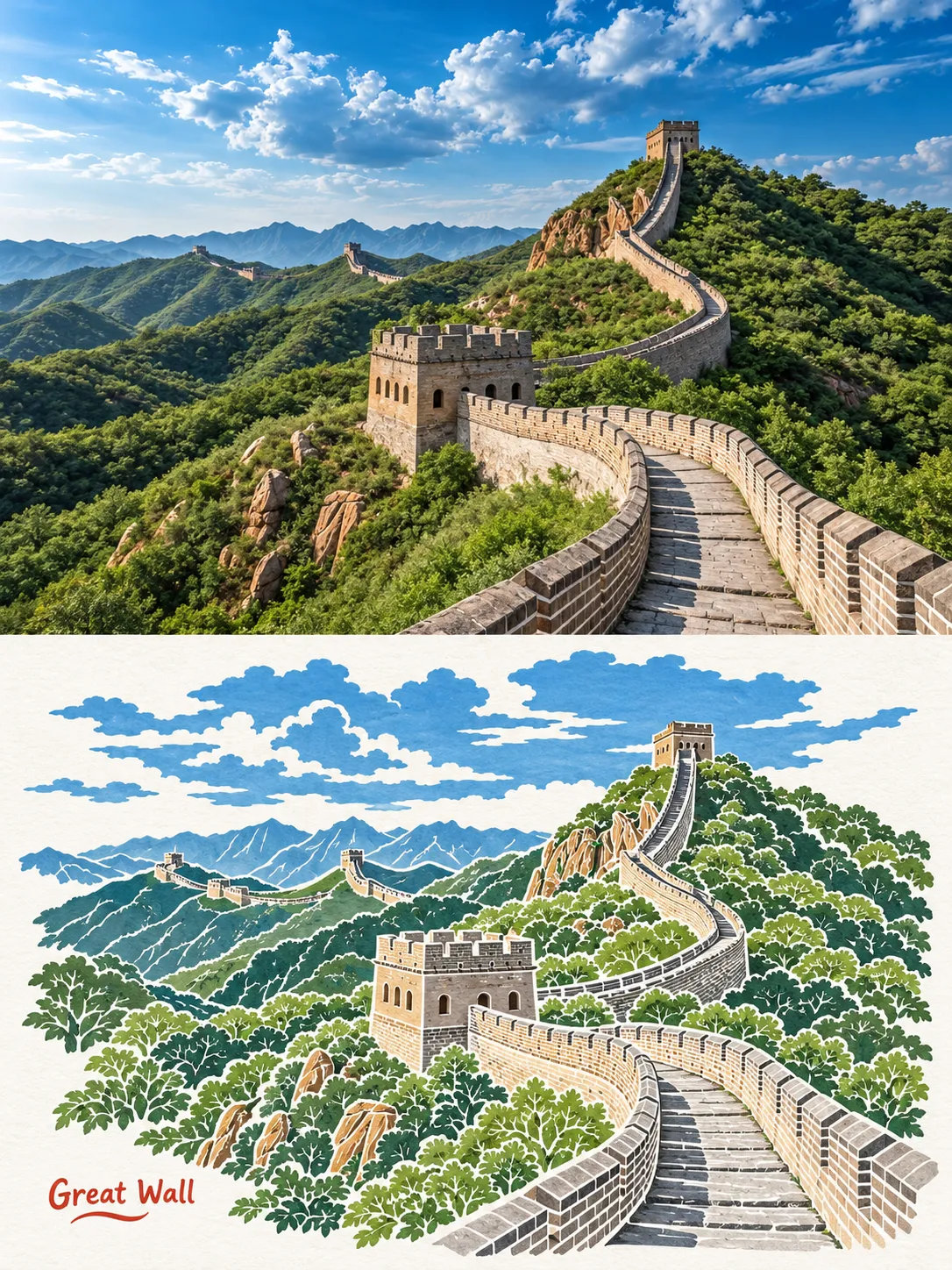
Turn an uploaded photo into a postcard-style composition that pairs the original scene with a small gouache painting. Customize the brand text beneath the poem
Example outputs
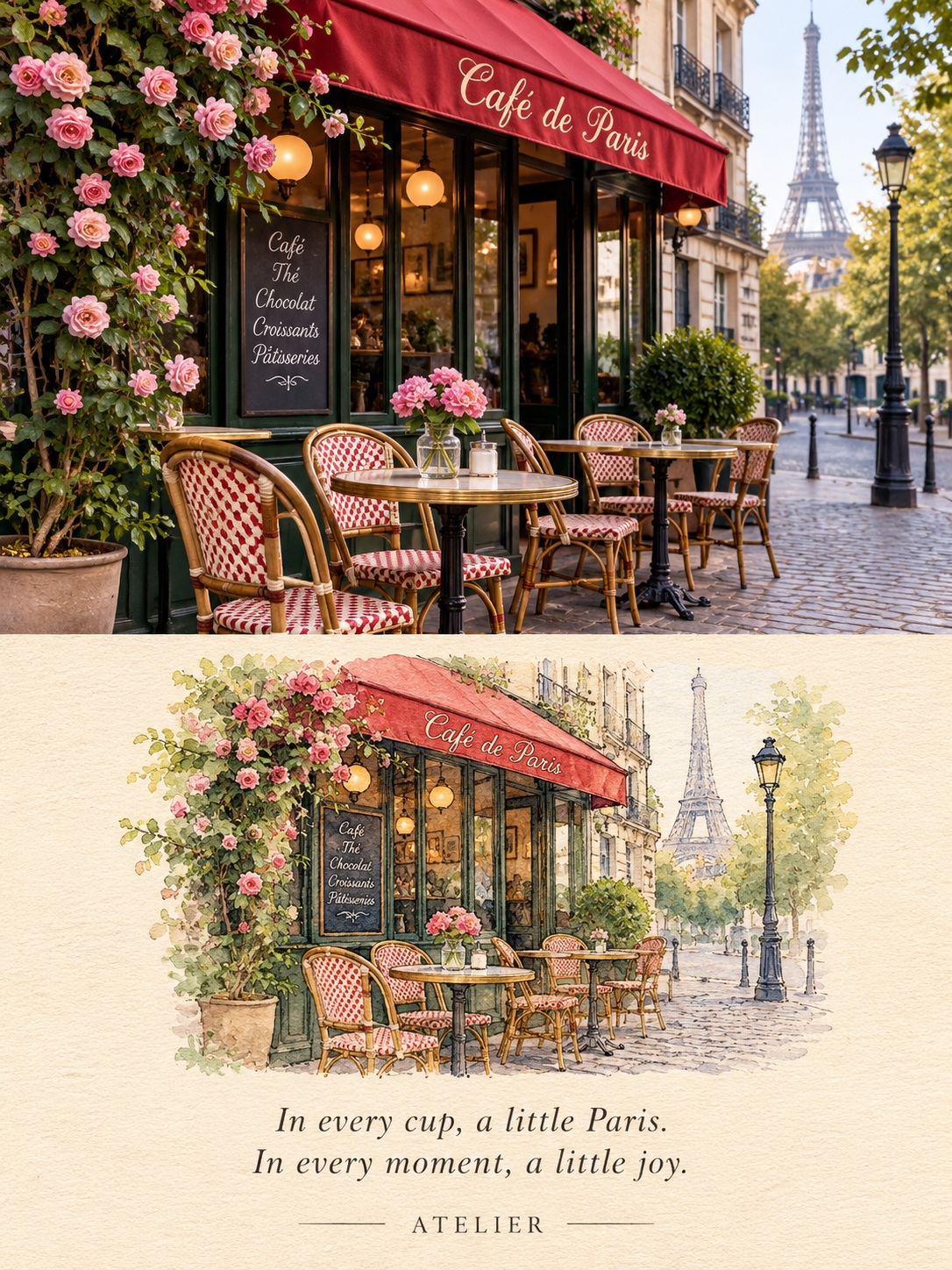
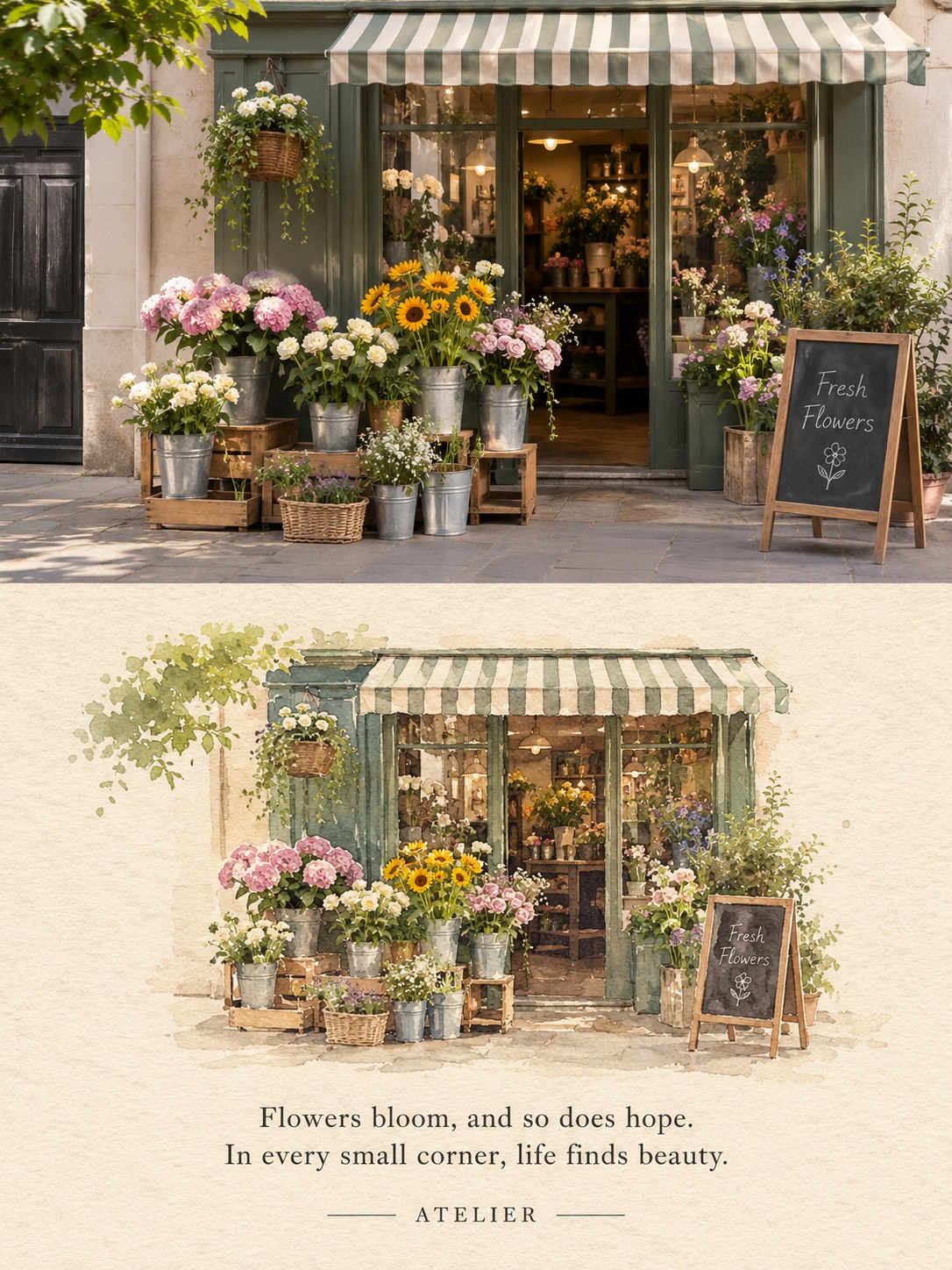
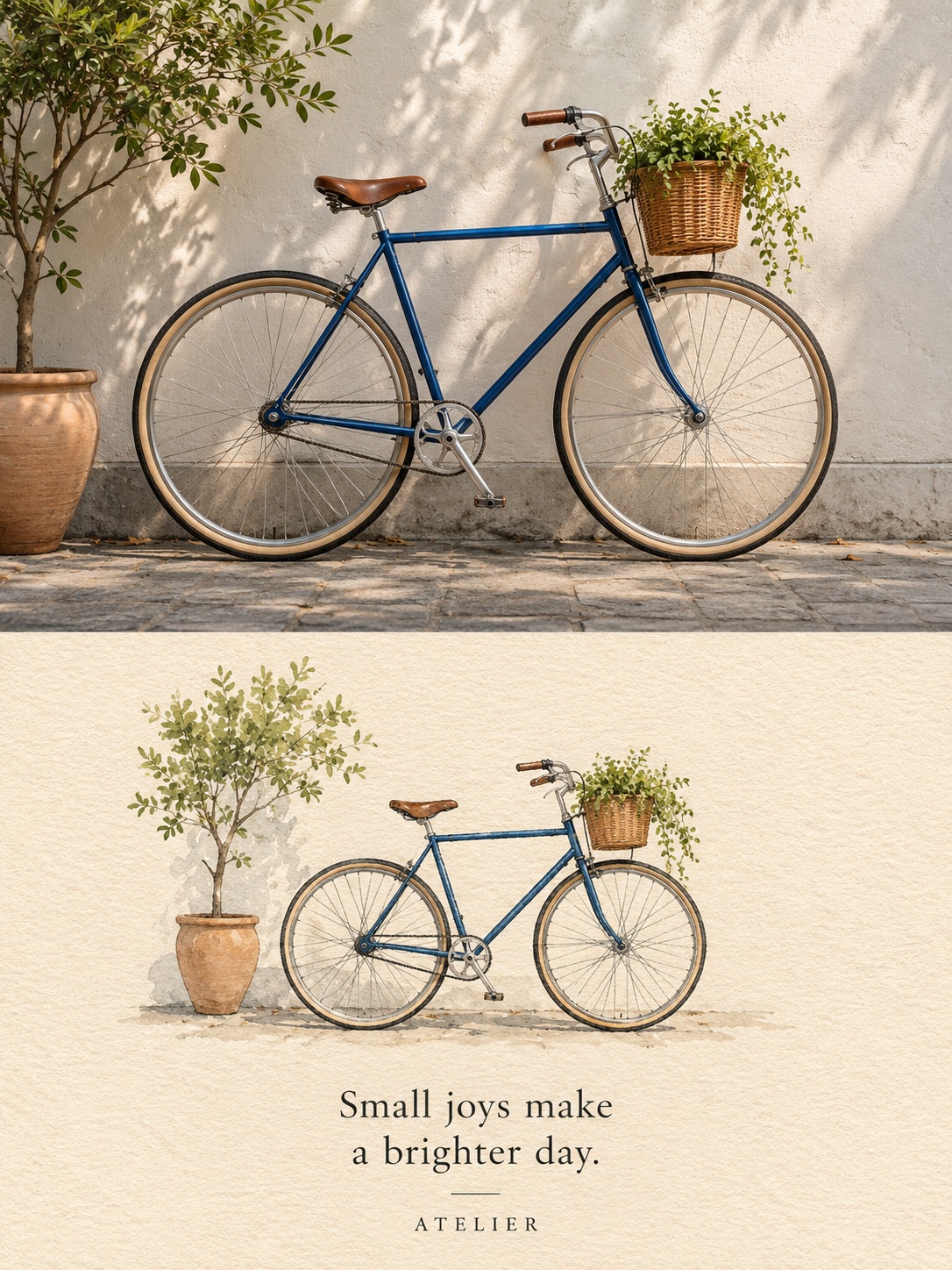
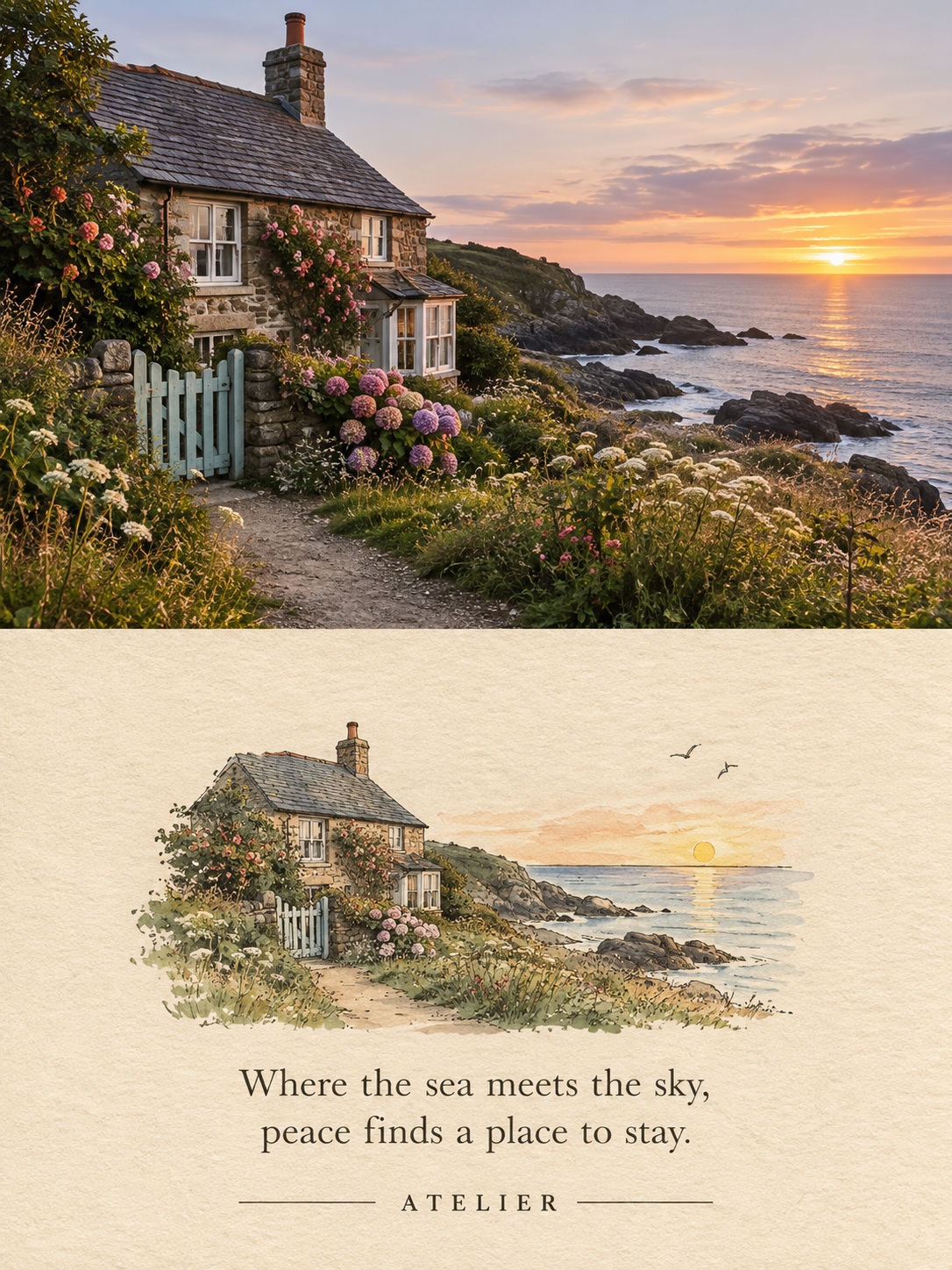
Prompt template
- Format
- Text Parameterized
- Inputs
- Reference_photo (image) · Required brand (text) · Optional · Default: [BRAND]
- Outputs
- Postcard (image)
Create a 3:4 postcard composition with a seamless split. In the top section, show the uploaded photo. In the bottom section, show the same scene as a small, centered gouache painting on grainy cream paper, with ink details and ample surrounding space. Add a two-line serif poem and place "${brand:[BRAND]}" below itReplace the ${…} placeholders with your values
before using this prompt. See parameters
and defaults below
Parameters
Replace each placeholder with your own value, or use its default when one is provided
${brand:[BRAND]}
brand
Default: [BRAND]
What you'll create
Create a 3:4 split postcard that pairs an uploaded photo with a small gouache painting of the same scene. The lower portion uses grainy cream paper, ink details, ample space, a two-line serif poem, and customizable brand text
Usage instructions
Frequently asked questions
What does the uploaded photo determine?
It provides the scene shown in the top portion and the reference for the matching gouache painting below
Can I change the brand text?
Yes. Replace [BRAND] with the exact text you want beneath the poem




Comments
Tried this prompt? Share what you made, compare results, or ask a question