Cubist Before-and-After Photo Artwork
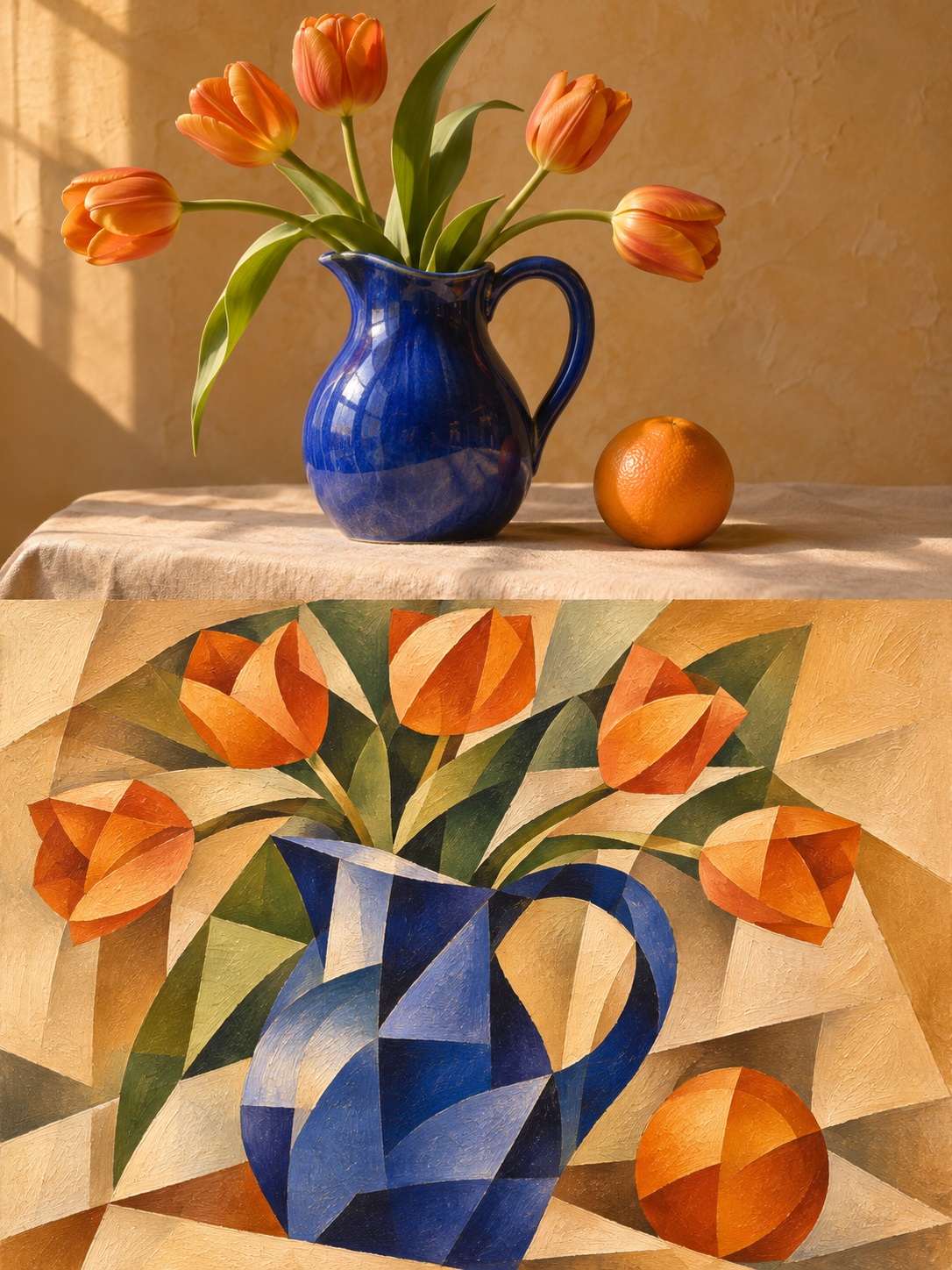
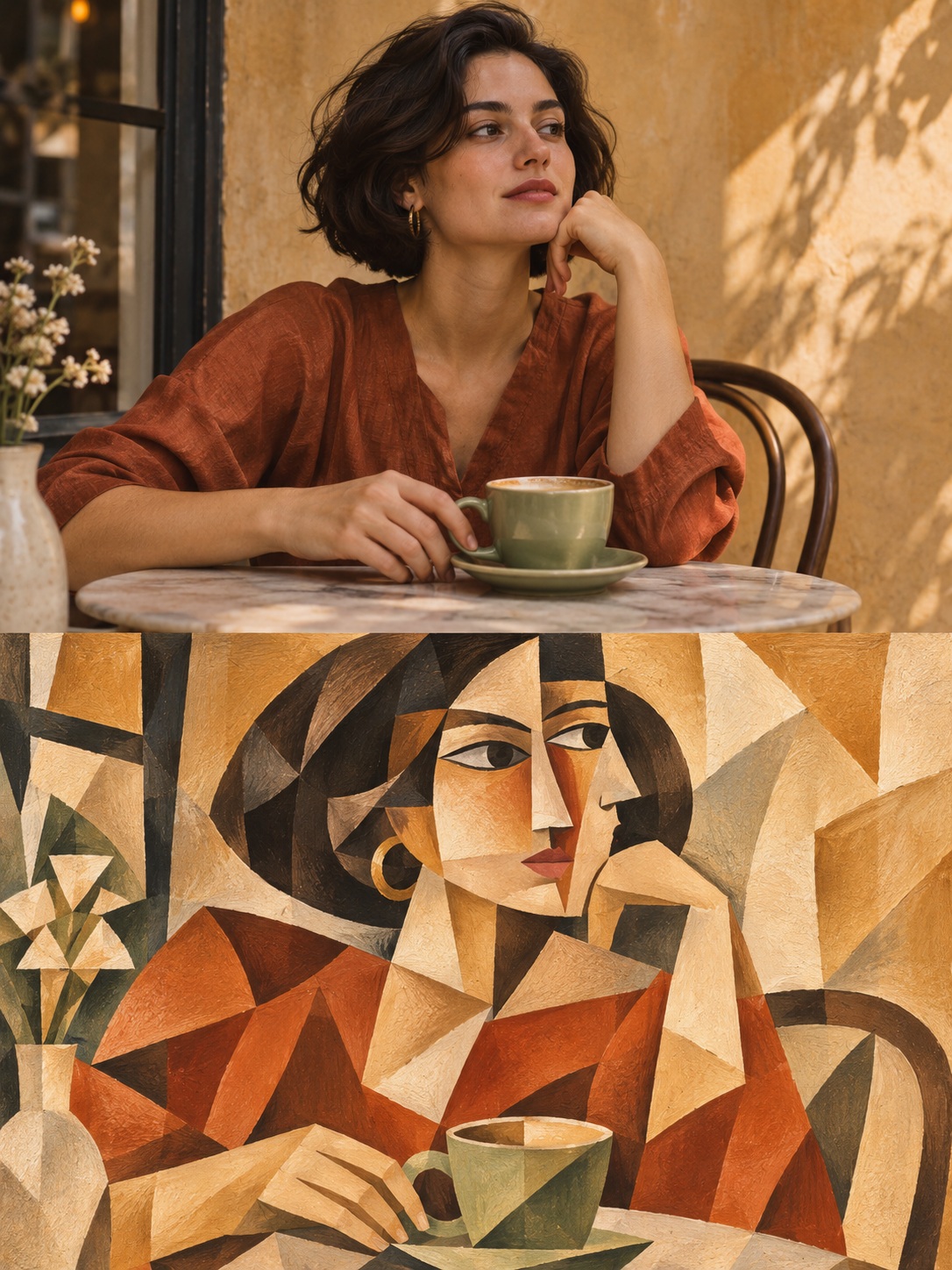
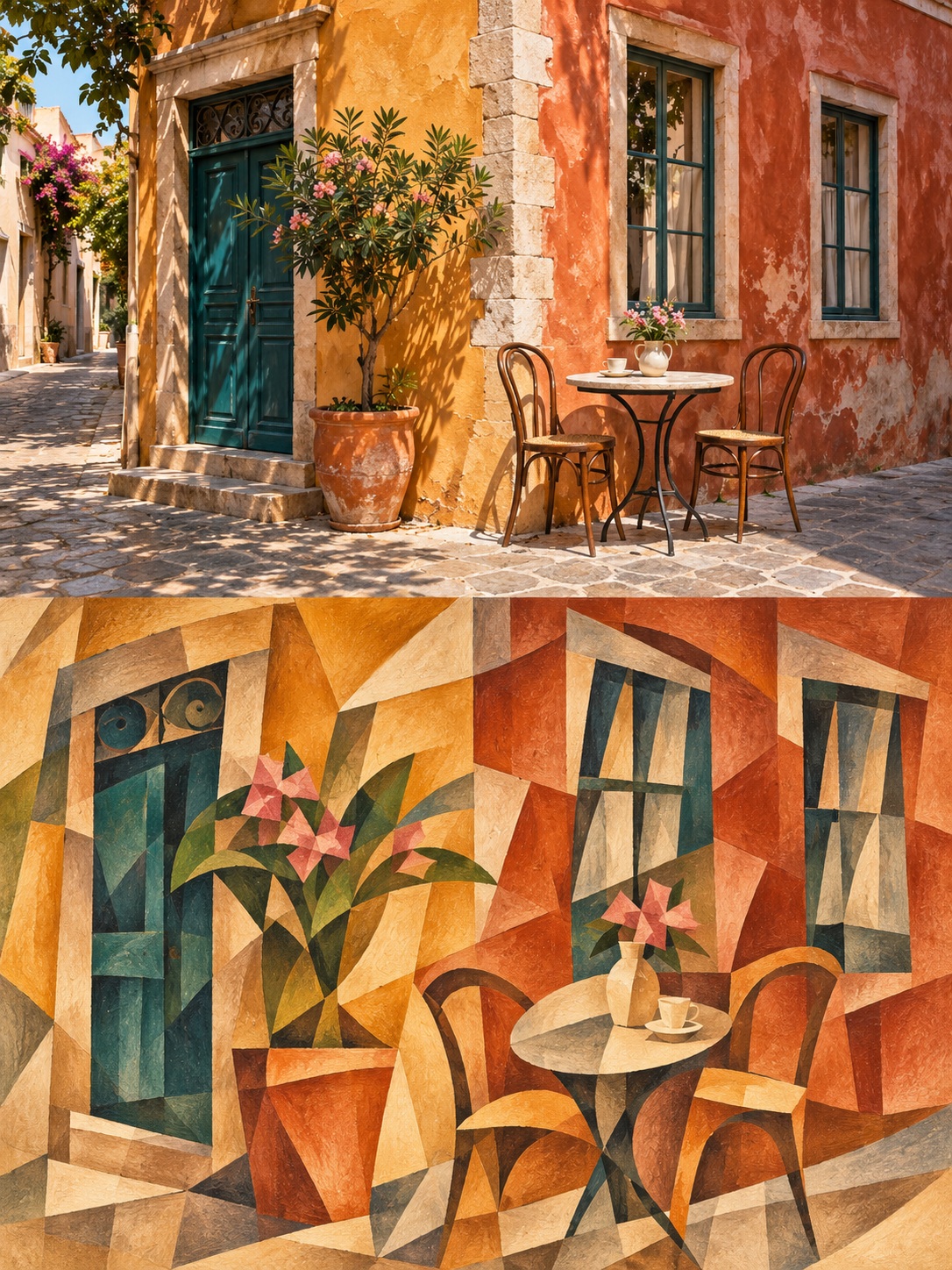
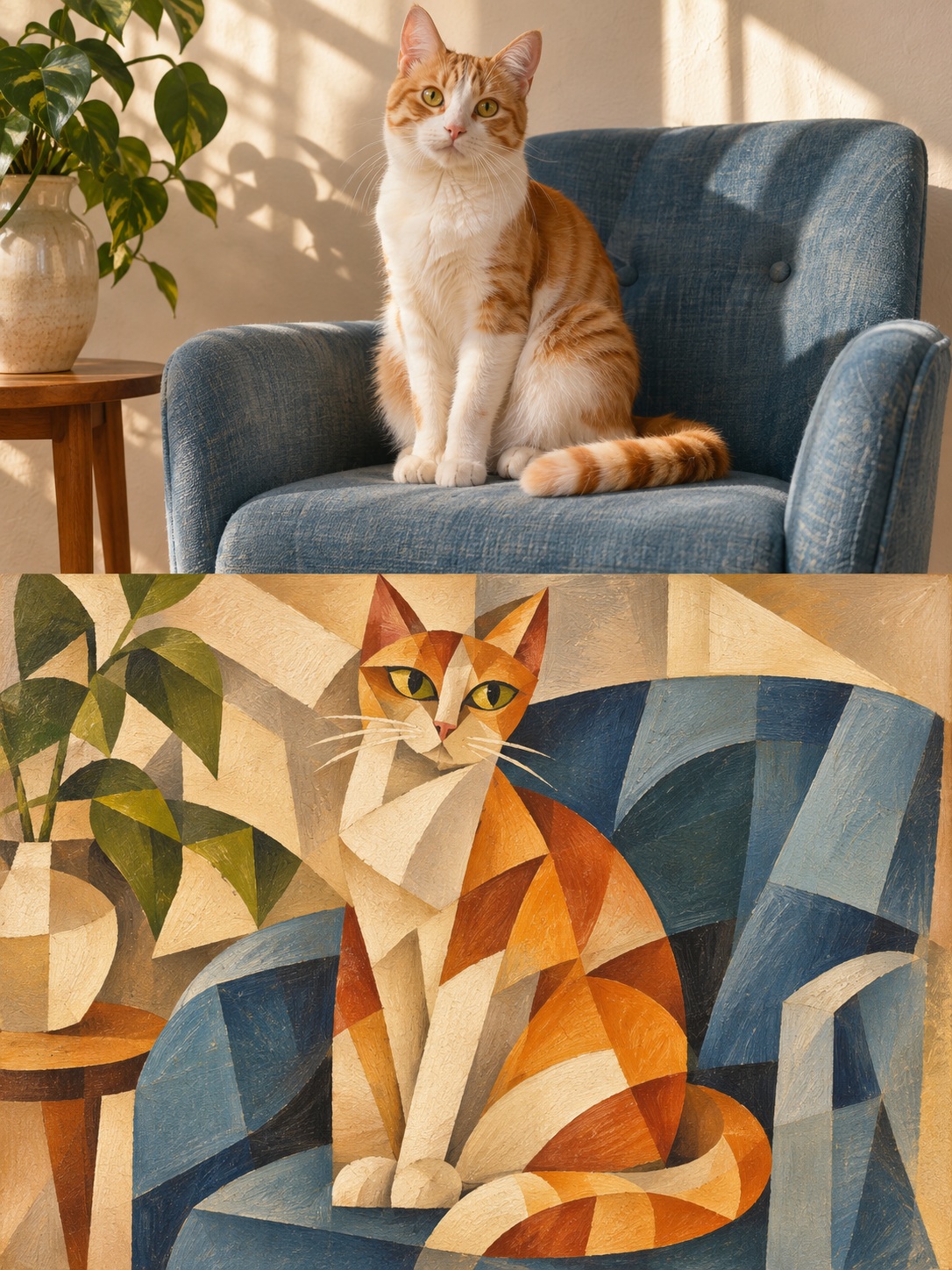
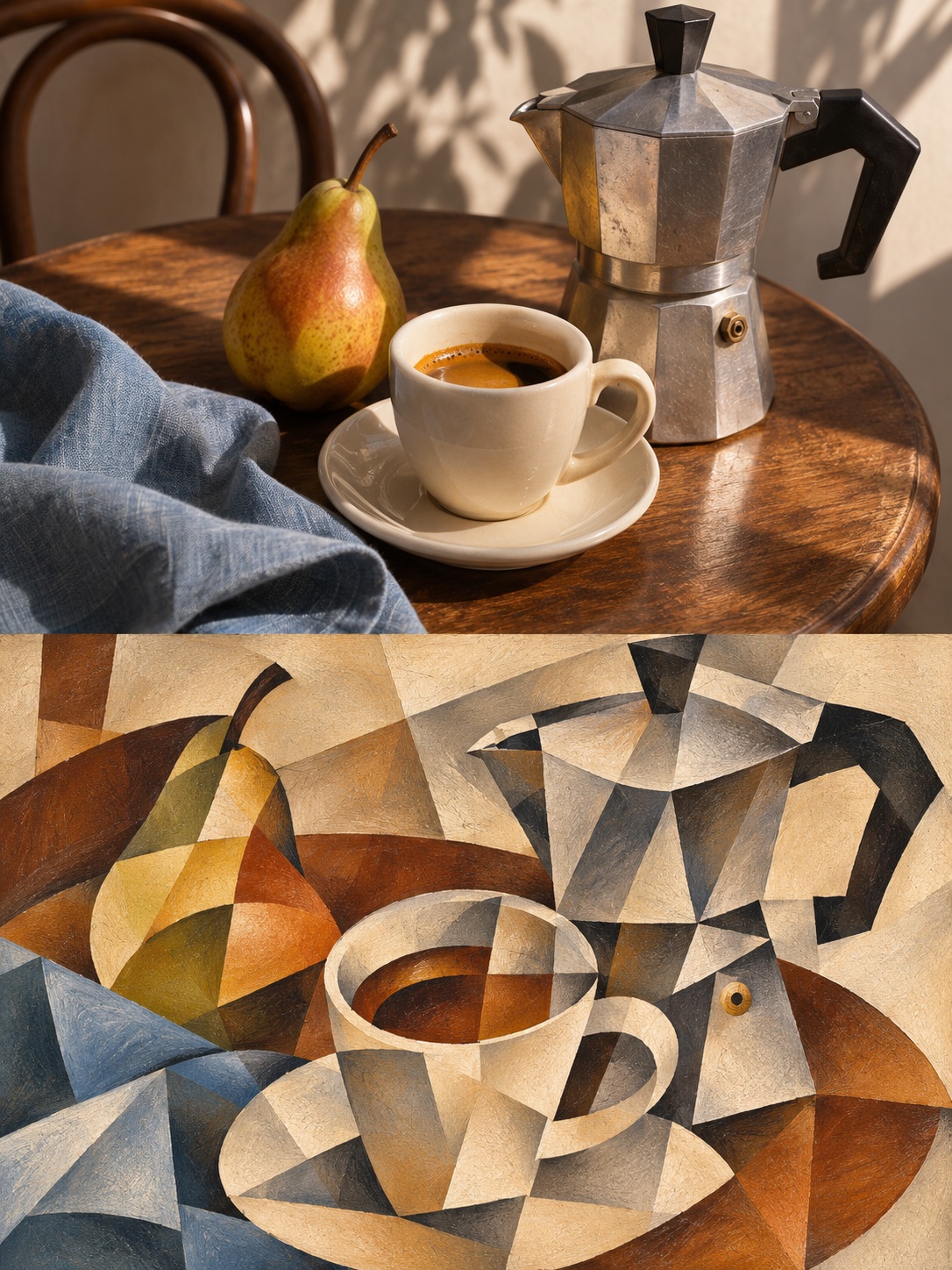
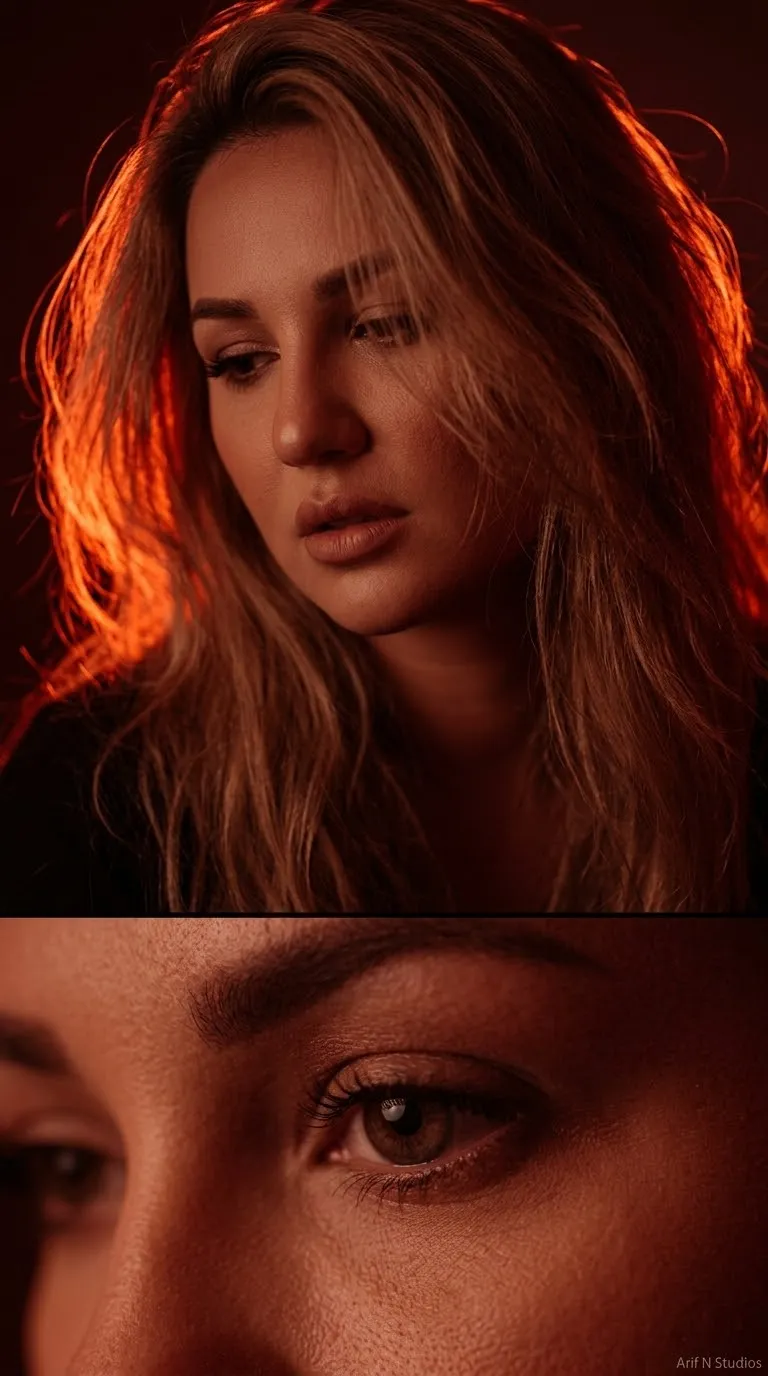
Create a vertically split comparison that preserves the original photo above and reimagines the same scene as a cubist painting below.
Example outputs
Prompt template
- Format
- Text Parameterized
- Inputs
- Uploaded_photo (image) · Required aspect_ratio (text) · Optional · Default: 3:4
- Outputs
- Cubist_before_and_after_artwork (image)
Using the uploaded photo, create a vertical ${aspect-ratio:3:4} before-and-after artwork in the style of Cubism. The two sections must each occupy 50% of the image and meet at a straight horizontal boundary. Do not add a frame, gap, or decorative divider.

In the upper half, preserve the original photo’s main content, the subject’s appearance and pose, the compositional relationships, and the natural colors. Crop only as needed to fit the aspect ratio. Do not replace or stretch the subject.

In the lower half, re-create the same scene as a Cubist painting. Preserve the most recognizable subject, action, and key objects, but break with a single viewpoint: bring selected front, side, or overhead views together in one painting. Rebuild the space with interlocking planes, offset contours, tilted perspective, overlapping color blocks, and geometric facets. Use the different viewpoints to express the subject; do not combine fragments randomly.

For people, you may combine the relationships of frontal and profile features in one face. For objects, you may show an opening from above together with the object’s side. For architecture, you may fold out and interweave walls facing different directions. Choose an approach suited to the photo’s subject; do not apply the same triangular filter to every object.

Use a small number of large, clearly defined shapes, with some curves and negative space to create rhythm, depth, and a clear visual focus. Extract 5 to 7 harmonious colors from the original photo; you may add warm white, ochre, and charcoal gray to connect them. Use delicate gouache or oil-paint brushwork, matte pigment coverage, and paper texture. Keep the warmth of hand painting; do not make a smooth vector graphic or a 3D low-poly model.

Make the two halves recognizably correspond to the same scene. The lower half must be a complete painting that reorganizes forms and viewpoints, not a geometric grid overlaid on the photo. Avoid dense, tiny facets, random cracks, cheap-looking mosaics, plastic texture, unrelated objects, extra limbs, text, logos, signatures, and watermarks.
Replace the ${…} placeholders with your values
before using this prompt. See parameters
and defaults below
Parameters
Replace each placeholder with your own value, or use its default when one is provided
${aspect-ratio:3:4}
aspect-ratio
Default: 3:4
What you'll create
A vertical image divides evenly into an upper photograph and a lower Cubist painting. Interlocking planes and multiple viewpoints reorganize the same recognizable subject without a decorative divider.
Usage instructions
Provide the photo you want transformed; its subject and scene determine the content of both panels. The prompt preserves the photo in the upper half and reconstructs its scene in cubist planes in the lower half. Adjust the aspect ratio if you want a different overall format, while keeping the two panels evenly divided.
Frequently asked questions
Should the lower panel be a geometric overlay?
No. It must be a complete painted reconstruction of the scene.
Are the panels separated by a border?
No. They meet at a straight horizontal boundary without a gap or frame.



Comments
Tried this prompt? Share what you made, compare results, or ask a question