Split Photo and Perler Bead Artwork
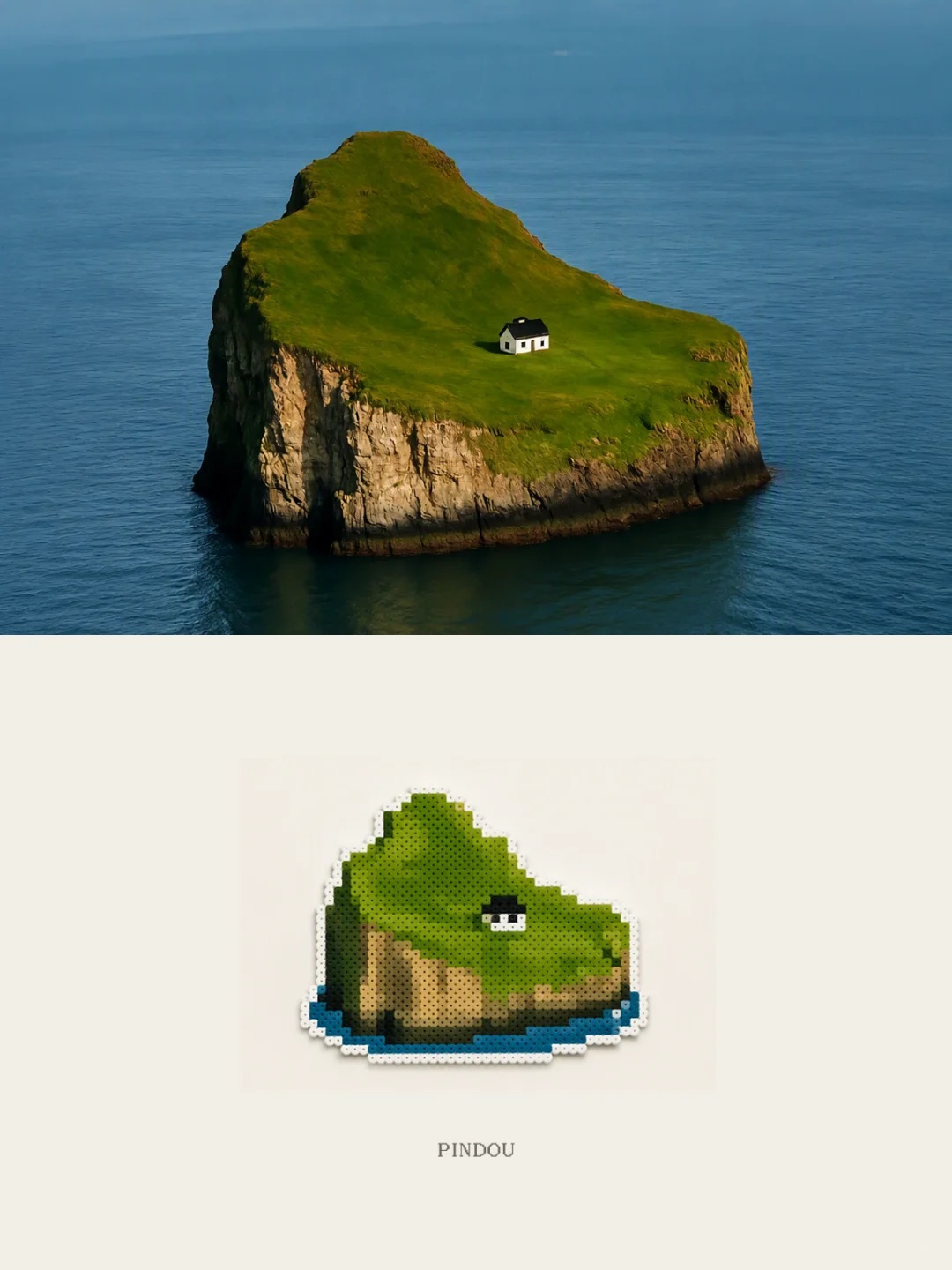
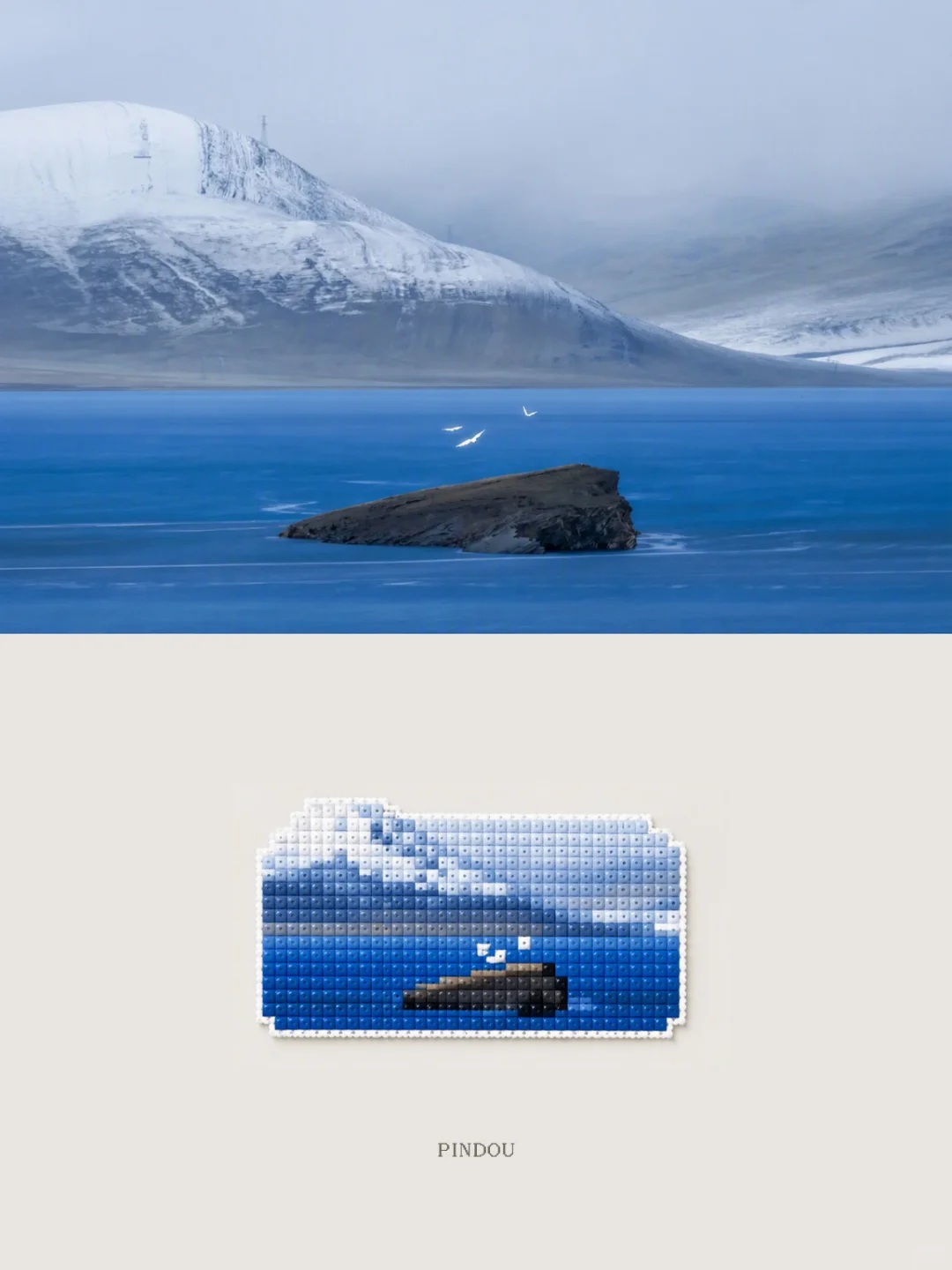
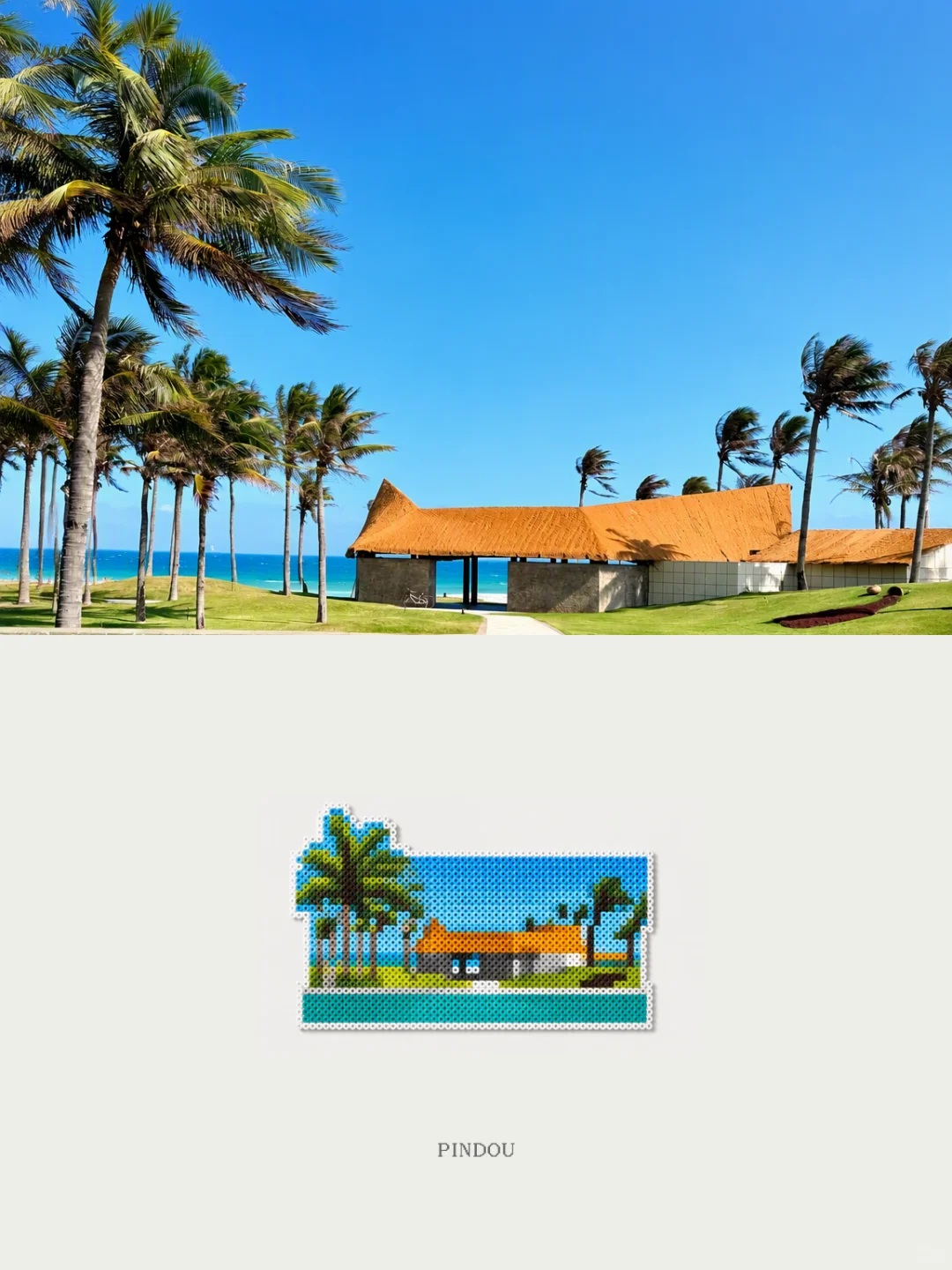
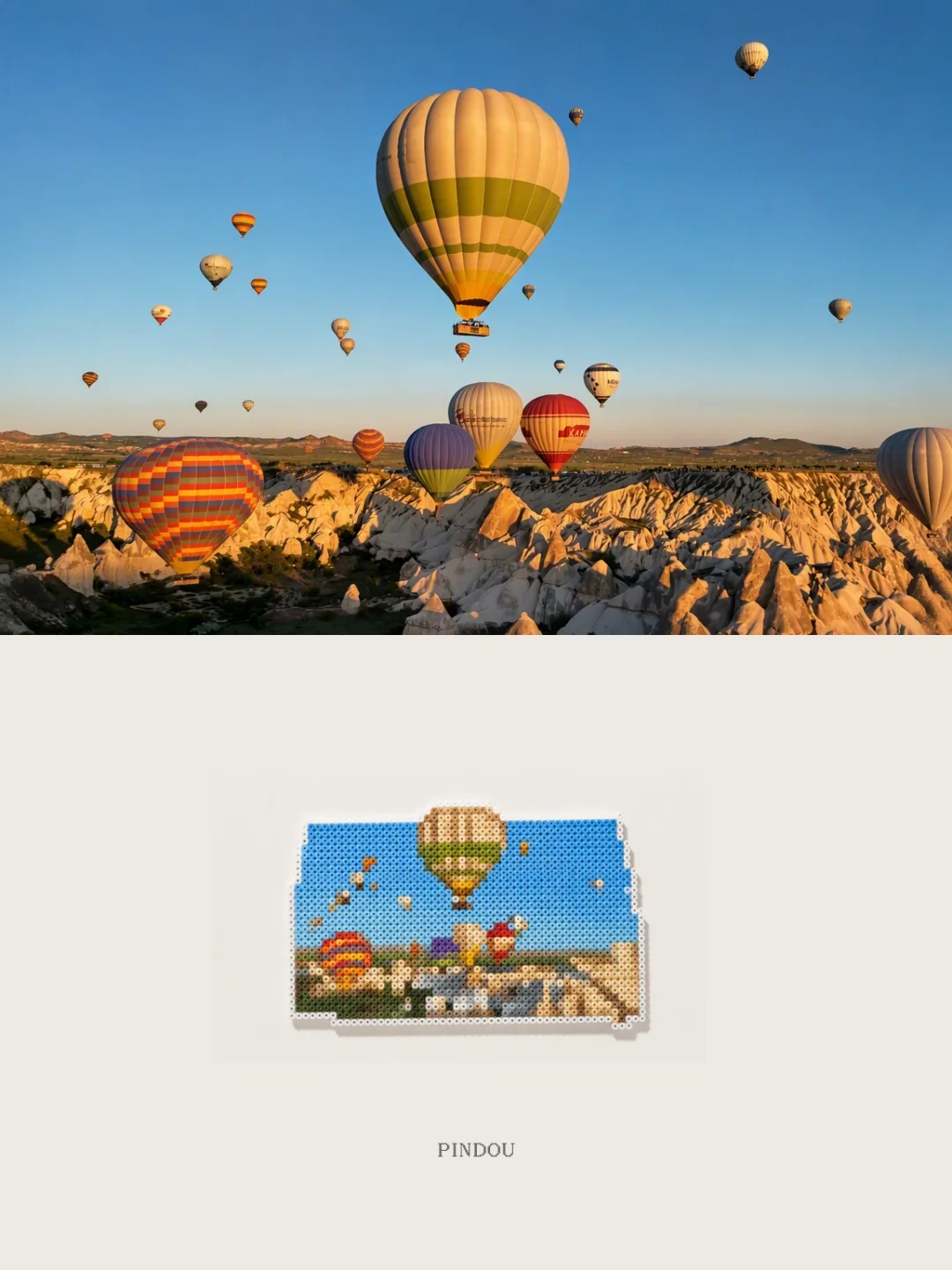
Turn a supplied photo into a split composition that preserves the original in the upper section and reimagines it as Perler bead art below
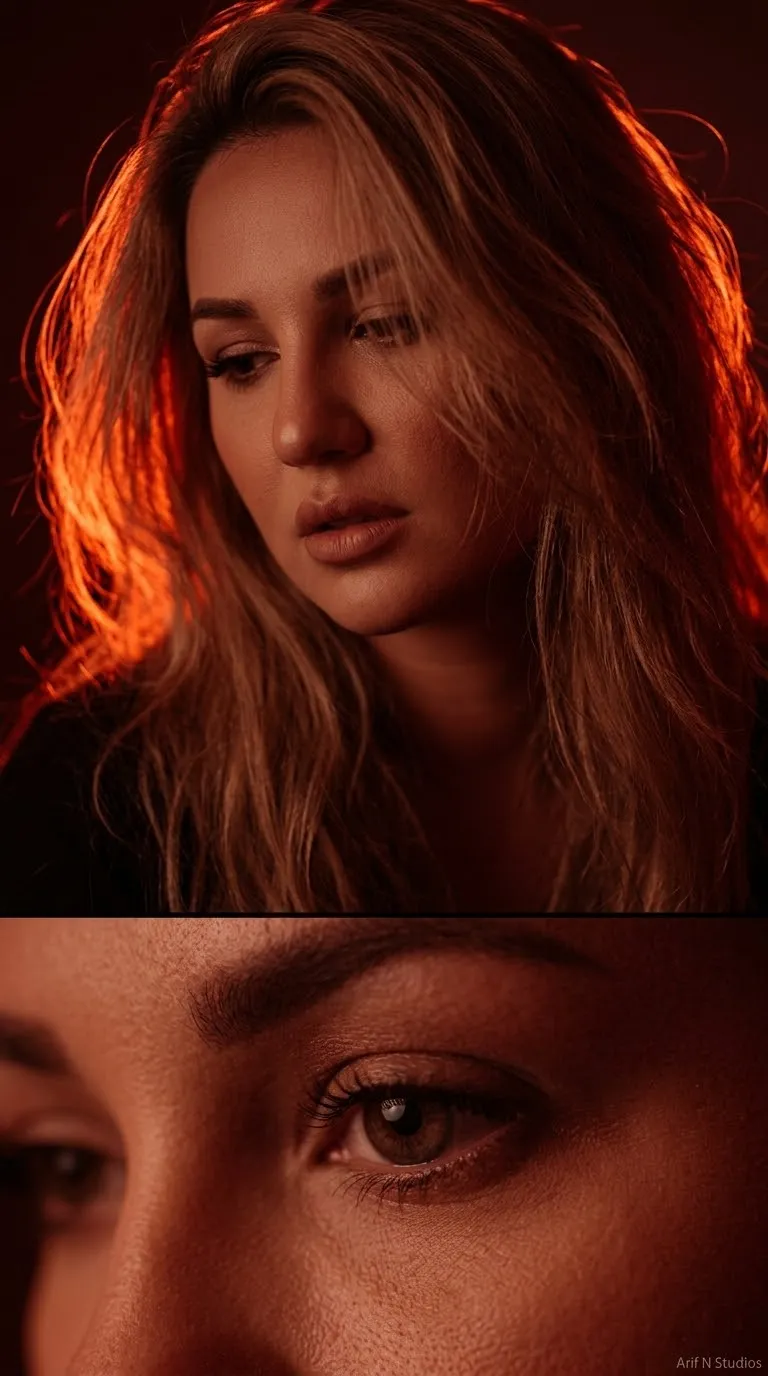
Example outputs
Prompt template
- Format
- Text
- Inputs
- Reference_photo (image) · Required
- Outputs
- Split_photo_and_bead_illustration (image)
Using the supplied photo, generate a new image divided into upper and lower sections, each occupying 50% of the composition.

Keep the original photo in the upper section. Preserve its subject, structure, realistic texture, natural lighting and shadows, and original atmosphere. Apply only subtle art-magazine-style photographic color grading. You may extend the background naturally, but do not distort the subject.

In the lower section, transform the photo into a Perler/fuse bead-style illustration. Build the image from approximately 100 rounded plastic squares fused together. Simplify details as appropriate, and make the small hole left by heat-setting visible at the center of each bead. Arrange the beads in a regular grid with jagged, stepped outlines. Use colors inspired by the original photo, and define shapes through adjacent solid-color blocks; avoid gradients and watercolor-like bleeding. Preserve the original subject's pose, composition, and facial features while simplifying details as appropriate. Show a matte plastic texture and slight relief. Add an outer ring of white beads, and place the artwork on a light-colored background. The bead artwork should occupy 25% of the lower section, with abundant empty space around it.
What you'll create
This prompt creates a vertically split image, preserving the supplied photo in the top section and reinterpreting it as a Perler bead illustration below. The bead artwork uses a simplified grid of solid colors, visible bead details, a white outer border, and generous space around it
Usage instructions
Provide the photo you want to transform; it supplies the subject, pose, composition, and color reference for both sections. You can adjust how much detail is simplified in the bead rendition while keeping its solid-color grid and visible bead texture




Comments
Tried this prompt? Share what you made, compare results, or ask a question