Turn a Person into a The Sims 4 Gameplay Screenshot
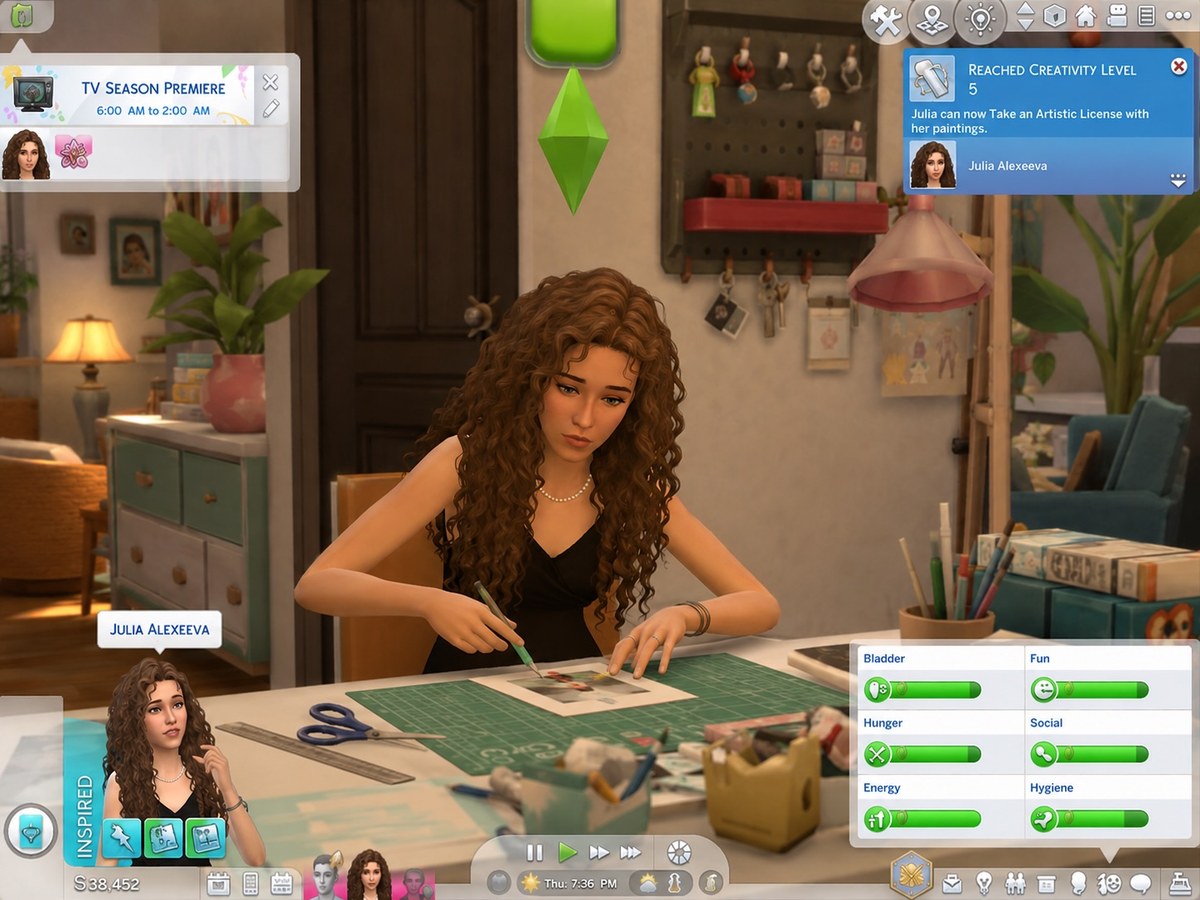
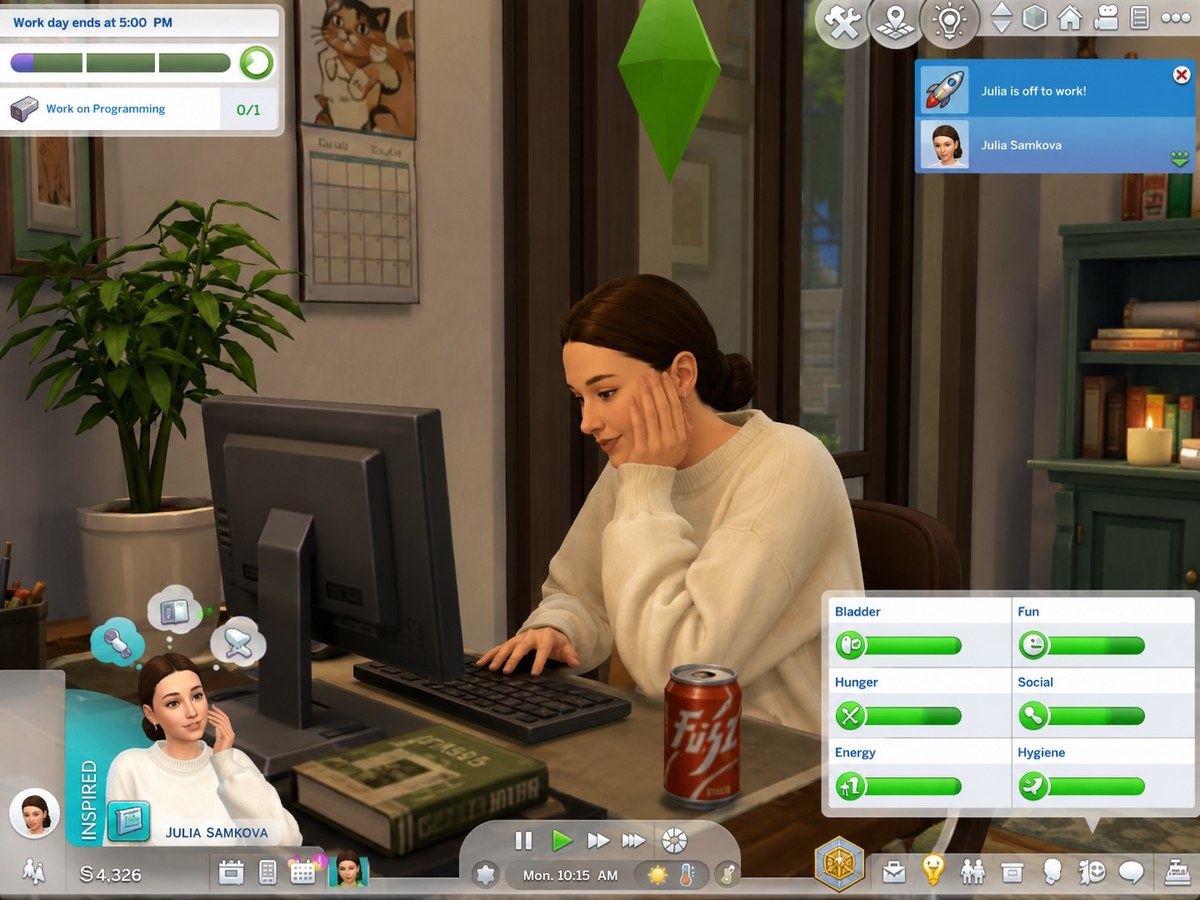
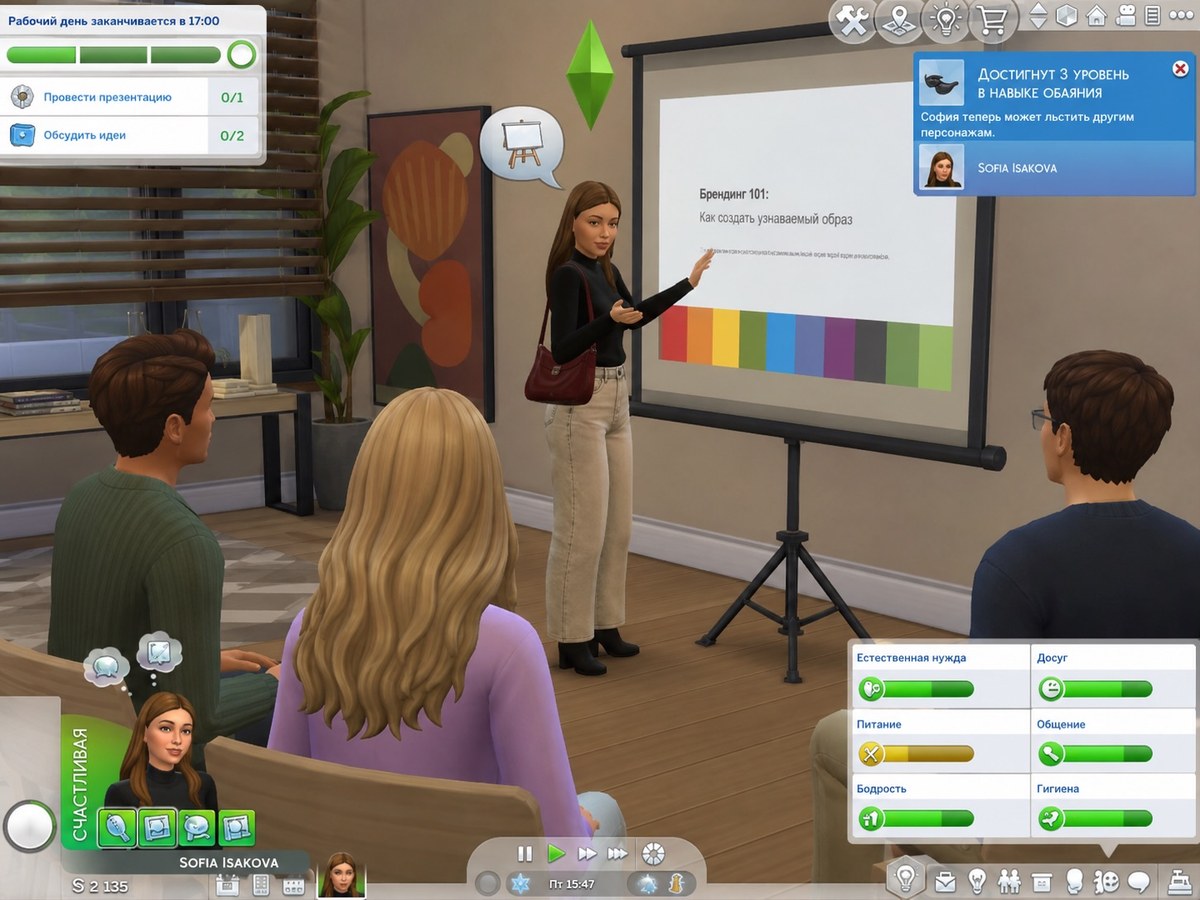
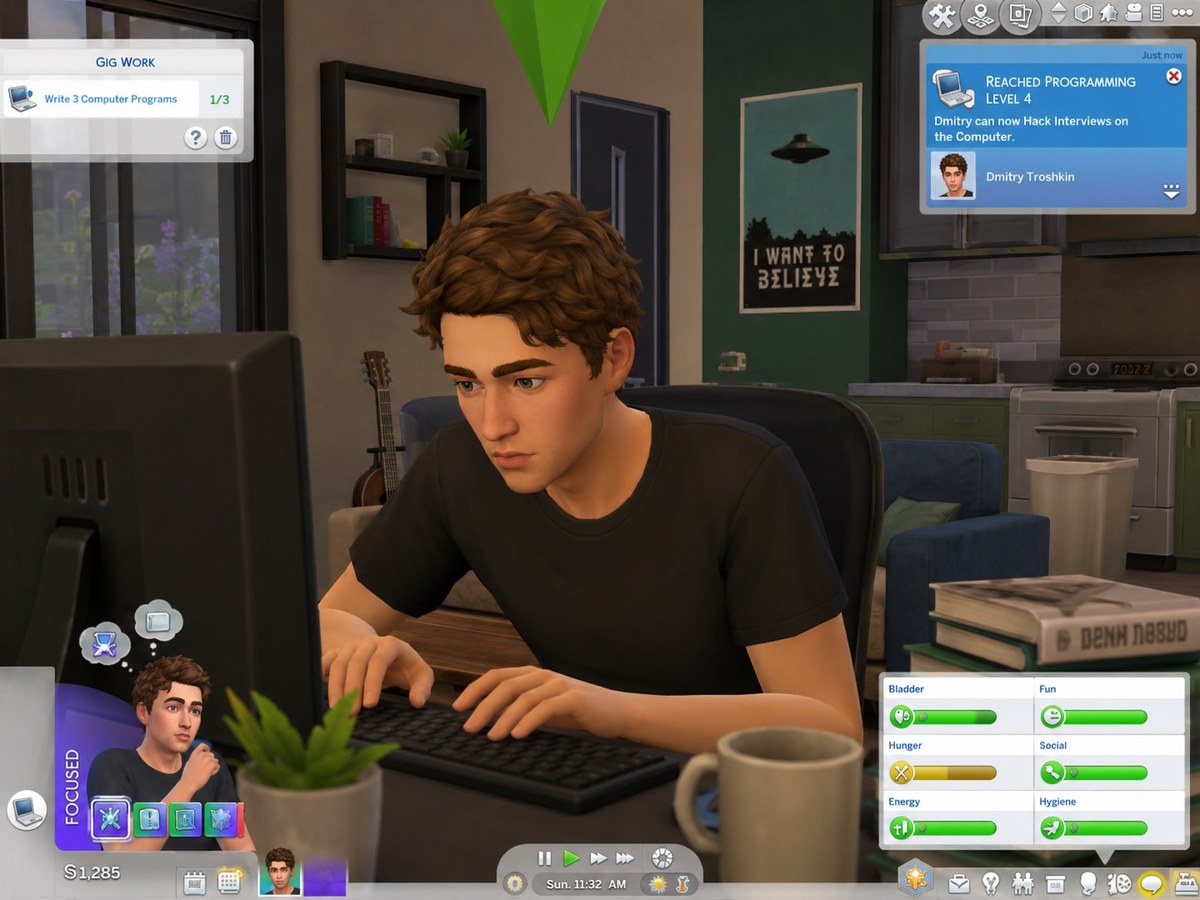
Reimagine a person from a reference image as a recognizable Sims 4 character in a lively, customized gameplay scene with authentic Maxis-style graphics and UI.
Example outputs
Prompt template
- Format
- Markdown Parameterized
- Inputs
- Reference_person (image) · Required character_name (text) · Required scene_action (text) · Required
- Outputs
- Sims_4_gameplay_image (image)
Turn the person in the attached reference image into a recognizable The Sims 4 character in a customizable everyday gameplay scene. Preserve their identity, facial structure, eye shape, nose, lips, hairstyle, skin tone, body proportions, and overall likeness, while fully reinterpreting them in the authentic Maxis Sims 4 art style. The result must be clearly stylized and game-like, not photorealistic.

CHARACTER NAME: ${character-name}

SCENE / ACTION: ${scene-action}

Make the character look like a real Sims 4 Create-a-Sim character: smooth Maxis-style skin, simplified stylized facial geometry, semi-cartoon proportions, stylized Sims 4 eyes and hair, soft plastic-like textures, and clean Maxis shaders and materials. Avoid realistic pores and cinematic skin texture; keep the Sims 4 aesthetic unmistakable.

Create an authentic-looking Sims 4 gameplay screenshot with polished stylized 3D graphics, a colorful suburban interior, cozy everyday chaos, and modern Maxis environment design. The moment should feel spontaneous, funny, chaotic, and accidental—as if captured mid-action during ordinary gameplay.

Include a convincing Sims 4 HUD and interface with needs bars, moodlets, menus, notifications, and interaction icons. Show the character portrait and the character’s name correctly in the UI, using realistic Sims 4 typography and icons. Include authentic Maxis lighting and environment design, believable clutter, furniture and lived-in details, and a green plumbob above the character. Use gameplay-like camera framing and accidental composition.

Aim for the appearance of a real The Sims 4 gameplay screenshot, with stylized Maxis graphics and Sims-inspired UI.
Replace the ${…} placeholders with your values
before using this prompt. See parameters
and defaults below
Parameters
Replace each placeholder with your own value, or use its default when one is provided
${character-name}
character-name
Required
${scene-action}
scene-action
Required
What you'll create
The subject’s recognizable features become simplified Maxis-style geometry and stylized hair in an editable everyday scene. Suburban interiors and game-inspired UI support a colorful screenshot-like result.
Frequently asked questions
Should realistic pores be rendered?
No. The unmistakable Sims aesthetic replaces photorealistic texture.
Is the action configurable?
Yes. The scene-action input defines it.



Comments
Tried this prompt? Share what you made, compare results, or ask a question