Turn a Photo into a PaperCraft Character
Create a PaperCraft character based on an uploaded photo, removing all other subjects and leaving an empty background.
Example outputs
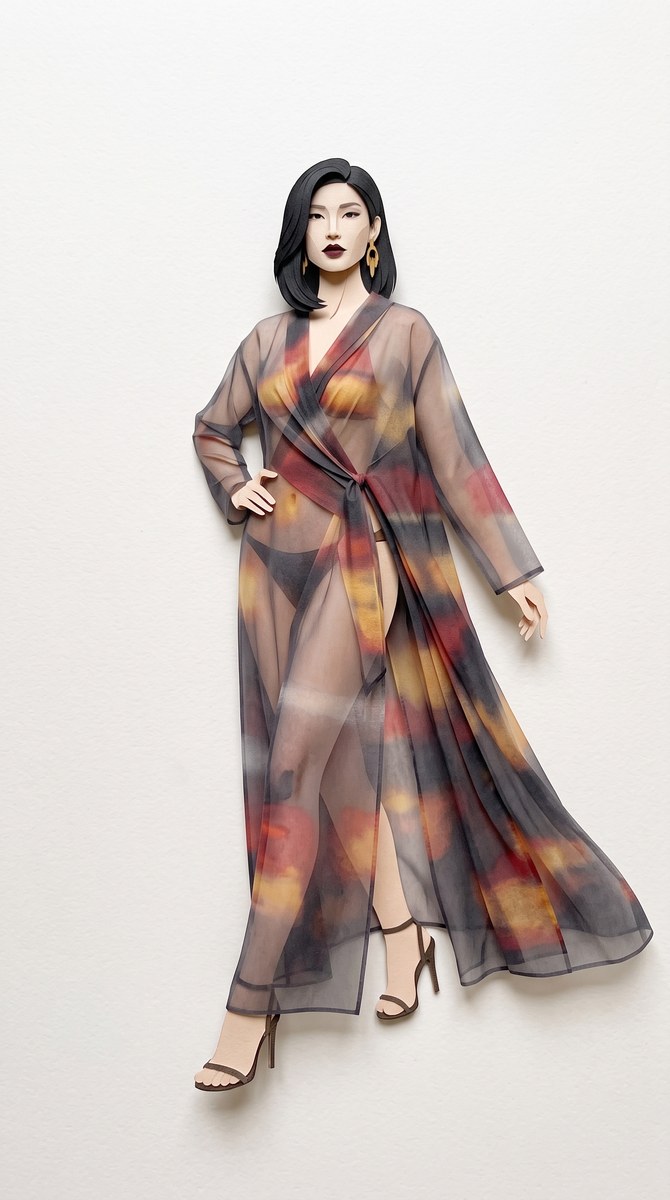
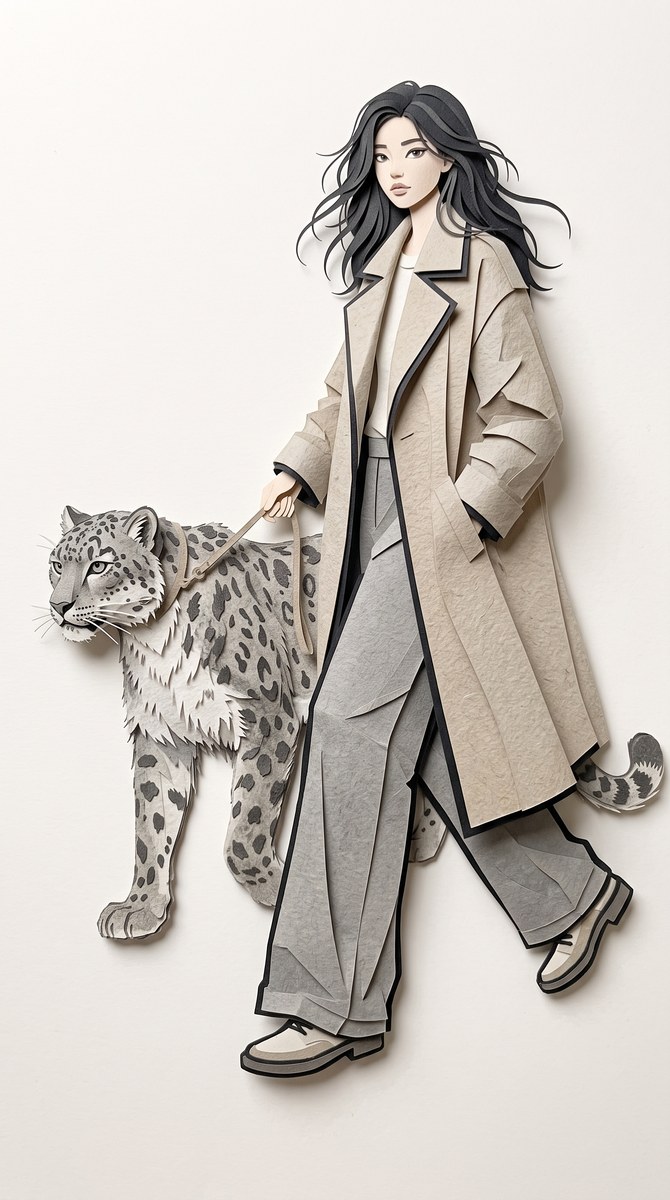
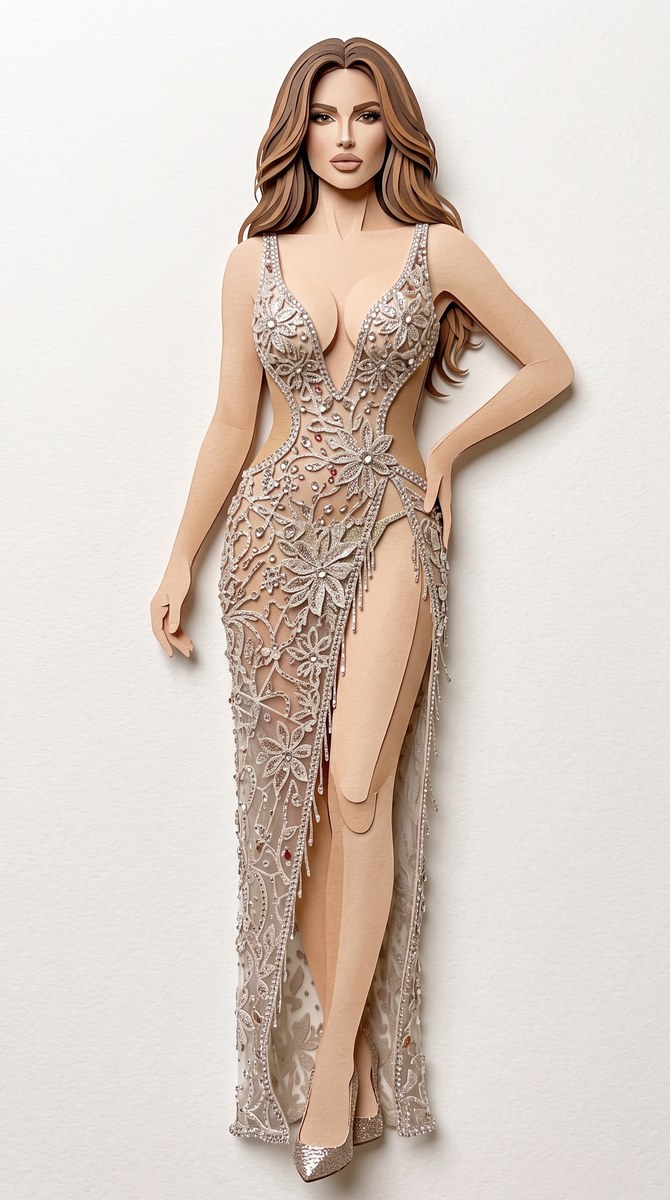
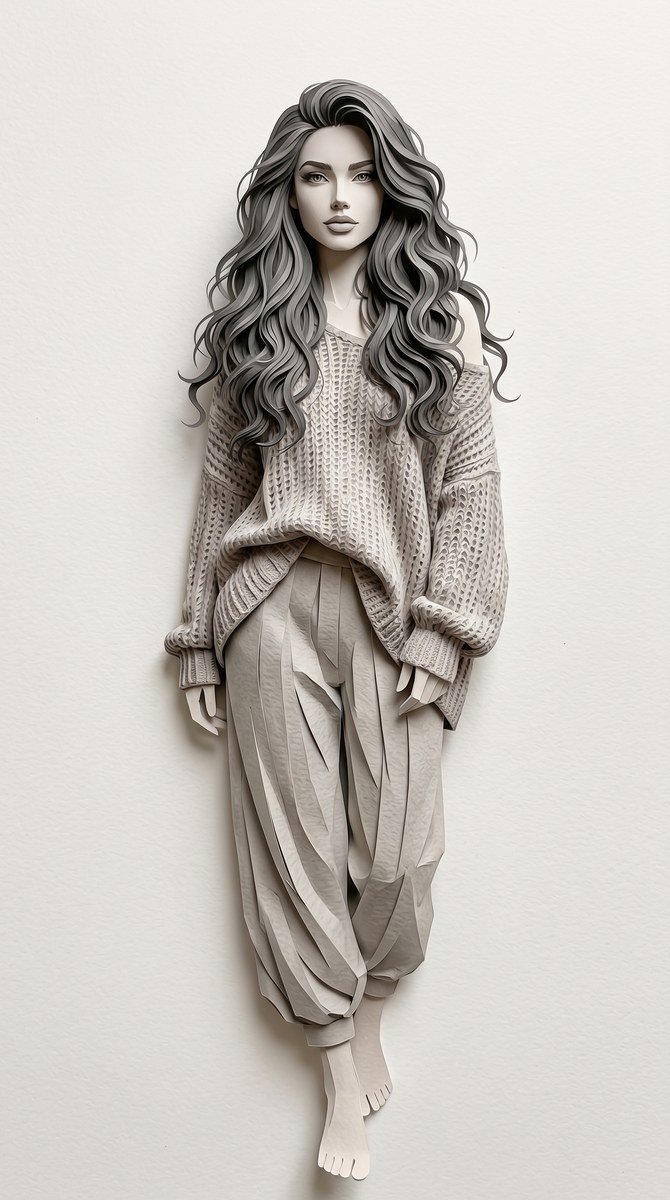
Prompt template
- Format
- Text
- Inputs
- Reference_photo (image) · Required
- Outputs
- Generated_image (image)
Using the uploaded photo as a reference, create a PaperCraft character. Keep only the character; remove all other subjects and leave the background empty.What you'll create
The uploaded subject becomes a papercraft character with all other subjects removed. The background remains empty to focus entirely on the character.
Frequently asked questions
Can other people remain?
No. Only the character is kept.
Is a detailed environment required?
No. The background is empty.




Comments
Tried this prompt? Share what you made, compare results, or ask a question