Create a Product Key Visual from a Product Detail Page
Analyze a product detail page for its strategy and concept, locate a high-resolution cutout product image, and use careful lighting to create a product key visual.
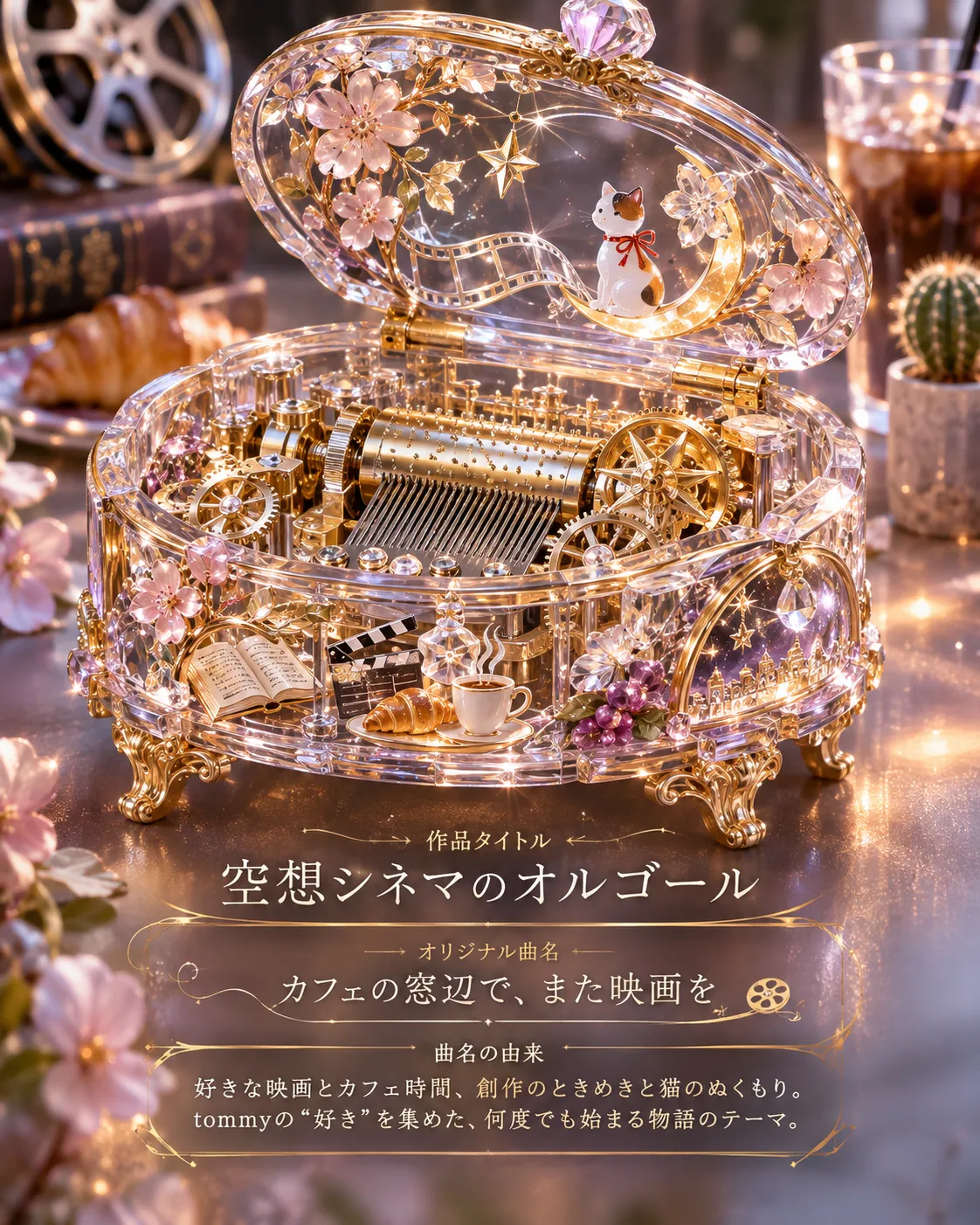
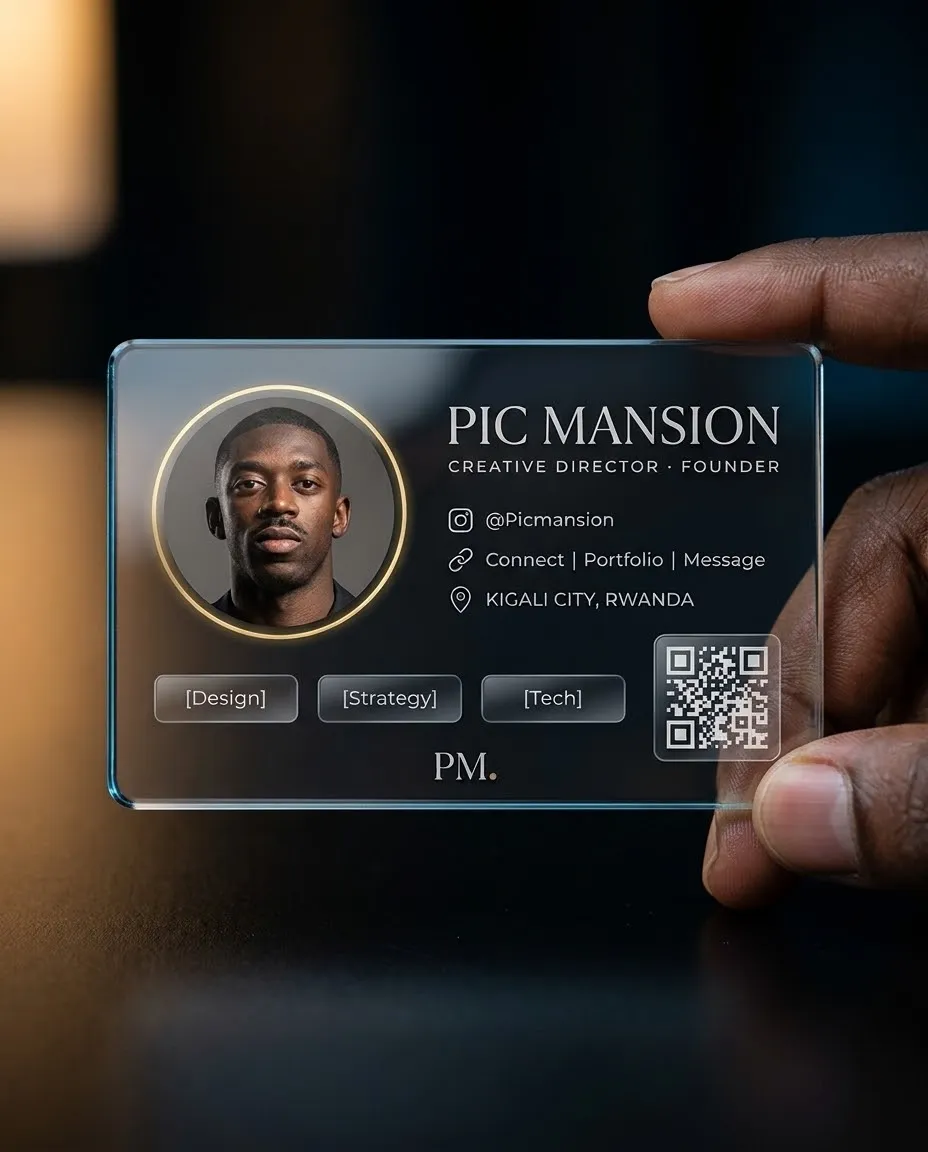
Example outputs
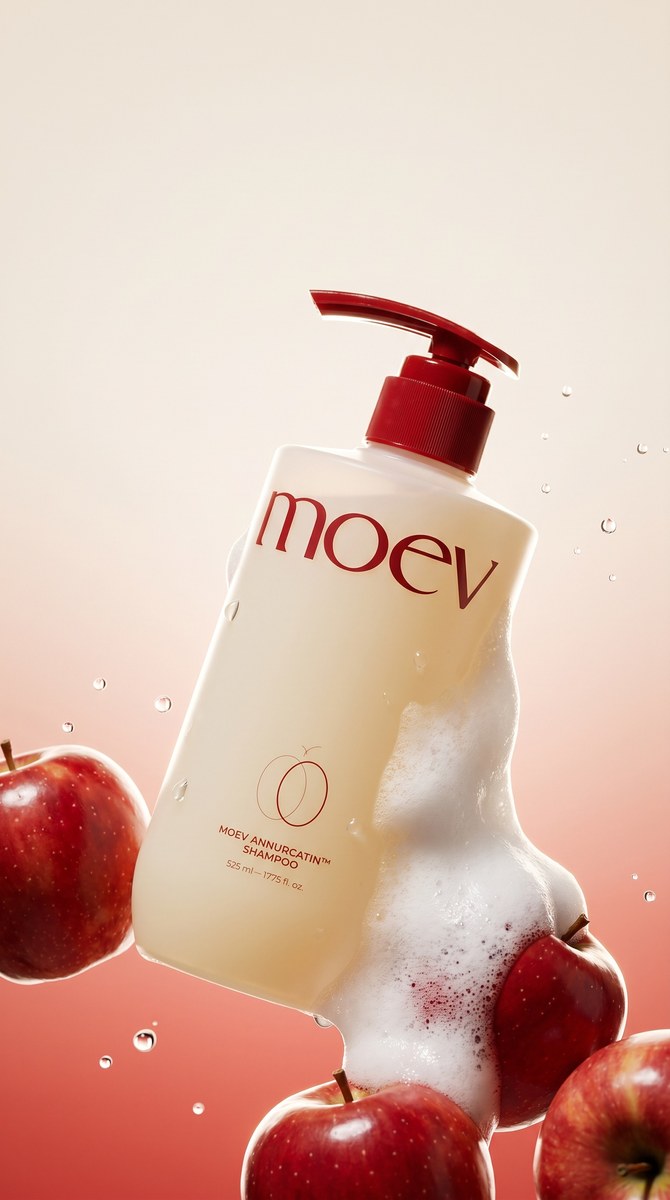
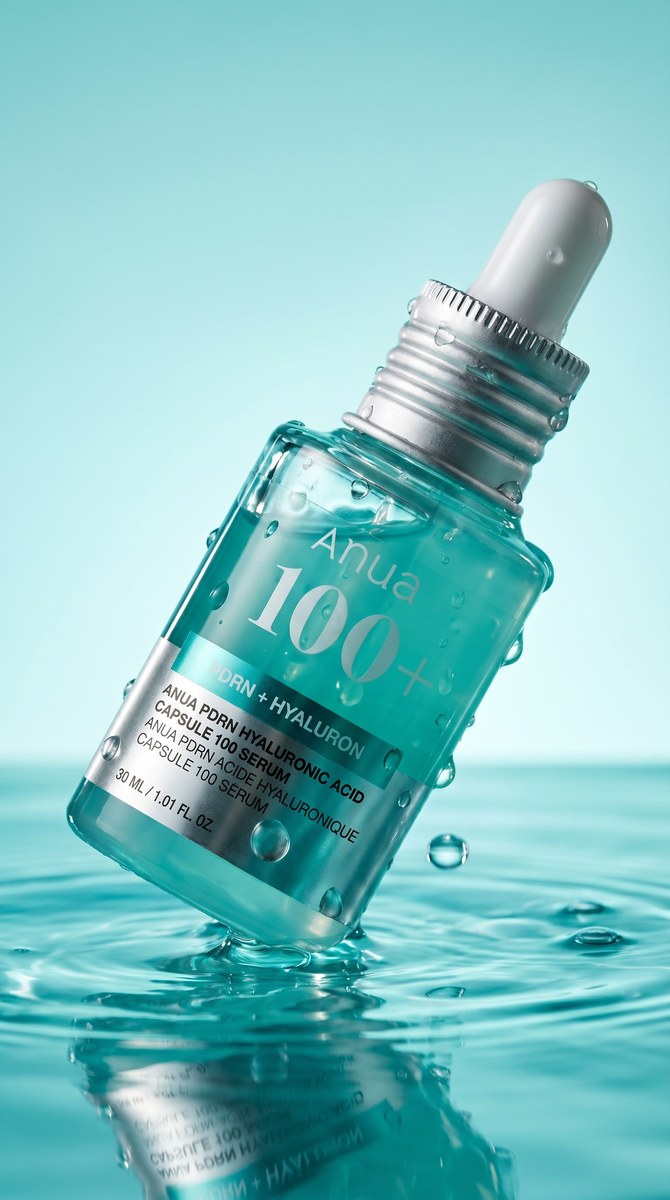
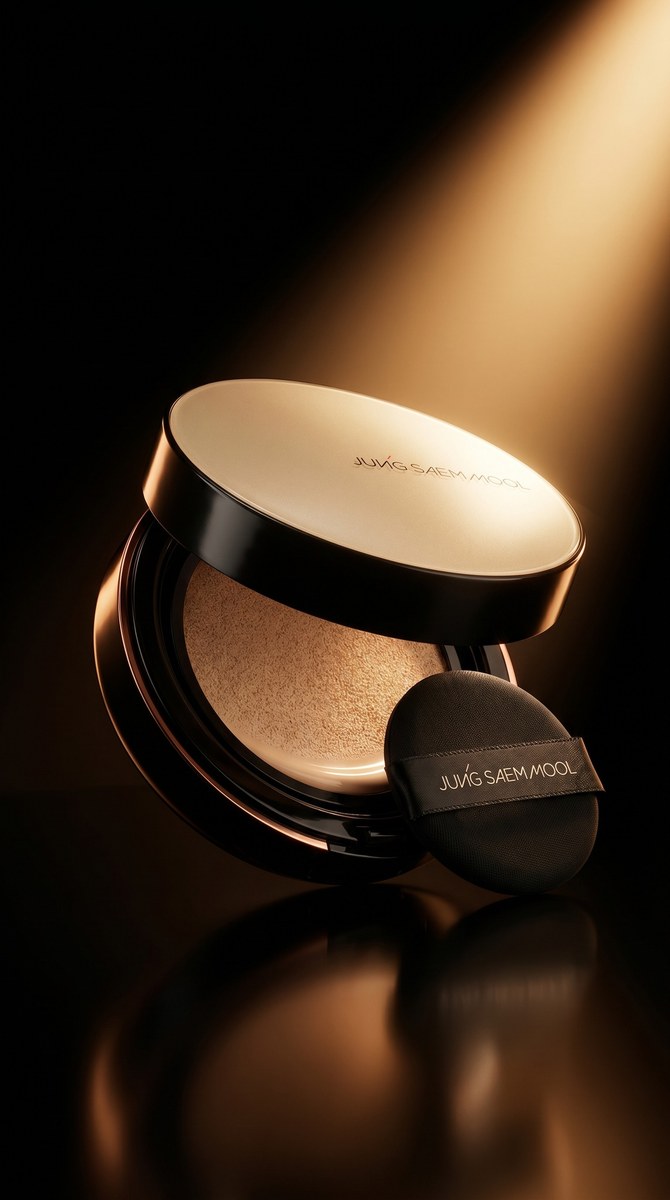
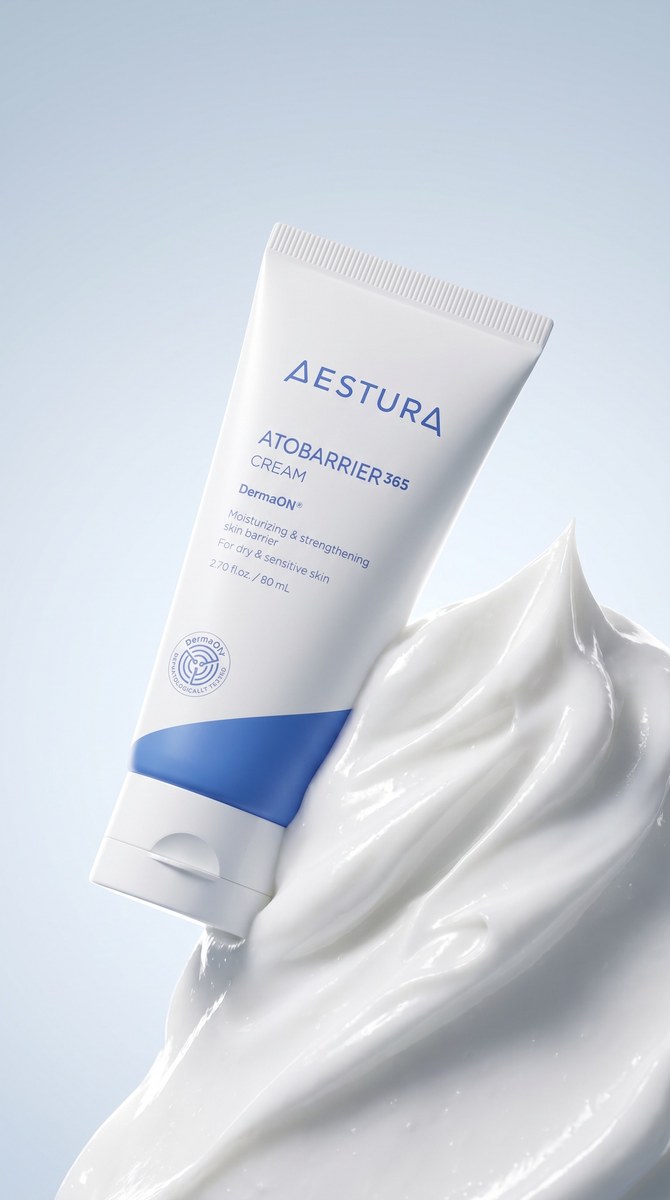
Prompt template
- Format
- Text Parameterized
- Inputs
- product_detail_page (document, text) · Optional · Default:
- Outputs
- product_key_visual (image)
Using ${product-detail-page}, analyze the product strategy and concept expressed on the page. Locate the original high-resolution cutout image of the product needed for image generation. Create a product key visual that reflects the page’s strategy and concept, paying particular attention to lighting on the product.Replace the ${…} placeholders with your values
before using this prompt. See parameters
and defaults below
Parameters
Replace each placeholder with your own value, or use its default when one is provided
${product-detail-page}
product-detail-page
Required
What you'll create
The output turns a product page’s concept into a visual campaign direction, using an original high-resolution cutout. Product lighting receives special attention to express the page’s strategy.
Frequently asked questions
Does the brief ask for an unrelated product concept?
No. The page’s existing strategy and concept guide the visual.
What source asset is requested?
The original high-resolution product cutout.






Comments
Tried this prompt? Share what you made, compare results, or ask a question