Color-Block Editorial Food Photography
Create a polished editorial food photograph with the uploaded dish centered on glossy, color-blocked ceramic tiles. Customize the primary tile color while keeping the dish unchanged
Example outputs
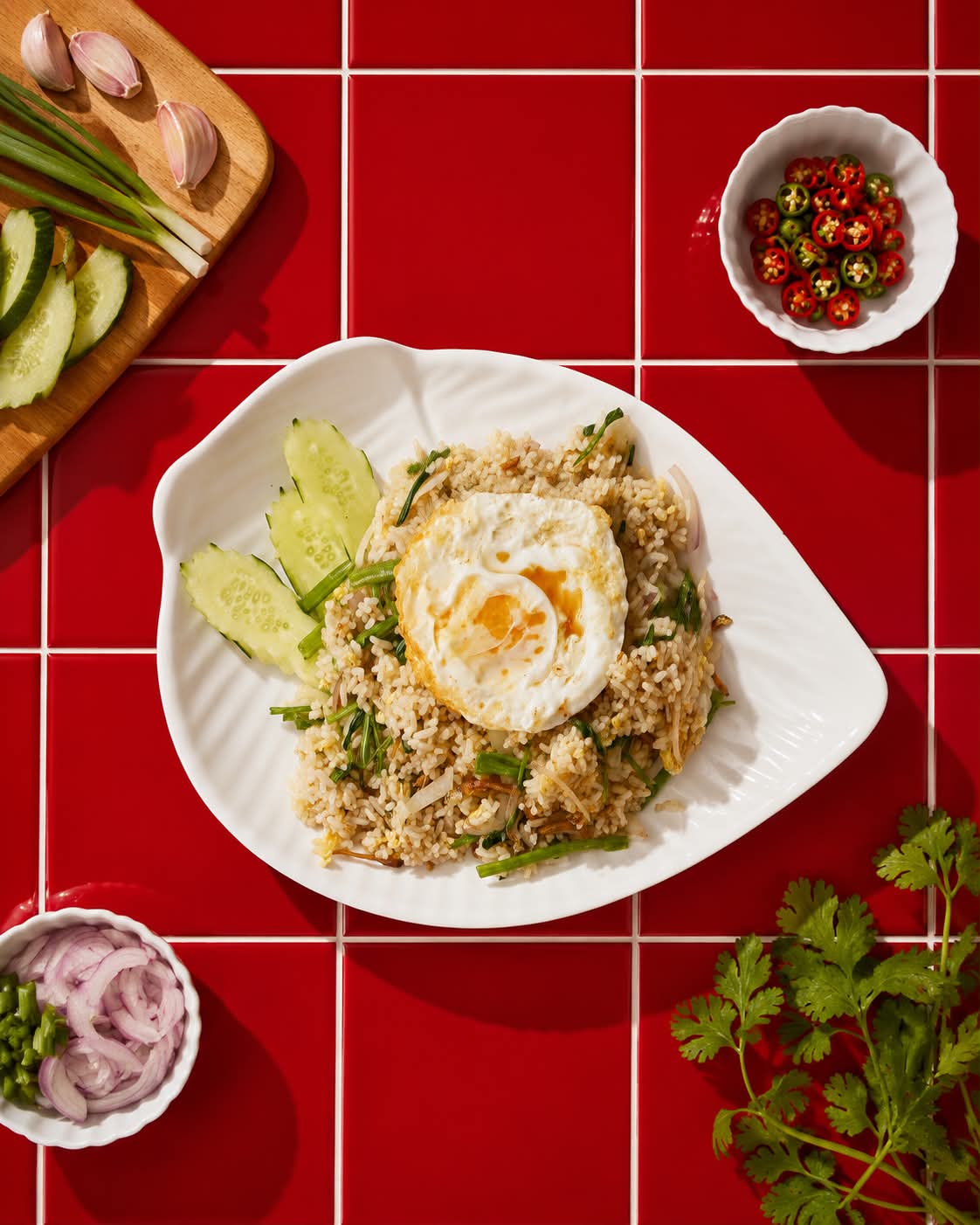
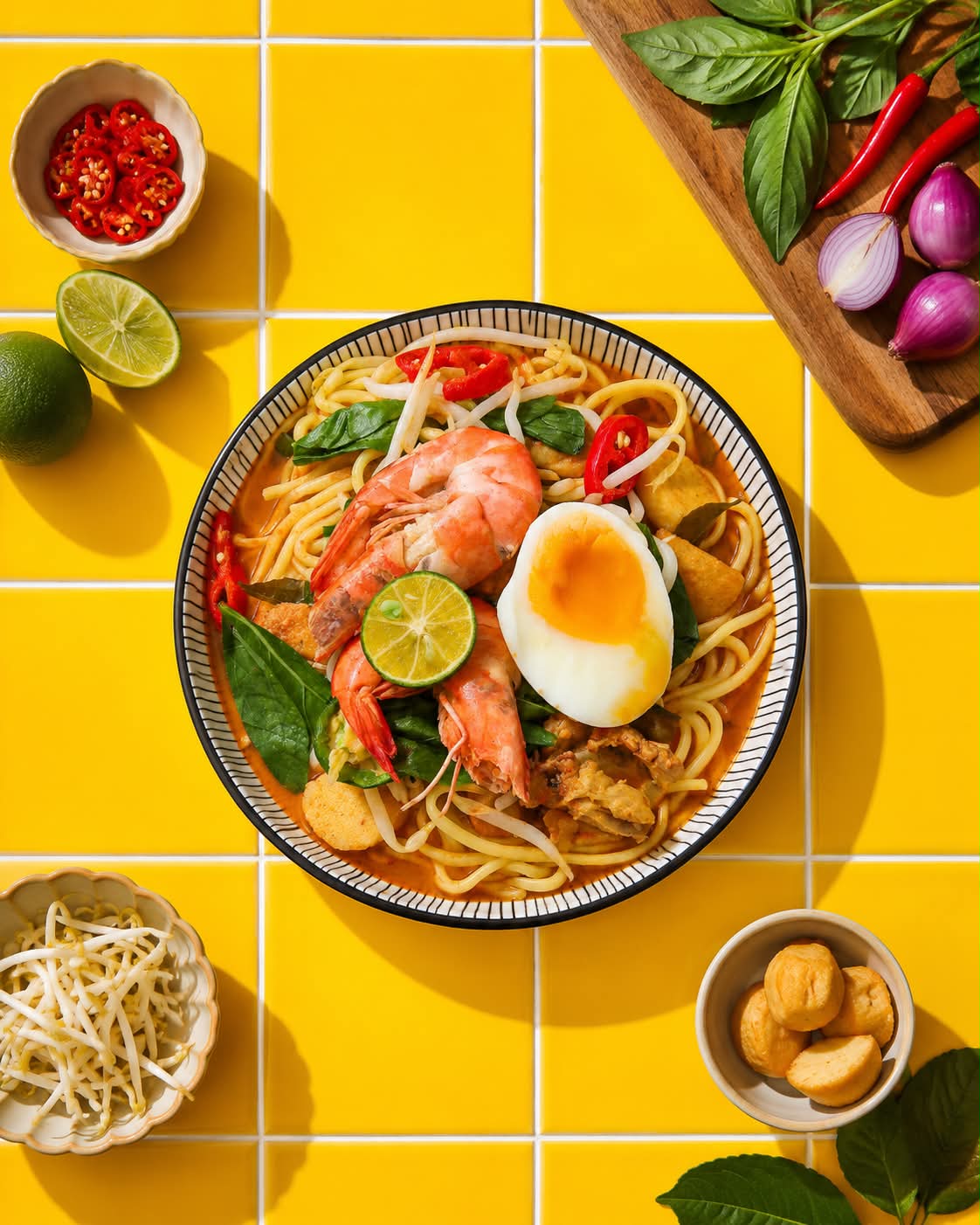
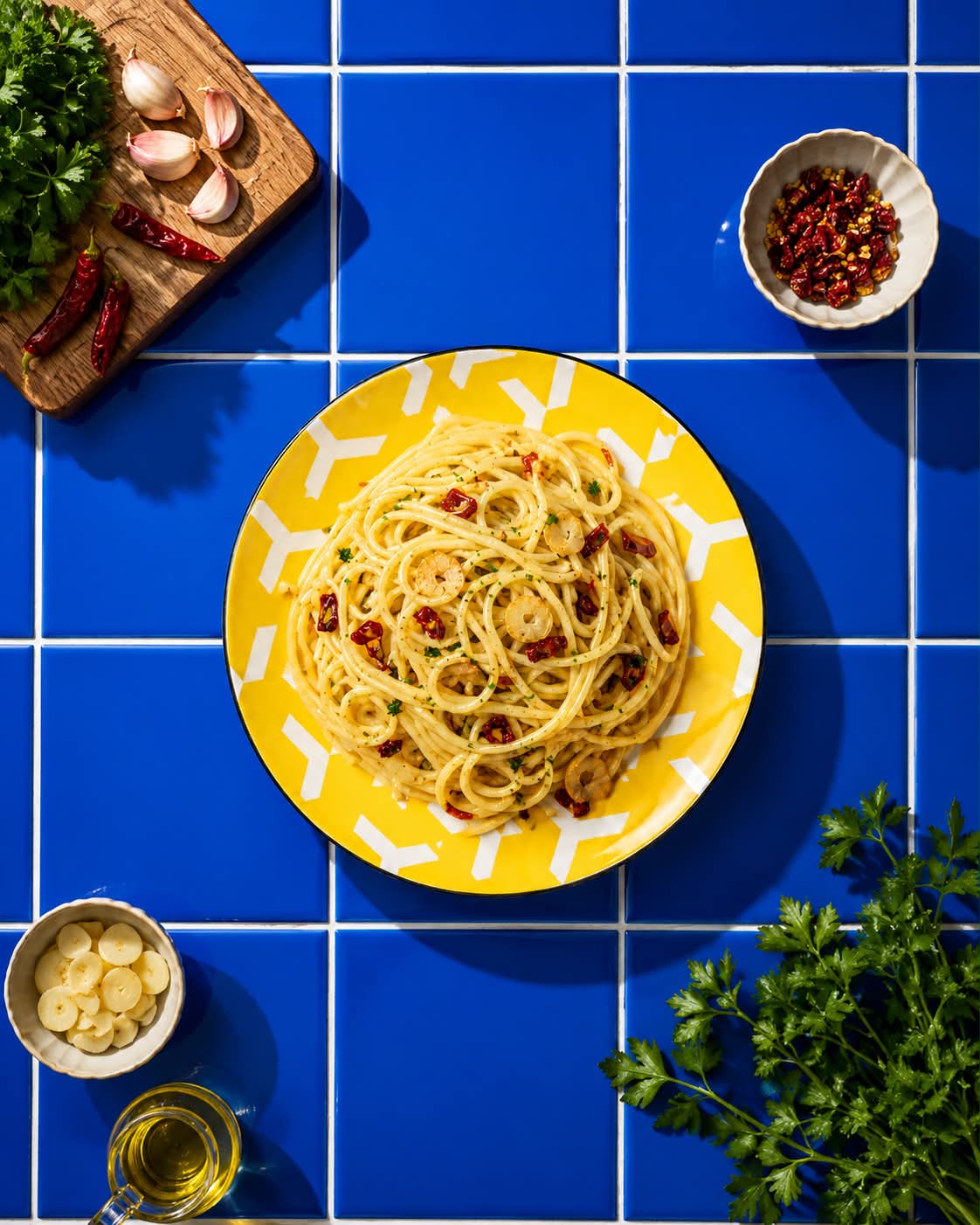
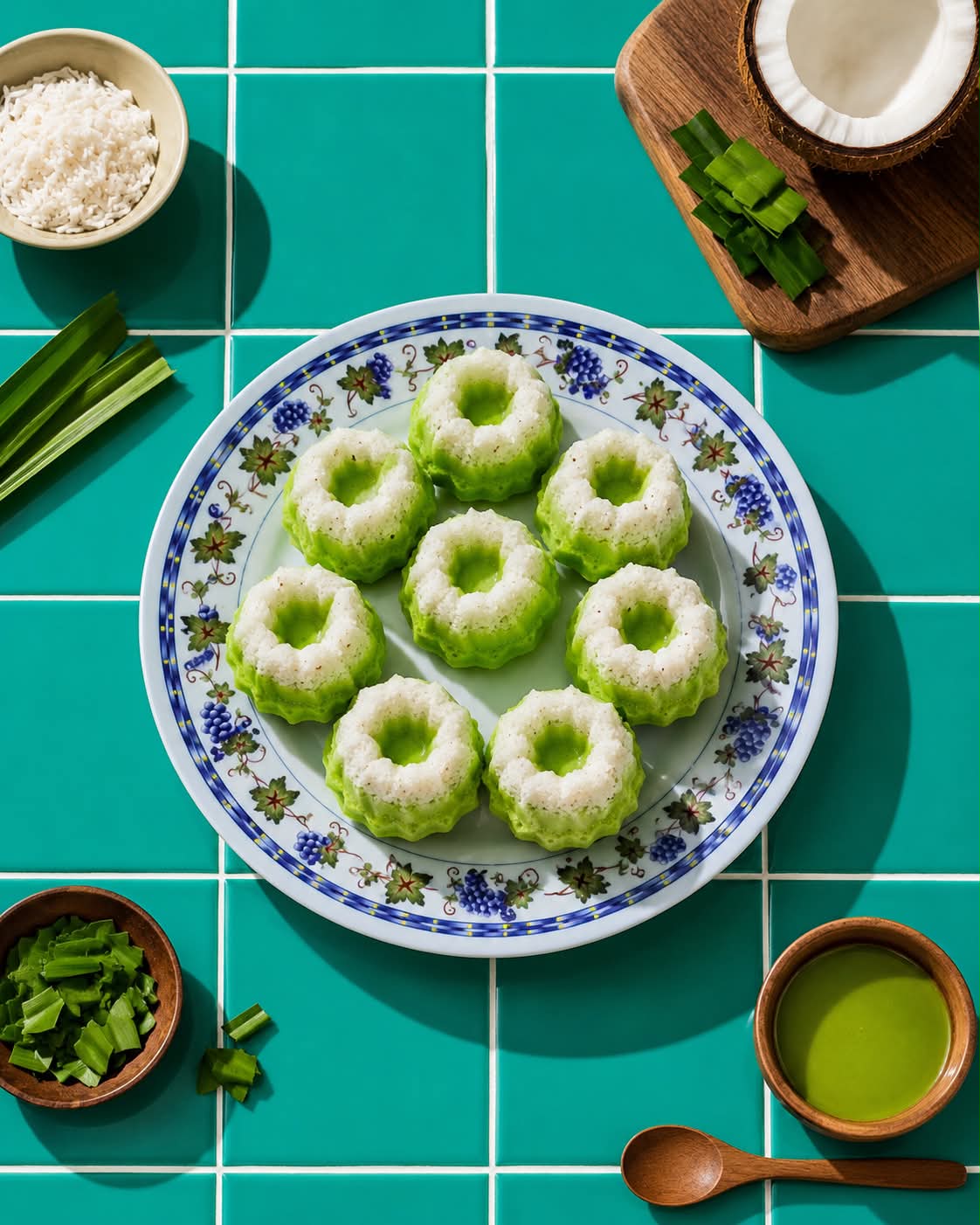
Prompt template
- Format
- Text Parameterized
- Inputs
- Uploaded_food_photo (image) · Required primary_color (text) · Optional · Default: Yellow
- Outputs
- Food_photograph (image)
COLOR SETTINGS (EDIT THIS)

PRIMARY COLOR BLOCK:
${primary-color:Yellow}

TILE GROUT:
White

MOOD:
Bold • Vibrant • Modern • Editorial • Commercial • Minimalist • Color Block Photography

MASTER PROMPT

Transform the uploaded food photo into a premium editorial commercial food photography composition while preserving the uploaded food EXACTLY as uploaded.

OUTPUT

• Aspect Ratio: 4:5 (Threads Ready)
• Ultra High Resolution
• Commercial Advertising Quality
• Ultra Realistic
• 8K Detail

HERO FOOD (ABSOLUTE PRIORITY)

The uploaded food is the ONLY hero subject.

Preserve the uploaded food exactly as it is.

Do NOT:
- change ingredients
- change colour
- change texture
- change toppings
- change sauce
- change portion size
- redesign the dish
- duplicate the food
- generate additional food

The uploaded bowl or plate should remain unchanged unless specifically requested.

COMPOSITION

Perfect 90° flat lay.

The hero food sits exactly in the centre of the image.

The bowl or plate occupies approximately 45–55% of the frame.

Everything else is arranged around the hero food.

Balanced composition.

Symmetrical layout.

Clean negative space.

Luxury magazine styling.

BACKGROUND

The entire background consists of glossy ceramic square tiles.

No table surface is visible.

The tiles cover the entire image.

Large square tiles.

Visible grout lines.

Clean.

Minimal.

Premium.

Glossy reflections.

The tile colour follows the selected PRIMARY COLOR BLOCK.

The chosen colour should dominate approximately 80–90% of the image, creating a bold Color Block Photography aesthetic.

SUPPORTING INGREDIENTS

Analyse the uploaded food first.

Only add vegetables, herbs, fruits, spices, sauces, or ingredients that naturally belong to the uploaded dish.

Never use unrelated ingredients.

Examples:

Pasta:
• tomatoes
• basil
• parsley
• garlic
• onion
• parmesan
• mushrooms
• olive oil
• chilli

Burger:
• lettuce
• tomato
• onion
• cheese
• pickles
• potato

Ramen:
• spring onion
• egg
• seaweed
• corn
• mushrooms

Fried Rice:
• cucumber
• chilli
• egg
• spring onion
• carrot

Salad:
• avocado
• lettuce
• cucumber
• tomato
• lemon

Arrange supporting ingredients around the four corners.

Some ingredients may be placed inside small ceramic bowls.

Optional wooden chopping board or wooden cooking utensil may be included if relevant to the dish.

Nothing should overlap the hero food.

LIGHTING

Bright natural sunlight.

Hard sunlight.

Beautiful realistic shadows.

Warm highlights.

Natural reflections on glossy tiles.

Premium editorial lighting.

Luxury food campaign look.

COLOR GRADING

Rich colours.

Natural food tones.

High contrast.

Clean whites.

Deep shadows.

Premium advertising finish.

Modern editorial colour grading.

STYLE

Minimalist.

Graphic.

Bold.

Luxury.

Modern.

Editorial.

Commercial food photography.

Color Block Photography.

Magazine cover quality.

NEGATIVE PROMPT

Do not alter the uploaded food, duplicate the food, replace ingredients, redesign the dish, generate additional servings, crop the hero food, change the bowl or plate, add unrelated fruits or vegetables, flowers, cloth, napkins, forks, knives, spoons, cups, bottles, random props, tables, marble, concrete, kitchen backgrounds, hands, people, text, logos, watermarks, excessive garnish, fake steam, blurry image, low resolution, noise, oversaturation, HDR halos, unrealistic reflections, floating objects, cluttered composition, broken tiles, dirty grout, artificial flash, CGI appearance, cartoon style, painterly effects, or anything that distracts from the hero food and bold Color Block Photography composition.
Replace the ${…} placeholders with your values
before using this prompt. See parameters
and defaults below
Parameters
Replace each placeholder with your own value, or use its default when one is provided
${primary-color:Yellow}
primary-color
Default: Yellow
What you'll create
This prompt creates a premium editorial food photograph from an uploaded dish photo, keeping the food and its bowl or plate unchanged. The centered flat lay uses glossy colored tiles, relevant supporting ingredients, and bright natural sunlight
Generation settings
Usage instructions
Frequently asked questions
Can I change the tile color?
Yes. Change the primary color block; its default is Yellow
What supporting ingredients should appear?
Only ingredients that naturally belong with the uploaded dish should be added, arranged around the four corners without overlapping the food


Comments
Tried this prompt? Share what you made, compare results, or ask a question