Bold Color Surface Food Photography
Transform a food photo into a minimal commercial photograph with a saturated color backdrop, strong natural sunlight, and room for optional brand and product text. The prompt emphasizes preserving the food’s recognizable identity while allowing adjustments to presentation and serving ware
Example outputs
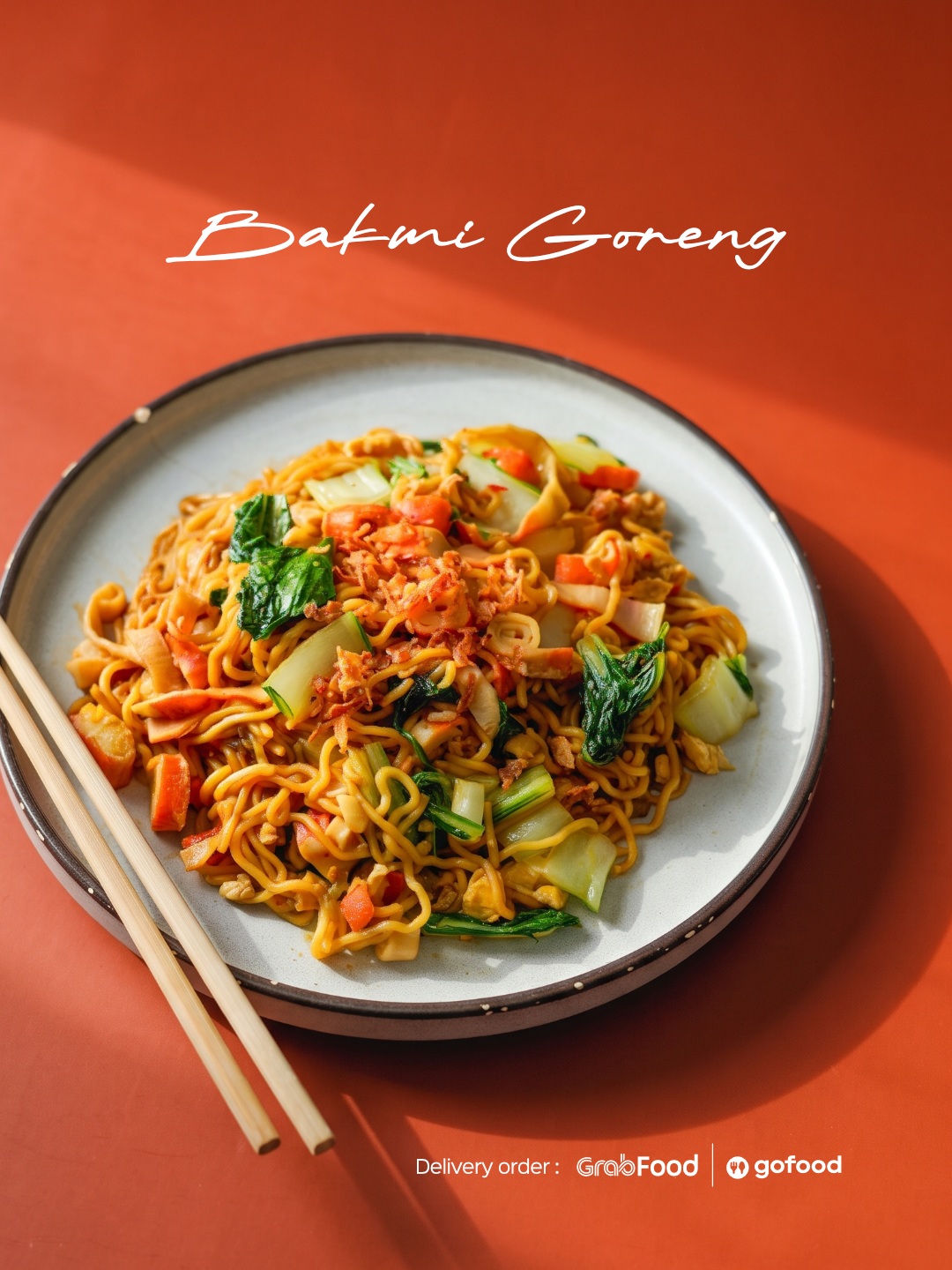
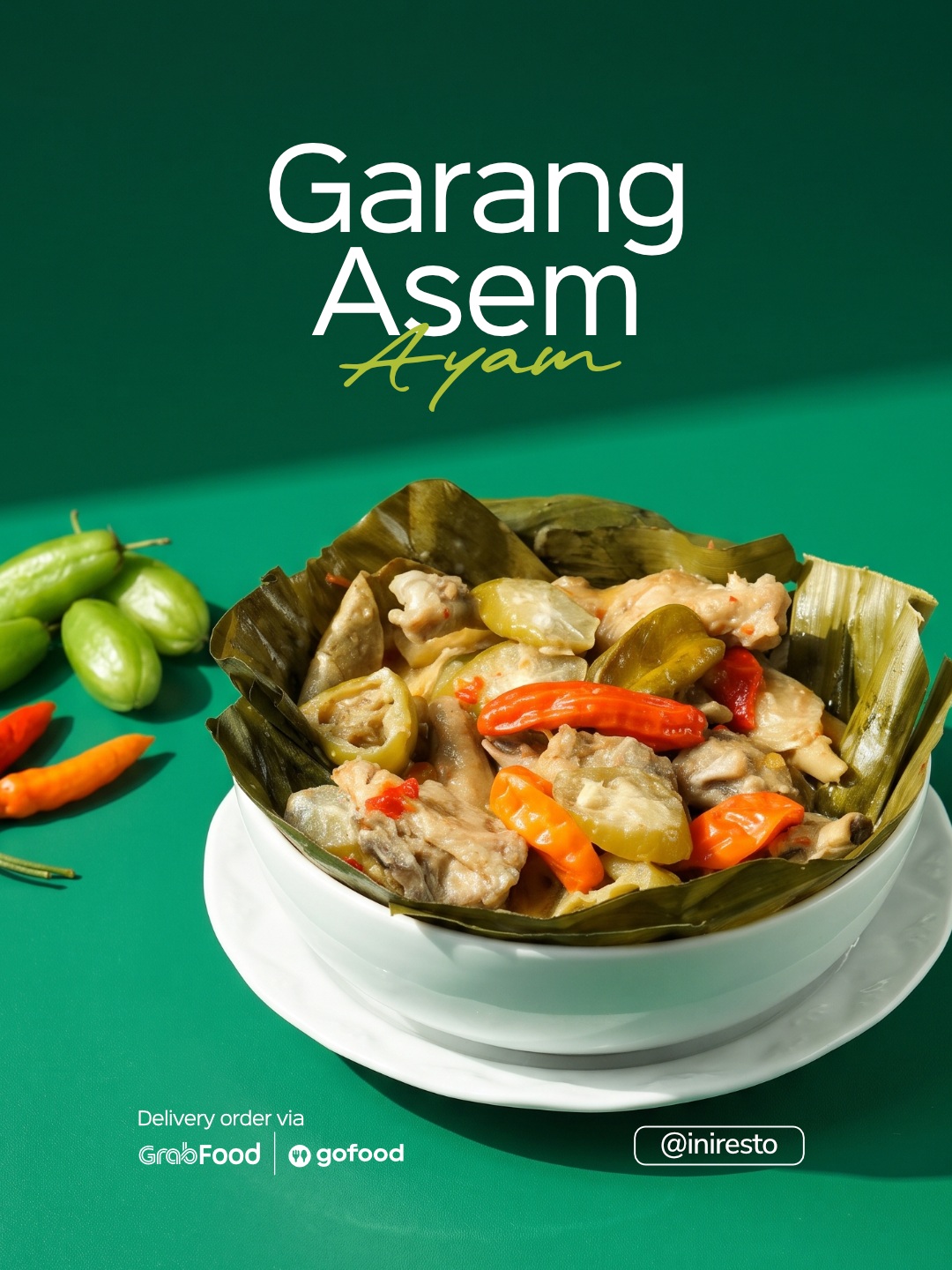
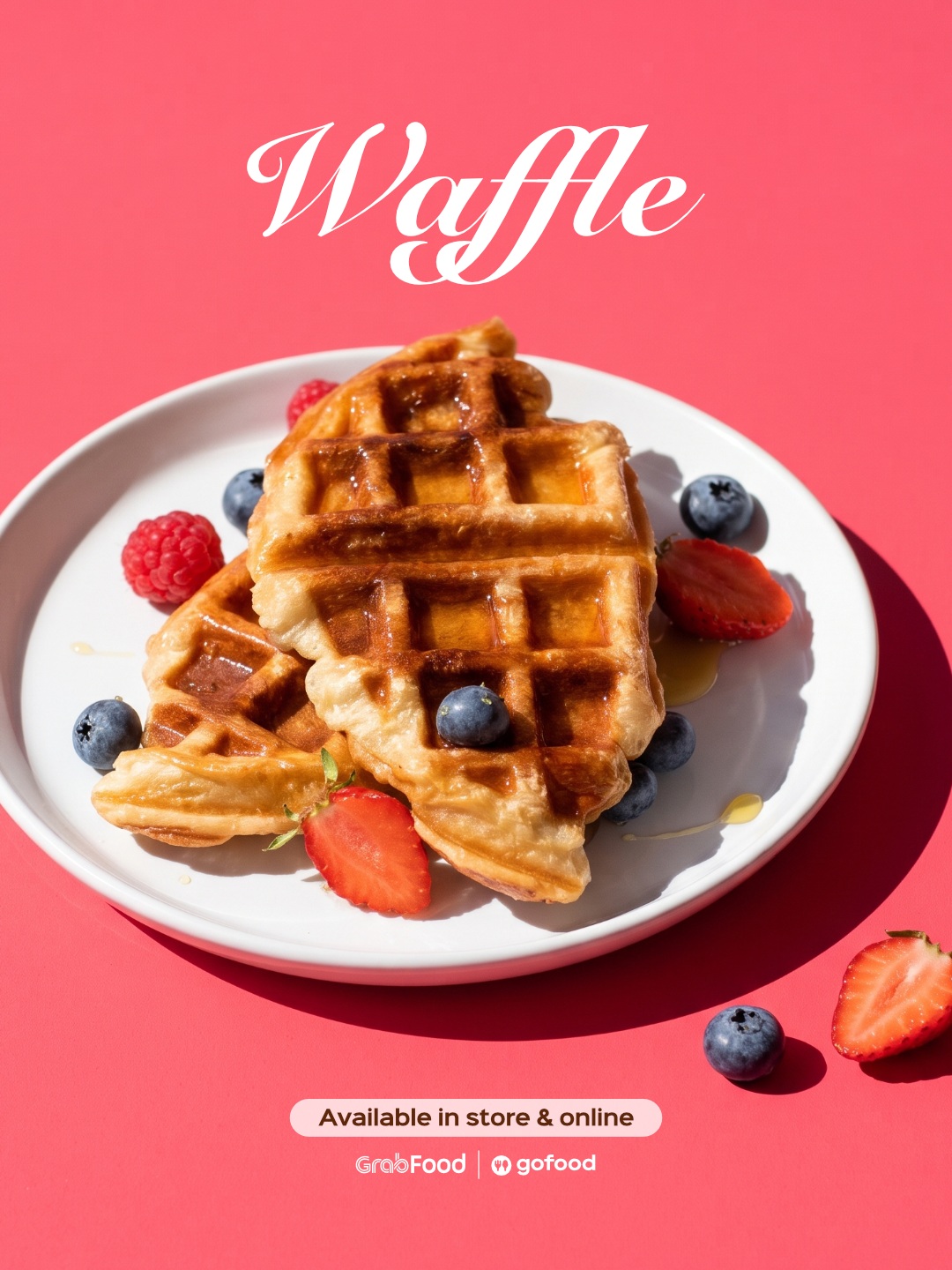
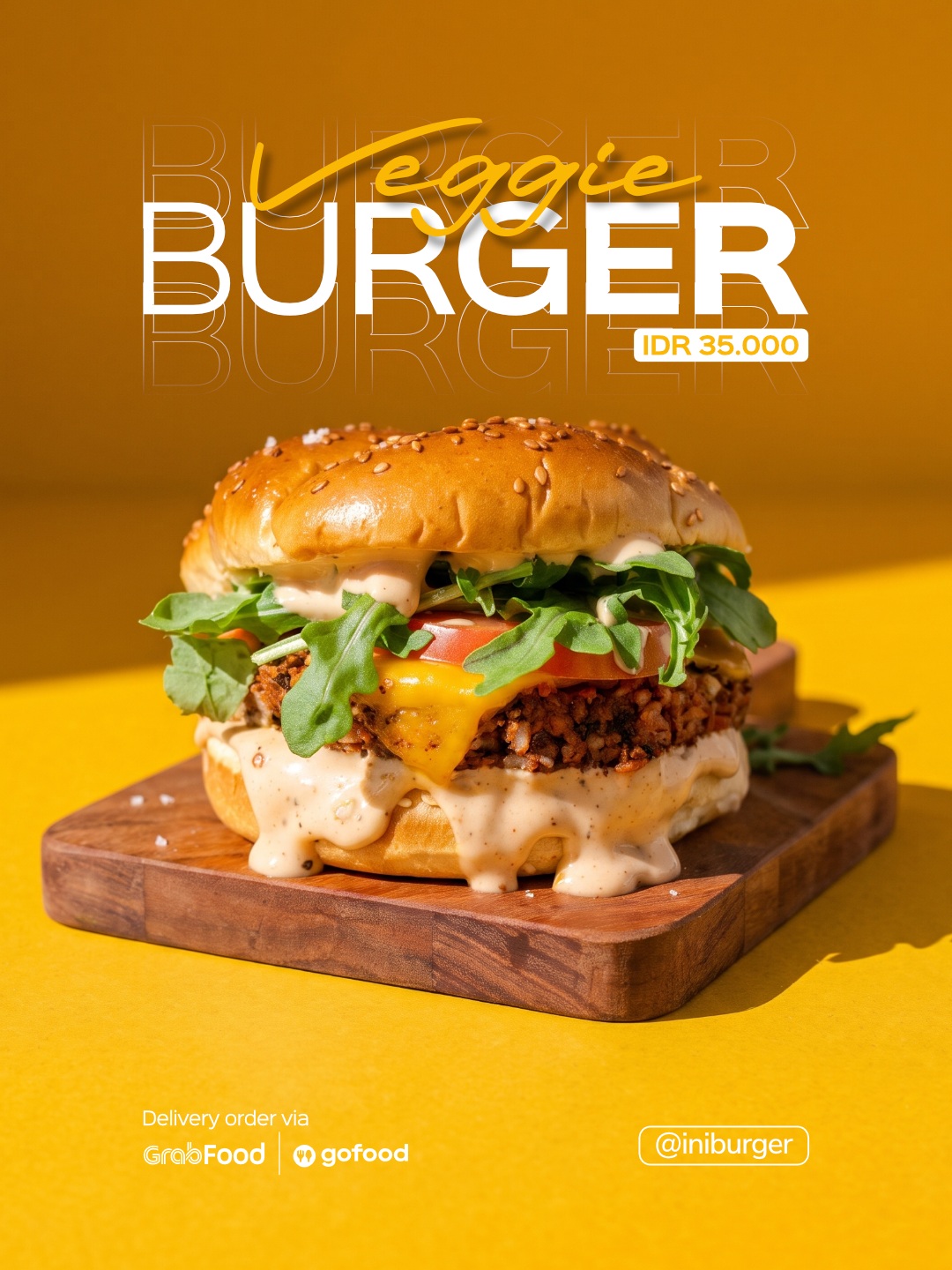
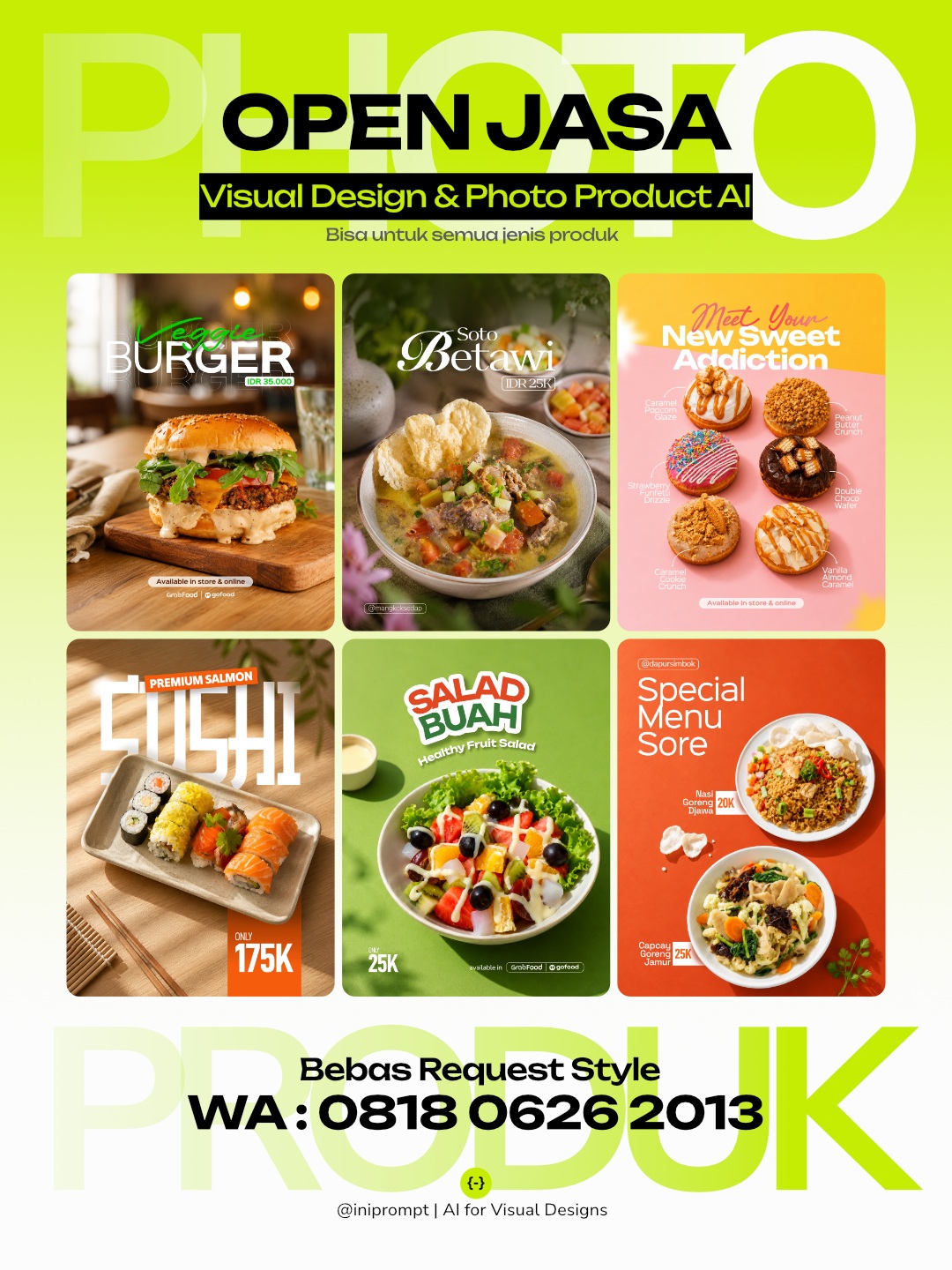
Prompt template
- Format
- Text
- Inputs
- Food_product_photo (image) · Required Brand_and_text_details (text) · Optional Logo (image) · Optional
- Outputs
- Commercial_food_photograph (image)
BOLD COLOR SURFACE FEATURE
Minimal Sunlit Commercial Photography

Aspect ratio: 3:4 vertical

TASK

Use the uploaded photo as the primary visual reference. Analyze the product’s real structure, ingredients or contents, texture, color, portion or volume, serving style, tableware or packaging, and distinctive visual characteristics, then transform it into a bold minimal commercial photograph placed on a clean saturated color surface with strong natural sunlight.

PRODUCT PRESERVATION

Keep the uploaded product clearly recognizable as the same real product. Preserve its overall structure and silhouette, core ingredients or contents, toppings or layers if any, natural texture and color, realistic portion or volume, serving character, tableware or packaging identity, and distinctive details. You may improve the lighting, camera angle, composition, plating, container styling, and presentation, but do not redesign the product, replace key components, simplify it into a generic AI version, or alter its recognizable identity.

If the original plate, bowl, glass, cup, tray, wrapper, or serving vessel is unattractive, damaged, or poorly cropped, replace it only when necessary with a clean modern serving piece appropriate to the product.

SCENE AND PHOTOGRAPHY

Create a clean studio-like setup using one dominant saturated background and surface color such as emerald green, cobalt blue, terracotta, muted coral, deep yellow, or another bold tone that complements the product. Use the same color family across the floor and backdrop, with subtle tonal variation created by light rather than busy graphic elements.

Place the product on a simple clean plate, bowl, tray, or container. Keep the scene extremely minimal with no decorative lifestyle background. Optional supporting elements may include one small sauce cup, subtle ingredient cue, or restrained secondary component only when it naturally belongs to the product.

Use strong directional sunlight from one side to create crisp graphic shadows, bright highlights, and dimensional separation between the product and the colored surface. Preserve realistic texture, natural color, and controlled highlights. The lighting should feel fresh and modern rather than harsh or overexposed.

Choose a slightly elevated three-quarter camera angle or clean near-overhead perspective depending on the product.

COMPOSITION

Use a bold spacious vertical composition with the product positioned around the middle or slightly upper-middle area, occupying roughly 40–50% of the frame. Keep generous uninterrupted color space around it so the background itself becomes a strong visual element.

Allow a large diagonal or geometric sunlight shadow to cross the background or surface when appropriate, but do not let the shadow obscure important product details. Maintain comfortable margins from every edge and avoid tight cropping.

Leave a clean lower or upper area for simple typography. The final composition should feel graphic, modern, confident, minimal, and commercially polished.

TEXT LAYOUT AND TYPOGRAPHY

EDIT THIS SECTION ONLY

PRODUCT NAME:
[ PRODUCT NAME ]

BRAND NAME:
[ BRAND NAME ]

LOGO:
[ Upload Logo / Leave Empty ]

SHORT DESCRIPTION:
[ Optional / Leave Empty ]

PRICE:
[ Optional / Leave Empty ]

CONTACT / ORDER:
[ Optional / Leave Empty ]

Use only the provided text: [ PRODUCT NAME ], [ BRAND NAME ] or uploaded logo, [ SHORT DESCRIPTION ], [ PRICE ], and [ CONTACT / ORDER ]. Omit empty optional fields and never invent additional copy.

Placement:

* BRAND NAME or logo: small, upper-left or upper-right
* PRODUCT NAME: medium emphasis in the cleanest open color area
* SHORT DESCRIPTION: smaller and placed directly below or near the product name
* PRICE: compact and slightly emphasized near the main product information
* CONTACT / ORDER: very small near the lower edge or bottom corner

Text may use separate zones when the composition benefits from it. Keep typography away from the product and strong shadow boundaries.

Typography:

* maximum two font families
* product name in a clean modern sans serif or refined contemporary serif
* supporting information in a restrained sans serif
* keep hierarchy simple and minimal
* generous spacing and clean alignment
* all typography secondary to the product photograph

Use white, soft ivory, deep charcoal, or soft black depending on contrast with the chosen background color. Avoid multiple text colors. Do not use outlines, glow, heavy shadows, gradients, stickers, badges, decorative bursts, oversized promo type, or loud graphic effects.

AVOID

Avoid changing product identity, invented ingredients or layers, excessive props, multiple competing background colors, neon gradients, cluttered styling, harsh blown highlights, muddy shadows, distorted tableware, unrealistic food texture, fake studio reflections, obvious cutout edges, fake AI perfection, tight framing, oversized products, and typography that dominates the visual.
What you'll create
This prompt turns a food reference photo into a bold, minimal commercial photograph while preserving the product’s recognizable features. It uses a saturated background, crisp directional sunlight, and optional restrained typography in a spacious vertical layout
Generation settings
Usage instructions
Frequently asked questions
Can the image be created without text?
Yes. The source guidance says the text layout can be used with or without text; omit empty optional fields and do not add unprovided copy
Can the original plate or container be replaced?
Only when it is unattractive, damaged, or poorly cropped, and then only with a clean modern serving piece suited to the product
How should the background color be chosen?
Use one saturated color that complements the product, with subtle tonal variation from the lighting rather than busy graphics




Comments
Tried this prompt? Share what you made, compare results, or ask a question